
QANDA
Mathpresso Inc. · Leaning
QANDA is a photo based AI homework helper from Mathpresso. Snap a math problem, get a step by step solution, then keep going with an AI tutor, similar problems, and study tools in the same app.
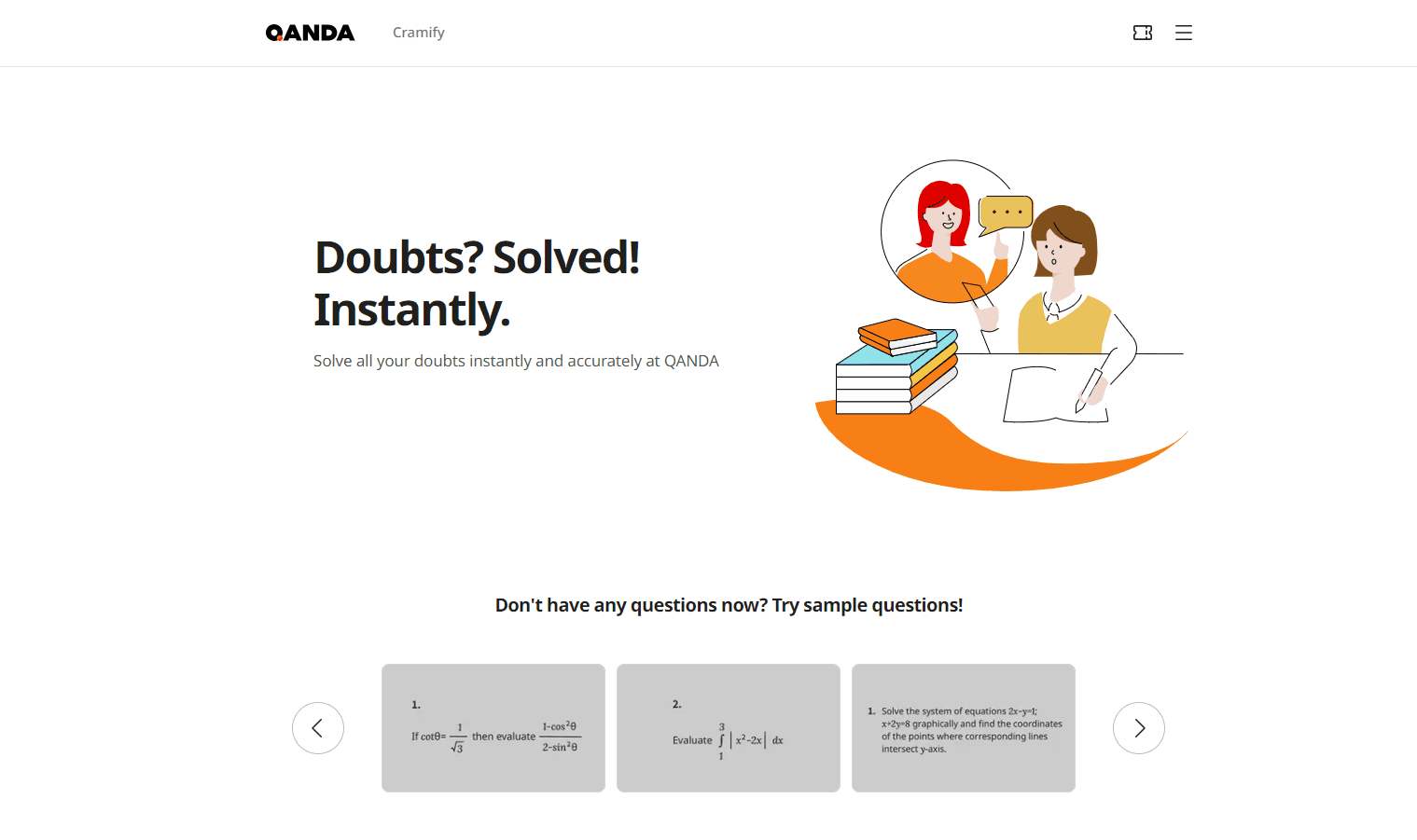
About QANDA
What Is QANDA
QANDA is a photo math solver and study app for students, built around one action: point your camera at a problem and get an explanation you can actually follow. It covers math from basic arithmetic up to calculus, plus science and a few other subjects. The app has been answering student questions for about a decade, and Mathpresso says it now serves 8 million monthly users with roughly 130 million problem searches a month.
The engine behind that is a mix of optical character recognition, a searchable database of previously solved problems, and a large language model that writes explanations on the spot. When a photo matches something in the database, you get a human written solution. When it doesn't, the AI generates one. In practice most students use it as a second teacher for homework they're stuck on at 10 p.m.
The limits are worth knowing up front. QANDA is strongest on subjects where an answer can be checked, so math and science work better than essays or history source questions. Two of Mathpresso's products, QANDA Tutor and QANDA Math Coach, are sold to schools and tutoring markets rather than to individual students, and access depends on your region.
Getting Started
- Download QANDA from the App Store or Google Play, then sign in with an email, Google, or Apple account.
- Pick your grade level and country during setup so the app loads the right curriculum and exam formats.
- Tap the camera button and frame one problem per shot, or type the question if the print is unclear.
- Read the solution step by step, then use the follow up buttons to ask for a simpler explanation, a similar problem, or a concept quiz.
- Save hard questions to your wrong answer notebook so you can review them before a test.
Product Information
A quick look at QANDA's pricing, supported platforms, and performance.
Best for
The users, tasks, and scenarios where this tool fits best.
Users
- Middle and high school students
- Parents helping with homework
- University students in calculus and physics
Tasks
- Working through a problem set the night before a test
- Building a review list from past exams
- Memorizing vocabulary and definitions
Scenarios
- A single stuck question at the end of an assignment
- Cramming the week before finals
- Studying with classmates
Key features
Photo Search With Step by Step Solutions
The camera is the front door, and it's what makes QANDA work as a math solver app. QANDA reads printed and handwritten problems, matches them against its library of solved questions, and returns step by step math solutions broken into numbered steps. A typical photo takes a few seconds, and the app keeps a history so you can reopen an old problem.
AI Tutor Chat
You can type a question instead of photographing it, then keep talking. The tutor answers follow ups like "explain this more simply" or "give me another example with different numbers," which is the part a static answer key can't do. Answers stay in the same thread, so the context doesn't reset every time you ask something new.
Similar Problems and Concept Quizzes
After a solution, QANDA offers practice built from the same concept: a new problem with different numbers or a short quiz on the underlying rule. This matters for retention. Reading a solution feels like learning, but solving a variant is the step that actually tests whether you understood it.
Past Exam Paper Analysis
You can upload your school's previous exam papers and the app breaks them down by topic frequency, recurring question types, and the mistakes students make most often. It then builds practice tests from that analysis. The feature depends on having a decent local question database, so results vary by country.
Wrong Answer Notebook and QANDA Notes
Every question you miss can go into a notebook that groups problems by concept, which turns a messy pile of homework into a review list. QANDA Notes adds a writing layer for formulas and diagrams when typing isn't practical.
Focus Timer, Study Groups, and AI Friends
The study side of the app tracks real focus time with a built in timer and a 20 minute break mode. Study groups let friends share sessions and cheer each other on, and AI Friends are small characters on the home screen that react to how much you study. These don't teach anything, but they address the reason a lot of students stop opening study apps after week two.
Pros and cons
Pros
- The photo flow is fast enough to use mid homework, which is when students actually need help.
- Solutions come with steps and follow up questions, not just a final answer.
- The study tools around the solver, from the wrong answer notebook to the focus timer, give the app a reason to stay installed.
- Answers are available in 14 languages, so multilingual households can switch without losing the interface.
Cons
- Quality drops outside math and science. Essay prompts and open ended history questions get generic responses, so you'll still need a teacher or a real source.
- The most useful practice features sit behind QANDA Premium, and the price shown in the store ranges from about $2 to $16.49 depending on region and plan length.
- Extra question credits run on coins, and free users can burn through them in a single evening of heavy use.
- There's no public API, so schools and developers can't plug QANDA into their own tools.
Frequently asked questions
Yes. The core photo search and step by step solutions work on the free tier, with limits on daily questions. QANDA Premium removes those limits and opens the practice and analysis features.
Related content
Explore related tools, skills, and articles for QANDA.
QANDA Alternatives

HireKey
HireKey · Voice & Language · Productivity · LeaningHireKey is an AI job search copilot built by a former tech recruiter. It checks role fit, tailors resumes, runs interview practice and tracks every application.

Lune
Retrograde Labs · Productivity · LeaningLune is a research search engine for scientific AI agents. It runs as an MCP server that lets Claude, ChatGPT and Cursor search peer-reviewed computer science papers and cite them.
Coddy
Coddy · Coding · LeaningCoddy is a gamified platform to learn to code through short interactive lessons in 20+ languages, with a browser editor, an AI tutor and free certificates.