

QualGent
QualGent · Coding
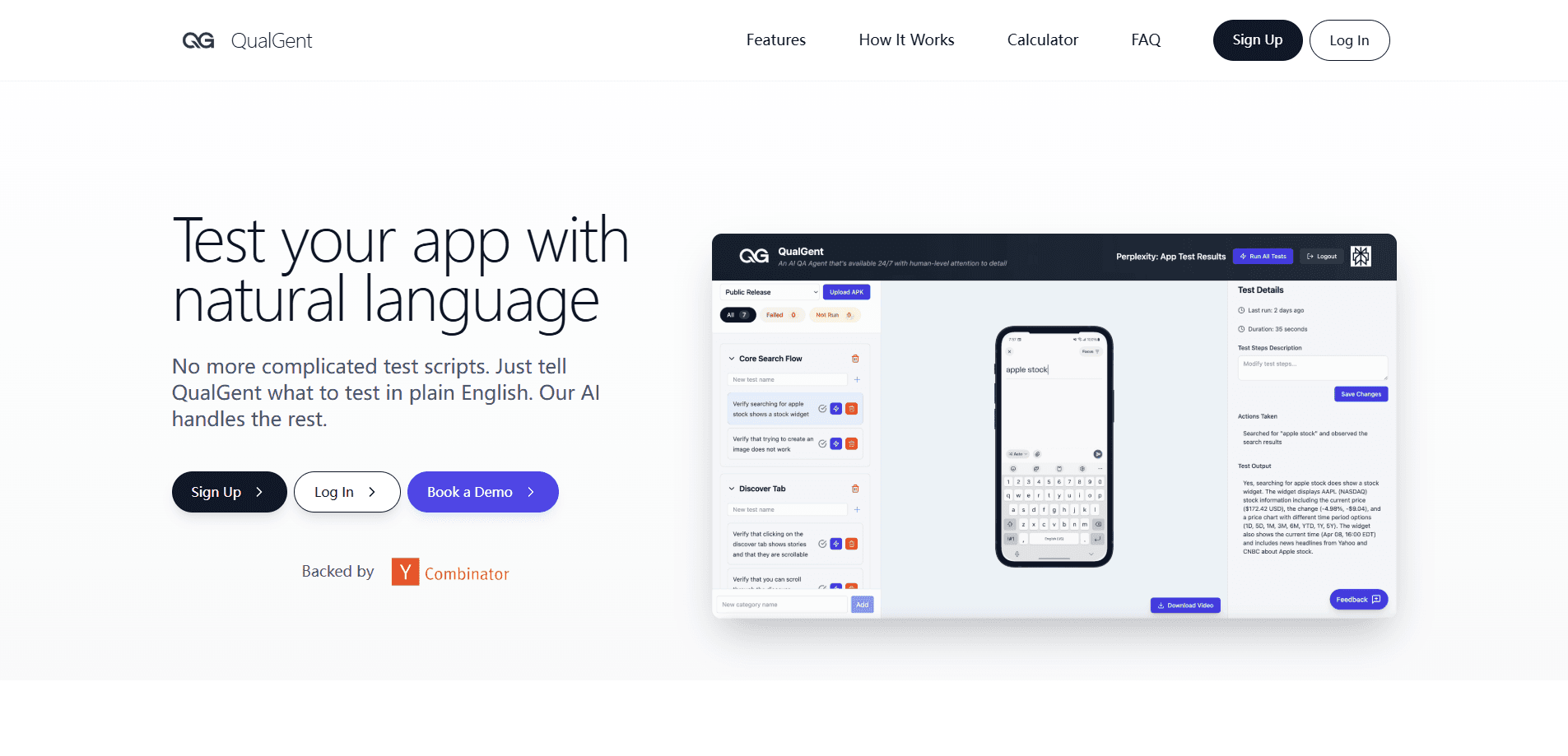
QualGent is an automated mobile QA agent. It handles AI mobile app testing for your iOS and Android app on real cloud devices, taps and swipes like a user, and turns each bug into a reusable test.
About QualGent
What Is QualGent
QualGent is an agentic QA platform for mobile teams. Instead of brittle scripts you maintain by hand, its AI agents open your app, move through real screens, and report what breaks. This matters because AI-generated code adds new states and flows faster than anyone can check by hand, and scripted tests often miss what users actually see.
The company was founded in 2025 by Shivam Agrawal and Aaron Yu, backed by Y Combinator (X25), and it markets a closed-loop system: capture real bugs, convert them into tests, verify fixes, then feed results back into the next release. Here's the catch. QualGent publishes no public pricing, so you have to talk to sales before you know what a run costs.
The bigger limit is scope. QualGent focuses on mobile app QA. Web apps and desktop software sit outside its wheelhouse, so teams that ship across platforms still need other tools for those targets.
Getting Started
- Sign up on the QualGent site with self-serve access, then upload your app build.
- Write tests in plain English, or let the AI test creation agent draft cases from what it learns about your app.
- Connect your workflow with the native GitHub, Slack, and Linear integrations or the developer API.
- Run your suite across thousands of real devices and emulators in parallel.
- Read results in the dashboard, where each failure is tied to the build and commit that caused it.
Product Information
A quick look at QualGent's pricing, supported platforms, and performance.
Best for
The users, tasks, and scenarios where this tool fits best.
Users
- Startup founders
- Product and UX teams
- QA and engineering leads
Tasks
- Mobile regression testing
- Bug reproduction
- Shift-left testing for coding agents
Scenarios
- A beta build ships with a login bug that slips past scripted tests, and you want the session captured and converted into a regression case.
- An AI coding agent pushes a change overnight, and you want the affected flow checked on a real device before morning review.
- A payments flow fails for some users, and you need to watch the on-screen steps, region, and OS to pin down the cause.
Key features
Plain-English Test Authoring
You describe what should happen in everyday language, and the agents figure out the taps and swipes to check it. There's no scripting language to learn and no selectors to maintain, which cuts the setup work that usually blocks a small team from starting an iOS and Android app testing routine.
AI Test Creation Agent
Rather than only automating execution, QualGent writes test cases for you based on the context it learns about your app. On a fresh project, that means you can reach real coverage far sooner than by hand-writing every case.
Parallel Cloud Device Scale
QualGent runs your suite on thousands of real devices and emulators at the same time, across phone and tablet screens in any orientation. A regression pass that used to take a QA team three days can finish in about half an hour.
TrustLoop Bug Capture
TrustLoop records what happened during a real session and turns it into a structured report with repro steps, screenshots, screen flow, device, OS, and region. It sends that report straight to Notion, Jira, Linear, or Slack, so a bug stops living in a vague ticket thread.
DevLoop for Coding Agents
DevLoop gives AI coding agents device-aware verification. It works through MCP with Claude Code, Cursor, Copilot Workspace, and other agents, letting them test what they build at commit time instead of waiting for a human QA pass.
Enterprise Fan-Out Verification
Enterprise routes each test to the right verifier: AI agents, human testers, real devices, or your existing workflows. Results land in one release-readiness view, so you can see what passed, what failed, and what's blocking the ship.
Pros and cons
Pros
- As an AI QA testing tool, it runs on real devices and emulators, so you check what users actually see, not a simulated approximation.
- Plain English authoring and an AI test creation agent lower the barrier for teams without dedicated automation engineers.
- Native integrations with GitHub, GitLab, Jira, Linear, Slack, ClickUp, and CI/CD keep bugs and results inside the tools your team already uses.
- The MCP support means coding agents can verify their own changes, which catches regressions earlier than a manual QA pass.
- Agentic memory carries lessons from past runs and bugs, so the suite improves without you rewriting it.
Cons
- No public pricing means you can't estimate cost or compare plans without contacting sales first.
- Coverage is limited to mobile apps, so web and desktop testing stay outside the platform.
- Relying on AI agents for subjective checks is risky, which is why the enterprise tier leans on human testers for taste-driven and high-risk flows.
- Since pricing sits behind a sales conversation, trial-and-error is harder for small teams on a tight budget.
Frequently asked questions
It is an AI QA agent for mobile apps. It opens your iOS or Android app on real devices, moves through the screens like a user, finds bugs, and turns each one into a structured report and a reusable test.
Related content
Explore related tools, skills, and articles for QualGent.
QualGent Alternatives

Udon
Udon · Coding · ProductivityUdon turns an Apple Silicon Mac into a home server you run from a browser, with container controls, file shares, and an optional AI sysadmin.

offstage
offstage cloud · Coding · Productivityoffstage gives AI coding agents and CI jobs a real Mac: a fresh macOS account on Apple silicon, driven over an API and billed by the second.

BotBus
Chengdu Tuyang Tusen Technology Co., Ltd. · Coding · ProductivityBotBus lets you control AI coding agents from your phone and watch: approve commands, start tasks and read results while the code stays on your desktop.