

Queryhub
QueryHub · Coding
QueryHub is a web app that stores, organizes, and helps you find your SQL queries in one place, built for developers who don't want to lose work they've already written.
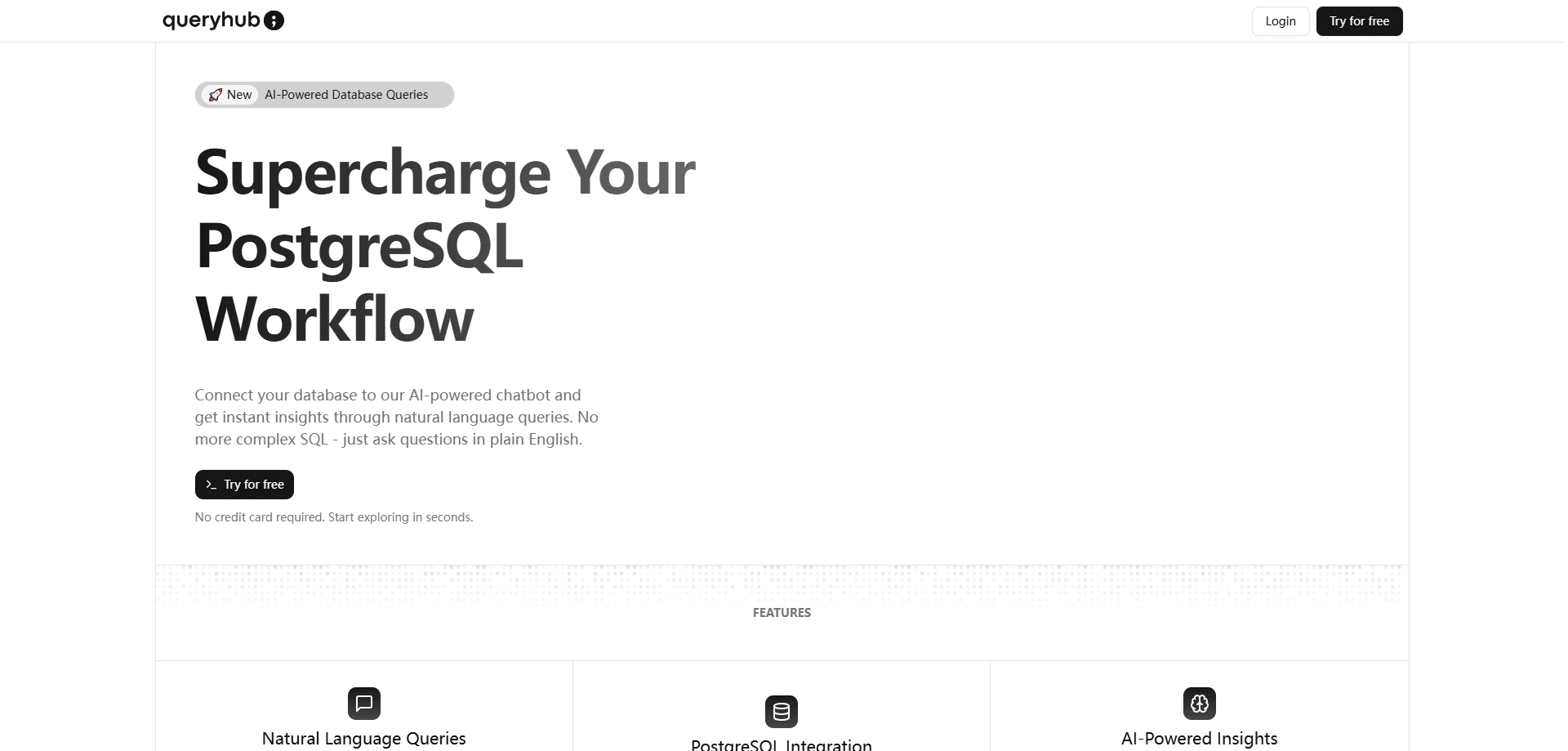
About Queryhub
What Is QueryHub
QueryHub is a web-based home for your SQL queries. Instead of scrolling through old files, chat threads, and sticky notes, you drop your queries into QueryHub and let it keep them sorted so you can pull one up the moment you need it. It targets a common developer problem: the same tricky join or window function gets rewritten from scratch every few months because nobody saved it anywhere findable.
The tool leans on a simple promise. Save the query once, tag or file it, and reuse it later without hunting through your history. The official site puts it plainly: QueryHub organizes your queries so you can find, reuse, and share them instantly. That mix of storage, discovery, and sharing is the core of the product.
It's early software, so keep expectations in check. The public site is a single landing page with no published pricing tiers, feature matrix, or API documentation yet. If you need deep enterprise governance, role-based access, or per-team audit trails today, QueryHub isn't there yet, and you should watch its release notes before committing a whole team to it.
Getting Started
- Open queryhub.com in a browser and set up an account, since saving queries ties them to your profile.
- Add your first SQL query through the save action, pasting in the statement you use most.
- Apply a name, tag, or description so the query is easy to search for later.
- Come back and pull it up by keyword the next time you need it, rather than retyping.
- Share the query with a teammate once sharing is available on your account.
Product Information
A quick look at Queryhub's pricing, supported platforms, and performance.
Best for
The users, tasks, and scenarios where this tool fits best.
Users
- Backend developers
- Data analysts
- Small engineering teams
Tasks
- Saving reusable SQL snippets
- Organizing SQL by topic or project
- Sharing queries with teammates
Scenarios
- Recovering a query you wrote months ago
- Onboarding onto an unfamiliar database
- Documenting ad hoc analysis
Key features
Save SQL Queries in One Place
QueryHub's central job is storage. You add your SQL statements to the app and they live in your account rather than in a scratch file. That means the query you wrote to fix a data issue last quarter stays somewhere you can actually find it. For anyone juggling several databases and projects, that single home cuts down on the constant re-search.
Organize Queries for Fast Retrieval
Storage alone isn't useful if you can't search it. QueryHub organizes your queries so a specific statement is a keyword away, which is the difference between a query library and a junk drawer. Tag and describe your entries and the tool turns a growing pile into something you can navigate. The payoff shows up the moment you need one exact query under time pressure.
Share Queries With Others
QueryHub is built to let you share queries, not just hoard them. Handing a working query to a teammate through the app beats pasting SQL into a chat window where it gets lost in scroll. This matters most on small teams where one person writes the gnarly query and everyone else needs it later. Sharing is one of the three promises on the official site, so treat it as core to the product rather than an add-on.
SQL-First Design
QueryHub is scoped to SQL, not code snippets in general. That focus means the tool is shaped around statements, the way developers actually store and revisit them, rather than being a general text bin that happens to hold queries. If your work lives in databases, a SQL-specific organizer fits better than a generic notes app.
Browser Access
The product runs in the browser, so there's nothing to install to start saving queries. You can get to your library from any machine you're working on, which helps when you switch between a desk setup and a laptop. It keeps the barrier to trying it low: open the site, sign up, and save your first query.
Pros and cons
Pros
- Purpose-built for SQL, so the storage model matches how developers actually work with queries.
- Search and organization turn scattered statements into something you can actually reuse.
- Browser-based access means no local install and no per-machine setup.
- Sharing is a stated core feature, which suits small teams without their own internal wiki.
Cons
- The product is early, and the public site doesn't publish pricing, plan limits, or an API yet.
- Without documented access controls or audit features, it's a poor fit for teams with strict compliance needs.
- There's no published platform roadmap, so you can't plan around features that aren't live.
Frequently asked questions
QueryHub is a web app for storing, organizing, and finding your SQL queries. You use it to keep the queries you write in one searchable place so you can reuse and share them instead of rewriting them from scratch.
Related content
Explore related tools, skills, and articles for Queryhub.
Queryhub Alternatives

Udon
Udon · Coding · ProductivityUdon turns an Apple Silicon Mac into a home server you run from a browser, with container controls, file shares, and an optional AI sysadmin.

offstage
offstage cloud · Coding · Productivityoffstage gives AI coding agents and CI jobs a real Mac: a fresh macOS account on Apple silicon, driven over an API and billed by the second.

BotBus
Chengdu Tuyang Tusen Technology Co., Ltd. · Coding · ProductivityBotBus lets you control AI coding agents from your phone and watch: approve commands, start tasks and read results while the code stays on your desktop.