

Quick Resume - AI Resume Creation Tool
Raid Krenich (Krenich Studios) · Productivity · AI Assistant · Other
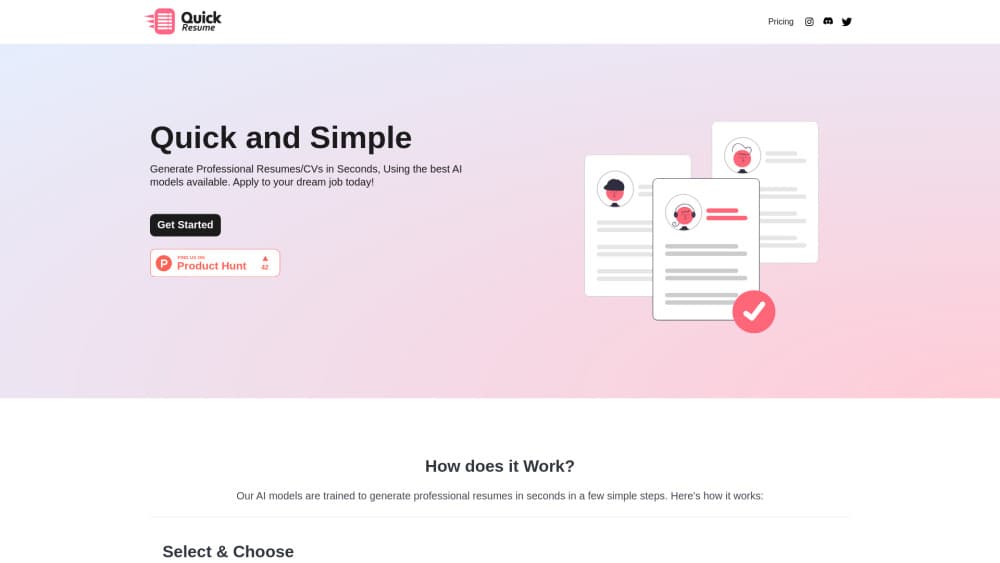
Quick Resume is an AI resume builder that turns your work history into a finished CV in minutes. You pick a layout, fill in a short form, pay once, and download a PDF or LaTeX file.
About Quick Resume - AI Resume Creation Tool
What Is Quick Resume
Quick Resume is a browser based resume maker built by independent developer Raid Krenich under the Krenich Studios label. It sits in the narrow gap between a blank Word document and a full design suite: you answer a form, the tool drafts the wording, and you walk away with a file you can send to a recruiter. The site has run since July 2024 and sells resumes one at a time instead of charging a monthly fee.
The pitch rests on two things. First, the output comes in two formats, a normal PDF for online applications and a LaTeX source file for anyone who wants to keep editing the layout by hand. Second, the pricing is per document. If you need one resume for one job hunt, you spend $5 and you're done.
The limit sits in the same place as most AI resume generators. Quick Resume rewrites what you type, so a thin form returns a thin resume. It doesn't score your CV against applicant tracking systems, and it doesn't add experience you never had.
Getting Started
- Open quickresume.co and choose a resume type: Simplified, Casual, Targeted Job, or Software Engineer.
- Fill in your personal details, work history, education, and skills. If you pick Targeted Job, paste the job title or posting text.
- Switch on any extra sections you need, such as projects, certificates, awards, or volunteer work.
- Pay for a package, then download the finished file as a PDF or a LaTeX document.
Product Information
A quick look at Quick Resume - AI Resume Creation Tool's pricing, supported platforms, and performance.
Best for
The users, tasks, and scenarios where this tool fits best.
Users
- Job seekers on a deadline
- Students and career changers
- Developers and technical candidates
Tasks
- Building a first resume from scratch
- Tailoring a CV to one posting
- Producing a technical resume without LaTeX boilerplate
- Generating a clean PDF for application portals
Scenarios
- A role went live this morning and the application closes Friday
- You're meeting a recruiter and want a printed copy
- Your old resume is five years stale and reads like a job description
Key features
Four Resume Layouts
Quick Resume ships four resume templates: Simplified, Casual, Targeted Job, and Software Engineer. Each one changes the structure and tone of the draft, not just the colors, so a student resume and a senior engineering resume don't start from the same skeleton. You pick before you type, which saves a round of editing later.
Job Description Matching
The targeted resume mode asks for a job title or the posting text and shapes the draft around it. That's the closest thing here to tailoring, and it costs one extra field to fill. It picks up the language of the posting, which helps when a recruiter skims for keywords.
Optional Sections You Can Switch On
Six sections sit outside the core form: summary statement, certificates and licenses, projects, awards and achievements, volunteer work, and references. Toggle the ones that apply and leave the rest out. This matters most for new graduates, where projects and coursework often carry more weight than a short employment history.
PDF and LaTeX Export
Every package includes both formats. The PDF resume is the one you upload to job boards. The LaTeX file is the one you keep, and it opens in any editor that handles .tex sources. Getting both from one payment is unusual at this price.
Editable LaTeX Source
Because the download includes the source, you can adjust spacing, swap section order, or restyle headings by editing commands rather than fighting a drag and drop builder. The file compiles as it arrives, so you don't need to reconstruct a preamble. You do need basic LaTeX literacy to make changes stick.
Pay Per Resume, No Subscription
Pricing comes in three packages: Basic at $5 for one resume, Balanced at $10 for three, and Bulk at $20 for ten. Nothing renews, and there's no account tier to manage. For a single job search, that's cheaper than one month of most subscription resume builders.
Pros and cons
Pros
- One time pricing starts at $5, so a single job application doesn't commit you to a monthly plan.
- The LaTeX resume export gives technical users a file they can keep editing long after the purchase.
- The flow is short: four steps from resume type to download, with no design decisions in between.
- Six optional sections cover the gaps that basic forms usually miss, including projects and volunteer work.
- The targeted resume mode uses the posting text, which keeps the draft closer to what the employer asked for.
Cons
- There's no free plan and no free preview. You pay before you see the finished file, which makes the $5 Basic package a test purchase rather than a trial.
- Only four resume templates are available. If you need a two column design or a creative layout for marketing roles, you're looking at the wrong tool.
- Output quality depends on your input. Short answers produce a generic resume, and the AI won't invent achievements to fill the space.
- It's web only, there's no mobile app, no ATS score, and no API, so it won't slot into an existing hiring or HR workflow.
Frequently asked questions
Not for a finished file. You can go through the form and generate a draft, but the download requires a package. The cheapest way to judge the output is the $5 Basic package.
Related content
Explore related tools, skills, and articles for Quick Resume - AI Resume Creation Tool.
Quick Resume - AI Resume Creation Tool Alternatives

Base Code
Base44 (Wix) · Coding · ProductivityBase Code is a shared cloud development environment from Base44. Teammates describe changes to an existing GitHub codebase in chat, preview them live and send them back as pull requests.

Knocket
Knocket (Tencent RTC team) · Productivity · Business · ChatbotKnocket is a free live chat and contact page tool that lets visitors message you from your website, app, or a shareable link, with every reply handled from Telegram or one inbox.

FloorGen
Vinit Kumar (FloorGen) · Productivity · China AIFloorGen is a browser-based floor plan maker that turns a sentence or a sketch into an editable 2D plan and a 3D walkthrough. Export to PDF, DXF or video, and draw without an account.