
Quiksbot
Quiksbot · Productivity · Chatbot
Quiksbot builds no-code AI chatbots for websites and WhatsApp. Feed it your PDFs and site content, pick a model, and it answers visitors and passes chats to a human when needed.
About Quiksbot
What Is Quiksbot
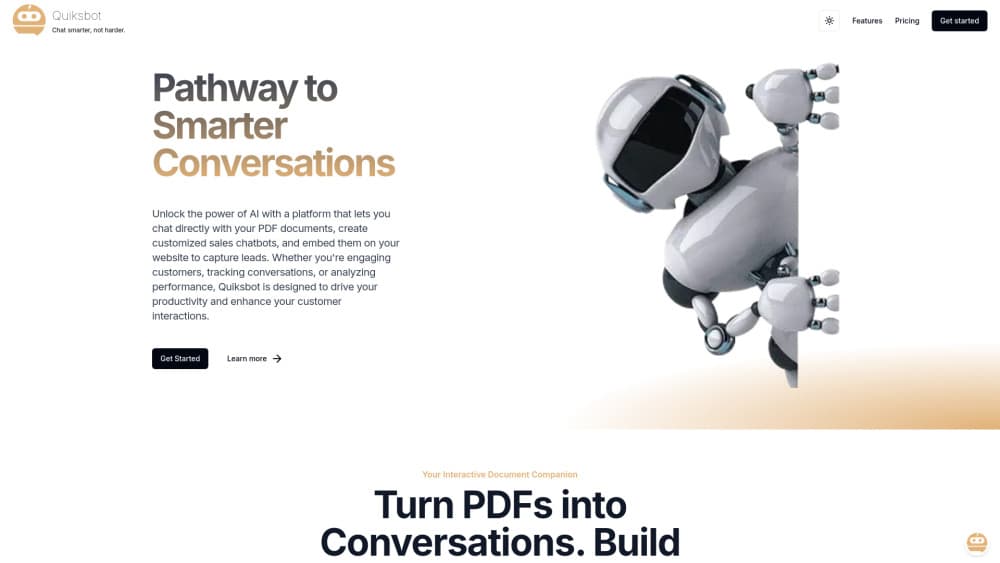
Quiksbot is a no-code platform for building AI chatbots that live on a website or inside WhatsApp. You point it at the material you already have, such as PDF documents, a help center or your site pages, and it turns that content into a bot that answers real customer questions in plain language.
The company frames it around three jobs: sales, support and appointments. A sales bot answers product questions and nudges visitors toward a purchase. A support bot handles the repeat questions that eat up a human's day. An appointment bot takes booking details and collects contact info so a person can follow up. All three run from the same dashboard, so a small business can stand up one bot and grow into the others without a rebuild.
As an AI chatbot builder, the tool leans on a friendly no-code chatbot setup: you describe the job in the dashboard rather than write code. What separates it from a basic FAQ widget is the model layer. Quiksbot does not lock you into one AI provider. You can switch between ChatGPT, Grok, Claude and DeepSeek from the dashboard, or plug in your own API keys from OpenAI, xAI, Anthropic and DeepSeek, and the bot's answers follow whichever model you pick. Add chat memory, custom prompts and a live chat handoff, and it starts to look less like a scripted widget and more like a lightweight support seat.
Getting Started
- Create a Quiksbot account and open the dashboard.
- Train the bot by uploading PDF documents, adding text, or pulling in your website content so it has something to answer from.
- Pick the AI model you want to power replies, or connect your own API key from OpenAI, xAI, Claude or DeepSeek.
- Set the tone with a custom prompt and choose what the bot should do with leads, bookings or support questions.
- Publish the bot: embed it on your website or connect it to your WhatsApp number, then watch the conversations come in.
Product Information
A quick look at Quiksbot's pricing, supported platforms, and performance.
Best for
The users, tasks, and scenarios where this tool fits best.
Users
- Small business owners
- E-commerce sellers
- Support teams
- Service providers who take bookings
Tasks
- Answering FAQ questions
- Qualifying leads
- Booking appointments
- Handing off to a human
- Supporting WhatsApp customers
Scenarios
- A shop owner adding a chat widget
- A clinic taking appointment requests
- An online store answering order questions
- A support desk triaging tickets
Key features
Train on your own content
The core of the platform is training a bot on material you supply. You upload PDF documents, paste in text, or point Quiksbot at your website content, and it uses that as the knowledge base for answers. The free plan allows training on two PDF documents plus your website content, which is enough to test the idea before committing. Because the bot answers from your material rather than general knowledge, the replies stay tied to what your business actually says.
Switch between AI models
Most chatbot builders tie you to a single model. Quiksbot lets you choose. From the dashboard you can run conversations on ChatGPT, Grok, Claude or DeepSeek, and swap models without rebuilding the bot. If you would rather control cost and data directly, you can connect your own API keys from OpenAI, xAI, Anthropic and DeepSeek. That choice matters when one model handles a task better than another, or when a provider changes its pricing.
Website and WhatsApp deployment
The bot runs in two places. You embed it on a website as a chat widget, or you connect it to a WhatsApp number so customers reach it in the app they already have open. Both draw on the same trained knowledge, so you set up the content once and serve it across channels. That is the practical draw for businesses whose customers split between a website and messaging apps.
Sales, support and appointment bots
Quiksbot ships three bot patterns rather than one blank tool. A sales bot guides a visitor toward buying. A support bot answers questions and lightens the ticket queue. An appointment bot takes bookings and contact details. Each has its own job, and a business can start with the one that hurts most and add the others later.
Chat memory and custom prompts
The bot keeps context across a conversation instead of treating each message as brand new. Chat memory lets it follow what a visitor already said, so the exchange does not restart every time. Custom prompts set the tone and rules, from how formal the bot sounds to what it should never say. Together they make the replies feel less canned and more like a real assistant.
Live chat handoff
When a question goes past what the bot can answer, it can hand the conversation to a person. The live chat side keeps the thread going, so the customer does not have to repeat everything they already typed. For support teams, that handoff is what makes an AI bot safe to leave in front of customers: it filters the easy cases and routes the hard ones to someone who can finish the job.
Analytics and chat logs
The dashboard tracks how conversations go, and you can download chat logs as PDF documents for review or records. Seeing what customers actually ask is the fastest way to find gaps in your content, and logs give a support manager something concrete to read when a bot gives a weak answer.
Pros and cons
Pros
- No-code setup: a business can train and publish a bot without writing code.
- Model choice: switch between ChatGPT, Grok, Claude and DeepSeek, or bring your own API keys.
- Two channels at once: serve customers on a website and on WhatsApp from one knowledge base.
- Free tier to test: two PDFs plus website content is enough to see whether the bot fits.
- Human handoff built in: live chat keeps a person in the loop for questions the bot misses.
Cons
- Free plan is small: 12 AI chat credits and two PDFs go quickly once real traffic arrives.
- Paid pricing is not public: you have to contact the company to learn what higher tiers cost.
- Answer quality rides on your content: a thin or messy knowledge base produces weak replies.
- WhatsApp setup needs a number: using that channel depends on having a WhatsApp account for the business.
Frequently asked questions
Quiksbot is a no-code platform for building AI chatbots that run on a website or in WhatsApp. You train the bot on your own PDF documents, text and site content, choose an AI model, and it answers customer questions for sales, support or appointments.
Related content
Explore related tools, skills, and articles for Quiksbot.
Quiksbot Alternatives

Base Code
Base44 (Wix) · Coding · ProductivityBase Code is a shared cloud development environment from Base44. Teammates describe changes to an existing GitHub codebase in chat, preview them live and send them back as pull requests.

Knocket
Knocket (Tencent RTC team) · Productivity · Business · ChatbotKnocket is a free live chat and contact page tool that lets visitors message you from your website, app, or a shareable link, with every reply handled from Telegram or one inbox.

FloorGen
Vinit Kumar (FloorGen) · Productivity · China AIFloorGen is a browser-based floor plan maker that turns a sentence or a sketch into an editable 2D plan and a 3D walkthrough. Export to PDF, DXF or video, and draw without an account.