

QuizWhiz
QuizWhiz · Leaning
QuizWhiz is a web-based AI quiz maker that turns notes, PDFs, or a single topic into practice quizzes with instant feedback and skill tracking, so you can see which topics still need work.
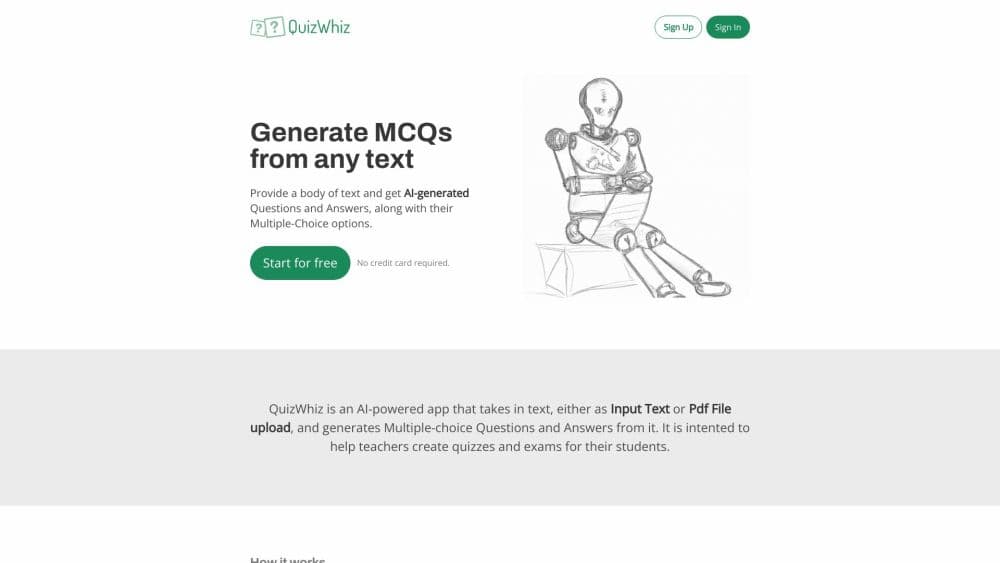
About QuizWhiz
What Is QuizWhiz
QuizWhiz is an online AI quiz generator and study quiz app aimed at students who read their notes over and over and still blank on exam day. You paste text, upload a PDF, drop in a link, or just type a subject such as cell division, and the tool builds a set of questions from that material. There is no install step, and a quiz generator from PDF uploads takes about a minute.
The pitch is not more reading, it's testing. Answering questions forces you to recall rather than recognize, which is the part most study routines skip. In that sense it is an active recall study tool first and a question bank second. QuizWhiz scores each quiz, names five to ten key skills in the material, and keeps a running record of how you do on each one.
The limits are practical. It runs in a browser with no offline mode, the free plan caps how many targeted quizzes you get, and the questions are only as good as the source you feed it. A sloppy set of slides yields a sloppy quiz.
Getting Started
- Open quizwhiz.ai and create a free account. No card is needed to start.
- Add your material by typing a topic, pasting notes, uploading a PDF, or linking a web article.
- Pick the question types you want, from multiple choice to scenario-based prompts, and generate the quiz.
- Work through the questions, read the feedback on each answer, then let the tool map the skills behind your mistakes.
Product Information
A quick look at QuizWhiz's pricing, supported platforms, and performance.
Best for
The users, tasks, and scenarios where this tool fits best.
Users
- College students
- Exam candidates in certification tracks
- Teachers and tutors
Tasks
- Turning a PDF into a practice quiz
- Reviewing before a test
- Studying math and science
- Studying in another language
Scenarios
- The week before finals, when you have six chapters left
- Ten minutes on a commute
- Building a study group's shared question bank
Key features
Quiz Generation from Any Source
The core tool accepts typed topics, pasted text, PDF uploads, and URLs. Instead of writing questions by hand, you hand over whatever you already have and get a set of questions that matches it. That makes the gap between reading and testing almost nonexistent.
Five Question Types
Quizzes can use multiple choice, true or false, short answer, fill in the blank, and multi-part scenario questions. Mixing types stops you from gaming the format, since a multiple-choice habit of elimination will not help much on a short answer item.
Skill Tracking
After you finish, QuizWhiz names five to ten key skills from that quiz and records how you did on each. Over a few weeks the picture gets clearer, and the weak spots become obvious instead of vague. That record is what the other study modes build on.
Focused and Level Up Quizzes
Focused quizzes pull new questions aimed at your weak skills. Level Up quizzes move the other way, generating harder questions that push toward higher-order thinking. One drills what you missed, the other tests whether you have outgrown the basics.
Goal Module and AI Coach
You set a learning objective with a deadline, link quizzes to it, and the tool builds a study plan from your remaining days and hours. A chat-based coach answers questions and suggests what to tackle next when you are not sure where to start.
Math and Multilingual Support
Equations are rendered with KaTeX, so math and science prompts display properly. The engine also works across more than 50 languages, which matters if you study in a second language or your course material is not in English.
Quiz Export
Finished quizzes export as PDF, DOCX, TXT, Markdown, or JSON, with an option to separate questions from answers. JSON suits anyone who wants to reuse the questions elsewhere, and the answer-free version works fine for printing.
Premade Templates
If you would rather not start from a blank page, the templates page offers ready-made quiz structures by subject. They save the setup step when you just want something quick to work through.
Pros and cons
Pros
- Turns existing study material into questions in seconds, no question writing required.
- Skill tracking turns vague progress into a list of specific weak spots.
- Five question types keep practice varied enough that you cannot coast on format.
- Free plan with no card needed, so you can test the workflow before paying.
- Exports cover print, spreadsheet, and developer formats.
Cons
- Credits decide how much you can generate, and the free tier runs out fast with only one focused and one level-up quiz per week.
- No mobile app, so you need a stable browser and connection.
- Question quality follows your source file: scanned PDFs and messy notes produce weaker quizzes.
- The plans cover self-study only, and nothing on the site explains how to set up a class or track students.
Frequently asked questions
QuizWhiz generates practice quizzes from text, PDFs, URLs, or a typed topic, then scores your answers and tracks how well you handle each skill in the material.
Related content
Explore related tools, skills, and articles for QuizWhiz.
QuizWhiz Alternatives

HireKey
HireKey · Voice & Language · Productivity · LeaningHireKey is an AI job search copilot built by a former tech recruiter. It checks role fit, tailors resumes, runs interview practice and tracks every application.

Lune
Retrograde Labs · Productivity · LeaningLune is a research search engine for scientific AI agents. It runs as an MCP server that lets Claude, ChatGPT and Cursor search peer-reviewed computer science papers and cite them.
Coddy
Coddy · Coding · LeaningCoddy is a gamified platform to learn to code through short interactive lessons in 20+ languages, with a browser editor, an AI tutor and free certificates.