

RadianceKit
RadianceKit · Image
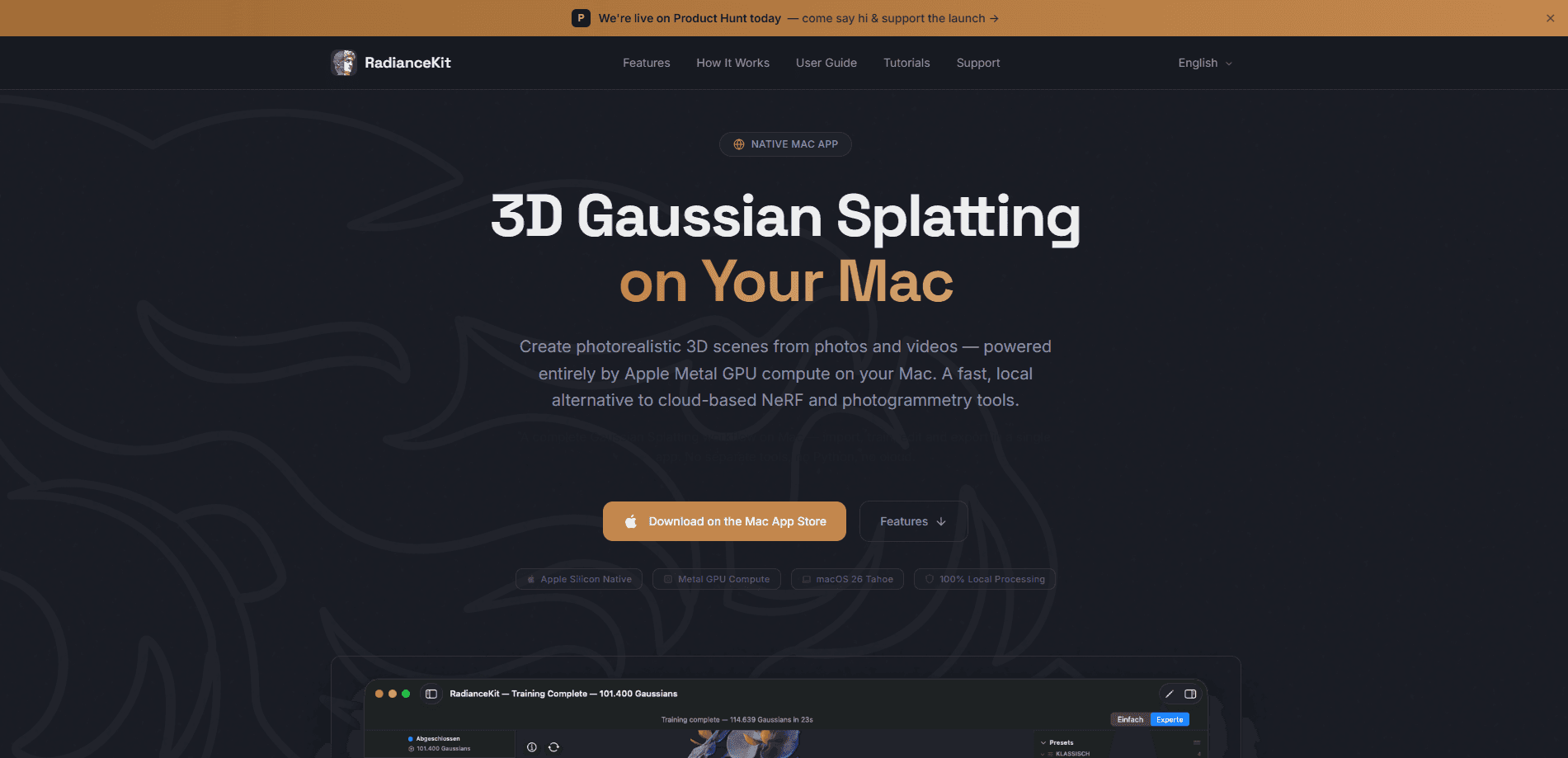
RadianceKit is a native macOS app that builds photorealistic 3D scenes from ordinary photos or video using 3D Gaussian Splatting, a technique that represents a real place as millions of tiny 3D ellipsoids. Think of it as 3D scanning software for a Mac, minus the cloud bill. Training runs on your own Mac through Apple's Metal GPU compute, so nothing gets uploaded to a server and you don't need Python or a separate cloud account. Import, align, train, edit and export all happen in one window.
About RadianceKit
What Is RadianceKit
RadianceKit is a 3D reconstruction app for Apple Silicon Macs, and it's the closest thing to a self-contained Gaussian Splatting Mac app you can buy right now. You feed it photos or a video clip of a space, and it rebuilds that space as a Gaussian Splatting scene you can fly around in real time. The pitch is simple: a local, one-app alternative to cloud-based NeRF and photogrammetry services that usually charge by the job and make you wait in a queue.
The three things that shape how you'd use it are local processing, native Apple hardware support, and a single-app workflow. Training uses the Metal GPU on M1 through M5 chips, so your capture never leaves the machine. That local 3D scene training model is the whole point. No queue, no per-job fee, no upload. That matters if you're scanning a client's home, a museum piece, or anything under an NDA. Beyond that, it takes 360° and panorama footage in a range of projections, edits the result in the viewport, and exports to formats other tools can open.
The catch is hardware. This is Apple Silicon only, and the floor is an M1 with 16 GB of RAM and macOS 26 Tahoe or later. Not a small ask. If you're on an Intel Mac, a Windows PC, or a Linux box with a big NVIDIA card, RadianceKit isn't for you. There's no cloud fallback to lean on either. You're also relying on your own GPU for a job that cloud farms spread across many machines, so slower Macs will take longer. Plan for it.
Getting Started
- Download RadianceKit from the Mac App Store and open it. The 3-day trial starts the first time you launch, so the clock is ticking from that first click.
- Import your capture: drag in photos, a video file, or 360° footage. In Simple Mode you just drop the files in; Expert Mode gives you a project navigator for managing multiple captures.
- Let Apple Photogrammetry align the camera positions automatically, then press Start. Training spins up a preview you can rotate as it runs.
- Clean up the scene with the brush tool if there are floating artifacts or stray bits you don't want.
- Export to your target format, or generate an orbit video or a self-contained web viewer you can send to someone else.
Product Information
A quick look at RadianceKit's pricing, supported platforms, and performance.
Best for
The users, tasks, and scenarios where this tool fits best.
Users
- 3D artists and designers who want photorealistic scans without renting cloud GPU time, provided they work on an Apple Silicon Mac with 16 GB of RAM.
- Real estate and architecture pros who need to capture a space in a hurry and keep the raw data private, since nothing is uploaded.
- Hobbyist photographers curious about Gaussian Splatting who want to try it without installing Python, CUDA drivers, or a training pipeline.
Tasks
- Turning a walkthrough video into an explorable 3D scene
- Reconstructing a room or object from a photo set shot from several angles, which is the standard capture for this kind of reconstruction.
- Cleaning up a finished splat so floating artifacts are gone before it goes to a client or into another app.
Scenarios
- Documenting a location before a renovation so you have a reference model afterward.
- Capturing an object for a portfolio or product page when you don't have a scanner handy.
- Prototyping a 3D asset on the road. A laptop replaces the desktop workstation.
Key features
Native GPU Training on Apple Silicon
RadianceKit runs Gaussian Splatting training straight on the Metal GPU inside your Mac. There's no upload step, so your footage stays on disk and the wait is your own hardware, not a shared queue. It works across M1 through M5 chips, which means you can start a scan on an older laptop and still finish it.
Simple and Expert Modes
Simple Mode keeps the path short: import, press Start, get a scene. That's it. Expert Mode opens a three-panel workspace with a project navigator, an interactive 3D viewport, and an inspector for training parameters, live loss curves, and export options. If you already know your way around reconstruction tools, the loss curve is the part worth watching, since it tells you whether training is converging or stalling.
360° and Panorama Import
The app accepts plenty of 360° input formats: equirectangular, stereo 360° in top/bottom or side-by-side layouts, cubemap, YouTube's equi-angular cubemap, and fisheye 180/200° panoramas, as stills or as video. It reads the projection from the file's metadata and lets you set it by hand when that metadata is missing. Handy. One caveat worth knowing: a single panorama has no parallax, so shooting from several positions gives noticeably better geometry. A 5.7K or 8K camera also helps, because each 90° view only uses a slice of the source resolution.
Six Export Formats
Scenes can leave the app as PLY, Compressed PLY, SPZ, glTF, .splat, or SOG, which covers most of the viewers and engines people actually use. You can also render an orbit video for a quick look, or build a self-contained interactive web viewer that runs without any extra software on the viewer's end. For a client preview, the web viewer is usually the fastest route. Simple and quick.
Interactive Gaussian Editor
As a Mac 3D reconstruction tool, RadianceKit also lets you clean up a scene directly in the viewport by selecting and deleting regions. A brush tool removes floating artifacts and unwanted parts, and undo is there if you overreach. It's not a full 3D modeling suite, but it handles the messy edges that raw splats tend to produce. Good enough for most jobs.
Pros and cons
Pros
- Fully local processing means sensitive footage never leaves your machine.
- One app covers import, alignment, training, editing and export. No stitching tools together, no scripts.
- Broad 360° and panorama support, including stereo and fisheye formats.
- Six export formats, with an orbit video and web viewer built in.
- A one-time $7.99 price instead of a subscription or per-job cloud fees.
Cons
- Apple Silicon only, and macOS 26 Tahoe or newer, so Intel Macs and Windows or Linux machines are out of luck.
- 16 GB of RAM is the recommended floor, and training speed depends entirely on your own GPU.
- The editor is for cleanup, not modeling, so you'll still need another app for heavier 3D work.
Frequently asked questions
It builds photorealistic 3D scenes from photos or video using Gaussian Splatting. You use it to turn a real place into an explorable 3D model without sending your data to a cloud service.
Related content
Explore related tools, skills, and articles for RadianceKit.
RadianceKit Alternatives

Google EmbeddingGemma 2
Google DeepMind · Writing · Image · CodingGoogle EmbeddingGemma 2 is a 740M-parameter open model that turns text, code, images, audio, and video frames into vectors in one 768-dimension space, running on phones and laptops.

Tractionwave
TractionWave · Image · MarketingTractionWave is an AI attention heatmap tool for static ads. Upload a PNG or JPG and it returns predicted attention, ranked hotspots, and fixes before you spend budget.

Imejis.io
Imejis.io · Image · MarketingImejis.io is an AI design studio for agents and marketing teams. Describe an image in plain words, and it writes the copy, builds the layout, reflows it to every size, then exports a finished file.