

RADiCAL
Autodesk · Image
RADiCAL is a markerless AI motion capture tool that turns ordinary video into 3D character animation, and its technology now sits inside Autodesk Flow Studio.
About RADiCAL
What Is RADiCAL
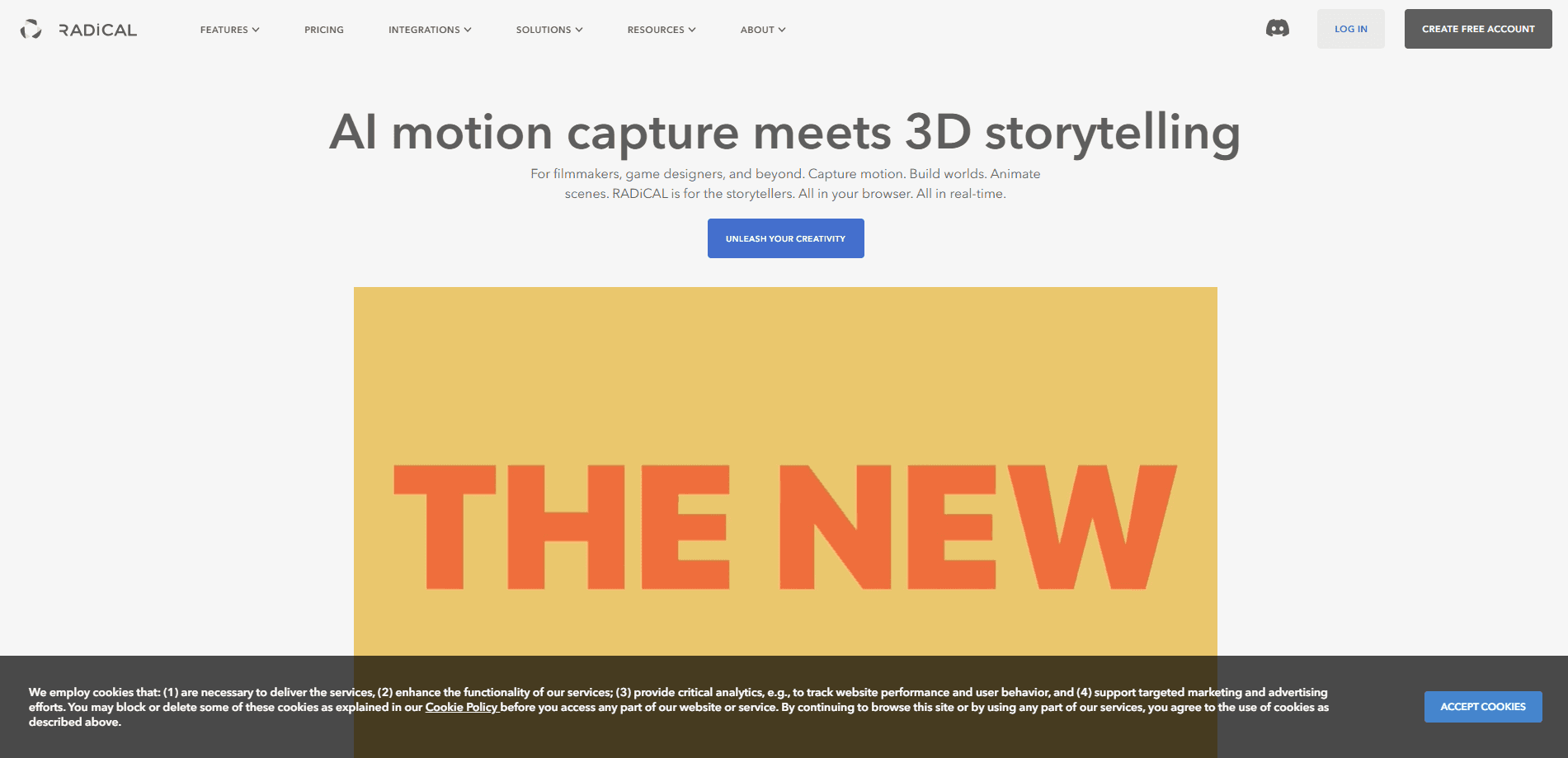
RADiCAL is an AI motion capture service that reads body movement from plain video and turns it into 3D animation data. You film a person with a normal camera, upload the clip, and the system estimates the skeleton and motion without any suit, markers, or special studio. The point is to skip the gear and the calibration that traditional motion capture (mocap, or recording an actor's movement to drive a digital character) usually demands.
The tool's history matters here. RADiCAL built its name as a browser-based markerless mocap platform, and today its site points to Autodesk Flow Studio, a cloud 3D toolset that grew out of Autodesk's acquisitions in this space. For a reader arriving at the RADiCAL page, the practical result is that the technology you were looking for now lives inside a larger product from Autodesk, with the same core promise: turn footage into editable CG.
The limits are worth stating up front. Markerless capture is less precise than a marker-based stage, so fine finger work or very fast motion can look rough. Output also depends on footage quality, since shaky, badly lit, or partly hidden video gives the model less to work with. And because the product has folded into Flow Studio, features and pricing follow Autodesk's terms, not a standalone RADiCAL subscription.
Getting Started
- Open the Flow Studio site, the product the RADiCAL domain now points to, and sign in with an Autodesk account.
- Pick Access now on the free tier to try it at no cost, or choose a paid plan for more credits.
- Upload a video clip of a person moving; a clean, well-lit shot with the full body visible works best.
- Let the AI motion capture pass run to extract the skeleton and animation data.
- Refine the result, then export it to a 3D tool like Maya, Blender, Unreal Engine, or 3ds Max via USD.
Product Information
A quick look at RADiCAL's pricing, supported platforms, and performance.
Best for
The users, tasks, and scenarios where this tool fits best.
Users
- Indie filmmakers
- Animators without mocap gear
- Game and previsualization teams
- VFX students
Tasks
- Turning video into 3D animation
- Building a character from footage
- Blocking out scenes
- Prototyping game animations
Scenarios
- Shooting a short film on a budget
- Previsualizing a fight or dance scene
- Adding life to a mascot or avatar
- Teaching animation
Key features
Markerless video to 3D motion capture
The core of the tool is AI motion capture that works from ordinary footage. Film someone with a normal camera, upload the clip, and the system reconstructs the body's movement as 3D data you can apply to a character. No suit, no markers, no calibration rig. That removes the biggest cost and the biggest setup hurdle in traditional mocap, and it means a solo creator or a small team can capture motion anywhere they can shoot video. The tradeoff is accuracy: without markers, fine details like individual finger motion are harder to nail than on a dedicated stage.
Video to 3D scene reconstruction
Beyond a single character, the toolset can turn a video sequence into a 3D scene by rebuilding cameras, characters, and the surrounding space. This is useful when you want more than a skeleton: you get a scene you can move around inside, with the camera path and environment reconstructed too. For filmmakers doing previsualization, that means a rough but workable 3D version of a shot before the real one is staged. It is not a photoreal rebuild, so treat it as a planning and layout aid rather than a final environment.
Automatic scene elements
Alongside motion data, the pipeline generates the pieces a compositor would normally build by hand: camera tracking, alpha masks, clean plates, and character passes. Camera tracking rebuilds the camera's movement in 3D so objects and effects sit correctly in the shot; alpha masks cut a subject out of the background; clean plates give you the background without the subject. Having these produced automatically saves hours of manual rotoscoping and tracking, and they come out editable so you can fix what the AI gets wrong.
Export to standard 3D and animation tools
The output is built to land in the software animators already use, not to be a closed box. Motion and scene data export to Maya, Blender, Unreal Engine, and 3ds Max through the USD format, a common exchange standard for 3D pipelines. That matters because it means the tool slots into a real production workflow: you capture and generate in the cloud, then finish in the app you know. Full creative control stays with the artist, and you are not locked into editing inside the browser.
Credit-based pricing with a free tier
Pricing runs on monthly credits rather than flat seat fees, so you spend on the project types you actually use. A free tier gives newcomers a set number of credits each month to explore AI motion capture, with caps on export resolution, storage, upload size, and the number of people captured at once. Paid tiers raise those limits and add more credits and higher-person capture. The free tier is a real way to test the tool, which matters for a category where you want to see the output quality before committing.
Directable, editable AI output
A common complaint about AI tools is that they act like a black box: one click, and you take what you get. This toolset is built so you can guide and refine the result instead, adjusting the output frame by frame rather than accepting a single take. In practice that means when the motion looks off, you fix it in your 3D app rather than starting over. The approach treats AI as an enabler for the artist, and the exported, editable elements are what make that possible.
Pros and cons
Pros
- Markerless mocap without a suit, markers, or a studio means you can film motion anywhere with a normal camera.
- A free tier provides monthly credits, so you can test AI motion capture before paying.
- Output exports to Maya, Blender, Unreal Engine, and 3ds Max, fitting into existing pipelines.
- Camera tracking, masks, clean plates, and character passes are generated automatically, cutting manual work.
- Everything stays editable, so you can refine AI output frame by frame instead of accepting a single take.
Cons
- Markerless accuracy lags a marker-based stage, so fine finger and very fast motion can look rough.
- Results depend on footage quality, since shaky, dim, or obscured video limits what the model can reconstruct.
- The product now sits inside Autodesk Flow Studio, so pricing and features follow Autodesk's plans and terms.
- Higher resolution, more storage, and multi-person capture sit behind paid tiers, so costs climb with use.
- A browser-based cloud workflow means uploads and upload-size caps affect how much footage you can process at once.
Frequently asked questions
RADiCAL is used for markerless AI motion capture: turning ordinary video of a person into 3D animation data. You film a subject, upload the clip, and the system estimates the skeleton and motion for a digital character, without a suit or a motion capture stage. It suits animation, previsualization, and game prototyping.
Related content
Explore related tools, skills, and articles for RADiCAL.
RADiCAL Alternatives

Google EmbeddingGemma 2
Google DeepMind · Writing · Image · CodingGoogle EmbeddingGemma 2 is a 740M-parameter open model that turns text, code, images, audio, and video frames into vectors in one 768-dimension space, running on phones and laptops.

Tractionwave
TractionWave · Image · MarketingTractionWave is an AI attention heatmap tool for static ads. Upload a PNG or JPG and it returns predicted attention, ranked hotspots, and fixes before you spend budget.

Imejis.io
Imejis.io · Image · MarketingImejis.io is an AI design studio for agents and marketing teams. Describe an image in plain words, and it writes the copy, builds the layout, reflows it to every size, then exports a finished file.