

Raena AI
Raena AI (A.C.N. 643 454 086 Pty Ltd) · Leaning
Raena AI is an AI study app that turns PDFs, slides, and lecture recordings into step-by-step lessons, quizzes, flashcards, podcasts, and a tutor that answers from your own notes.
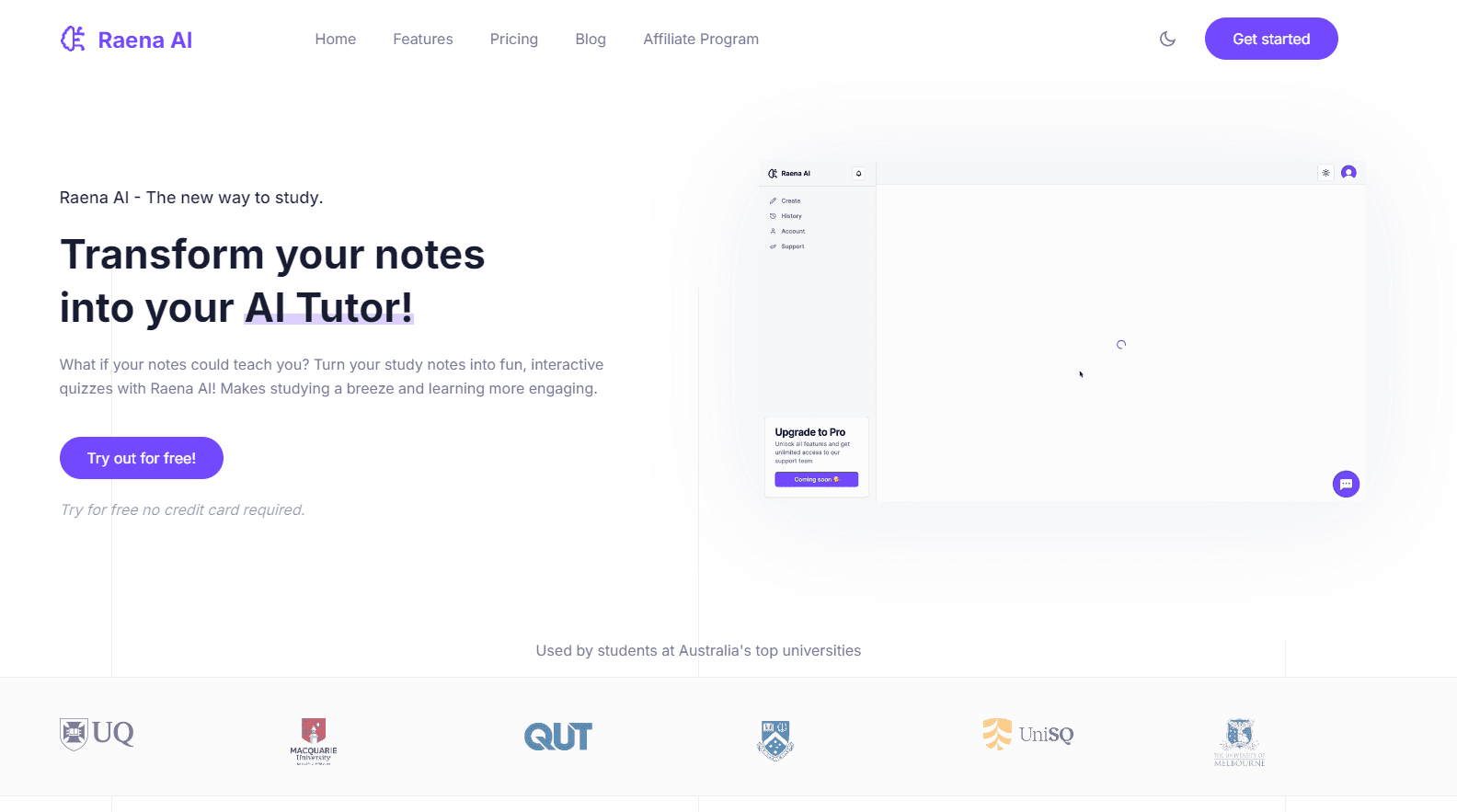
About Raena AI
What Is Raena AI
Raena AI starts from a plain observation: most students already have the material, they just don't have it in a shape their memory will hold. You upload a lecture PDF, a slide deck, a photo of handwritten notes, an audio recording, or a YouTube link, and the app rebuilds that material as a short lesson with chapters and check questions. The same upload also feeds a quiz generator, a flashcard set, an audio summary, and a chat tutor.
The company behind it is A.C.N. 643 454 086 Pty Ltd, an Australian business. It's a study app for students in high school, college, and professional programs. Its marketing claims 1.4 million students in more than 170 countries and 2 million generated study items, which are the vendor's own numbers rather than audited figures. What's easier to check is the shape of the product: nine output formats from one file, a free tier with no card, and native apps on iPhone and Android alongside the browser version.
The limits matter too. Everything Raena produces is only as good as the file you give it, so a messy scan or a 90 minute lecture with no structure produces weaker lessons. There's no public API, so you can't pipe it into your own tools. Heavy users hit the paid plan quickly, since the free tier caps daily generations.
Getting Started
- Create an account at app.raena.ai with an email address. There's no password to remember, since sign-in works through a one-time code, and no card is needed for the free tier.
- Upload your material. PDFs, slides, Word and Excel files, photos, recordings, YouTube links, and pasted text all work, and you can mix several files into a single lesson.
- Pick an output. Ask for a lesson, a quiz, flashcards, a podcast episode, a mind map, or a short brainrot clip, depending on how you plan to revise.
- Set your exam date so the lesson orders topics by what's coming up first.
- Work through the lesson, then share a quiz link with classmates or download the audio for the commute.
Product Information
A quick look at Raena AI's pricing, supported platforms, and performance.
Best for
The users, tasks, and scenarios where this tool fits best.
Users
- High school and university students
- Nursing, medicine, and law students
- Students studying in a second language
Tasks
- Turning a 40 page chapter into a quiz
- Building flashcards from vocabulary lists
- Getting through assigned reading on a commute
Scenarios
- Exam week with four subjects at once
- Catching up after a missed lecture
- Group revision before a test
Key features
One Upload, Nine Study Formats
Raena accepts PDFs, slides, Word and Excel documents, photos, audio recordings, YouTube links, and plain pasted text, then offers quizzes, flashcards, podcasts, mind maps, summaries, games, brainrot clips, lessons, and a tutor from the same source. You can mix several files into one lesson, which helps when a topic spans a chapter and a lecture. Most competitors stop at two or three formats.
Lessons That Teach Instead of Summarize
A summary is something you read once. Raena's lesson mode splits the material into short chapters, explains each idea, then asks a quick question before moving on, and opens the next chapter with a recap of anything you missed. That structure targets active recall rather than passive rereading, which is the difference between recognizing a term and being able to use it in an answer.
Self-Grading Quizzes
The quiz generator builds multiple choice, true or false, and open ended questions from your own material rather than a generic question bank. Answers are graded immediately, so you see which chapters you actually understood. Finished quizzes can be shared by link, which makes them usable for a group session without extra setup.
AI Tutor That Points Back to Your Notes
The tutor chats about the document you uploaded and shows the page an answer came from, so you can check it against the source instead of trusting the reply. It also remembers exam dates you enter and can push reminders. For a student stuck on a single paragraph at 2am, that beats rereading the whole chapter.
Audio Summaries and Brainrot Clips
Podcast mode turns a reading into a two voice conversation you can download and play offline. Brainrot mode cuts the same material into short vertical clips over gameplay footage, the format students already scroll through, and a 200 page reading becomes roughly 14 clips. It's a strange pitch, and it works better than it should for material you keep avoiding.
Editable Output
Every generated block can be edited, including tables and formulas, so a lesson reflects your course's notation instead of the model's guess. That matters in chemistry, accounting, and calculus, where a small symbol change alters the meaning of an entire worked example.
Pros and cons
Pros
- Nine output formats from a single upload, so one PDF covers reading, listening, and quizzing without a second tool.
- The tutor cites the page it pulled an answer from, which makes fact checking fast.
- Native iPhone and Android apps plus a browser version, so a lesson started on a laptop opens on a phone.
- A free tier with no credit card, which is enough to judge whether the lesson format suits you.
Cons
- The free plan caps daily generations, so anyone revising daily will need the paid plan within a week or two.
- Quality tracks the source file. Blurry scans and unstructured recordings return shallow lessons, and you'll spend time fixing them.
- No public API, which rules it out for anyone who wants to automate study workflows inside their own tools.
Frequently asked questions
It converts study material into revision formats. You upload notes, slides, or a recording and get a lesson, quiz, flashcards, a podcast, or a mind map from the same file.
Related content
Explore related tools, skills, and articles for Raena AI.
Raena AI Alternatives

HireKey
HireKey · Voice & Language · Productivity · LeaningHireKey is an AI job search copilot built by a former tech recruiter. It checks role fit, tailors resumes, runs interview practice and tracks every application.

Lune
Retrograde Labs · Productivity · LeaningLune is a research search engine for scientific AI agents. It runs as an MCP server that lets Claude, ChatGPT and Cursor search peer-reviewed computer science papers and cite them.
Coddy
Coddy · Coding · LeaningCoddy is a gamified platform to learn to code through short interactive lessons in 20+ languages, with a browser editor, an AI tutor and free certificates.