

Rainfrog
Rainfrog · Image
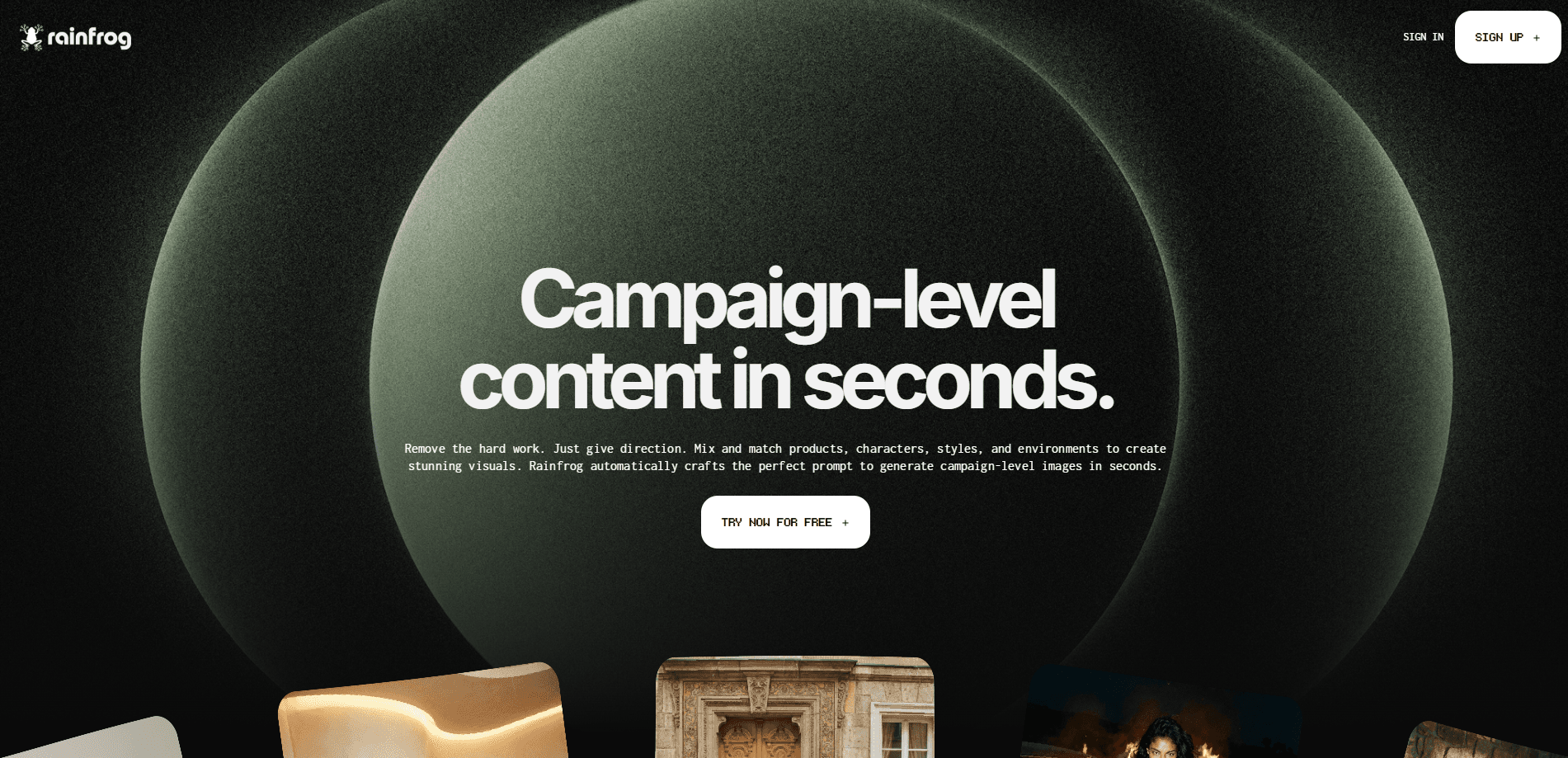
Rainfrog is a web-based AI visual workflow platform built for art directors and brand teams that want campaign-ready output without wrestling with prompt text all day. Think of it as an AI art director tool that runs in your browser. Instead of writing prompts, you connect products, characters, styles, and environments on a visual canvas, and the tool builds the prompts in the background to generate campaign-ready images and video. It suits creative teams that need art-directed output at scale without hiring prompt engineers.
About Rainfrog
What Is Rainfrog
Rainfrog is an AI visual workflow tool that turns creative direction into a repeatable process. You drop your assets onto a node canvas, link them to a generator, and the platform assembles the prompt for you. The company describes it as built for creative direction work, not for developers building custom AI pipelines.
The problem it solves is consistency. Teams that generate campaign images with a raw AI image generator for brands end up with scattered files, mismatched styles, and prompts nobody can reuse. Rainfrog keeps the same product, character, and style nodes in one graph, so a brand look stays intact across dozens of shots. Same look, every time.
The main limit is scope. Rainfrog is a browser studio aimed at marketers and art directors, so if you want code-level control over models or a self-hosted setup, it won't fit. It also runs on a credit system, and the pricing page doesn't publish flat per-seat rates, which makes budgeting harder up front. So who is it for, really? Teams with a visual brief and no engineer to spare.
Getting Started
- Create a free account at app.rainfrog.ai to open the studio and browse public workflows.
- Upload your assets, such as product photos, character references, and style images, into your project.
- Build a node graph by connecting asset nodes to a generator node on the canvas.
- Pick the output type and quality per node, then run the workflow to produce images or video.
- Save good results to your project library and clone the workflow for the next campaign shot.
Product Information
A quick look at Rainfrog's pricing, supported platforms, and performance.
Best for
The users, tasks, and scenarios where this tool fits best.
Users
- Art directors and creative directors
- Brand and marketing teams
- Solo designers exploring AI campaign visuals
Tasks
- Generating product shots in a fixed style
- Building recurring campaign assets
- Producing short video assets
Scenarios
- A seasonal campaign with dozens of variations
- Keeping a brand's visual identity across regions
- Early concept exploration before a shoot
Key features
Visual Node Workflows
Rainfrog replaces text prompts with a node-based AI workflow on a canvas, where you connect assets like products, models, styles, and environments to generator nodes that the platform traverses to assemble the prompt itself. No prompt syntax. No guesswork. It's the core of the product and the reason you don't need prompt-writing skills.
Automatic Prompt Building
The backend writes the prompts for you, with what the company calls taste already embedded, so you point a workflow at your assets and hit generate without touching a prompt field. That matters if your team has creative chops but nobody who wants to learn prompt syntax, because the workflow itself carries the direction instead of a written brief.
Image and Video Generation
Generator nodes handle both stills and video, and you can set normal or pro quality per node. That range covers everything from fast concept checks to final campaign assets in one place, so you're not juggling separate tools per output type. Video costs more credits than stills, which is the tradeoff for keeping both in one studio.
Workflow Cloning and Reuse
Every public example on the site can be cloned into your own projects. You click an image, see the workflow behind it, and start from there. It's a fast way to learn the node model and to keep a proven setup for repeat campaigns. Less setup, more output.
Project Library
Generated results save to a project library inside the studio. With a paid plan, storage and credit balances sit alongside those assets, so a team can find past outputs instead of digging through local folders. It's a small thing, but on a long campaign it saves real time. Every shot stays one click away.
Subscription Credits
Every paid plan includes a monthly credit allotment, and unused credits roll over when your subscription renews. One-time top-up credits never expire. It gives you a predictable pool to plan production runs around. Watch usage on heavy months, because credits burn fast once video enters a workflow.
Pros and cons
Pros
- No prompt engineering required, which lowers the skill barrier for art and marketing teams.
- Node workflows make AI output repeatable, so a campaign's style stays consistent across many assets.
- Free account to explore the studio before paying.
- Unused subscription credits roll over, and top-up credits don't expire.
- Public workflows can be cloned, which speeds up learning and reuse.
Cons
- No flat published rates on the pricing page, so budgeting takes an extra step with sales or the studio.
- No free trial on paid plans, so you commit to billing before testing production features.
- No self-hosted or code-level access, which rules out teams that need model control.
- Credit-based pricing means heavy generation months can get expensive.
Frequently asked questions
Rainfrog generates campaign-level visuals for creative teams. You connect products, characters, styles, and environments in a node workflow, and it produces art-directed images and video without prompt writing.
Related content
Explore related tools, skills, and articles for Rainfrog.
Rainfrog Alternatives

Google EmbeddingGemma 2
Google DeepMind · Writing · Image · CodingGoogle EmbeddingGemma 2 is a 740M-parameter open model that turns text, code, images, audio, and video frames into vectors in one 768-dimension space, running on phones and laptops.

Tractionwave
TractionWave · Image · MarketingTractionWave is an AI attention heatmap tool for static ads. Upload a PNG or JPG and it returns predicted attention, ranked hotspots, and fixes before you spend budget.

Imejis.io
Imejis.io · Image · MarketingImejis.io is an AI design studio for agents and marketing teams. Describe an image in plain words, and it writes the copy, builds the layout, reflows it to every size, then exports a finished file.