

Readdy
Readdy · Image · Productivity
Readdy is an AI website builder that turns a text prompt, screenshot, or reference URL into a live, responsive site. It bundles a visual editor, hosting, and backend tools in one no-code platform.
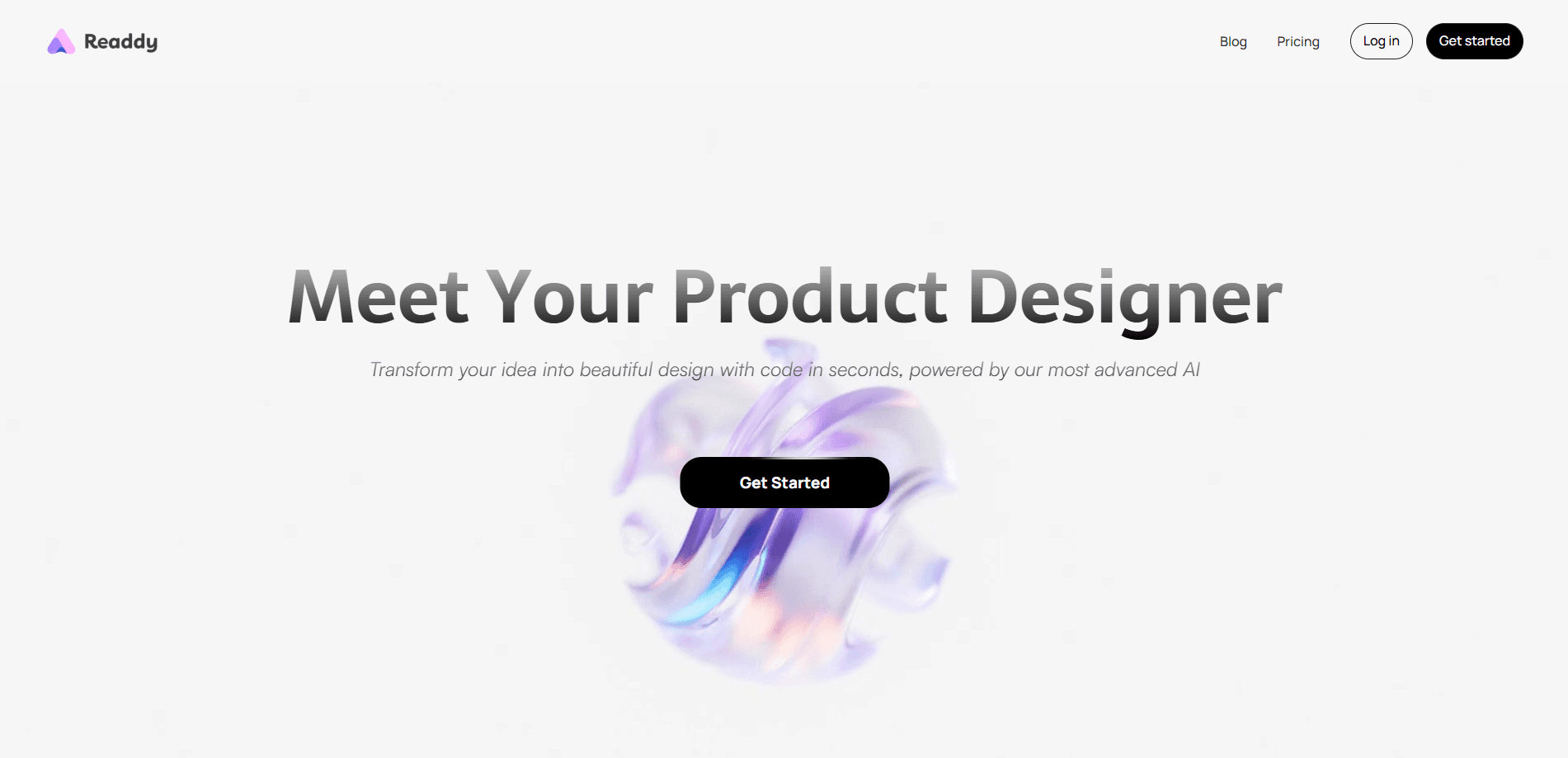
About Readdy
What Is Readdy
Readdy is an AI website builder from readdy.ai that generates complete, working websites from a short description. It sits next to a visual editor, so a no-code website builder handles both the first draft and the later tweaks. Instead of dragging blocks into place, you tell the tool what you want in plain language and it produces layouts, pages, copy, and structure on its own. The pitch is simple: describe the site, edit what you don't like, publish the result.
The problem it solves is the gap between wanting a website and being able to build one. Most people stalled on design tools, hosting setup, or a developer's schedule. Readdy folds generation, editing, and hosting into a single subscription, so a small business, a freelancer, or an agency can ship a site without touching code.
The tradeoff is control at the edges. Because Readdy leans on templates and AI generation, pixel-perfect custom builds can take more back-and-forth than a hand-coded site, and heavy custom logic still runs into the platform's limits. It works best when what you need lines up with what the builder already makes well.
Getting Started
- Sign up at readdy.ai and open a new project from the dashboard.
- Describe your site in a sentence, upload a screenshot or Figma frame, paste a reference URL, or pick one of 500+ templates.
- Let Readdy generate the first version, then click any element in the visual editor to rewrite text, swap images, or adjust spacing.
- Add pages, forms, booking, payments, or login pages from the built-in integrations.
- Connect a domain and publish, then revisit the editor whenever you need changes.
Product Information
A quick look at Readdy's pricing, supported platforms, and performance.
Best for
The users, tasks, and scenarios where this tool fits best.
Users
- Small business owners
- Freelancers and consultants
- Designers and agencies
- Content creators
- Store owners
Tasks
- Generating a first draft
- Cloning a reference design
- Editing without code
- Adding business features
- Scaling a site
Scenarios
- Launching a service business online
- Rebuilding an outdated site
- Building a client site under your own brand
- Trying a new design direction
Key features
Text, image, and URL generation
Readdy accepts four starting points: a written description, an uploaded screenshot or Figma frame, a reference URL, or a template. Each path produces an editable site rather than a fixed mockup. Pasting a URL is the fastest way to rebuild a competitor's structure under your own brand, and the Figma option helps teams keep an existing visual style intact.
500+ editable templates
The template library covers portfolios, blogs, storefronts, and business pages, and every one stays fully editable. Rather than locking the design, Readdy lets you ask the AI to change the layout, rewrite sections, or reskin the whole page. Those website templates matter when a client wants a specific look but you still need room to adjust after launch.
Visual editor with live responsive updates
Clicking any element opens its settings, so you can edit copy, replace images, and tune colors and spacing without writing code. Every change updates mobile and tablet layouts at the same time, the feature that saves the most time, because you aren't fixing breakpoints by hand afterward.
Built-in backend and integrations
Readdy ships a backend for databases, functions, and secrets, plus ready connections for bookings, payments, email, and CRM tools. Stripe and Shopify handle checkout, Calendly and Stripe drive scheduling, and forms store submissions in a Supabase database you can push to Google Sheets or Mailchimp. Authentication pages and user databases come generated, so gated content and member dashboards don't need separate setup.
Hosting, security, and performance
The subscription covers domain, hosting, and security, so you skip the usual server work. Readdy runs sites on the same kind of infrastructure large platforms use and keeps them online without manual maintenance. As a website builder with hosting built in, it removes the most annoying part of launching for anyone who has lost a weekend to DNS and SSL certificates.
AI SEO, AEO, and marketing tools
Higher tiers add AI SEO analysis, AEO and GEO support, and email outreach. These help a site show up in both traditional search and AI answer engines, which is the newer half of the discovery problem. The tools sit alongside the builder rather than in a separate product, so SEO work doesn't need another subscription.
Pros and cons
Pros
- Generates a working, multi-page site from a single prompt or a pasted URL, cutting the blank-page problem.
- Every template stays editable, and the visual editor keeps mobile, tablet, and desktop layouts in sync automatically.
- Bundles hosting, a domain, security, and a backend into one subscription instead of stacking separate services.
- Built-in Stripe, Shopify, Calendly, Supabase, and CRM connections cover payments, bookings, and lead capture without plugins.
- White-label and code export options in higher tiers give agencies room to resell or self-manage the output.
Cons
- The credit system gates AI generations, so heavy rebuilding can burn through a monthly allowance faster than expected.
- Custom logic and pixel-perfect designs can hit the platform's limits, since it favors templates and AI output over hand coding.
- The paid plans that unlock custom domains, more projects, and backend tools start at $15/mo, so the free tier is best kept for testing.
Frequently asked questions
Readdy builds and hosts full websites, then keeps running them. You use it to generate pages from a prompt, edit them visually, add features like forms and payments, and publish under a custom domain, all without writing code.
Related content
Explore related tools, skills, and articles for Readdy.
Readdy Alternatives

Google EmbeddingGemma 2
Google DeepMind · Writing · Image · CodingGoogle EmbeddingGemma 2 is a 740M-parameter open model that turns text, code, images, audio, and video frames into vectors in one 768-dimension space, running on phones and laptops.

Tractionwave
TractionWave · Image · MarketingTractionWave is an AI attention heatmap tool for static ads. Upload a PNG or JPG and it returns predicted attention, ranked hotspots, and fixes before you spend budget.

Imejis.io
Imejis.io · Image · MarketingImejis.io is an AI design studio for agents and marketing teams. Describe an image in plain words, and it writes the copy, builds the layout, reflows it to every size, then exports a finished file.