

ReadyBase
ReadyBase · Productivity
ReadyBase is an AI PDF generator that turns notes, research and AI output into polished, on-brand PDFs in seconds. It runs in the browser and is free to start.
About ReadyBase
What Is ReadyBase
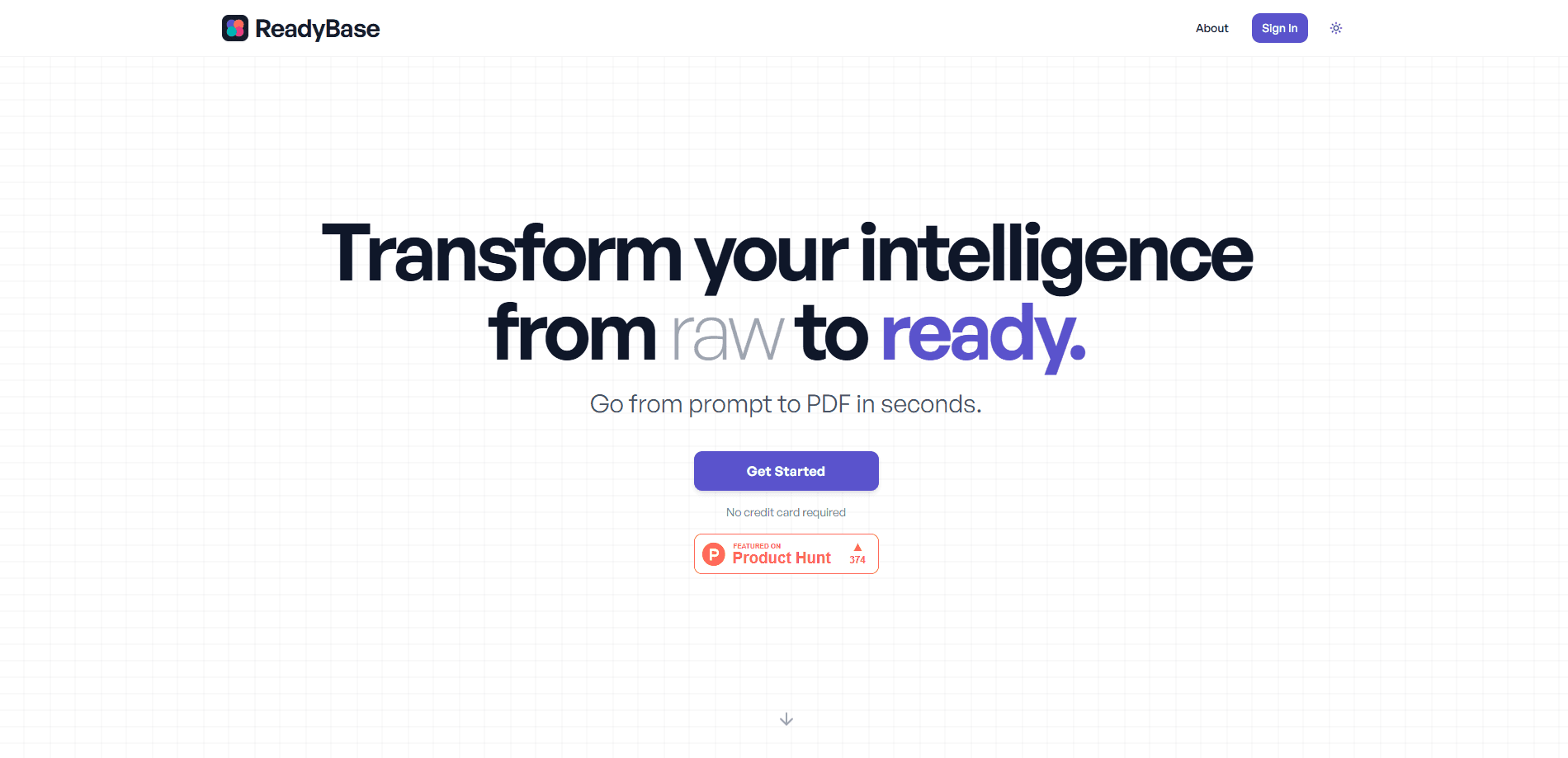
ReadyBase is a browser-based AI document generator that turns raw material into a finished PDF. You feed it notes, research, screenshots, images or AI-generated text, describe what you want, and it lays out a presentation-ready document for you. The company describes it as the last step of an AI workflow, the point where loose output becomes something you can actually send.
The hook is template-free PDF design. Most PDF builders make you pick a layout and pour your content into it. ReadyBase works the other way round, generating the design from your content and your prompt. The team calls it the Lovable for PDFs, meaning an AI-first tool where you describe the result instead of assembling it by hand.
Two things shape whether it fits. It's a young product, so the polish is uneven at the edges and some deep layout controls you'd get in a full design suite aren't there. And the team has since said it's closing shop, with the site now pointing visitors to a farewell note and a support address, so treat it as a tool you evaluate by what you need today rather than a long-term bet.
Getting Started
- Open readybase.ai in a browser and start a free session, no card needed
- Drop in your source material, such as notes, a file, an image or pasted AI output, and write a prompt describing the document you want
- Add your brand assets so the output carries your colors and styling
- Let the AI lay out the PDF, then export the finished file to share, send or present
Product Information
A quick look at ReadyBase's pricing, supported platforms, and performance.
Best for
The users, tasks, and scenarios where this tool fits best.
Users
- Small business owners
- Marketers and consultants
- Analysts and researchers
- Students and writers
Tasks
- Turning AI output into a document
- Converting raw notes into a report
- Making a branded deliverable
- Drafting a one-off PDF fast
Scenarios
- You just wrapped a research session
- A client asks for a proposal this afternoon
- You run a small shop and need a fresh menu
- You're prototyping a deck
Key features
Prompt-to-PDF Generation
The core of ReadyBase is that you describe the PDF you want and it builds one. You write a prompt covering the content and the look, and the AI produces a finished document rather than a blank canvas. That's the pitch behind the "prompt to PDF in seconds" tagline, and it's the reason the tool exists at all. The trade-off is that a described result can vary, so you'll often want to regenerate to get the version you like.
Template-Free Layout
ReadyBase doesn't ask you to choose a template. It designs the layout from your content and your brief, so two documents built from the same tool won't look identical. For people who have outgrown rigid templates but don't want to hand-place every element, that's the main draw. It also means the output is only as good as your prompt, since there's no grid holding things in place.
AI-Driven Layout and Sections
The AI handles the structural work, not just the styling. It organizes sections, arranges charts and images, and sets headings and flow so the document reads in a sensible order. That's the part that saves time over a manual layout, because you're not deciding where each block goes. You review and adjust rather than assemble.
Branding and Style Controls
You can feed in your brand assets so the finished PDF carries your colors and styling. The aim is that a document made in minutes still looks like your company made it. There are customization options to tune the output, but a dedicated design suite will offer finer control over every element than this does.
Mixed Input Support
ReadyBase takes more than typed text. It accepts notes, research, images, screenshots and files, and merges them into one document. That flexibility is what makes it useful at the end of an AI workflow, where your source material is scattered across a chat, a screenshot and a half-finished draft. It handles the assembly so you don't have to stitch the pieces together yourself.
Browser-Based and Free to Start
The tool runs in the browser, so there's nothing to install. You can start free, and the free option includes a small monthly allowance of generations with standard PDF export. Paid plans raise the generation limits. That low-friction start makes it easy to test on a real document before deciding whether to pay.
Pros and cons
Pros
- Skips templates and designs from your content, so documents don't all come out looking the same
- Turns scattered inputs like notes, screenshots and AI output into one structured PDF
- Free to start with no card, so you can test it on a real job first
- Runs in the browser, so there's no install and nothing to maintain
Cons
- The team has announced it's winding down, so it isn't a safe long-term pick for work you'll need to repeat
- A prompt-driven layout can vary between runs, so consistent results take a few attempts
- Fine-grained design control is thinner than a dedicated layout or design tool
- The free plan's generation allowance is small, so regular use pushes you to a paid tier
Frequently asked questions
ReadyBase is an AI PDF generator that runs in the browser. You give it raw material such as notes, research, images or AI output, describe the document you want, and it lays out a polished, presentable PDF. The company frames it as the final step of an AI workflow, where loose output becomes something you can share.
Related content
Explore related tools, skills, and articles for ReadyBase.
ReadyBase Alternatives

Udon
Udon · Coding · ProductivityUdon turns an Apple Silicon Mac into a home server you run from a browser, with container controls, file shares, and an optional AI sysadmin.

offstage
offstage cloud · Coding · Productivityoffstage gives AI coding agents and CI jobs a real Mac: a fresh macOS account on Apple silicon, driven over an API and billed by the second.

BotBus
Chengdu Tuyang Tusen Technology Co., Ltd. · Coding · ProductivityBotBus lets you control AI coding agents from your phone and watch: approve commands, start tasks and read results while the code stays on your desktop.