

readywhen
readywhen · Productivity
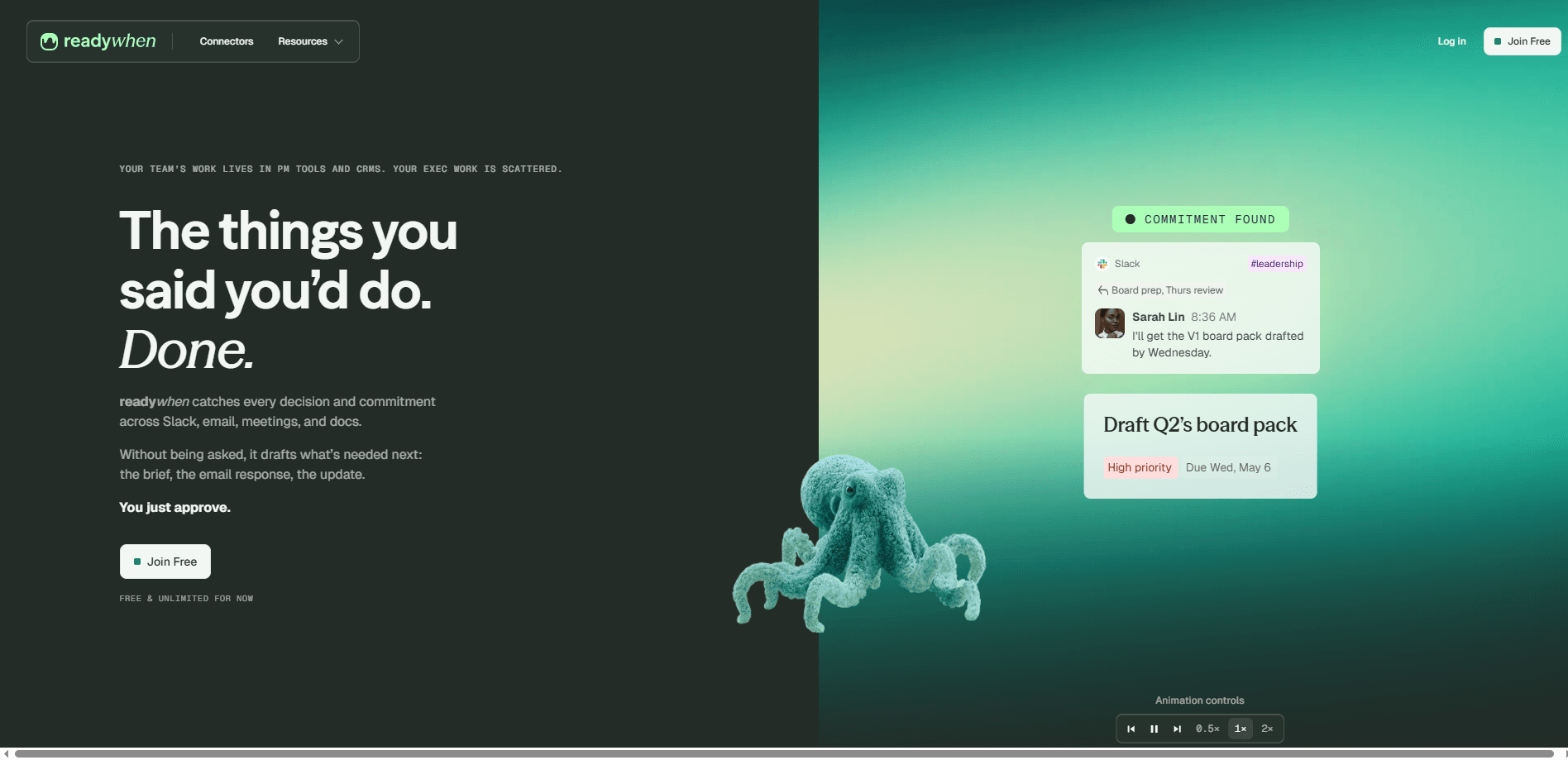
readywhen is an AI productivity assistant that watches your Slack, email, meetings, and docs, pulls out every decision and commitment it finds, and drafts the deliverable that follows. Instead of asking you to log tasks, it works in the background and hands you the brief, the email reply, or the status update for a quick approval. It's built for founders, owners, and team leads who make a lot of promises in a lot of places and can't keep chasing them all by hand.
About readywhen
What Is readywhen
readywhen flips the usual task app on its head. Most tools wait for you to type in a to-do. This one reads what you already said and does it. It connects to the tools your team lives in, tracks the obligation itself rather than just the chatter around it, and prepares the follow-through without being asked.
The pitch is simple: "Not a to-do list. A done list." Think of it as an AI done list. You stay the boss. readywhen acts on its own, but every piece of output lands in a queue for your final approval, so nothing goes out under your name without you seeing it first. According to the company, setup takes about 30 seconds per connector through OAuth, with nothing to install on your team's machines.
The catch is scope. readywhen is a web product for teams, not a personal to-do app. It only sees what your connected accounts already see. It inherits the permissions of the tools it plugs into, so private channels stay private. If your work happens mostly outside Slack, Notion, and email, there's less for it to catch.
Getting Started
- Sign up at the readywhen website and create your workspace.
- Connect your tools through the connectors hub, each one authorized over OAuth in about 30 seconds.
- Set what readywhen is allowed to access, and decide per tool which actions you want it to take.
- Let it run in the background as you work normally, or during a given period, so it can catch commitments in context.
- Review the drafted deliverables in your approval queue, edit anything that's off, and send.
Product Information
A quick look at readywhen's pricing, supported platforms, and performance.
Best for
The users, tasks, and scenarios where this tool fits best.
Users
- Founders and owners
- Team leads and managers
- Operations and project coordinators
Tasks
- Drafting follow-up emails
- Writing status updates and briefs
- Tracking open commitments
Scenarios
- Post-meeting cleanup
- Investor and client updates
- Async team coordination
Key features
The Done List
The core idea is a list of what's already handled, not what you still have to do. readywhen captures decisions and commitments as they happen, turns them into finished drafts, and parks them for approval. You open the app to a stack of things ready to go, which flips the usual dread of an empty to-do list into something closer to relief.
Commitment Tracking, Not Just Search
The tool tracks the commitment itself: the promise, the ask, the follow-up, the handoff. Search tells you what was said. readywhen shows what still needs to close. Big difference. It keeps the loop moving, which matters for anyone who's ever found the right message but forgotten the promise attached to it.
100+ Connectors
readywhen plugs into more than 100 tools, covering Slack, email, Notion, meetings, and docs. Setup runs on OAuth and takes around 30 seconds per connector, with no software to install. If your team works somewhere unusual, the company takes requests for new integrations.
Automatic Drafting
Rather than handing back a summary and leaving the work to you, readywhen drafts the deliverable: the brief, the email response, the update. You approve or edit instead of starting from a blank page. That's the AI task automation people actually keep using. For recurring outputs, the head start adds up fast.
Permission Inheritance
readywhen sees only what you already see. It inherits the same access rights as the tools it connects to, so if someone can't open a channel or document, neither can the assistant. Admins choose what it can reach and can audit or revoke access at any time.
Your Approval Stays Final
Nothing ships without you. readywhen works without asking, but the final call on every draft is yours. That gate is what makes an always-on assistant tolerable for teams that worry about an AI speaking for them.
Privacy by Default
The company states that conversations, tasks, and workspace activity are never used to train AI models, by it or any third party. It's ISO 27001 certified and GDPR-compliant, with SOC 2 Type II underway. It doesn't monitor or score individual performance.
Pros and cons
Pros
- Captures commitments across Slack, email, meetings, and docs in one place, so follow-ups stop slipping through gaps between tools.
- Drafts the actual deliverable, not just a summary, which cuts the blank-page problem for recurring updates.
- Approval gate keeps a human in charge of everything that goes out.
- Strong privacy posture: no training on your data, permission inheritance, and admin control.
- Fast, OAuth-based setup with over 100 connectors and nothing to install.
Cons
- Free and unlimited for now, but there's no published price for the paid tiers, so budgeting for a team rollout means contacting the company.
- It's a web tool for teams, so solo users or people whose work lives outside the connected tools won't get much out of it.
- No confirmed public API, which limits custom integrations for teams that want to build on top of it.
- Because it only sees connected accounts, gaps in your tool setup mean gaps in what it catches.
Frequently asked questions
It connects to your work tools, finds decisions and commitments in your messages, meetings, and documents, and drafts the follow-up deliverable for you to approve. The name comes from the idea of a "done list" rather than a to-do list.
Related content
Explore related tools, skills, and articles for readywhen.
readywhen Alternatives

Base Code
Base44 (Wix) · Coding · ProductivityBase Code is a shared cloud development environment from Base44. Teammates describe changes to an existing GitHub codebase in chat, preview them live and send them back as pull requests.

Knocket
Knocket (Tencent RTC team) · Productivity · Business · ChatbotKnocket is a free live chat and contact page tool that lets visitors message you from your website, app, or a shareable link, with every reply handled from Telegram or one inbox.

FloorGen
Vinit Kumar (FloorGen) · Productivity · China AIFloorGen is a browser-based floor plan maker that turns a sentence or a sketch into an editable 2D plan and a 3D walkthrough. Export to PDF, DXF or video, and draw without an account.