

Rebrowse
Rebrowse · Productivity
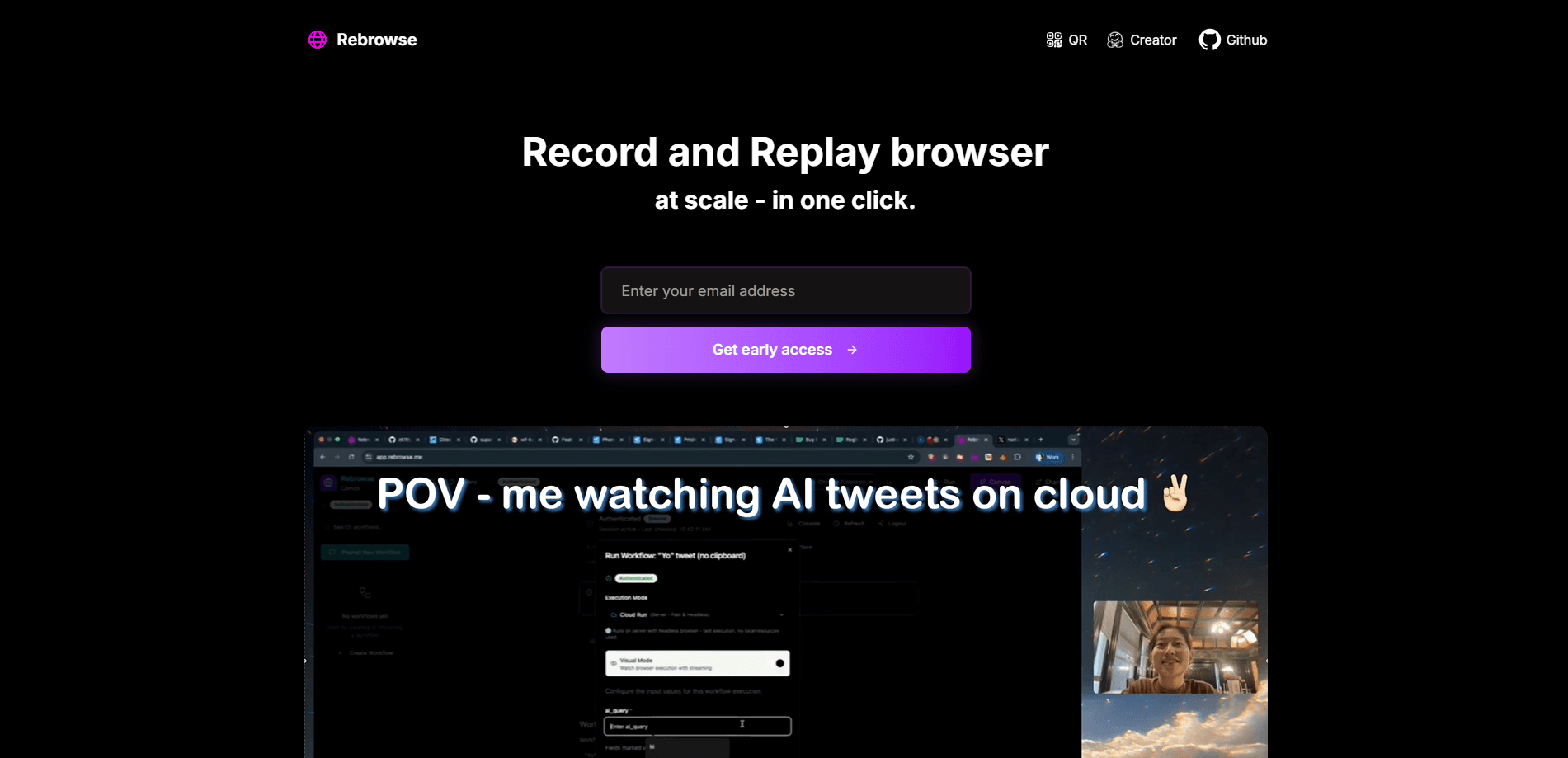
Rebrowse is a self-learning browser recorder that turns your clicks and typing into repeatable AI workflows. Record a task once, and it runs on a cloud browser on demand.
About Rebrowse
What Is Rebrowse
Rebrowse is a browser workflow recorder. It watches what you do in your browser, captures every click, keystroke, and navigation, then turns that trace into a deterministic workflow you can replay. The idea is close to Loom, but instead of a video you get a working automation.
Most AI copilots struggle with repeatable automation. They run slowly, they make different choices each time, and it's hard to see what they're doing while they work. Rebrowse attacks those problems by skipping live reasoning at replay time. Recorded runs follow the same steps every time, which is why the team reports execution around 20x faster than a typical reasoning agent.
The main limits are practical. It's built for web browser tasks, not desktop apps. You need a Google Chrome-based browser and the Rebrowse Recorder extension. Core workflows depend on cloud execution, and making your own tasks work often means understanding the service's own concepts like traces and workflow definitions.
Getting Started
- Install the Rebrowse Recorder extension in Chrome and sign in at app.rebrowse.me.
- Open the page you want to automate and hit record in the extension.
- Walk through the task once, clicking and typing as you normally would, then stop the recording.
- Review the captured trace and let Rebrowse turn it into a workflow definition.
- Run the workflow on the cloud browser, or expose it as an MCP tool you can call from ChatGPT.
Product Information
A quick look at Rebrowse's pricing, supported platforms, and performance.
Best for
The users, tasks, and scenarios where this tool fits best.
Users
- Operations and support teams
- Solo founders and small teams
- Automation-curious users
Tasks
- Extracting data across sites
- Filling the same forms again and again
- Turning an internal process into a tool
Scenarios
- Handling a repetitive daily job
- Early research into automation
- Demoing a B2B product
Key features
Record and replay
The core loop starts with the extension. You record navigation, clicks, keystrokes, copy-paste, and file interactions, and Rebrowse saves the sequence as a reusable trace. Replaying follows the same steps rather than re-deciding what to do, which is what keeps runs consistent.
Deterministic cloud execution
Recorded workflows run on a cloud browser instead of your machine. Because the steps are fixed, execution doesn't call a large language model on every run. The team reports around 20x speed and a 95% success rate for supported flows.
Real-time browser preview
You can watch a headless cloud browser work in real time and step through what it's doing. That visibility is unusual for headless setups, and it helps you catch a broken step before it turns into a failed run.
Auto-correcting workflows
When a page shifts or a step breaks, the agent can adjust the workflow on your behalf instead of failing outright. It reduces the babysitting that brittle scripts normally need after a site redesign.
MCP and ChatGPT integration
Rebrowse exposes workflows as MCP tools, so an assistant like ChatGPT can call one in context. A user can ask their assistant to run a recorded flow without opening a separate automation dashboard.
Parallel runs and self-hosting
Workflows can run in parallel, which helps when you have many inputs to process. The project is also open source, so you can self-host with Docker, Supabase, and your own OpenAI API key when you don't want to depend on the hosted service.
Pros and cons
Pros
- Recording replaces scripting, so non-developers can build a working automation in minutes.
- Deterministic replay makes runs faster and more predictable than agents that reason on every step.
- Real-time preview of a headless browser gives visibility that's hard to get elsewhere.
- MCP support lets recorded flows plug into ChatGPT and other assistants.
- Open source with self-hosting, so teams can keep data on their own infrastructure.
Cons
- It focuses on browser tasks, so desktop apps and native software are out of scope.
- You need a Chrome-based browser and the extension, which rules out other browsers.
- Cloud runs depend on the hosted service, and self-hosting asks for Docker and API key setup.
- Pricing for hosted cloud execution isn't published in a fixed public tier list, so larger rollouts need a conversation with the team.
Frequently asked questions
It records your browser actions and turns them into repeatable workflows that run on a cloud browser. You record once, then trigger the flow whenever you need it.
Related content
Explore related tools, skills, and articles for Rebrowse.
Rebrowse Alternatives

Base Code
Base44 (Wix) · Coding · ProductivityBase Code is a shared cloud development environment from Base44. Teammates describe changes to an existing GitHub codebase in chat, preview them live and send them back as pull requests.

Knocket
Knocket (Tencent RTC team) · Productivity · Business · ChatbotKnocket is a free live chat and contact page tool that lets visitors message you from your website, app, or a shareable link, with every reply handled from Telegram or one inbox.

FloorGen
Vinit Kumar (FloorGen) · Productivity · China AIFloorGen is a browser-based floor plan maker that turns a sentence or a sketch into an editable 2D plan and a 3D walkthrough. Export to PDF, DXF or video, and draw without an account.