
Expense Tracker & Receipt Scan
Reciptix LLP · Productivity · Business
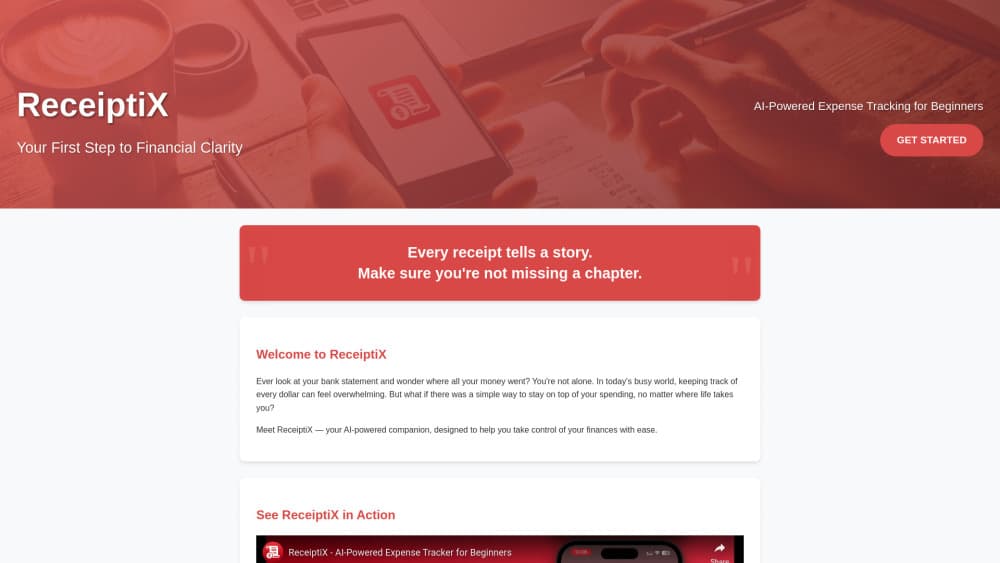
Receiptix is an expense tracker for iOS, Android and the web that turns a receipt photo, a voice note or a chat message into a categorized expense, down to each line item.
About Expense Tracker & Receipt Scan
What Is Receiptix
Receiptix is a mobile expense tracking app built around one idea: you should not have to type numbers into a spreadsheet after you already paid for something. Point the camera at a receipt and it reads the merchant, the date, the total and each line item, then files the expense. Say the amount out loud and it builds the entry from your sentence. Message a photo to the WhatsApp or Telegram bot and it lands in the same account.
The people it fits best are the ones who tried a budgeting app once and quit. There is no chart to configure before your first expense, and the free tier covers manual entry, basic categories, charts and sync. It also suits freelancers and small teams who need to separate a client lunch from a personal grocery run, because projects keep those budgets apart and a report breaks spending down by person. Travel is the third case, and there it doubles as a multi-currency expense tracker, converting each foreign charge at the rate from the day you paid.
The catch is where the paid line sits. Receipt scanning, voice mode, shared projects, custom tags and detailed reports are all Pro features, and the price is only shown on the upgrade screen inside the app, not on the site. Categories are a fixed list the AI relies on, so there is no way to add your own. For someone who wants their receipt scanning app to also be a full accounting package, that matters.
Getting Started
- Download Receiptix from the App Store or Google Play, or open app.receiptix.io in a browser and sign in with the same account.
- Pick your base currency, since every multi-currency total gets converted into it.
- Add a first expense by scanning a receipt, tapping the mic, typing it in, or sending it to the WhatsApp or Telegram bot.
- Check the extracted merchant, date and line items, then fix anything the scan got wrong.
- Open Reports when you want charts for a date range, a PDF summary, or a CSV export.
Product Information
A quick look at Expense Tracker & Receipt Scan's pricing, supported platforms, and performance.
Best for
The users, tasks, and scenarios where this tool fits best.
Users
- People who have never kept a budget
- Freelancers and small business owners
- Couples, roommates and travel groups
Tasks
- Turning a bag of paper receipts into a deductible record
- Logging cash and tips that never came with a receipt
- Building a reimbursement report
Scenarios
- A work trip with receipts in three currencies
- A shared flat settling monthly bills
- A month-end look at where the money went
Key features
Receipt Scanning With Line-Item Breakdown
One photo gets you the merchant, date, total, discounts and every item with its price. The line-item part is what separates Receiptix from a bank feed: a 147 dollar supermarket charge becomes food, household supplies and whatever else was in the trolley, each in its own category. The AI receipt scanning is not picky about the source either: photos, camera roll images, screenshots and PDF invoices all go through the same model, in any language, and receipts get queued locally when you have no signal.
Voice Mode That Turns Speech Into Entries
Tap the mic and say what happened, in plain words. Receiptix pulls the amount, merchant, category and date out of the sentence, so something like a rough spoken note still becomes a complete entry. It is the fastest route when your hands are full, and it beats a note you forget to type up later.
Item-Level Smart Categorization
Categorization happens per item, not per receipt. Buy shampoo and snacks in one shop and the shampoo lands under healthcare while the snacks land under food. The list of categories is fixed because the AI needs a stable set to sort consistently, and a wrong pick is one tap to change.
Shared Projects With Per-Person Totals
A project is a separate space with its own receipts, currency, members and reports. Create one for a trip, a renovation or a client, invite people with a link, and everyone logs to the same place. The project report splits spending by member, which turns settling up into arithmetic instead of a group chat. That makes shared expense tracking workable for a flat, a trip or a team budget, without a spreadsheet passed around. Joining a shared project is free even without Pro.
Charts, PDF Reports and CSV Export
Reports slice spending by category, by custom tag or by person, over any date range you pick. From there you can export a quick PDF summary on the device, a detailed expense report with receipt images emailed to you, or raw CSV for a spreadsheet. Exports follow whatever filters you set, so the file matches what you were looking at.
Capture From WhatsApp, Telegram, Email and Apple Watch
There are six ways in, and none of them require opening the app first. Message the WhatsApp or Telegram bot, forward a receipt email to your personal @in.receiptix.io address, save an online receipt with the Chrome extension, or log it from the Apple Watch, Siri or a home screen widget. Every route writes to the same account, and shared projects update live for each member.
Pros and cons
Pros
- Line-item extraction shows what a purchase was made of, not just the total, which is the part most receipt scanners skip.
- Six capture routes cover the receipts that never get a camera moment: emailed invoices, PDFs, screenshots and chat messages.
- The free tier includes manual entry, basic categories, charts, multi-currency tracking and cloud sync, so you can test the workflow before paying.
- Multi-currency conversion at the purchase date keeps a travel budget readable without a separate spreadsheet.
- Native iOS and Android apps, a web app and an offline queue mean an expense logged on the train shows up on the desktop later.
Cons
- Receipt scanning, voice mode, projects, custom tags and detailed reports sit behind Pro, and the price only appears inside the app.
- Categories can't be customized, so anyone with an unusual chart of accounts has to lean on tags instead.
- No public developer API is documented, which limits automation for a team that wants to pipe expenses elsewhere.
- Handwritten or faded receipts still need a human glance, and fixing a bad scan is a manual edit.
Frequently asked questions
It turns receipts and quick entries into an organized expense log. You photograph a receipt, speak an amount or send a message to a bot, and Receiptix extracts the details, sorts items into categories and keeps the totals in charts you can filter by date, tag or project.
Related content
Explore related tools, skills, and articles for Expense Tracker & Receipt Scan.
Expense Tracker & Receipt Scan Alternatives

Base Code
Base44 (Wix) · Coding · ProductivityBase Code is a shared cloud development environment from Base44. Teammates describe changes to an existing GitHub codebase in chat, preview them live and send them back as pull requests.

Knocket
Knocket (Tencent RTC team) · Productivity · Business · ChatbotKnocket is a free live chat and contact page tool that lets visitors message you from your website, app, or a shareable link, with every reply handled from Telegram or one inbox.

FloorGen
Vinit Kumar (FloorGen) · Productivity · China AIFloorGen is a browser-based floor plan maker that turns a sentence or a sketch into an editable 2D plan and a 3D walkthrough. Export to PDF, DXF or video, and draw without an account.