

Receptive AI
Receptive AI · Productivity · Marketing
Receptive AI is an anonymous workplace feedback platform. Employees write what they actually think, the AI rewrites the message into constructive language, and managers get sentiment trends by team.
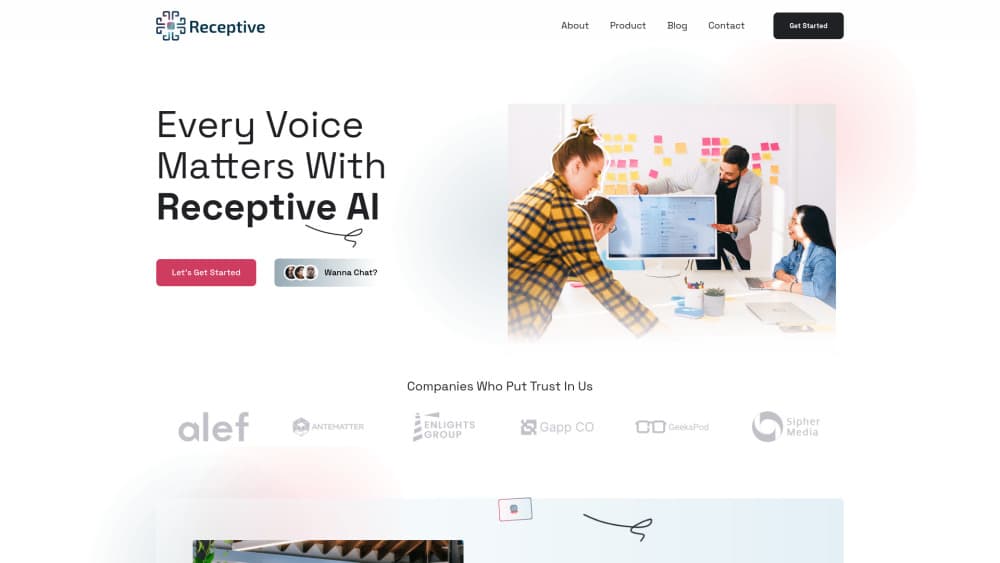
About Receptive AI
What Is Receptive AI
Receptive AI is a feedback system for teams that want honest input without the awkward conversation. An employee types a blunt reaction after a meeting or a rough sprint, and the platform's AI rewrites it into something a colleague can read without getting defensive. The note then lands anonymously in a shared channel where the people involved can respond.
The product targets a real gap. Most employee engagement software runs on a twice-a-year survey with pre-written questions. This workplace feedback tool works in the moment, when a complaint is still specific enough to fix. The company pitches psychological safety as the core benefit, and the pitch is easy to follow: people stay quiet because speaking up costs them something, so remove the cost.
The limits matter too. The whole model depends on employees believing the anonymity promise, and no vendor can prove that from the outside. The analytics also reach down to individual level, which is useful for a manager and unnerving for a team. Treat both as adoption questions, not footnotes.
Getting Started
- Create an account with a work email, or book a demo if you're evaluating it for a whole department.
- Set up your workspace and invite teammates, then decide which channels collect feedback and who can read them.
- Submit a first piece of feedback after a meeting, review how the AI rewrote your wording, and post it anonymously.
- Open the analytics view after a week or two, look for clusters rather than single comments, and pick one issue to act on.
Product Information
A quick look at Receptive AI's pricing, supported platforms, and performance.
Best for
The users, tasks, and scenarios where this tool fits best.
Users
- People managers who hear about problems too late
- HR and people ops teams
- Remote and hybrid teams
Tasks
- Debriefing a tense meeting
- Surfacing a process complaint
- Tracking whether an earlier fix worked
- Coaching a manager who gets defensive
Scenarios
- A small company where the founder is the bottleneck
- A team spread across three time zones
- A department recovering from a reorg
Key features
Anonymous Feedback With a Rewrite Pass
An employee writes the unfiltered version, and the AI turns it into a constructive note before it posts. The rewrite keeps the substance, so the complaint about a 47 step approval chain still reads as a complaint about a 47 step approval chain. What changes is the tone, which is usually the part that stops a conversation from happening.
Tone Adjustment Before Anything Goes Out
The platform treats tone as a separate step rather than a filter applied at the end. Writers can see the polished version, and in the enterprise setup they confirm that the paraphrase still matches their intent. That confirmation step is the difference between a feedback tool and a game of telephone.
Meeting Feedback That Closes the Loop
After a meeting, attendees post quick reactions that get refined and published anonymously to the group. The team sees the pattern while everyone still remembers the conversation. It's a faster cycle than an annual survey, and far less formal than a retrospective.
Sentiment Analytics by Team and Individual
The dashboard tracks how sentiment moves over time and lets you slice it by team, by manager, or across the whole company. Trends are the useful part. A single angry note tells you someone had a bad Tuesday, while a line that keeps sliding tells you where to spend your next month.
Reece, the AI Coach
Reece is the assistant that sits on the employee side, helping people work through feedback and practice a response before they deliver it. It also handles the softer development work, like building confidence ahead of a difficult conversation. Think of it as rehearsal space rather than a manager replacement.
HR Task Automation
Beyond feedback, Receptive takes on repetitive HR chores such as answering policy questions and running routine workflows. The value here is boring in a good way: fewer tickets about the holiday schedule, more time for the problems that need a human.
Pros and cons
Pros
- Honest input with no name attached, which is the only way some people will ever say it
- The tone rewrite happens before publication, so raw frustration never reaches a colleague unedited
- Meeting feedback runs on the same day, when the details are still usable
- Sentiment trends by team give managers a concrete number to take into a planning meeting
- Browser access plus an Android app covers desk workers and frontline staff in one tool
Cons
- Anonymity is a promise employees have to take on faith, since nothing public proves how identities are stripped
- Individual-level analytics can read as surveillance, and that fear kills adoption fast
- Pricing isn't listed on the site, so you can't budget without a sales call
- No public API means the data stays inside Receptive instead of flowing into an existing HR stack
Frequently asked questions
It collects anonymous employee feedback and turns it into readable, actionable notes. Teams use it after meetings, during tense projects, and as a continuous replacement for the annual engagement survey.
Related content
Explore related tools, skills, and articles for Receptive AI.
Receptive AI Alternatives

Base Code
Base44 (Wix) · Coding · ProductivityBase Code is a shared cloud development environment from Base44. Teammates describe changes to an existing GitHub codebase in chat, preview them live and send them back as pull requests.

Knocket
Knocket (Tencent RTC team) · Productivity · Business · ChatbotKnocket is a free live chat and contact page tool that lets visitors message you from your website, app, or a shareable link, with every reply handled from Telegram or one inbox.

FloorGen
Vinit Kumar (FloorGen) · Productivity · China AIFloorGen is a browser-based floor plan maker that turns a sentence or a sketch into an editable 2D plan and a 3D walkthrough. Export to PDF, DXF or video, and draw without an account.