

Record
Record, Tel Aviv, Israel · Productivity · Marketing
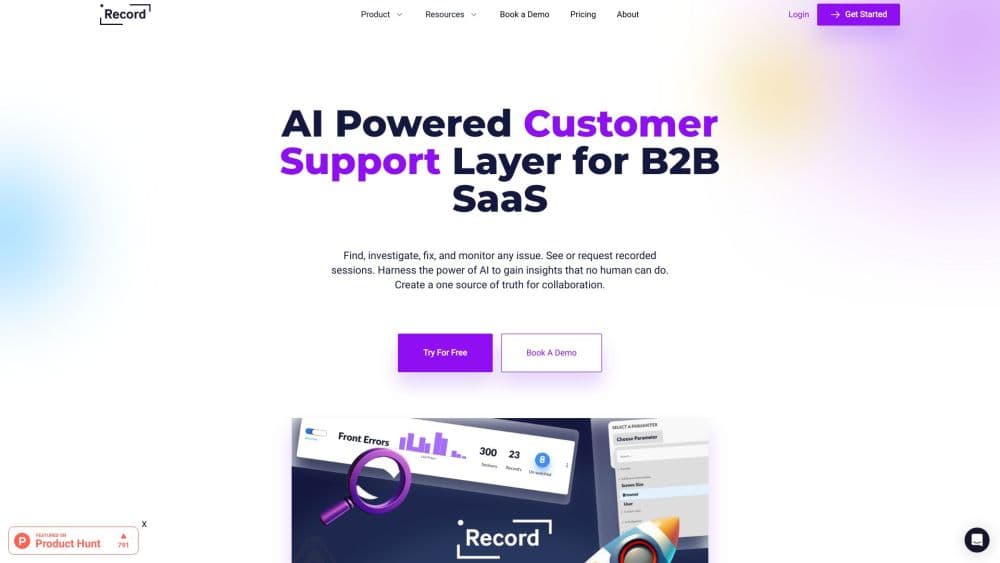
Record is an AI customer support layer for B2B SaaS that captures user sessions with logs and screen recordings, then turns each problem into one shared investigation.
About Record
What Is Record
Record is a customer support layer built for B2B SaaS companies. Its job is to stop the guessing that happens when a user writes "it doesn't work" and nobody on the support team can see what actually happened. The recorder runs inside your product, follows the user's clicks, and saves the session together with the technical trail behind it, so the person answering the ticket starts from evidence.
The company behind it runs from Tel Aviv and first showed the product on Product Hunt in July 2022. Record 3.0 arrived in July 2023 and added the AI investigation layer on top of the recordings. That addition changed the pitch: instead of handing engineering a video and a paragraph, support hands over a short write-up of what broke, where it broke, and which requests or errors line up with the failure.
The narrow focus is both the appeal and the limit. Record is not a helpdesk and doesn't try to be your inbox, your knowledge base, or your live chat widget. It plugs into those tools and makes the tickets inside them readable. If you run a small consumer app with a two-person support team, the setup work won't pay for itself. If you sell software to businesses and your tickets routinely bounce between support and engineering, that's the case it was built for.
Getting Started
- Book a demo through the website. There's no self-serve signup, and pricing comes as a quote after the call.
- Install the recorder in your web app, either through the provided snippet or the SDK your stack needs, and decide which user attributes travel with each session.
- Connect the tools your team already uses, such as your helpdesk, your log provider, and your issue tracker, so a Record investigation lands where work already happens.
- Ask a teammate to reproduce a known problem while the recorder runs, then check that the session, network requests, and console output all show up in the dashboard.
- Roll it out to a small group of users or one customer account, review the first batch of investigations with support and engineering together, and adjust what gets captured before you go wider.
Product Information
A quick look at Record's pricing, supported platforms, and performance.
Best for
The users, tasks, and scenarios where this tool fits best.
Users
- Support leads at B2B SaaS companies
- Product managers sorting through user feedback
- Frontend and QA engineers
Tasks
- Turning a vague support ticket into a report engineering can act on
- Chasing bugs that only appear after a specific sequence of clicks
- Reviewing a confusing onboarding flow
- Checking whether a fix actually landed
Scenarios
- A customer says the export button does nothing
- Your weekly support and engineering triage meeting
- The week after a release
Key features
Session Recordings With the Technical Trail Attached
Record captures what the user did in the browser and keeps the context that usually goes missing: console output, network requests, browser and operating system details, and the page path. Support watches the problem happen rather than reconstructing it from a description. For visual bug reporting, that means one link replaces a screenshot, a screen share, and three follow-up questions.
AI Root Cause Analysis
The AI layer reads the captured session and points at the likely cause, naming the request, the error, or the UI step that started the failure. It also drafts a plain-language explanation you can paste into a ticket. The output is a starting point, not a verdict, and someone on the team still has to confirm it against the code. Used that way, it saves the first twenty minutes of every hard ticket.
Live Investigations Shared Across Teams
Each problem becomes an investigation that support, product, and engineering can open at the same time. Comments, status, and the underlying session sit in one place, which is the "one source of truth" the company keeps talking about. Handoffs stop depending on who remembers the Slack thread, and a closed investigation keeps its evidence for the next time the same bug shows up.
Proactive Issue Detection
Record watches incoming sessions for patterns instead of waiting for tickets. When several users hit the same error or abandon the same step, the dashboard flags it as a cluster. Support can reach out before the customer writes in, and product gets a signal that doesn't depend on anyone filling out a form.
Sentiment and Session Context
Sessions carry signals about how the user was doing, from repeated clicks on the same control to a session that ends right after an error. Record surfaces those signals next to the recording, so a frustrated session is easy to spot without reading the whole transcript. It's a rough read on mood, not a replacement for talking to customers.
Integrations With Support and Log Systems
Record connects to the helpdesk, log, and issue tracking tools a B2B team already runs, so an investigation can be created from a ticket and pushed back into it. The company lists integrations with popular support and log systems rather than promising a connector for everything. Teams with a homegrown stack should check the specific tool on the demo call before assuming it's covered.
Pros and cons
Pros
- The recorder puts a session, its logs, and the user's own description in one place, which is the fastest route from a vague support ticket to a reproducible bug.
- The AI summary gives support agents language they can forward without translating technical output themselves.
- Investigations work as a shared workspace, so support and engineering argue over evidence instead of memory.
- Proactive detection catches clusters of the same failure before the queue fills, which matters most right after a release.
- The product stays out of the helpdesk's way, so you don't have to migrate your inbox to get the benefit.
Cons
- Pricing isn't published. You have to book a demo and wait for a quote, which makes budgeting and comparison slow.
- There's no self-serve free plan, so a small team can't test it on a real workload without talking to sales first.
- The recorder has to be installed in your web app, which puts the setup on whichever engineer owns the frontend, and native mobile apps aren't the focus.
- The AI root cause analysis is a suggestion. On unusual stacks it can point at the wrong request, and someone still needs to verify the finding.
Frequently asked questions
Record records a user's session inside your web app, attaches the console logs, network requests, and device details, and turns the whole thing into an investigation your support and engineering teams can share. The AI layer adds a written summary and a likely root cause.
Related content
Explore related tools, skills, and articles for Record.
Record Alternatives

Base Code
Base44 (Wix) · Coding · ProductivityBase Code is a shared cloud development environment from Base44. Teammates describe changes to an existing GitHub codebase in chat, preview them live and send them back as pull requests.

Knocket
Knocket (Tencent RTC team) · Productivity · Business · ChatbotKnocket is a free live chat and contact page tool that lets visitors message you from your website, app, or a shareable link, with every reply handled from Telegram or one inbox.

FloorGen
Vinit Kumar (FloorGen) · Productivity · China AIFloorGen is a browser-based floor plan maker that turns a sentence or a sketch into an editable 2D plan and a 3D walkthrough. Export to PDF, DXF or video, and draw without an account.