

Redactable
Redactable · Productivity
Redactable is AI redaction software that finds PII, PHI, and financial data in PDFs and scanned documents, then removes it for good.
About Redactable
What Is Redactable
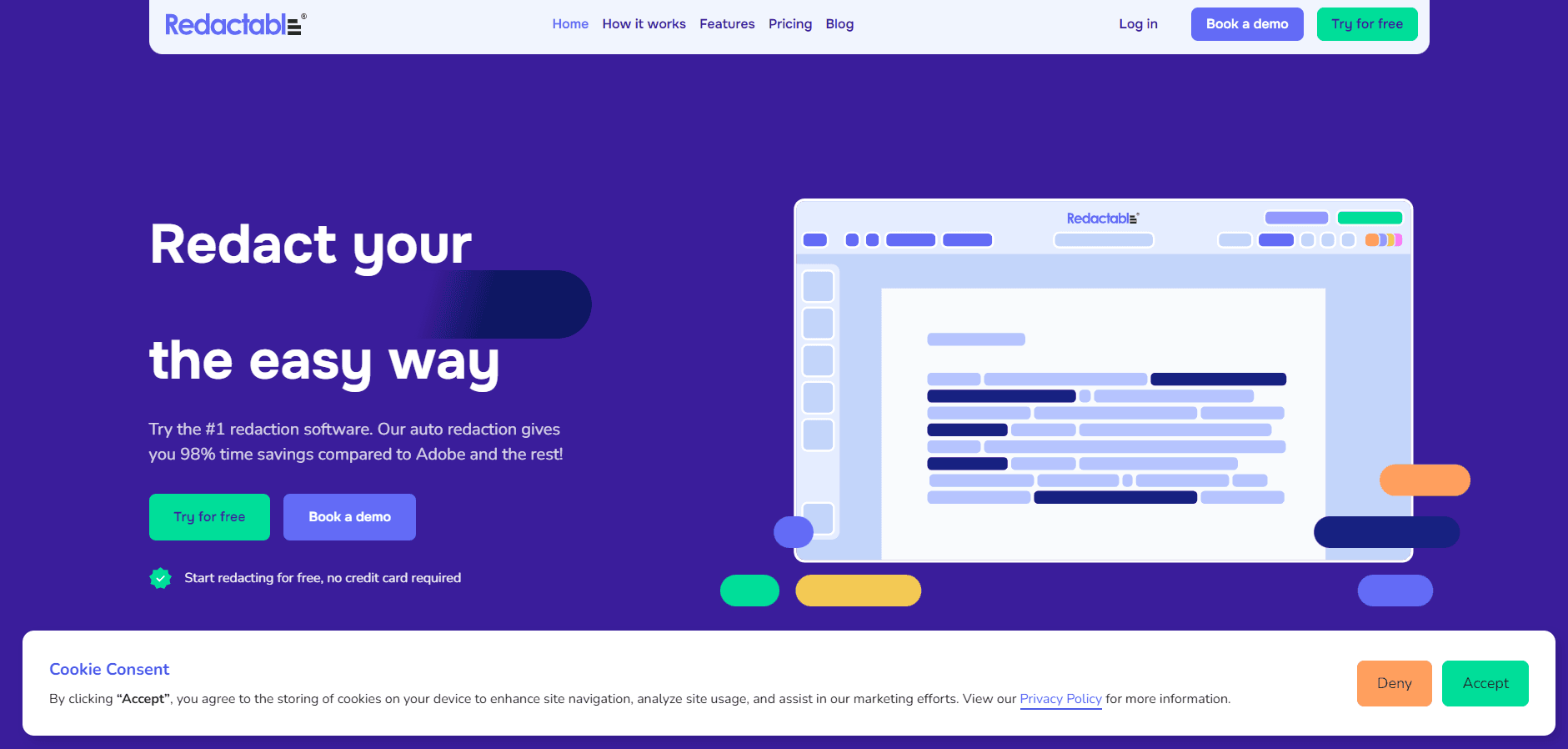
Redactable is a document redaction tool that takes the manual work out of redacting a document. You upload a PDF or a scan, the AI scans it for names, Social Security numbers, credit card digits, and other sensitive data, and it suggests the redactions for you to approve. Approved marks are baked into the file instead of drawn on top, so the text underneath is gone, not just covered.
The problem it solves is old and stubborn. People used to black out a contract with a marker or a black box in a PDF editor, then email the file around. Both leave the data recoverable, and neither leaves a record of who changed what. Redactable treats redaction as a file-level operation, strips embedded metadata along with the visible text, and logs every action for compliance. The company says the workflow cuts redaction time by up to 98%, and its customers report saving dozens of hours on thousand-page jobs. Both figures come from the vendor and its customers, so treat them as marketing claims.
The catch is that it's built for teams with a real redaction load. A freelancer who redacts a form twice a year is on the free tier or the entry plan, and the per-document limits matter more than the feature list. It's also cloud-only. There's no desktop app, so every file leaves your machine for processing, which is a decision regulated teams have to weigh on their own.
Getting Started
- Create an account, or start on the free tier to redact up to three documents without paying.
- Upload a PDF, TIFF, PNG, or JPG, or import straight from Google Drive, Dropbox, OneDrive, SharePoint, or Box.
- Let the AI detect sensitive data, then review the suggestions and adjust them. You can also add manual redactions.
- Export the final file, complete with a redaction certificate and audit log if you need one.
Product Information
A quick look at Redactable's pricing, supported platforms, and performance.
Best for
The users, tasks, and scenarios where this tool fits best.
Users
- Law firms and paralegals
- Government and police records teams
- Healthcare and compliance staff
- Insurance and finance teams
- Small legal and consulting practices
Tasks
- Redacting PII and PHI from PDFs
- Cleaning scanned documents
- Bulk redaction for records releases
- Removing hidden metadata
- Producing an audit trail
- Building a privilege log
Scenarios
- A records request that arrives with a deadline
- A medical-records production for litigation
- A contract that needs specific clauses hidden before it goes to a counterparty
- Ongoing monthly reporting
Key features
AI-Powered PII Detection
The core engine reads a document and flags sensitive data, including names, Social Security numbers, credit cards, and financial details. It runs across text PDFs and scanned images, so a mix of digital and paper-origin files works in one pass. Detection is a suggestion, not a final call, which means you stay in control of what actually gets removed.
Permanent Redaction, Not Black Boxes
Redacted areas are removed from the file itself rather than covered with a rectangle. The tool also strips embedded metadata, hidden layers, and residual data that often survive a manual redaction. That's the difference between a document that looks redacted and one that can't be reversed.
Advanced OCR for Scans
Redactable preprocesses a scan before reading it, correcting rotation, noise, and contrast, then converts it to searchable text. Most OCR tools skip that step, which is why text in a bad photocopy causes missed redactions. Here the improved recognition feeds straight into detection.
Redaction Certificates and Audit Logs
Every action is logged, and you can generate a certificate documenting the redaction. The certificates are SOC 2 Type II-certified and built to support HIPAA compliance. For legal and government work, that record is often the point of using software instead of a marker.
Team Collaboration and Access Control
Shared workspaces let several people work the same document at once, with task assignments, comments, and role-based access control. An activity log tracks each change, and versions are kept so nothing is lost in review. The enterprise tier adds single sign-on and priority support.
Cloud Integrations
You can import and export from Google Drive, Dropbox, OneDrive, SharePoint, and Box, and Clio is listed for legal workflows. Bulk import brings in a whole set of documents instead of one at a time. The files stay in the cloud, which is convenient and also the reason some teams think twice.
Document Controls
Beyond redaction, the app handles Bates numbering, custom color coding, bulk find and replace, and reusable redaction templates. Bates numbering runs inside the same workflow, so a production-ready file needs no second tool. That keeps a legal production in one place from upload to export.
Pros and cons
Pros
- AI detection runs on both text and scanned files, so a mixed batch doesn't need separate tools.
- Redactions are permanent and metadata is stripped, which addresses the most common way redacted files leak.
- Audit logs and certificates come standard, which matters for court and for compliance review.
- Cloud integrations with Google Drive, Dropbox, OneDrive, SharePoint, and Box cut out manual uploads.
- SOC 2 Type II certification and HIPAA support cover the industries most likely to need redaction.
Cons
- There's no desktop app, so every document leaves your machine for cloud processing, which some regulated teams won't accept.
- Pricing is per document, not per page, so a small number of huge files can cost less than a large number of small ones, and heavy users hit limits fast.
- The published plan details, like exact credit counts, are thin on the site, so you may need a demo call to get a straight answer.
- The free tier caps you at three documents, which is enough to test the workflow but not to judge accuracy at scale.
Frequently asked questions
It's software that finds sensitive data in a document and removes it permanently. You upload a PDF or a scan, the AI suggests redactions, you approve or adjust them, and the file comes back with the data gone rather than covered.
Related content
Explore related tools, skills, and articles for Redactable.
Redactable Alternatives

Base Code
Base44 (Wix) · Coding · ProductivityBase Code is a shared cloud development environment from Base44. Teammates describe changes to an existing GitHub codebase in chat, preview them live and send them back as pull requests.

Knocket
Knocket (Tencent RTC team) · Productivity · Business · ChatbotKnocket is a free live chat and contact page tool that lets visitors message you from your website, app, or a shareable link, with every reply handled from Telegram or one inbox.

FloorGen
Vinit Kumar (FloorGen) · Productivity · China AIFloorGen is a browser-based floor plan maker that turns a sentence or a sketch into an editable 2D plan and a 3D walkthrough. Export to PDF, DXF or video, and draw without an account.