

Relay.app
Relay.app · Productivity
Relay.app is an AI workflow automation platform that chains together AI agents, human approval steps, and a 100+ app integration library into one builder. Teams use it to automate repetitive work like drafting replies, triaging leads, or filing documents while keeping a person in the loop for the calls that actually matter. The idea is simple: automate the boring 90% and let your team sign off on the risky 10%. It works as a lightweight AI automation tool for teams that don't have engineers on hand.
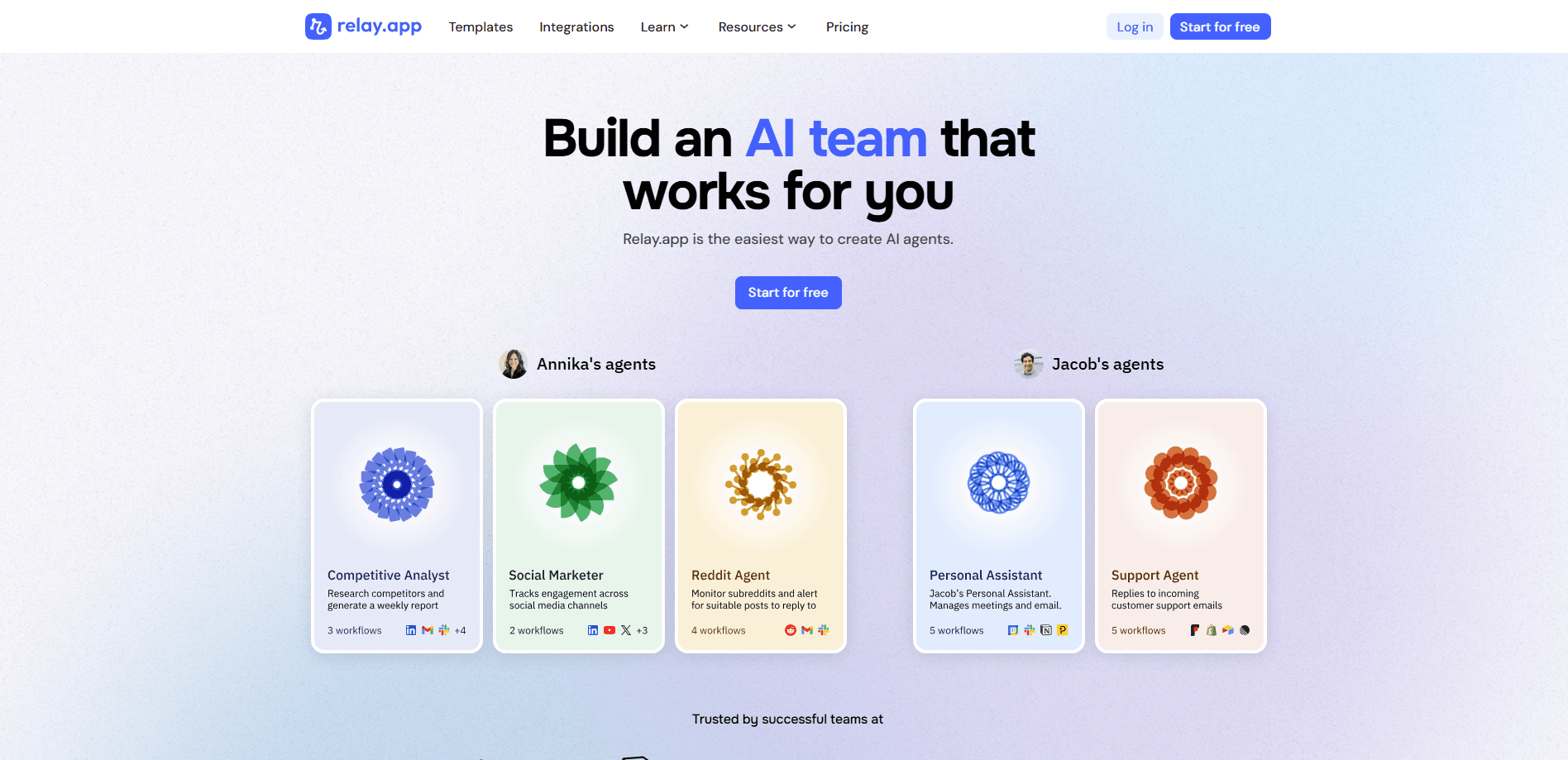
About Relay.app
What Is Relay.app
Relay.app sits between a no-code automation builder and a full AI agent platform. You drag triggers and steps onto a canvas, then drop in AI steps that read, write, or summarize content, and human steps that pause the workflow until someone approves, edits, or answers a question. It speaks to more than 100 apps, so a single workflow can pull a form submission, draft a reply with AI, route it to a manager for approval, then post the final answer back to your inbox.
The platform targets teams that want automation but can't hand over every decision to a machine. A support lead still checks refund messages before they go out. A sales rep still approves a personalized pitch before it lands in a prospect's inbox. Relay.app keeps those checkpoints inside the workflow instead of bolting them on afterward.\n\nThat's the whole pitch. Automation with a brake pedal.
The biggest limitation is that it's gone. Relay.app shut down in September 2026, and the company deleted all accounts, workflows, and run history. If you're reading this to decide whether to sign up, the answer is you can't, and anything you'd have stored there is already gone.
Getting Started
- Create an account and pick a template or start a blank workflow on the canvas.
- Choose a trigger, such as a new email, a form response, or a scheduled time.
- Add app steps and AI steps to handle the work, like drafting text or pulling data.
- Insert a human step where someone needs to review or approve the result.
- Turn the workflow on, then watch each run and adjust the steps as your process changes.
Product Information
A quick look at Relay.app's pricing, supported platforms, and performance.
Best for
The users, tasks, and scenarios where this tool fits best.
Users
- Operations teams
- Customer support leads
- Small sales teams
Tasks
- Drafting and routing email replies
- Lead triage and enrichment
- Document handling
Scenarios
- Handling the same form or inbox queue every morning
- Early-stage process testing
- Handing a task to someone else
Key features
AI agents inside the workflow
Relay.app lets you drop AI steps anywhere in a workflow, not just at the start. An agent can read an incoming message, draft a response, and pass it along, or classify and summarize data mid-flow. You write the instructions in plain language. No model wiring needed.
Human in the loop steps
The human step is the feature that sets Relay.app apart. When a workflow hits one, it pauses and waits for someone to approve, edit, or answer a question before moving on. A person, not a model, makes the final call. That means you can automate a task end to end and still keep a person on the decisions that carry real risk.
A 100+ app integration library
Relay.app connects to more than 100 apps, so a workflow can move data between your inbox, CRM, spreadsheets, and project tools without copy-pasting. These app integrations cover most office workflows out of the box. Niche or custom internal tools may still need the API.
Visual, no-code builder
You build workflows on a drag-and-drop canvas, arranging triggers, app steps, AI steps, and human steps in the order they run. No code required. Each run is visible, so you can spot where something went wrong.
Run history and observability
Every run is logged. Open a past execution and you can see what each step did, which human approved it, and where it stopped. Handy for anything that needs a paper trail.
Scheduling and triggers
Workflows can start from an event, like a new email or form response, or run on a schedule. That flexibility covers both reactive tasks and daily chores that just need to happen at the same time every day. Need a report every Monday at 8 a.m.? Set it and forget it.
Pros and cons
Pros
- The human in the loop step is built into the workflow, so approvals happen inside the automation instead of as an afterthought.
- AI steps sit next to app steps on one canvas, which keeps drafting, routing, and review in a single place.
- The 100+ app integration library covers most common office tools, cutting down on manual data shuffling.
- Run history makes it easy to see what a workflow did and who signed off, which helps with anything that needs a paper trail.
- The no-code builder is approachable for teams without engineers.
Cons
- Relay.app shut down in September 2026, so you can't sign up and existing data was deleted. Anything you'd have built there is no longer recoverable.
- The shutdown means there's no live support, no roadmap, and no way to run workflows today, so it's a dead option for new projects.
- Custom or niche internal tools often need API work. That raises the skill bar beyond pure drag-and-drop.
Frequently asked questions
Relay.app was an AI workflow automation platform for connecting apps, running AI steps, and pausing for human approval inside a single workflow. Teams used it to automate repetitive tasks like drafting replies and triaging leads while keeping a person on the final call.
Related content
Explore related tools, skills, and articles for Relay.app.
Relay.app Alternatives

Base Code
Base44 (Wix) · Coding · ProductivityBase Code is a shared cloud development environment from Base44. Teammates describe changes to an existing GitHub codebase in chat, preview them live and send them back as pull requests.

Knocket
Knocket (Tencent RTC team) · Productivity · Business · ChatbotKnocket is a free live chat and contact page tool that lets visitors message you from your website, app, or a shareable link, with every reply handled from Telegram or one inbox.

FloorGen
Vinit Kumar (FloorGen) · Productivity · China AIFloorGen is a browser-based floor plan maker that turns a sentence or a sketch into an editable 2D plan and a 3D walkthrough. Export to PDF, DXF or video, and draw without an account.