

Released
Released · Productivity
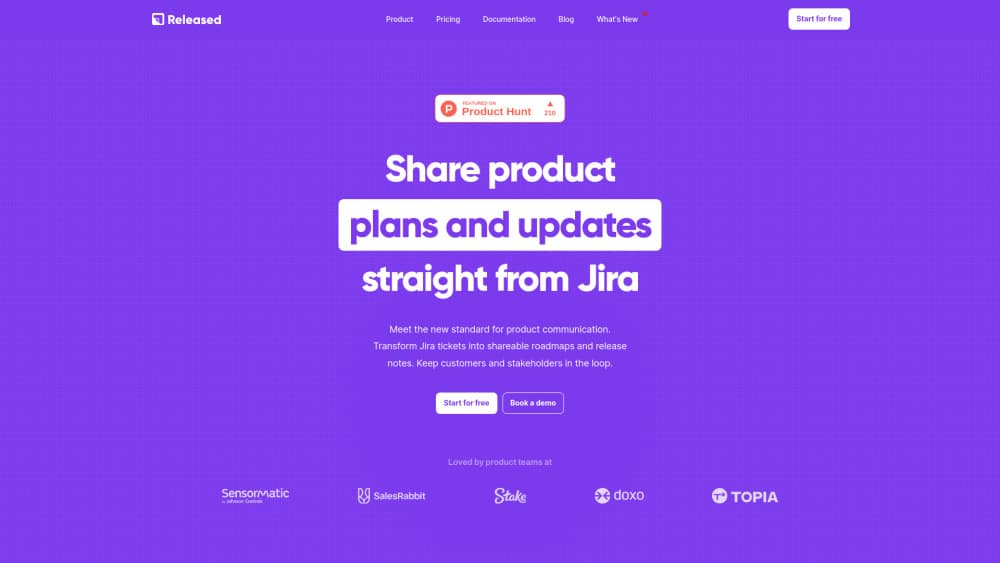
Released is a Jira app that turns completed tickets into AI-drafted release notes and public roadmaps, so product teams can update customers without leaving Jira.
About Released
What Is Released
Released is the company behind Released Hub, an Atlassian Marketplace app that sits inside Jira and handles product communication. It reads the tickets your team already closed and drafts release notes from them, then publishes the result to a branded changelog, a customer roadmap, Confluence, or Slack. A second app, BetterBoard, covers Jira board work. This page focuses on Hub, since that's the part most teams install first.
The problem it solves is duplicated writing. Product work happens in Jira, but the changelog, the roadmap deck, and the feedback spreadsheet live somewhere else, and someone has to retype all of it every sprint. Most changelog software adds another tool to maintain. Released keeps the source in Jira and treats the public pages as views of that same data.
There are real limits. It runs on Atlassian Cloud only, so Jira Data Center teams are out. The AI writes a first draft, not a finished announcement, and every draft still needs a human edit before it goes public. AI usage is metered in tokens per user, and licensing covers every active Jira user on your site, not just the people who publish.
Getting Started
- Install Released Hub from the Atlassian Marketplace as a Jira admin. The free plan starts without a card.
- Pick the Jira project or projects that feed the hub, and decide which issue types count as shipped work.
- Define a release note template and add your logo and colors for the changelog page.
- Generate a draft from a completed sprint or version, then edit the headline features by hand.
- Publish to your changelog domain, Confluence, or Slack, and invite customers to subscribe by email.
Product Information
A quick look at Released's pricing, supported platforms, and performance.
Best for
The users, tasks, and scenarios where this tool fits best.
Users
- Product managers on Jira-based SaaS teams
- Small teams and startups
- Customer success and support leads
Tasks
- Writing release notes after a sprint
- Sharing a roadmap with customers
- Collecting and sorting feature requests
Scenarios
- Monthly or weekly shipping cycles
- B2B sales conversations
- Replacing a separate roadmap subscription
Key features
AI Drafts From Closed Jira Tickets
The release notes generator reads completed issues in a version or sprint and writes a first draft in your format. You keep control of the headline features, so the polished paragraph is yours and the routine items are handled. Every draft lands as editable text, which matters because AI copy about internal refactors rarely reads well to customers.
Release Note Templates
Set the structure and tone once, and each published note follows it. Templates matter more than they sound: they stop one release from reading like a marketing post and the next like a changelog dump. Teams that ship weekly tend to define two, one for major features and one for maintenance.
Branded Changelog Hub
The changelog lives on your own domain with your logo and colors, and it's searchable. Customers can subscribe by email, so updates arrive without anyone posting links in support threads. This is the part that replaces generic changelog software for most teams.
Public Roadmaps With Audience Views
Build a roadmap from Jira epics, then publish different views for customers, executives, and partners. Access can be fully public, password-protected, or invite-only. You review changes before re-publishing, which keeps an internal slip from appearing on the customer page the moment someone edits a date.
Feedback Inbox and Customer Voting
An idea portal lets customers submit requests and upvote what matters. Comments can attach to specific roadmap items, and feedback from the portal, embedded forms, and Slack lands in one inbox. From there you can turn a request into a Jira issue or a Jira Product Discovery insight with the customer context attached.
Jira-Native Security and Administration
The app is built on Atlassian Forge, so there's no separate user base to provision. It's SOC 2 Type 2 certified, supports SAML SSO through Atlassian Access, and encrypts data in transit and at rest. Released says data sent to the AI is never used to train models.
Pros and cons
Pros
- Release notes come from tickets your team already wrote, which removes the most commonly skipped step in a release process.
- The free plan supports 10 users, so a small team can publish a real changelog before paying anything.
- Roadmap, changelog, and feedback share one Jira source, so a date change doesn't need three edits.
- No separate login or user list, since everything runs through Atlassian accounts.
Cons
- Jira Data Center isn't supported, so self-hosted teams can't use it at all.
- Pricing counts every active Jira user, which means a large site pays for people who never open the changelog.
- AI output still needs a human pass, and the token allowance per user can run short on teams that generate notes for many projects.
- Embeddable feedback forms and Slack feedback sit on the Advanced plan, so the cheaper tiers collect less feedback.
Frequently asked questions
Released Hub turns Jira tickets into publishable product communication: AI-drafted release notes, a branded changelog, public roadmaps, and a feedback inbox. It runs inside Jira rather than as a separate platform.
Related content
Explore related tools, skills, and articles for Released.
Released Alternatives

Base Code
Base44 (Wix) · Coding · ProductivityBase Code is a shared cloud development environment from Base44. Teammates describe changes to an existing GitHub codebase in chat, preview them live and send them back as pull requests.

Knocket
Knocket (Tencent RTC team) · Productivity · Business · ChatbotKnocket is a free live chat and contact page tool that lets visitors message you from your website, app, or a shareable link, with every reply handled from Telegram or one inbox.

FloorGen
Vinit Kumar (FloorGen) · Productivity · China AIFloorGen is a browser-based floor plan maker that turns a sentence or a sketch into an editable 2D plan and a 3D walkthrough. Export to PDF, DXF or video, and draw without an account.