

remio
Everdent · Productivity · Leaning
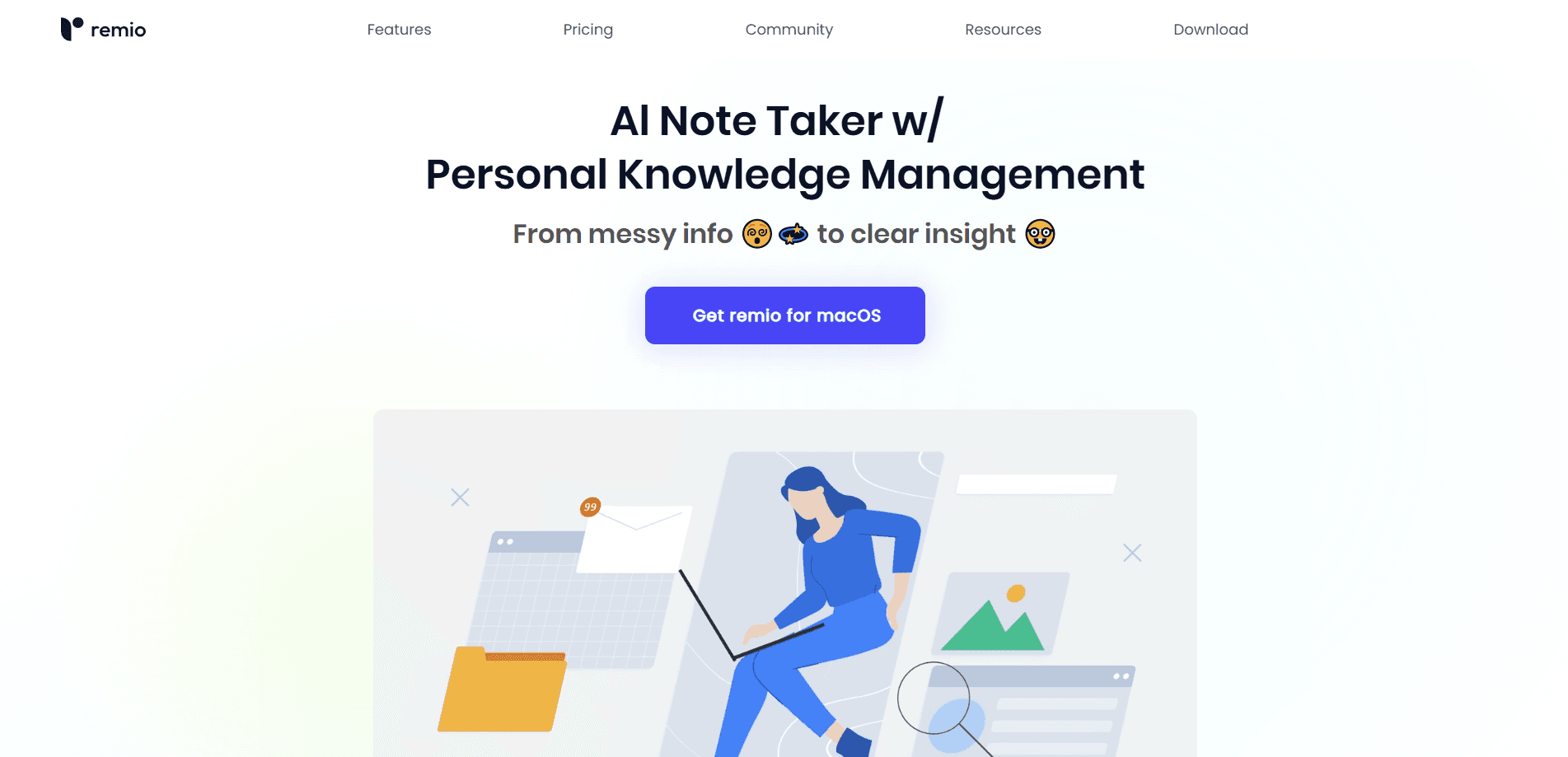
remio is an AI note taker and knowledge agent that pulls files, meetings, emails and web pages into one private workspace, then drafts presentations and research from that context.
About remio
What Is remio
remio is a personal AI agent for knowledge work built by Everdent. It runs as a desktop app on Windows 10+ (x64) and M-chip Macs, with a companion mobile app on iOS and Android. The company describes it as an AI second brain: instead of you copying notes, links and documents into a tool by hand, remio collects that material automatically and keeps it searchable in one place.
The problem it targets is the daily mess of scattered information. Meeting recordings sit in one app, PDFs in a downloads folder, email threads in your inbox, and research tabs never get saved. remio indexes all of it, runs search and transcription on your own device where it can, and turns it into a personal knowledge base you can question across everything at once. From there it can build deliverables, not just answer questions.
Two limits matter before you commit. The AI experience depends on credits, so heavy chat and recording use burns through the monthly allowance. And the mobile app is a companion, not a standalone product, so you need the desktop install to use it.
Getting Started
- Download the desktop app for Windows or Mac and sign in, then install the mobile app if you want capture on the go
- Link your sources, such as Google Drive, Gmail, Microsoft 365 or Slack, so remio indexes them automatically
- Turn on local recording and file parsing to keep meeting audio and documents processed on your device
- Ask remio a question or request a deliverable like a slide deck, and review the sources behind every answer
Product Information
A quick look at remio's pricing, supported platforms, and performance.
Best for
The users, tasks, and scenarios where this tool fits best.
Users
- Knowledge workers drowning in files
- Researchers and analysts
- Product managers and engineers
- Students
Tasks
- Meeting notes and transcription
- Presentation drafting
- Research and synthesis
- Web and file capture
- Spreadsheet work
Scenarios
- Prep before a class or workshop
- Consultant research runs
- Sprint planning
- Working across apps all day
- Privacy-sensitive work
Key features
Local Recording and Transcription
remio records online meetings without sending a bot into the call, and it can import existing audio, video or podcast links. Recording, search and transcription run on your device, so the raw material stays local. You can then ask questions across multiple meetings at once instead of replaying each one.
AI Presentation Builder
The presentation feature produces native PowerPoint decks rather than images of slides, so you can edit charts, SmartArt, shapes and animations after remio drafts them. It works with your existing templates and brand styles, which means the first draft fits your house look without a rebuild.
Context from Everywhere You Work
remio continuously collects information across files, emails, meetings and the web without any copy and paste. It handles 30+ file formats including documents, PDFs, spreadsheets, presentations, images, audio and video, and it keeps different sources connected and current. The result is one knowledge layer you can search from a single place.
Grounded Answers with Sources
Every answer links back to the original sources behind it, so you can check the evidence before you use it. Combined with 30+ AI models and support for your own API key, this makes the output easier to trust for research and client work than a chat assistant with no trail.
Agent Booster and Connectors
remio preprocesses and organizes your files, then hands ready-to-use context to general-purpose agents. According to the company, this lets those agents use 50% fewer tokens and return results twice as fast. It connects to 40+ tools such as Google Drive, Gmail, Microsoft 365, Slack and GitHub.
Local Data Control and BYOK
You keep control of your data and your choice of model. remio supports cloud models, bringing your own API key, or connecting a local model, and the paid tiers add enterprise privacy and a base URL connection. This matters if your work involves material you cannot send to a shared endpoint.
Pros and cons
Pros
- Automatic capture means you stop copying links, notes and files by hand, which saves real time on research-heavy work
- Recording and transcription run locally, so meeting audio and sensitive documents do not have to leave your device
- Presentation output is editable PowerPoint, not a flat image, so it fits into an existing review workflow
- Answers cite their sources, which makes the material usable for client and academic work
- Free tier lets you test webpage capture, local file parsing and basic search before paying
Cons
- AI features run on a monthly credit allowance, so 10,000 credits on Pro translates to roughly 300 chats and about 1,000 hours of recording overview, and heavy users can hit the ceiling
- The mobile app needs the desktop app to work, so it is not a standalone phone tool
- Paid plans start at $13.9/mo on the current annual discount, and full agent usage sits on the $42/mo Plus tier and above
- API availability is not documented publicly, so developers cannot yet plan an integration from the official site
Frequently asked questions
remio is used for capturing and reusing knowledge at work. It collects your files, meetings, emails and web research into one private workspace, and then you ask it questions or have it produce deliverables from that material.
Related content
Explore related tools, skills, and articles for remio.
remio Alternatives

Base Code
Base44 (Wix) · Coding · ProductivityBase Code is a shared cloud development environment from Base44. Teammates describe changes to an existing GitHub codebase in chat, preview them live and send them back as pull requests.

Knocket
Knocket (Tencent RTC team) · Productivity · Business · ChatbotKnocket is a free live chat and contact page tool that lets visitors message you from your website, app, or a shareable link, with every reply handled from Telegram or one inbox.

FloorGen
Vinit Kumar (FloorGen) · Productivity · China AIFloorGen is a browser-based floor plan maker that turns a sentence or a sketch into an editable 2D plan and a 3D walkthrough. Export to PDF, DXF or video, and draw without an account.