

Remove Image Background
remove.bg (Kaleido AI, part of Canva) · Image
Remove Image Background is a free AI background remover that cuts subjects out of photos in seconds, built for sellers, designers, and anyone making clean cutout images.
About Remove Image Background
What Is Remove Image Background
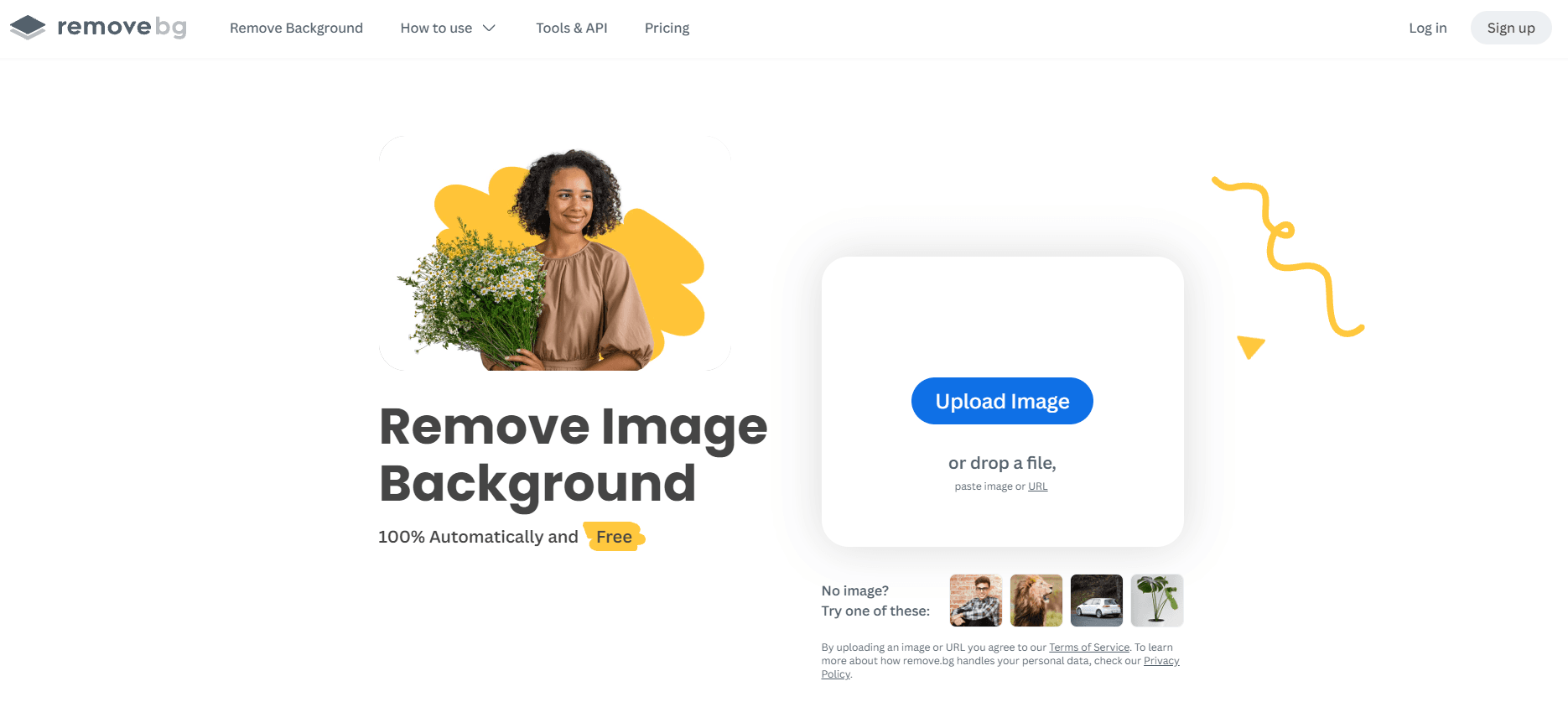
Remove Image Background is the online tool from remove.bg, a service that strips the background from a photo without any manual masking. You upload an image, the AI finds the subject, and it hands back a cutout with a transparent or solid background. The whole thing runs in a browser, so there's nothing to install.
It solves a boring, repetitive problem. Cutting a person or product out of a photo used to mean minutes of careful lasso work in Photoshop. Here it takes one click. For a tough product photo background, per the official help docs, the results are strongest when the foreground and background have clear contrast and the subject is sharp. Blurry subjects still trip it up. Cluttered scenes with sharp detail everywhere do too.
The main limits are worth knowing up front. Wispy hair and mesh edges sometimes need the Magic Brush touch-up. Free web users get standard resolution. Full-resolution downloads and bulk automation sit behind paid plans. And per remove.bg, background removal is moving to Leonardo.Ai (also part of Canva) starting December 1, 2026, so integration plans should account for that.
Getting Started
- Go to remove.bg and drop in a photo, or paste an image URL.
- Let the AI process the image, which usually finishes in about five seconds.
- Review the cutout and fix rough edges with the Magic Brush if needed.
- Pick a background: transparent, a solid color like white, or a preset scene.
- Download the result, or grab an API key from the dashboard to run removals in bulk.
Product Information
A quick look at Remove Image Background's pricing, supported platforms, and performance.
Best for
The users, tasks, and scenarios where this tool fits best.
Users
- Online sellers
- Graphic designers
- Marketing teams
- Photographers
Tasks
- Removing backgrounds from product photos
- Creating transparent PNGs
- Making white-background headshots
- Automating background removal via API
Scenarios
- Prepping a marketplace listing the night before a sale
- Building a car dealership inventory page
- Assembling slides or pitch decks
- Repurposing one photo across several campaigns
Key features
One-Click Automatic Removal
The core trick is that you do almost nothing. Upload a photo and the AI separates foreground from background on its own. No brush. No pen. No selection tool. Per remove.bg, most images finish in around five seconds, and that speed is the whole point of the tool.
AI Trained for People, Products, and Cars
The model handles common subject types rather than just portraits, recognizing people, animals, products, and cars, each with its own guidance for best results. Whole products should be visible and in focus, while car shots work best at eye level with only one vehicle in frame. Knowing these quirks before you upload saves you a wasted attempt and a second pass.
Backgrounds and Output Formats
You're not stuck with just a transparent cutout. You can drop in a solid color like white for listings, or pick a preset scene. Outputs come as PNG, JPG, WebP, or ZIP. Resolving power goes up to 50 megapixels, and PNG caps at 10. If you need transparency at high resolution, WebP or ZIP is the way to go. This flexibility is why the same cutout works for a product photo background and a slide deck.
Magic Brush Fine-Tuning
Automatic tools miss edges now and then, and Magic Brush is the fix. It lets you paint in or erase stray areas the AI got wrong, like a strand of hair or a patch of background it kept. It's a small addition, but it turns a good-enough cutout into a usable one.
Background Removal API
For developers, there's a simple HTTP interface that accepts direct uploads or image URLs. The first 50 API calls each month are free, then paid plans kick in. You can request output as an image file or JSON, which suits pipelines that feed a storefront or design tool. Note the planned move to Leonardo.Ai in December 2026.
Integrations and Batch Workflows
Beyond the website, remove.bg connects to plugins and automation tools so you can process images in bulk, which matters a lot for teams handling large catalogs where clicking through one photo at a time simply stops making sense. The API and integrations are what turn a single-click tool into a dependable part of a daily production workflow.
Pros and cons
Pros
- Works in the browser with no signup required for a basic removal.
- Cuts out people, products, animals, and cars with no manual masking.
- Offers transparent, solid-color, and preset backgrounds in one place.
- Supports high-resolution output, up to 50 megapixels for JPG, WebP, and ZIP.
- API and plugins make bulk processing realistic for bigger catalogs.
Cons
- Free web output is standard resolution, so print or large-format work needs a paid plan.
- Wispy hair, mesh, and cluttered scenes often need Magic Brush cleanup.
- The planned migration to Leonardo.Ai in December 2026 adds uncertainty for long-term API users.
Frequently asked questions
Yes. You can remove a background from a photo on the website at no cost. The API also gives you the first 50 calls each month free. Full-resolution downloads and higher volumes require a paid plan.
Related content
Explore related tools, skills, and articles for Remove Image Background.
Remove Image Background Alternatives

Google EmbeddingGemma 2
Google DeepMind · Writing · Image · CodingGoogle EmbeddingGemma 2 is a 740M-parameter open model that turns text, code, images, audio, and video frames into vectors in one 768-dimension space, running on phones and laptops.

Tractionwave
TractionWave · Image · MarketingTractionWave is an AI attention heatmap tool for static ads. Upload a PNG or JPG and it returns predicted attention, ranked hotspots, and fixes before you spend budget.

Imejis.io
Imejis.io · Image · MarketingImejis.io is an AI design studio for agents and marketing teams. Describe an image in plain words, and it writes the copy, builds the layout, reflows it to every size, then exports a finished file.