

Renamify
Renamify · Productivity
Renamify is a web app that uses AI to rename photos, documents, and media files in bulk, turning names like IMG_0421 into descriptive labels you can actually search.
About Renamify
What Is Renamify
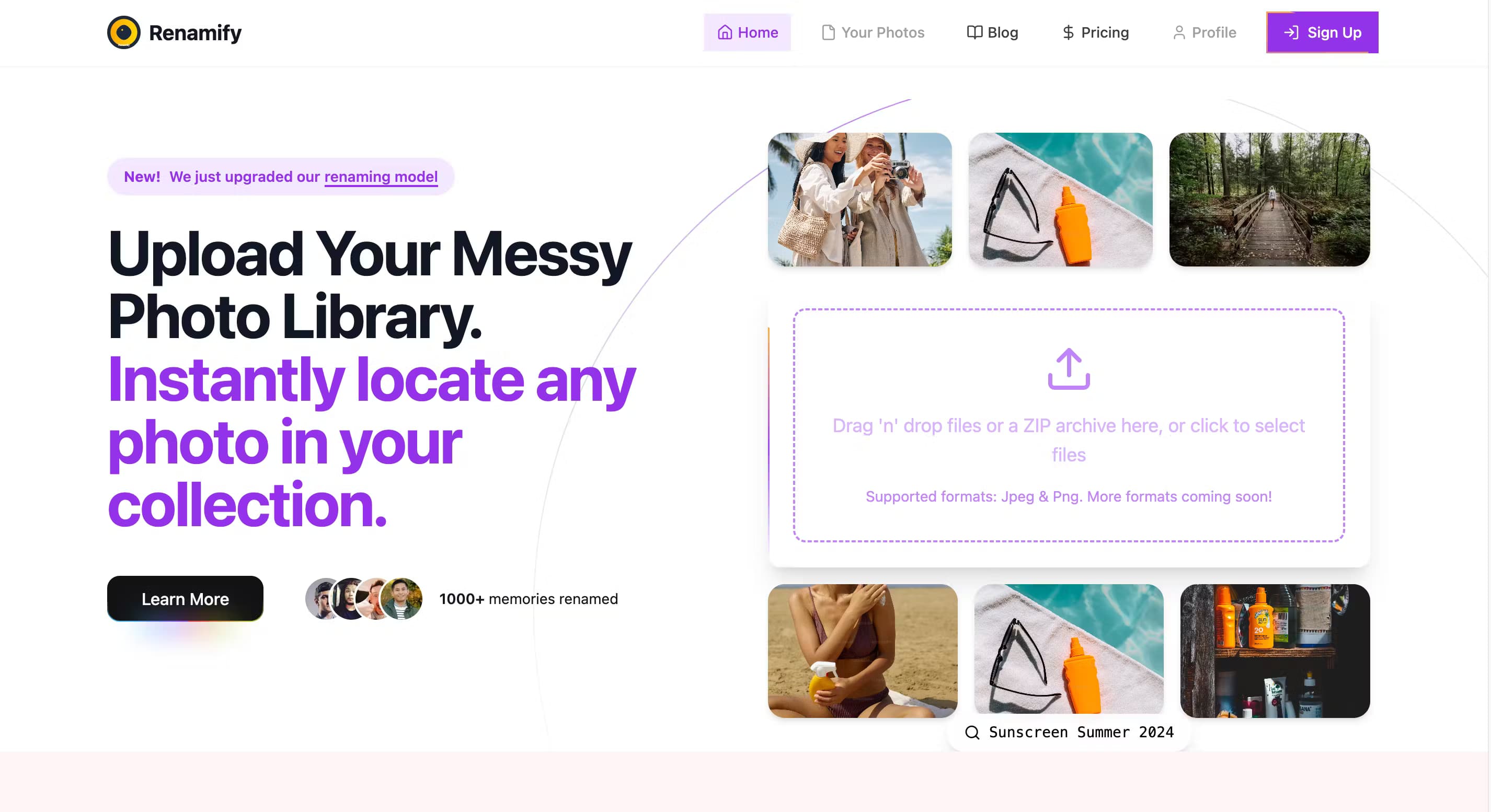
Renamify is a browser-based AI file renamer built by a small independent team. Instead of asking you to write a regex or a numbering rule, it looks at what's inside each file and proposes a name that describes it. Drop in a folder of 300 vacation photos and you get names that mention the subject, the date, or the event rather than a string of camera numbers.
The problem it targets is a common one. Most people give up on renaming files because it's slow, and then search becomes useless because everything is called DSC_0001. Renamify swaps that manual grind for an AI pass, then lets you review the suggestions before anything gets written back.
The limit worth knowing up front: it works through a web browser and your files have to travel to the service for processing. That's different from desktop renamers that run entirely on your machine. If you handle sensitive material and can't send it anywhere, that trade-off matters more than the naming quality does. It also skews heavily toward photos and images, and it takes PDFs, Office documents, and audio or video files as well.
Getting Started
- Open renamify.co in a browser and drag files or folders onto the page, or click to pick them. No install needed.
- Start free to rename up to 100 files a month, no credit card required.
- Let the AI read each file and generate a suggested name based on content, metadata, and context.
- Review the suggestions in the list, adjust your naming pattern if you want, then apply the renames and move files into folders.
Product Information
A quick look at Renamify's pricing, supported platforms, and performance.
Best for
The users, tasks, and scenarios where this tool fits best.
Users
- Photographers with years of unlabeled shoots
- Families managing phone and cloud photo backups
- Visually impaired users and accessibility teams
- Content managers and marketers working with large media sets
Tasks
- Renaming a batch of photos
- Standardizing document names
- Sorting files into folders
- Making image libraries screen-reader friendly
Scenarios
- Cleaning up a backed-up photo library after a phone upgrade
- Preparing client media for a project handoff
- Organizing research or archive files by content
- Building accessible content for a website or course
Key features
AI-Powered Renaming
The core of the product reads the content, metadata, and context of each file and proposes a meaningful name. It picks up on patterns, dates, and subjects, so a photo of a beach sunset becomes a name that says so. Renamify reports 99% naming accuracy, but that figure comes from the company itself and your results will depend on how clear the file content is.
Batch Processing
Renamify handles hundreds of files in a single pass with a consistent naming pattern, which is where most of the time savings come from. You set the pattern once and it applies across the whole batch, so a folder stays internally consistent rather than drifting between naming styles.
Smart Organization
Beyond renaming, the file organization tool sorts files into logical folders by type and content. For a large library that means less time creating folders by hand and a structure that reflects what the files actually are, not just where they happened to be saved.
Custom Naming Rules
You can set your own naming conventions, pick separators like hyphens or underscores, and define custom rules the AI follows. It's the difference between a tool that names things its way and one that fits whatever scheme you already use for a project or a client.
Screen Reader Accessibility
Renamify builds screen reader friendly file names designed to work with assistive tech, so it can convey what an image shows instead of reading out IMG_0421. The team treats accessibility as a first-class goal rather than a checkbox, and visually impaired users get free access to the paid features.
Multi-Source Import
You can pull files in from a phone, zip folders, iCloud, or Google Photos, and upload large batches at once. That matters when your photos are spread across devices and you want a single organized library instead of hunting through four different services.
Pros and cons
Pros
- Free tier covers 100 files a month, enough to test it against your own file types before paying.
- Screen-reader friendly naming is unusual in this category and useful far beyond accessibility compliance.
- Free premium access for visually impaired users.
- Custom separators and naming rules fit an existing convention instead of forcing a new one.
- Bulk import from Google Photos, iCloud, and zip folders handles scattered libraries.
Cons
- Files are processed on Renamify's servers, so sensitive documents or private photos leave your machine. That rules it out for anyone who has to keep files local.
- The strongest fit is photos and images. Document and media renaming work, but the AI reads visual content best, so results on text files lean on metadata.
- No public API, so it can't be wired into an automated pipeline the way a scripted renamer can.
- It runs in a browser only. There's no desktop app for offline or local-only use.
Frequently asked questions
It analyzes the content, metadata, and context of each file and suggests a descriptive name. The model spots patterns, dates, and subjects and turns them into consistent naming conventions you can review before applying.
Related content
Explore related tools, skills, and articles for Renamify.
Renamify Alternatives

Base Code
Base44 (Wix) · Coding · ProductivityBase Code is a shared cloud development environment from Base44. Teammates describe changes to an existing GitHub codebase in chat, preview them live and send them back as pull requests.

Knocket
Knocket (Tencent RTC team) · Productivity · Business · ChatbotKnocket is a free live chat and contact page tool that lets visitors message you from your website, app, or a shareable link, with every reply handled from Telegram or one inbox.

FloorGen
Vinit Kumar (FloorGen) · Productivity · China AIFloorGen is a browser-based floor plan maker that turns a sentence or a sketch into an editable 2D plan and a 3D walkthrough. Export to PDF, DXF or video, and draw without an account.