
Rendora
Rendora · Image · Video
Rendora is a 3D AI avatar video platform that turns a script or slide deck into a presenter-led video with realistic voice, gestures, and camera work. No filming or editing needed.
About Rendora
What Is Rendora
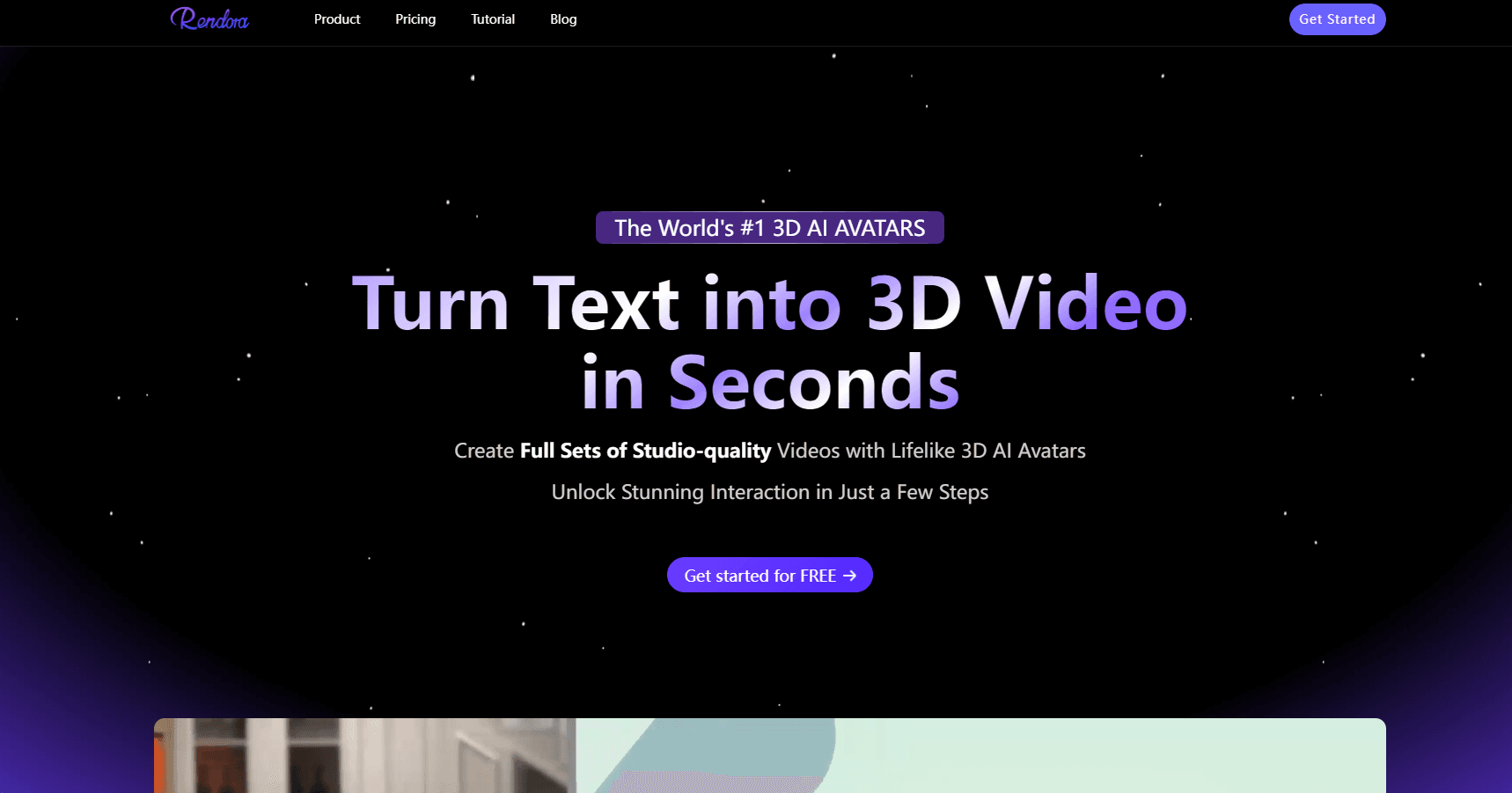
Rendora bills itself as the first 3D AI avatar video platform built for people who have never touched a camera. You write a script or drop in a deck, choose a 3D presenter and a virtual set, and the platform renders a finished video with speech, facial expression, body movement, and edited camera shots. Rendora's own marketing claims studio quality. What that means in practice is a text to 3D avatar video flow where lighting, backdrops, and framing look intentional without a crew.
The product is aimed at the work that keeps getting stuck in the queue: onboarding modules, compliance refreshers, product explainers, sales decks that should have been videos a year ago. Instead of booking a shoot, you change a line of text and re-render. That is the whole pitch, and it holds up best when you have a lot of similar videos to make and almost no production budget.
Two limits matter before you sign up. The output is a rendered 3D character, not footage of a real person, so anyone expecting a deepfake-style clone of themselves will be disappointed. And the entry plan caps video length at 3 minutes with a watermark, which is fine for testing and annoying for real work.
Rendora also sells interactive avatars that talk back in real time, plus API and SDK access for companies embedding the video engine in their own products. Both are enterprise conversations rather than self-serve features.
Getting Started
- Create a free account at rendora.ai. No credit card is required for the trial tier.
- Pick an entry point: start from scratch, start from a template, let the AI writer draft a script, or upload a PowerPoint deck.
- Choose a 3D avatar and a virtual studio, then adjust hairstyle, outfit, makeup, and accessories if you want a specific look.
- Review the generated speech, add gestures and emotion cues, and set camera shots for the beats that need emphasis.
- Export at 540p on the free plan or 1080p on Starter and Team, then re-render whenever the script changes.
Product Information
A quick look at Rendora's pricing, supported platforms, and performance.
Best for
The users, tasks, and scenarios where this tool fits best.
Users
- Learning and development teams
- Marketing teams with a content backlog
- Course creators and educators
- Agencies and localization vendors
Tasks
- Converting a written SOP or policy into an AI training video
- Making an AI spokesperson video for a launch
- Refreshing an existing video after a price or feature change
- Localizing a training library
Scenarios
- Quarterly compliance training that changes every few months
- A small team shipping weekly product updates
- A conference or trade show loop video that has to be ready in 48 hours
- Onboarding new hires in several countries at once
Key features
Four Ways to Start a Video
Rendora gives you four entry points: a blank script, a template, an AI written draft, or an uploaded presentation. The deck route is the one that saves the most time, because your existing slides already contain the structure and the talking points. From there the platform builds scenes around the slide content rather than forcing you into a blank timeline.
A Library of 3,000+ 3D Avatars
The avatar library is the reason people pick this tool over a talking head generator. Rendora advertises more than 3,000 studio-grade 3D digital human models across ethnicities, styles, and identities, and the paid tiers unlock 800 or more of the higher fidelity ones. Each character is modeled with skin, fabric, and expression detail that holds up at 1080p.
Avatar Customization Down to the Logo
You can change facial features, hairstyle, outfit, makeup, and accessories, then brand the result with your own logo. That level of control matters when a generic presenter would clash with an existing brand system. Enterprises can order fully custom avatars with a specific look, voice tone, and set.
Voice, Gesture, and Expression Control
Speech is generated from the script, and the avatar's performance follows it: mouth shapes, eyebrow movement, hand gestures, posture shifts. Rendora's pitch is that the character speaks with emotion rather than reading flatly. In practice you get decent results when the script is written for speech and weaker results when you paste dense technical text.
100+ Language Voiceover
The platform ships more than 100 voices and languages, which turns localization into a re-render instead of a new production. Accents vary by language, so it is worth auditioning a few voices before committing to one for a whole series. The visuals stay identical across languages, which keeps a training library consistent.
Studio, Camera, and Effects Editing
You can switch 3D studios, change camera shots, and apply video effects after the first render. That last part is what separates a usable tool from a one-shot generator: if the framing is wrong, you fix the shot and re-render, not the whole project.
Fast Re-render on Edits
Change a sentence or swap a slide and the video refreshes in seconds rather than hours. This is the feature that pays for itself in teams with frequent updates, like product launches or course revisions.
Interactive Avatars and API Access
Beyond recorded video, Rendora offers real-time interactive 3D avatars that listen and respond on websites, apps, and kiosks without custom code. The company also sells API and SDK integration so businesses can embed the video engine in their own platforms.
Pros and cons
Pros
- No camera, crew, or studio. The entire production step is replaced by a script and a render button.
- Avatar customization goes further than most competitors, down to makeup, accessories, and logo placement.
- Re-rendering after a script edit takes seconds, which makes frequent updates practical.
- Published pricing with a real free tier, so you can test the output quality before paying.
- 100+ language voiceover turns one video into a localized library.
Cons
- The free plan is a demo, not a workspace: 540p, a watermark, 3 minute maximum, and three exports per month.
- Credits are hard to budget for. 300 credits equals roughly 4 minutes of video, so a 10 minute lesson eats most of a paid month.
- 4K output, unlimited length, and full commercial rights sit behind Enterprise, which means a sales call.
- The 3D look is clean but still visibly rendered, and there is no desktop or mobile app for offline work.
Frequently asked questions
It works as a 3D AI avatar video generator: you supply text, it returns a presenter-led video. You supply a script or slides, choose a 3D avatar and a virtual studio, and Rendora renders the speech, movement, camera shots, and lighting for you.
Related content
Explore related tools, skills, and articles for Rendora.
Rendora Alternatives

Google EmbeddingGemma 2
Google DeepMind · Writing · Image · CodingGoogle EmbeddingGemma 2 is a 740M-parameter open model that turns text, code, images, audio, and video frames into vectors in one 768-dimension space, running on phones and laptops.

Tractionwave
TractionWave · Image · MarketingTractionWave is an AI attention heatmap tool for static ads. Upload a PNG or JPG and it returns predicted attention, ranked hotspots, and fixes before you spend budget.

Imejis.io
Imejis.io · Image · MarketingImejis.io is an AI design studio for agents and marketing teams. Describe an image in plain words, and it writes the copy, builds the layout, reflows it to every size, then exports a finished file.