

Resolve.ai
Resolve.ai · Coding
Resolve.ai is an AI SRE platform where autonomous agents go on-call, investigate alerts and incidents, and drive fixes for recurring production failures.
About Resolve.ai
What Is Resolve.ai
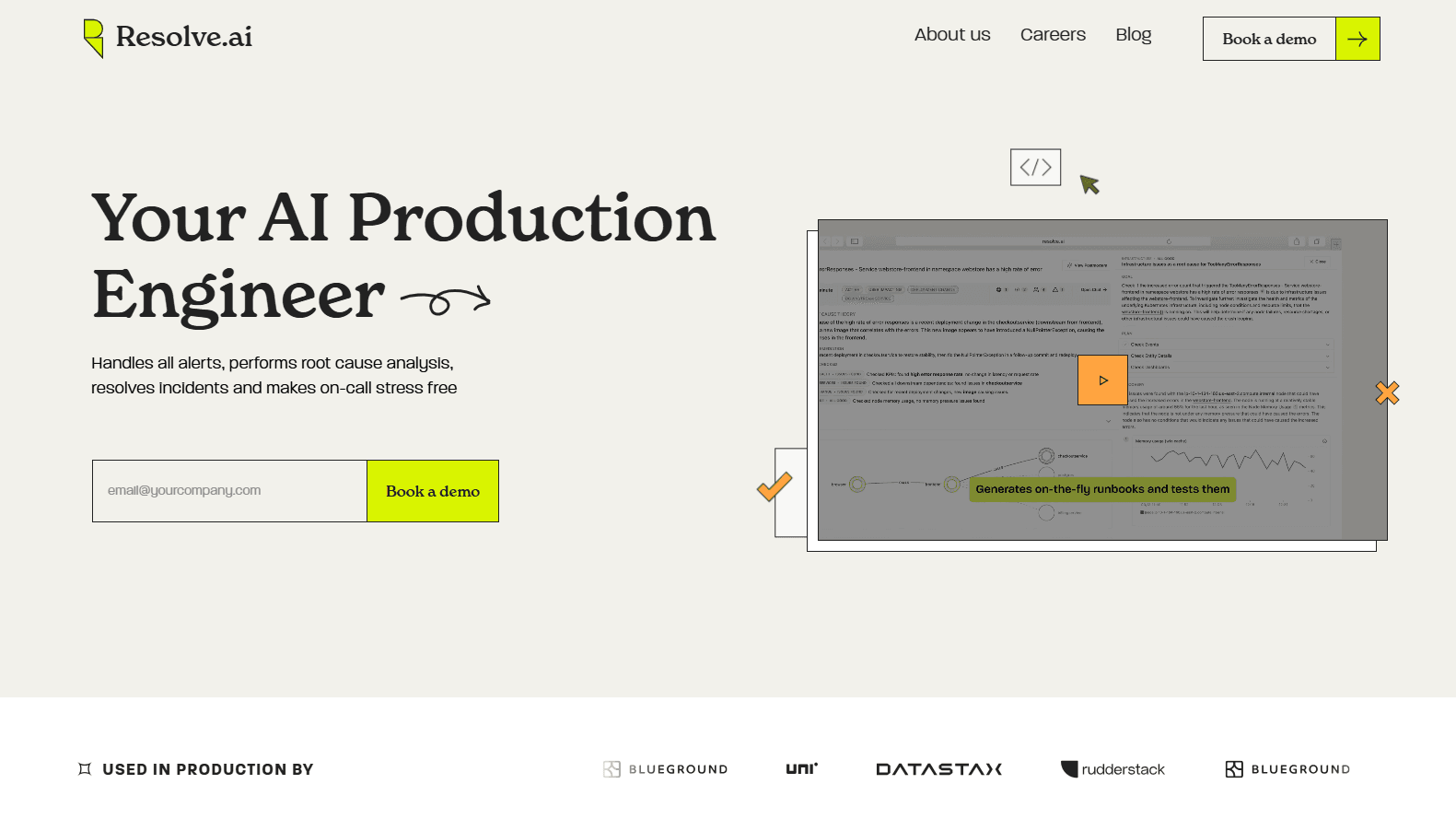
Resolve.ai builds autonomous incident response agents that run production reliability work on your behalf. Instead of a human waking up for every page, an AI on-call agent team triages each alert, correlates signals across your stack, writes up findings and either closes the noise or escalates with full context. The company frames it as machines on-call for humans, and pitches AI reliability engineering as a full replacement for the toil side of the job.
Production incident management is the work it targets, and the pain is familiar to any engineering team. Reliability work eats evenings and weekends, and the toil of investigating the same class of failure over and over burns out on-call staff. Resolve.ai approaches that work as an agent team rather than a single chatbot, and frames the payoff as MTTR reduction. A database agent checks query performance, an infrastructure agent watches pods and config changes, a code agent reads recent commits, and a logs agent reads error output, all in parallel.
Two things to know before you dig in. It is an enterprise product sold through demos, with credit-based pricing tied to the work agents perform, so there is no self-serve tier or public price list for its production incident management. And its value depends on connecting it to your telemetry, code and infra, so setup is a real integration project, not a signup.
Getting Started
- Book a demo and have the team scope which workflows you want covered, such as on-call triage, incidents or recurring tasks
- Connect your observability, infrastructure, code and chat tools so the agents can read production context
- Point the agents at your alert sources and set the policies for what they can close, fix or escalate
- Review findings in Slack, Teams or the native UI, then let agents handle known patterns while engineers approve the rest
Product Information
A quick look at Resolve.ai's pricing, supported platforms, and performance.
Best for
The users, tasks, and scenarios where this tool fits best.
Users
- Platform and SRE teams
- On-call engineers
- DevOps and infrastructure teams
- Engineering leaders
Tasks
- Alert triage
- Incident investigation
- Mitigation and remediation
- Production automation
Scenarios
- A page fires at 3am
- A repeated failure class keeps coming back
- A war room is forming
- Alert noise keeps rising
- A deploy just went out
Key features
Autonomous On-Call
Resolve.ai participates in every on-call rotation and starts investigating as soon as an alert fires. It triages each alert, assesses severity, and identifies the blast radius with evidence, so the engineer who gets paged opens a report instead of a blank screen. Known patterns can be handled without a human, and the company reports up to 75% higher on-call productivity from that shift in workload.
Parallel Agent Teams for Investigations
Harder incidents get a team of domain-specialized agents that work in parallel, the way a war room of senior engineers would. Each agent pulls its own slice of evidence, and findings get verified against production data before they land in the report. The platform runs on what the company calls HiveMind, a shared layer that holds live state, alerts and recent changes so agents connect the dots across incidents.
Verified Root Cause Analysis
Every finding in a report is backed by production evidence you can interrogate, not a single confident guess. Reports lay out what happened, the causal chain, the impact and the root cause, with the data that supports each claim. You can dig into a finding, add context or set the agent on a new hypothesis from the Workbench view when the first theory does not hold.
Runbook-Style Conclusions and Actions
Agents do not just describe a problem, they reach a conclusion and act on it. A completed runbook can silence a noisy alert, run a GitHub Action, or route the issue to the right team. Engineers choose per pattern whether to approve the action or let agents handle known cases on their own.
60+ Integrations Across the Stack
The platform connects to more than 60 tools spanning observability, infrastructure, code, chat and knowledge. That includes Datadog, Grafana, Splunk, Prometheus, Dynatrace and New Relic on telemetry, AWS, Google Cloud and Kubernetes on infrastructure, and GitHub, GitLab and Cursor on code. Slack and Microsoft Teams cover the collaboration side, and MCP, APIs and webhooks let you plug in custom systems.
Works Where Your Team Already Is
Findings, priority lists and actions surface in Slack, Microsoft Teams, the CLI, the native UI, or inside your own coding agent. That means engineers do not have to learn a new console to get value, and the agent can meet the team in the tools they already watch all day. The same reports that land in chat are the ones you can open in the Workbench to steer the investigation.
Credit-Based, Predictable Pricing
Resolve.ai prices on credits that map to the types of work agents perform, rather than on tokens or raw inference cost. The company's pitch is that you can understand how work translates to spend without modeling the AI infrastructure underneath. That is meant to keep costs predictable as usage grows across chats, triage, investigations and background tasks.
Pros and cons
Pros
- Agents start investigating before a human is paged, which shortens the time between alert and root cause
- Parallel, specialized agents cover multiple hypotheses at once instead of one linear investigation
- Findings are tied to production evidence you can verify, not a single unexamined guess
- More than 60 integrations mean it can likely meet your stack where it already lives
- Reports and actions land in Slack, Teams or your coding agent, so no new console to adopt
Cons
- No free tier or public price list, so you cannot judge cost without a sales conversation
- Credit-based pricing means the bill scales with how much work agents do, which takes monitoring
- Getting full value requires wiring in telemetry, code and infra, so setup is a real implementation effort
- It is aimed at production engineering teams, so smaller or non-technical buyers will find little here
Frequently asked questions
Resolve.ai is an AI SRE platform. Its autonomous agents go on-call, triage alerts, investigate incidents in parallel, and drive fixes for recurring production failures. They work across your observability, infrastructure, code and chat tools, then post findings and actions where your engineers already work.
Related content
Explore related tools, skills, and articles for Resolve.ai.
Resolve.ai Alternatives

Udon
Udon · Coding · ProductivityUdon turns an Apple Silicon Mac into a home server you run from a browser, with container controls, file shares, and an optional AI sysadmin.

offstage
offstage cloud · Coding · Productivityoffstage gives AI coding agents and CI jobs a real Mac: a fresh macOS account on Apple silicon, driven over an API and billed by the second.

BotBus
Chengdu Tuyang Tusen Technology Co., Ltd. · Coding · ProductivityBotBus lets you control AI coding agents from your phone and watch: approve commands, start tasks and read results while the code stays on your desktop.