

restorePhotos.io
Hassan (independent developer) · Image
restorePhotos.io is a free AI photo restorer and face restoration tool. It helps you restore old photos that have gone blurry, with a Google sign-in and a sharper, side-by-side result.
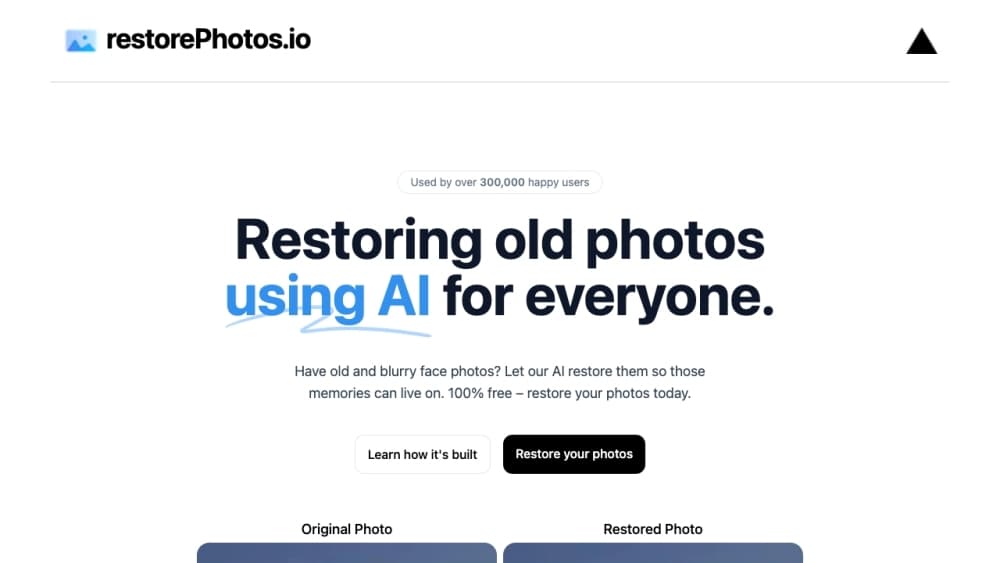
About restorePhotos.io
What Is restorePhotos.io
restorePhotos.io is a browser tool that rebuilds detail in old and blurry face photos. It started as an open-source project by a developer known as Hassan, and it runs the GFPGAN model from the Applied Research Center on Replicate. You upload a portrait, the model sharpens faces and fills in lost detail, and you get a restored image back within seconds. The site says it has served more than 869,000 users.
The whole flow is built around speed and simplicity. There's no editor, no layers, and no manual masking. You sign in with Google, drop in a photo, hit restore, and slide between the before and after views. The tool is free to start, with a daily limit on how many photos you can process before it asks you to wait or buy credits.
That narrow focus is both the strength and the limit. It's a strong face photo enhancer, but it doesn't colorize, repair torn prints, or upscale whole scenes, and it won't unblur a face in a photo where the face is tiny. It works best on clear portraits where the face is the main subject, and results on badly damaged or very low-resolution photos vary. It's a quick fix for one specific job, not a full photo restoration suite.
Getting Started
- Go to restorephotos.io and sign in with your Google account to create a free account.
- Upload a face photo in JPEG or PNG format.
- Let the AI run, then compare the original and restored images with the side-by-side slider.
- Download the restored photo, or upload another one if you have generations left.
- Buy a credit pack when you need to restore more photos than the free daily limit allows.
Product Information
A quick look at restorePhotos.io's pricing, supported platforms, and performance.
Best for
The users, tasks, and scenarios where this tool fits best.
Users
- Family historians
- People restoring personal memories
- Casual users with no editing skills
Tasks
- Sharpening blurry face photos
- Fixing low-resolution portraits
- Comparing before and after
Scenarios
- Reviving a family photo for a gift
- Prepping a photo for a memorial or slideshow
- Quick checks before a bigger restoration job
Key features
AI Face Restoration
At the core is the GFPGAN model, which is trained to rebuild facial detail rather than the whole frame. Upload a portrait and it sharpens eyes, skin, and hair that have gone soft or grainy. It's built for faces, so the surrounding background stays largely untouched, which keeps the fix focused and fast.
Side-by-Side Compare Slider
After each restore, a slider lets you drag between the original and the result in one view. That turns a vague sense of "better" into a direct comparison, so you can spot what improved and what didn't. It's a small touch, but it makes the tool honest about its results.
One-Tap Workflow
There's nothing to configure. Sign in, upload, restore, download. The step from photo to result is a single action, and the site does the image handling in the background through its upload and processing pipeline. That low friction is why it works for people who'd never open an editor.
Google Sign-In and Free Daily Generations
You sign in with Google to create a free account, and a fresh account comes with free daily restores. The counter shows how many generations you have left on each visit. When you run out, the tool tells you to wait until the next day or buy more credits.
Pay-As-You-Go Credits
Beyond the free daily limit, you buy credit packs instead of a subscription: 75 credits for $9, 200 for $19, and 350 for $29, with one credit covering one photo restore. Paid packs also unlock email support, commercial use of the photos, and early access to new features.
Open-Source Foundation
The project is open source on GitHub and stands as a rare photo restoration tool anyone can deploy, combining Vercel for hosting, Replicate for the model, and supporting services for storage and sign-in. That transparency lets you see exactly what runs the tool, and it's why the site can stay free at its core.
Pros and cons
Pros
- Free to start with daily restores after a Google sign-in
- One-tap flow that needs no editing skills or setup
- Face-focused model sharpens features without touching the background
- Side-by-side slider makes the before and after easy to judge
- One-time credit packs avoid a recurring subscription
Cons
- Only restores faces, with no colorizing, print repair, or full-scene upscaling
- Free access is capped by daily generations, so heavy use needs paid credits
- No documented public API, so it can't be wired into an automated pipeline
- Results vary on heavily damaged or very low-resolution photos
Frequently asked questions
Yes, with a daily cap. You sign in with Google to get a free account, and a new account includes free restores each day. Once you hit the daily limit, the tool asks you to wait until the next day or buy credits to keep going.
Related content
Explore related tools, skills, and articles for restorePhotos.io.
restorePhotos.io Alternatives

Google EmbeddingGemma 2
Google DeepMind · Writing · Image · CodingGoogle EmbeddingGemma 2 is a 740M-parameter open model that turns text, code, images, audio, and video frames into vectors in one 768-dimension space, running on phones and laptops.

Tractionwave
TractionWave · Image · MarketingTractionWave is an AI attention heatmap tool for static ads. Upload a PNG or JPG and it returns predicted attention, ranked hotspots, and fixes before you spend budget.

Imejis.io
Imejis.io · Image · MarketingImejis.io is an AI design studio for agents and marketing teams. Describe an image in plain words, and it writes the copy, builds the layout, reflows it to every size, then exports a finished file.