
Retake
CodeSpace Apps · Image
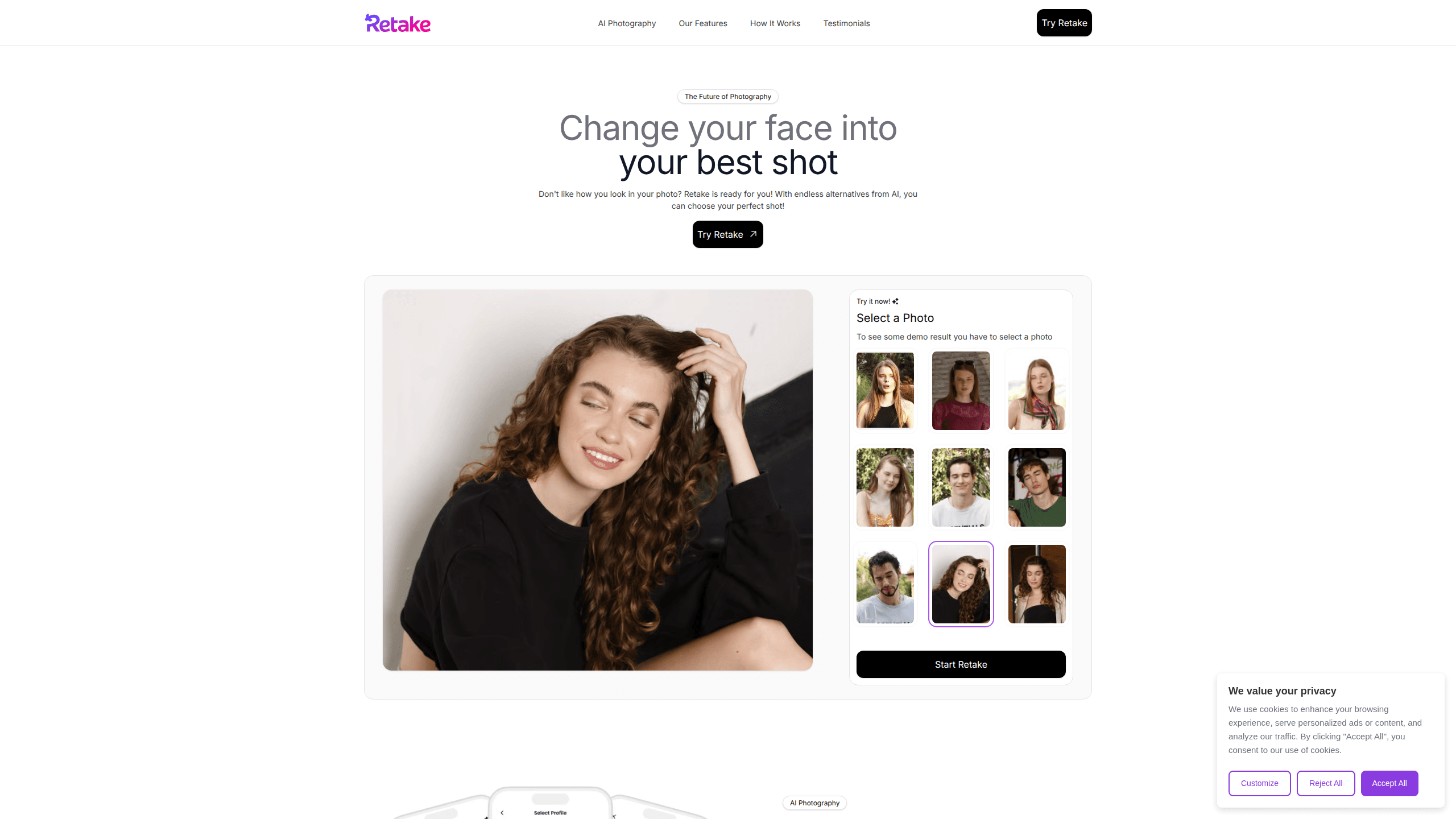
Retake is an AI photo editor built around one stubborn problem: the photo you love except for your face in it. Instead of filtering or airbrushing, the app regenerates the shot so you look like yourself, just on a better day. You upload a photo you want to fix, then pick one of your saved AI profiles. Retake returns a set of alternative versions with different expressions and angles. The AI retake app runs on Android and iOS and works through a subscription with a short free trial. So what separates it from a filter pack? It rebuilds the face instead of smoothing it.
About Retake
What Is Retake
Retake is a mobile app that edits photos by replacing how you look in them rather than touching up the pixels you already have. The idea is simple. You keep the moment, the background, and the lighting, and let AI re-imagine your expression or gaze so a blink or a stiff smile stops ruining an otherwise good picture.
It works through personal AI profiles. You build a profile from a set of your own reference photos, and the app uses that to generate new versions of you that still look like you. There's also a like-and-dislike loop, so the model leans toward the styles you actually pick. Think of it less as a face swap app and more as a portrait generator that stays true to your face.
The catch is that the good results depend on good input. The app needs clear, well-lit reference photos, and profiles built from blurry or distant shots tend to disappoint. Storage of your face data is another thing worth checking in the privacy policy before you commit, since you're handing over a set of personal images.
Getting Started
- Install Retake from Google Play or the App Store and open the app.
- Start the free trial when prompted, then cancel later from your store account if you decide against it.
- Upload a photo you want to retake, ideally one with a clear, front-facing subject.
- Build an AI profile by adding roughly 10 to 15 reference photos of yourself, then wait for it to process.
- Pick the profile, tap to generate, and browse the set of retakes before saving or sharing the ones you like.
Product Information
A quick look at Retake's pricing, supported platforms, and performance.
Best for
The users, tasks, and scenarios where this tool fits best.
Users
- Social media posters who shoot a lot and want a usable frame from an imperfect take, as long as they have clean reference photos on hand
- People reviving older snaps where the pose or expression was the only thing that went wrong
- Casual users who'd rather tap once than learn layer-based editing, provided they're comfortable paying a subscription
Tasks
- Fixing a selfie ruined by a blink, a mid-sentence face, or an awkward gaze in an AI selfie editor
- Generating a spread of expression options so you can choose rather than reshoot
- Refreshing the exact same photo into several looks for different platforms
Scenarios
- Group shots where everyone else looks great but you don't
- Recovering a favorite travel or birthday photo that got deleted-by-default for one bad frame
- Quick profile picture updates when you don't have time for a new shoot
Key features
AI Retake for Any Photo
The core move is regenning your face in a shot you already took. You pick the image, trigger a retake, and the app returns multiple versions with different expressions and orientations. It's aimed at the common case where the composition and setting are fine and you're the only problem. That means a good photo doesn't get thrown away over one detail.
Personal AI Profiles
You create one or more profiles from your own reference photos, and Retake uses them to steer how you appear in new generations. Multiple profiles mean you can keep distinct styles on file, say a natural everyday look and a more styled one, and choose per photo. The trade-off is upfront effort, since profile quality decides output quality.
Like and Dislike Steering
As you react to generated results, the app adapts toward what you favor. It's a light personalization layer rather than a full prompt system, so you don't have to write anything. Over a handful of runs the suggestions should drift closer to your taste. It still won't rescue a thin set of reference photos.
Fast, Tap-First Editing
Results come back quickly rather than after a long queue, which matters if you're editing in the moment before posting. There's no brush work, no masks, and no layers to manage. Just pick and go. You trade manual control for speed, and for most quick social edits that's the right trade.
Pros and cons
Pros
- Fixes the face in a photo without forcing you to reshoot or learn complex editing tools
- Multiple AI profiles let you keep different looks and pick the right one per image
- Fast generation keeps it practical for posting on the same day you shoot
- Available on both Android and iOS, so you're not locked to one phone
Cons
- No free tier to test properly; you get a short trial and then a subscription
- Profile quality depends on your input photos, so weak references can produce results that don't look like you
- The heavy reliance on personal face images raises privacy questions you should read up on before uploading
Frequently asked questions
Retake generates new versions of your face inside a photo you already have, so a blink or a bad expression doesn't wreck the shot. It keeps the scene and swaps in a better take of you.
Related content
Explore related tools, skills, and articles for Retake.
Retake Alternatives

X Ray Interpreter
X-ray Interpreter · ImageX Ray Interpreter is a web-based AI radiology tool that turns X-rays, CT scans, MRI, ultrasound, and PET images into plain-language reports. You upload a scan, get a preliminary X-ray interpretation in moments, then ask follow-up questions if something needs explaining. It works as a second opinion and a learning aid, not as a medical diagnosis.

Aieasypic
AIEasyPic · ImageAIEasyPic is an AI image generator that turns plain text prompts into finished artwork in seconds. You can also train custom models on your own photos, swap faces in existing images, and create short video clips from text, all from a browser. It suits casual creators who want quick visuals and hobbyists who want to build a personal model without touching any code.

Chargen
Chargen · ImageChargen is an AI character generator and worldbuilding toolkit built for Dungeons & Dragons and other tabletop RPGs. It turns a one-line idea into a painted character portrait, spins up NPCs, monsters, maps and encounters from the same session, and keeps every creature's details close at hand. The tabletop RPG art side runs on a credit system called Gold, while the text generators stay free for everyone.