

Revlify for Shopify
GO FORWARD Inc. · Image
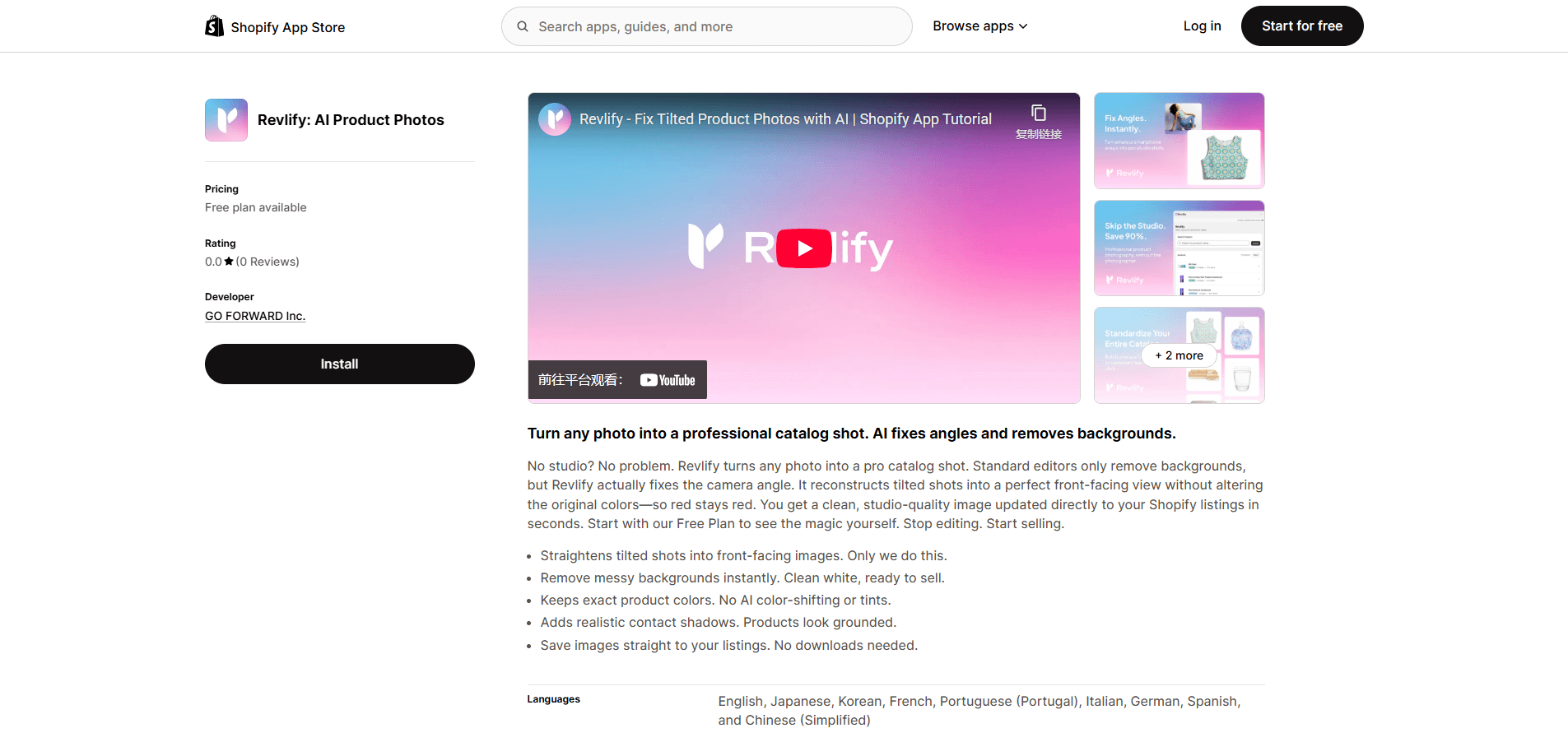
Revlify for Shopify is an AI product photo editor built as a native Shopify app. It takes the casual phone snapshots most store owners shoot and rebuilds them into clean catalog images: straightening tilted angles into a front view, erasing backgrounds and even the hands holding the item, then adding grounded shadows that match the product type. The pitch is simple. You can stop booking a photo studio and get product photos that look professional without leaving your store admin. Why does that matter for a small store? Bad photos cost sales. A tilted, cluttered shot reads as amateur, and shoppers scroll past it. Revlify aims to make every listing look consistent.
About Revlify for Shopify
What Is Revlify for Shopify
Revlify for Shopify is an AI app that rebuilds product photos instead of just editing them. Most background removers stop at cutting out the subject. Revlify also corrects the shot itself, turning an angled photo of a mug on a kitchen table into something that looks like a front-facing catalog capture.
The main problem it solves is the gap between what sellers can shoot and what marketplaces expect. If you sell on Shopify and shoot with a phone, your images often look tilted, cluttered or slightly off-color. Revlify targets exactly that gap, and it works inside the Shopify admin so you can replace product media without exporting files to another tool.
The biggest limitation is scope. Revlify is a Shopify app, so it only helps if your store runs on Shopify. If you sell on Etsy, Amazon or a custom storefront, you'll need a different workflow. It also focuses on static product shots, not lifestyle scenes or model photography, which means any seller who depends on styled or on-model imagery still has to shoot those elsewhere.
Getting Started
- Install Revlify for Shopify from the App Store and approve the product access it requests.
- Pick the product you want to update from your Shopify catalog.
- Upload your original photo or select an existing product image.
- Let the AI correct the angle, remove the background and generate a shadow.
- Review the result, tweak it if needed, then publish it straight to your Shopify product listing.
Product Information
A quick look at Revlify for Shopify's pricing, supported platforms, and performance.
Best for
The users, tasks, and scenarios where this tool fits best.
Users
- Small Shopify store owners
- Dropshippers and resellers
- Sellers handling a mixed catalog
Tasks
- Fix tilted product photos
- Remove backgrounds and hands
- Replace product media
- Keep accurate colors
Scenarios
- Listing a new batch of products after a phone photo session
- Refreshing an old catalog that looks inconsistent
- Selling handmade goods you photograph at home
Key features
AI Angle Correction
Revlify's core feature is fixing the camera angle. Photograph a product from above or at a slant and the app straightens it into a front view, which is the framing most marketplaces prefer. Instead of reshooting, you let the model rebuild the perspective. That's the fastest way to fix tilted product photos at scale. No tripod needed.
Background and Hand Removal
The app goes past basic background removal by also erasing hands holding the item. After cutting out the subject and the hands, it reconstructs the parts that were hidden, so the product looks complete rather than cropped. That's the part most background removers miss. It matters a lot for handmade goods.
Product-Aware Shadows
Revlify generates natural shadows tailored to the product type. A flat poster gets a different shadow than a standing bottle. The result sits the product on a believable surface instead of floating in white space. Good product photo angle correction matters here too, because a shadow only looks right when the product stands at the correct angle.
True Color and Texture
The AI aims to keep original colors and textures intact while improving image quality. For sellers, that matters because buyers trust a listing more when the product they see is the product they get.
Native Shopify Workflow
You replace product media directly inside Shopify. No downloads, no separate upload step, no switching between a browser and the store admin. For a small team, that saves real time on every listing. Speed adds up fast.
Pros and cons
Pros
- Fixes camera angles, which most background removers don't touch.
- Removes hands holding the product and fills in the missing details.
- Runs natively inside Shopify, so media replacement is a couple of clicks.
- Designed to keep true colors instead of over-processing the shot.
- Has a free plan for testing before you commit to a paid tier.
Cons
- Works only on Shopify, so other storefronts are out of luck.
- Focused on static product shots, not lifestyle or on-model photography.
- Pricing details aren't fully published on the listing, so you may need to install it to see current tiers.
- New app with very few reviews, so there's little community feedback to lean on yet.
Frequently asked questions
It turns casual phone photos of your products into catalog-ready images. It corrects tilted angles, removes backgrounds and hands, adds realistic shadows, and keeps the original colors.
Related content
Explore related tools, skills, and articles for Revlify for Shopify.
Revlify for Shopify Alternatives

Google EmbeddingGemma 2
Google DeepMind · Writing · Image · CodingGoogle EmbeddingGemma 2 is a 740M-parameter open model that turns text, code, images, audio, and video frames into vectors in one 768-dimension space, running on phones and laptops.

Tractionwave
TractionWave · Image · MarketingTractionWave is an AI attention heatmap tool for static ads. Upload a PNG or JPG and it returns predicted attention, ranked hotspots, and fixes before you spend budget.

Imejis.io
Imejis.io · Image · MarketingImejis.io is an AI design studio for agents and marketing teams. Describe an image in plain words, and it writes the copy, builds the layout, reflows it to every size, then exports a finished file.