

RLAMA
Dontizi · Coding · Productivity
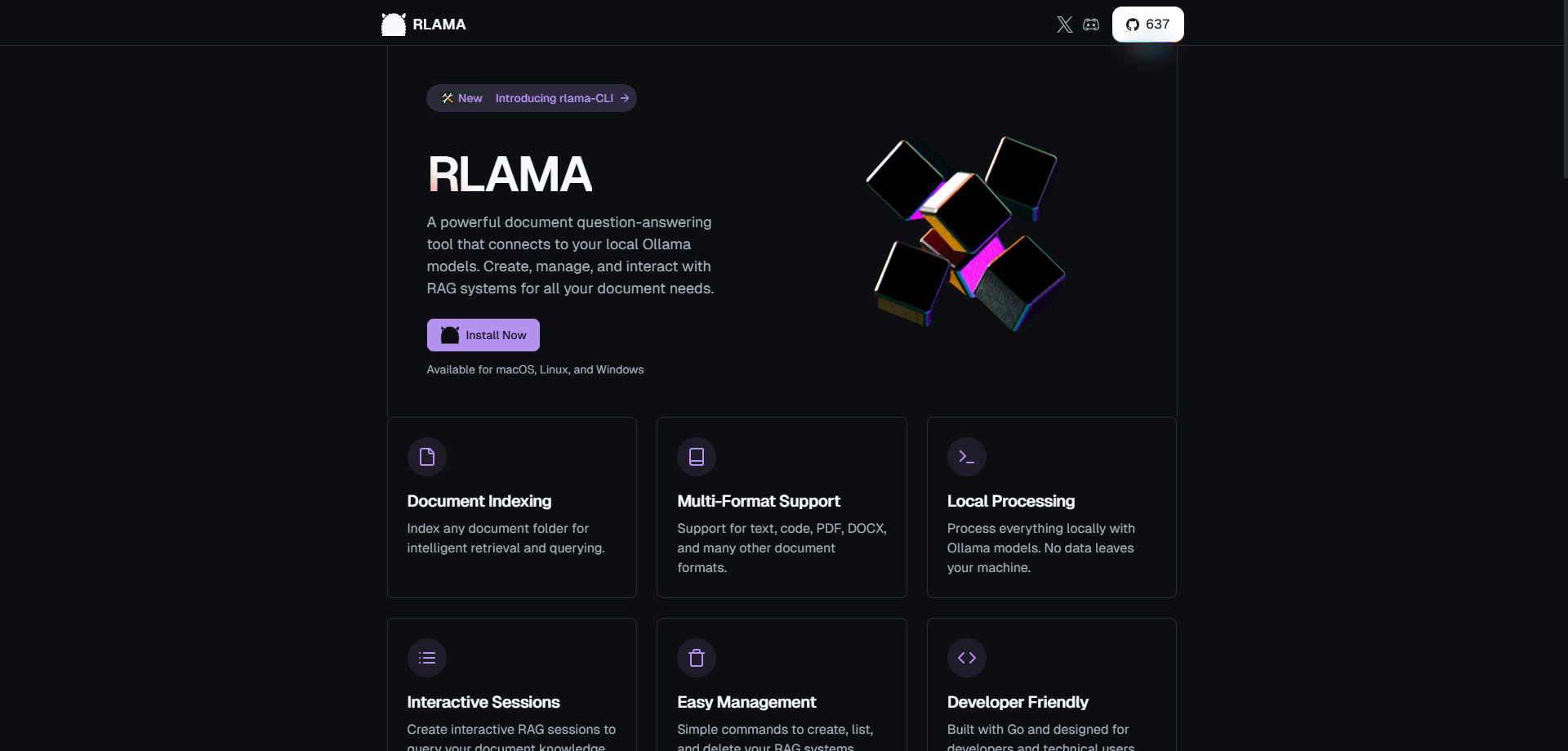
RLAMA is a free, open source command line tool that builds private RAG systems over your own documents, using local Ollama models so nothing leaves your machine.
About RLAMA
What Is RLAMA
RLAMA is a question-answering tool for your own documents, built to run entirely on your computer. It is a local RAG CLI that pairs with Ollama, the app that runs language models offline, and turns a folder of files into a searchable knowledge base you can ask questions against. The developer publishes it under the Apache 2.0 license, so the code is open and free to use.
The idea is straightforward. You point RLAMA at a folder, it reads the files, breaks them into chunks, and stores vector embeddings of each chunk on your disk. When you ask something, RLAMA finds the passages that match your question, hands them to your local model, and the model answers using your material as context. That approach is called retrieval-augmented generation (RAG), and it is what keeps answers tied to real sources instead of the model guessing from memory.
The catch is setup. RLAMA is a CLI, not a click-and-go app, so you work in a terminal and you need Ollama installed and running before anything works. There is also no hosted version, which is the point of a self-hosted RAG tool. Your results depend on the model you pick and the quality of your documents, and weak hardware or a small model will show up in the answers. The project is also on pause, so new features are not landing right now.
Getting Started
- Install Ollama from ollama.ai and pull at least one model, for example ollama pull llama3.
- Install RLAMA with the one-line script: curl -fsSL https://raw.githubusercontent.com/dontizi/rlama/main/install.sh | sh.
- Create a RAG system by pointing it at a folder: rlama rag llama3 my-docs ./docs.
- Start an interactive session and ask questions: rlama run my-docs.
- Add more files later with rlama add-docs, or turn on directory watching so new files enter the index on their own.
Product Information
A quick look at RLAMA's pricing, supported platforms, and performance.
Best for
The users, tasks, and scenarios where this tool fits best.
Users
- Developers who want local document search
- Privacy-focused teams
- People already running Ollama
- Anyone learning how RAG works
Tasks
- Asking questions across a documentation folder
- Querying a codebase
- Building a knowledge base from a website
- Keeping a base current
- Wiring RAG into another tool
Scenarios
- A freelancer handling client contracts who cannot upload them anywhere
- A developer searching a large repository
- A researcher with a stack of PDFs
- A hobbyist testing small models
Key features
Local RAG Pipeline
Use the rag command to index a folder, the run command to query it, and the local files in ~/.rlama to keep it all. Documents are read, chunked, embedded through Ollama, and stored on disk. Nothing touches an outside server, which is the point of the tool.
Multiple Chunking Strategies
RLAMA splits documents four ways: fixed size, semantic, hierarchical, and hybrid. The hybrid mode picks the best method per file type and handles Markdown by headers, code by functions and classes, and plain text by paragraphs. Better chunks mean better retrieval, and this is where a lot of RAG tools stay basic.
Website Crawling and Monitoring
The crawl-rag command builds a RAG from a website instead of a folder, with controls for crawl depth, concurrency, and excluded paths. Web-watch keeps an eye on that site and folds new pages into the index, so a docs site stays current without a manual reindex.
Directory Watching
You can point a RAG at a folder and have RLAMA check it on an interval, or only when the RAG is used. New files get indexed automatically, which removes the step of remembering to run add-docs after every change.
Built-in API Server
The api command starts an HTTP server, and a single POST /rag endpoint accepts a rag name, a prompt, and an optional context size. That lets you plug local document Q and A into a script, a small app, or a tool that does not speak the CLI.
Ollama and Hugging Face Models
RLAMA leans on Ollama for both embeddings and generation, and it accepts any model Ollama can run. The hf-browse and run-hf commands reach into Hugging Face's GGUF catalog so you can search and test a model before wiring it into a RAG system.
Pros and cons
Pros
- Runs entirely offline, so documents never leave your machine and there is no per-query cost.
- Free and open source under Apache 2.0, with a single Go binary that installs in one line.
- Four chunking strategies and a web crawler go further than most local RAG starters.
- The built-in API server turns the CLI into something other tools can call.
- Works across Linux, macOS, and Windows with no cloud dependency.
Cons
- It is a CLI only, so anyone expecting a desktop app has to work from a terminal.
- Setup needs Ollama running and models pulled first, and that step trips up newcomers.
- Answer quality tracks your chosen model, so a small model on weak hardware gives shallow results.
- Development is paused, which means no new features and slower fixes for now.
Frequently asked questions
RLAMA builds a private question-answering system over your own files. You index a folder or a website, then ask questions and get answers drawn from that material, all through local Ollama models.
Related content
Explore related tools, skills, and articles for RLAMA.
RLAMA Alternatives

Udon
Udon · Coding · ProductivityUdon turns an Apple Silicon Mac into a home server you run from a browser, with container controls, file shares, and an optional AI sysadmin.

offstage
offstage cloud · Coding · Productivityoffstage gives AI coding agents and CI jobs a real Mac: a fresh macOS account on Apple silicon, driven over an API and billed by the second.

BotBus
Chengdu Tuyang Tusen Technology Co., Ltd. · Coding · ProductivityBotBus lets you control AI coding agents from your phone and watch: approve commands, start tasks and read results while the code stays on your desktop.