

RoboNeo
Meitu · Image
RoboNeo is Meitu's AI agent for visual content. It turns one chat prompt into retouched photos, posters, logos, and short videos on mobile and the web.
About RoboNeo
What Is RoboNeo
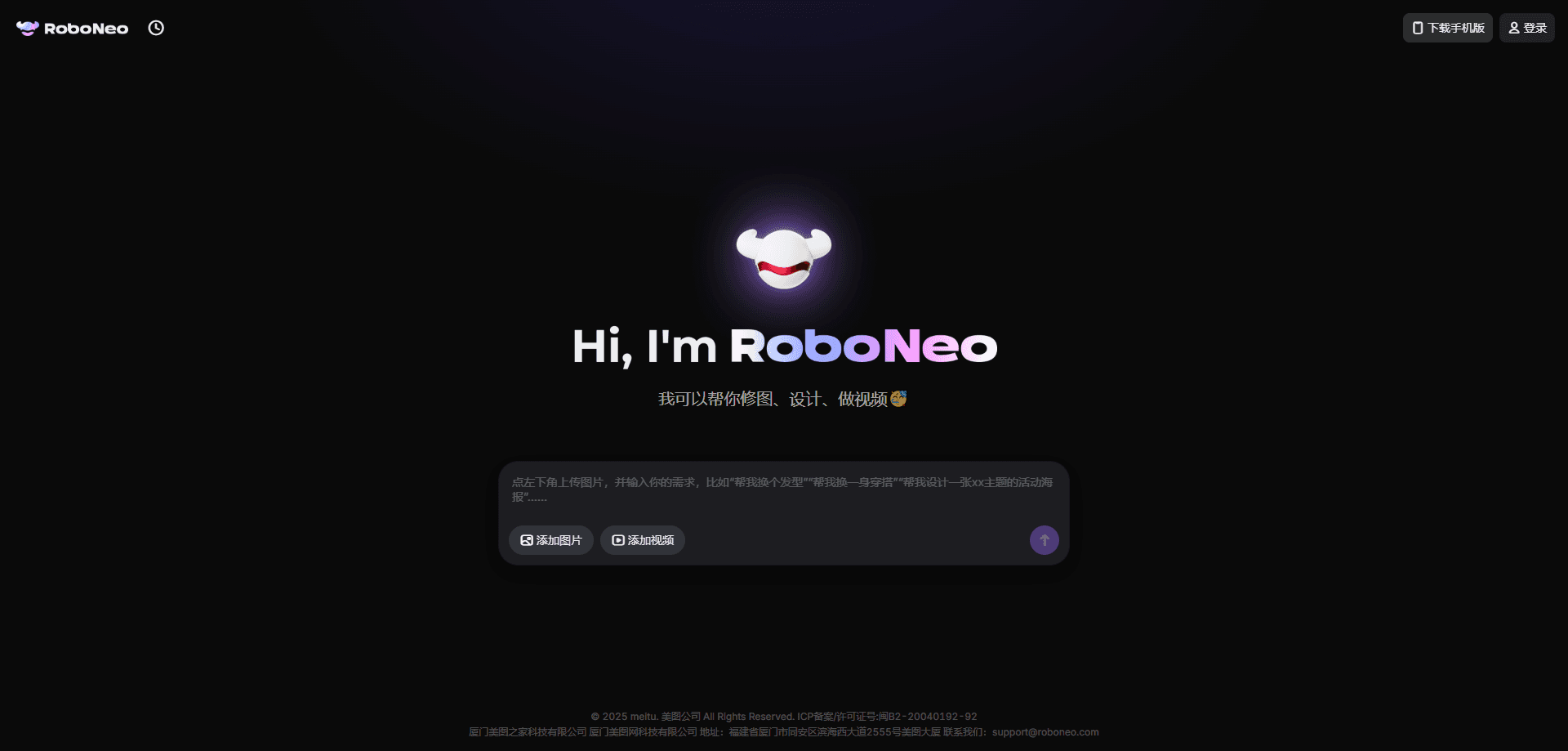
RoboNeo is an AI agent from Meitu, the company behind MeituPic, built for visual content production. You describe what you want in plain language, and the agent handles the editing, design, or video work behind it. It works like an AI photo editor, an AI design generator, and an AI video creator rolled into one chat. There's no layer of menus or panels to learn first.
That means natural language image editing is the core of the RoboNeo app. Instead of dragging a slider or lassoing an area, you tell the agent what to change and it does the work.
The pitch is simple enough. Sellers who need product shots, creators who post every day, and small teams without a designer can ask for a change in a sentence and get a finished file back. Meitu says the app passed one million monthly active users in its first month, and it has topped app store charts in markets like Brazil.
The agent still has limits. Fine control is looser than a hands-on editor, so pixel-level fixes may need a few follow-up prompts, and heavier tasks wait in a queue.
Getting Started
- Sign in at roboneo.com or download the RoboNeo app for iOS or Android.
- Start a new chat and upload the photo, video, or reference file you want to work from.
- Type your request in plain words, like "swap the jacket color and clean up the background."
- Answer any follow-up questions the agent asks about style or layout.
- Review the result, ask for changes, then download the finished image or video.
Product Information
A quick look at RoboNeo's pricing, supported platforms, and performance.
Best for
The users, tasks, and scenarios where this tool fits best.
Users
- Online sellers
- Social media creators
- Small business owners
Tasks
- Photo retouching
- Poster and logo design
- Short video making
- Character and story content
Scenarios
- Turning a single product photo into a full set of channel-ready ad sizes for a weekend sale.
- Fixing a group photo where someone walked into the frame, without opening a desktop editor.
- Drafting a logo and store mockup for a new brand idea before a real designer is available.
Key features
Natural Language Editing
You make changes by describing them. Ask RoboNeo to switch a hairstyle, move a pose, or drop in a new background, and the agent reads the request and returns an edited image. This natural language image editing is what separates RoboNeo from a standard AI photo editor, since you never touch a selection tool. Meitu says results keep the person's original features rather than repainting the whole face.
Layer Splitting
Generated images can be taken apart into separate layers for the subject, background, and text. That means you can move, delete, or tweak one part without regenerating everything, which matters when a poster needs small copy fixes.
Video Generation
RoboNeo acts as an AI video creator that builds short clips from text or a still image. It covers social videos, animated scenes, talking-head clips with scrolling captions, and motion transfer, where a real dance or pose is mapped onto a cartoon character.
Design and Branding Tools
The agent works as an AI design generator for posters, product visuals, logos, stickers, and memes. A bulk design mode takes one master visual and spins out versions sized for different channels, like square covers, wide banners, and vertical posters.
Multi-Agent Workflows
RoboNeo frames itself as a small team. Separate agents take on writing, directing, visual design, and editing, so a rough idea can move through script, storyboard, and finished clip in one connected flow.
Mobile and Web Access
The same account works across the RoboNeo app and the web. Meitu says generation quality is consistent across platforms, so you can start a task on your phone and finish it on a desktop browser.
Pros and cons
Pros
- One prompt can chain several steps, so edits that used to need separate tools run in a single chat.
- Strong portrait handling keeps faces recognizable after outfit, pose, or background changes.
- Layer splitting turns a flat AI image into something you can refine piece by piece.
- Free to start, with paid membership unlocking more compute when you need it.
- Consistent output across phone, tablet, and web.
Cons
- Fine, pixel-level control is weaker than a dedicated photo editor, so tricky fixes can take extra prompts.
- Bulk design mode favors speed over exact brand compliance, so logos and type may need a manual cleanup.
- Complex video tasks sit in a queue, so long projects aren't instant.
- Some features lean on styles borrowed from other platforms, which can raise originality questions for commercial use.
Frequently asked questions
RoboNeo handles visual content end to end. It edits photos, generates posters and logos, and makes short videos, all from text prompts you type into a chat.
Related content
Explore related tools, skills, and articles for RoboNeo.
RoboNeo Alternatives

Google EmbeddingGemma 2
Google DeepMind · Writing · Image · CodingGoogle EmbeddingGemma 2 is a 740M-parameter open model that turns text, code, images, audio, and video frames into vectors in one 768-dimension space, running on phones and laptops.

Tractionwave
TractionWave · Image · MarketingTractionWave is an AI attention heatmap tool for static ads. Upload a PNG or JPG and it returns predicted attention, ranked hotspots, and fixes before you spend budget.

Imejis.io
Imejis.io · Image · MarketingImejis.io is an AI design studio for agents and marketing teams. Describe an image in plain words, and it writes the copy, builds the layout, reflows it to every size, then exports a finished file.