

RockPic
Apps Labs · Image · Business
RockPic is an AI scanner app for iPhone and Mac that identifies rocks, gems and fossils from a photo and explains their rarity, chemistry and origin.
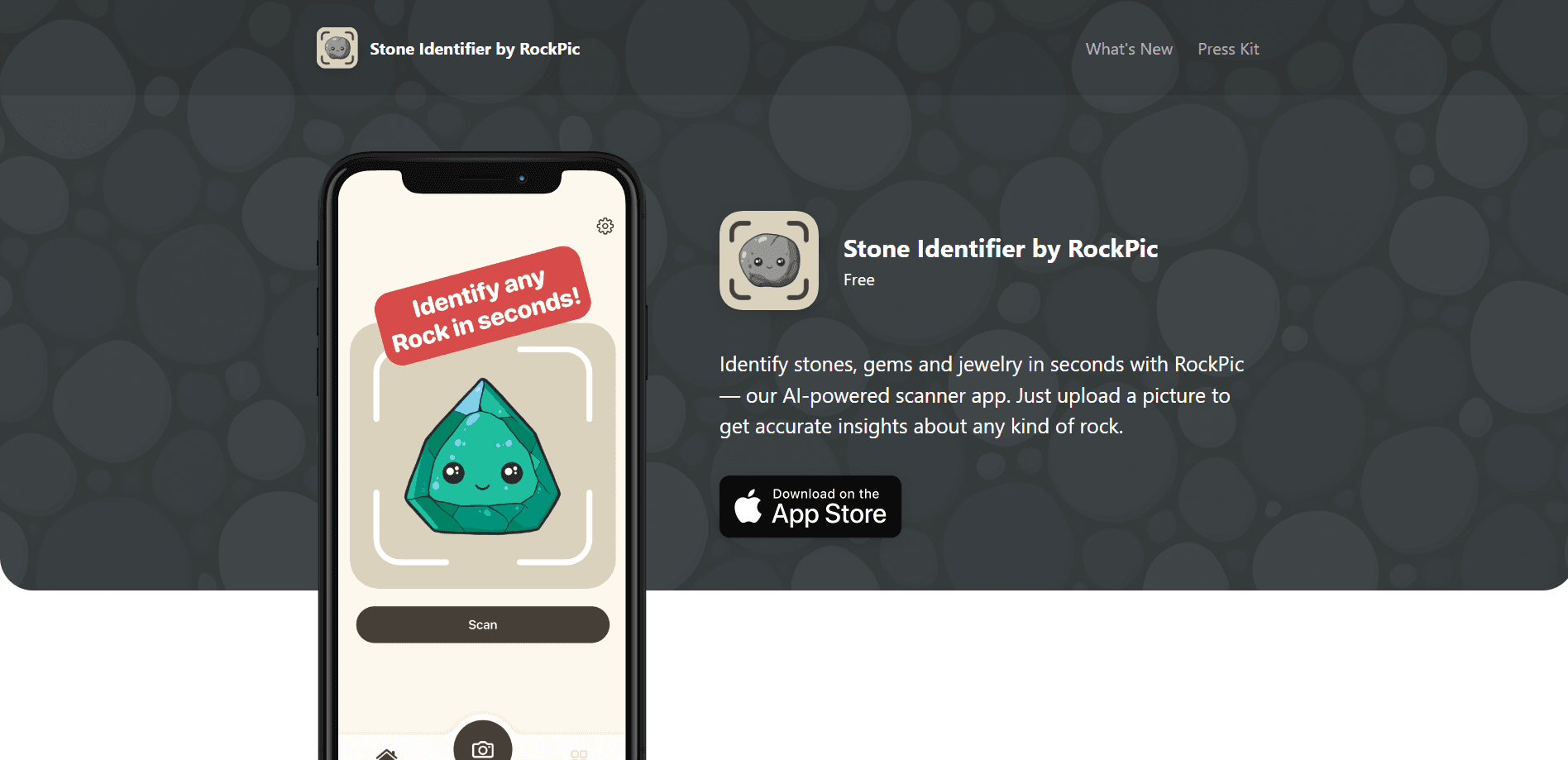
About RockPic
What Is RockPic
RockPic is an AI rock identifier from Apps Labs that reads a photograph of a stone and tells you what it likely is. You take a picture with your phone camera or pull one from your photo library, and the app's model returns a name plus a package of background detail. It works as a gemstone identifier, a fossil identifier and a mineral identifier as well, so the same scan works whether you picked up a pebble on a hike or you are sorting a jewelry box.
The gap it fills is knowledge. Most people can tell a pretty stone from a dull one but cannot say what it is, how it formed, or whether it is worth anything. This stone identification app answers that in seconds, without a geology degree and without mailing a sample to a lab. The official listing tags it as an education app, which fits the way people use it: to learn as they collect, and it doubles as a rock collecting app for anyone who keeps their finds.
Two things are worth knowing before you start. Identifications are AI guesses, not lab-confirmed results, so a valuable-looking find should still be checked by a professional before you rely on it. And the app runs on Apple hardware only, so Android users cannot install it.
Getting Started
- Download RockPic from the App Store on an iPhone or Mac and open the app
- Take a photo of the stone with your camera, or upload an existing shot from your photo library
- Read the result the app returns; it lists a likely name plus rarity and composition, and you can check alternate names and common uses
- Save the stone to your collection so you can find it again and track what you have identified
Product Information
A quick look at RockPic's pricing, supported platforms, and performance.
Best for
The users, tasks, and scenarios where this tool fits best.
Users
- Hobby collectors
- Rockhounds and amateur geologists
- Jewelry owners
- Students and teachers
Tasks
- Identifying a found stone
- Checking a gemstone
- Learning a stone's background
- Cataloging a collection
Scenarios
- You find an odd rock on a hike
- You inherit a box of unlabeled gems
- A child asks what a stone is
- You are building a display
Key features
AI Rock Scanner
The scanner is the heart of the app. You point your camera at a stone or upload a picture from your library, and the model returns its best guess at what the specimen is. It handles rough rocks and polished stones the same way, so you can test a find right where you picked it up.
Rarity and Magnetism
Each result tells you how rare the stone is and whether it shows magnetic properties. That second part matters because magnetism can point to certain iron-bearing minerals, giving you a physical clue rather than just a name. It is a fast way to tell an ordinary rock from something more interesting.
Composition and Origin
The app explains what the stone is made of, how it likely formed, and where it tends to come from. A simple label turns into a short lesson that covers the chemistry and the geological story behind the specimen. It helps you understand why two stones that look alike can be very different.
Alternative Names and Uses
Stones often carry several names, and RockPic lists the other names a specimen goes by plus its common applications. You learn where a material shows up in jewelry, construction and other trades. That context is useful if you are trying to match a stone to something you have seen or read about.
Collection Organizer
RockPic keeps a personal collection of everything you identify. You save each find with its image and details, and the record stays there for you to browse later. For anyone who hunts stones regularly, it replaces the shoebox of unlabeled rocks with a searchable list.
All-in-One Gem and Fossil Identifier
The same scan covers diamonds, crystals, fossils, minerals and other precious stones rather than splitting them across separate tools. That breadth means you do not need to know the category before you scan. You photograph the object, and the app works out which kind of specimen it is.
Pros and cons
Pros
- Names a wide range of specimens, from rough rocks to cut gemstones and fossils, in one app
- Adds context beyond a name, including rarity, magnetism, composition and origin
- Saves finds to a personal collection so a growing hoard stays organized
- Runs on iPhone and Mac, so a scan works with the device already in your pocket
Cons
- Results are AI estimates, so high-value finds still need professional verification
- No Android version, which rules out a large share of phones
- Premium features sit behind in-app purchases, so the full toolset is not free
Frequently asked questions
RockPic identifies rocks, gemstones, crystals, fossils and minerals from a photo. You take or upload a picture, and the app returns a likely name along with details on rarity, composition and origin.
Related content
Explore related tools, skills, and articles for RockPic.
RockPic Alternatives

Google EmbeddingGemma 2
Google DeepMind · Writing · Image · CodingGoogle EmbeddingGemma 2 is a 740M-parameter open model that turns text, code, images, audio, and video frames into vectors in one 768-dimension space, running on phones and laptops.

Tractionwave
TractionWave · Image · MarketingTractionWave is an AI attention heatmap tool for static ads. Upload a PNG or JPG and it returns predicted attention, ranked hotspots, and fixes before you spend budget.

Imejis.io
Imejis.io · Image · MarketingImejis.io is an AI design studio for agents and marketing teams. Describe an image in plain words, and it writes the copy, builds the layout, reflows it to every size, then exports a finished file.