

RoomCleaner.io
VA360 & Ramón Teleco · Image
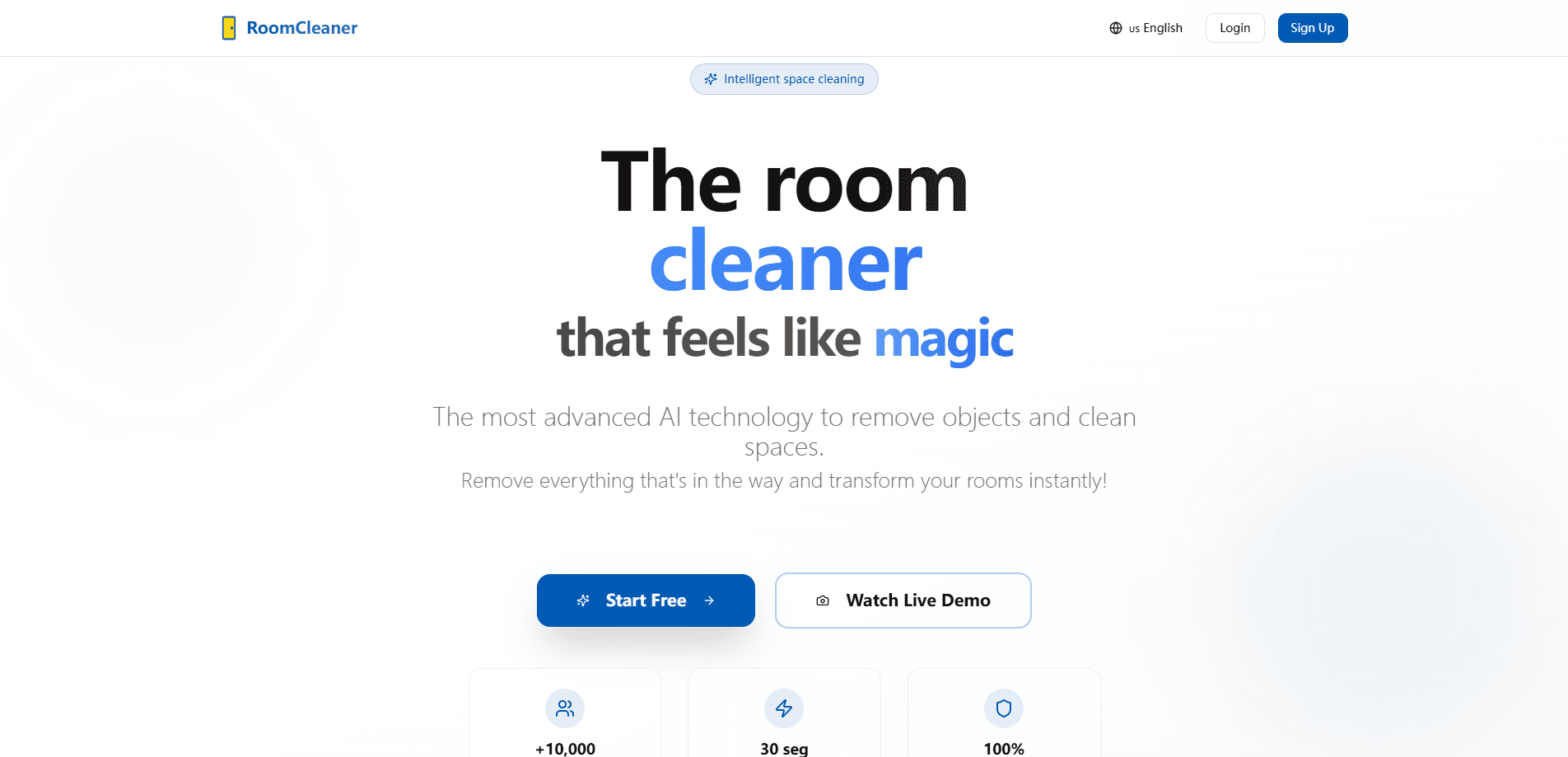
RoomCleaner.io is a web app that removes clutter from room photos and rebuilds them as clean, styled spaces. Upload a shot, spend a token, and get a finished image in seconds.
About RoomCleaner.io
What Is RoomCleaner.io
RoomCleaner.io is an AI room cleaner that clears clutter from messy rooms in photos. You give it a picture of a bedroom, living room, or kitchen, and it strips out the objects you don't want, then rebuilds the space with a tidier, more professional look. It runs in the browser, so there's nothing to install.
The pitch is simple: real estate agents, designers, and regular homeowners can show a room at its best without moving furniture or hiring a photographer. The tool leans on Google's Gemini image models to redraw scenes rather than just blur out objects.
Results are AI reconstructions, not edits of the original pixels. That means lighting and small details can drift from what the room actually looks like. For rough layouts and quick previews it works fine. For anything needing true-to-life accuracy, treat the output as a concept, not a photograph.
Getting Started
- Open roomcleaner.io and pick one of your three free images, or sign up for a free account.
- Drag a room photo into the upload box. JPG, PNG, and WebP up to 10MB work.
- Let the AI process it. Each image costs one token, and the free tier covers your first three.
- Review the before and after side by side, then download the cleaned result in high resolution.
Product Information
A quick look at RoomCleaner.io's pricing, supported platforms, and performance.
Best for
The users, tasks, and scenarios where this tool fits best.
Users
- Real estate agents
- Interior designers
- Homeowners planning a sale or a move
Tasks
- Clearing junk from a room photo
- Making a before and after set
- Previsualizing a declutter plan
Scenarios
- Scheduling a renovation or a move
- Publishing a rental listing on a deadline
Key features
Object removal with rebuilt backgrounds
The core job is pulling things out of a photo and filling the gap so the floor, wall, or counter looks untouched. Furniture, boxes, cords, and stray objects go away, and the AI paints back surfaces that match the rest of the room. You keep the original layout while losing the mess.
AI-driven restyling
Beyond cleaning, the tool reframes a space with a fresh look. It can push a room toward a contemporary or cozy feel, so a dated bedroom photo comes back looking current. This suits interior designers and agents who want sharper room photos and anyone testing a mood before buying furniture.
Before and after comparison
A slider lets you drag between the original and the processed image. It's the fastest way to judge whether a result is good enough to use, and the pairing is ready to drop into a listing or a social post.
Photo library with folders
Every image you process lands in a dashboard that sorts them into folders. A slider lets you drag between the original and the cleaned room photo. You can keep a project's shots together instead of hunting through downloads. The dashboard also tracks tokens left and images completed.
Token-based processing
Each image costs one token, which keeps the pricing predictable. The free tier hands you three images, and paid packs scale up to hundreds. You only spend when you actually process a photo.
High resolution downloads
Paid tiers unlock full-resolution exports. That matters for print, large listings, and client decks where a compressed image falls apart. Lower tiers still give you usable standard or professional quality.
Pros and cons
Pros
- Runs in the browser, so there's nothing to install and it works across desktop and mobile.
- Three free images let you test real results before paying anything.
- Per-image tokens make costs easy to predict, at roughly €0.10 an image on the Starter pack.
- Background rebuild keeps the room's own surfaces intact instead of leaving blurred patches.
Cons
- Free and lower tiers cap you at standard or professional quality, and top quality sits behind the €18 and €40 plans.
- Results are AI redraws, so small details and exact lighting can shift from the real room.
- The business tier lists a custom API and CRM integration as coming soon, so there's no clean automations path yet.
- Files over 10MB are rejected, which rules out some high-resolution camera exports unless you resize first.
Frequently asked questions
It removes unwanted objects from room photos and rebuilds them as clean, styled spaces. In short, it's built to remove objects from room photos without any manual editing. You upload a picture, and the AI returns a tidied version you can download.
Related content
Explore related tools, skills, and articles for RoomCleaner.io.
RoomCleaner.io Alternatives

Google EmbeddingGemma 2
Google DeepMind · Writing · Image · CodingGoogle EmbeddingGemma 2 is a 740M-parameter open model that turns text, code, images, audio, and video frames into vectors in one 768-dimension space, running on phones and laptops.

Tractionwave
TractionWave · Image · MarketingTractionWave is an AI attention heatmap tool for static ads. Upload a PNG or JPG and it returns predicted attention, ranked hotspots, and fixes before you spend budget.

Imejis.io
Imejis.io · Image · MarketingImejis.io is an AI design studio for agents and marketing teams. Describe an image in plain words, and it writes the copy, builds the layout, reflows it to every size, then exports a finished file.