

Rork
Rork · Coding
Rork is an AI app builder that turns chat prompts into native iOS, Android and web apps you can publish to the App Store and Google Play.
About Rork
What Is Rork
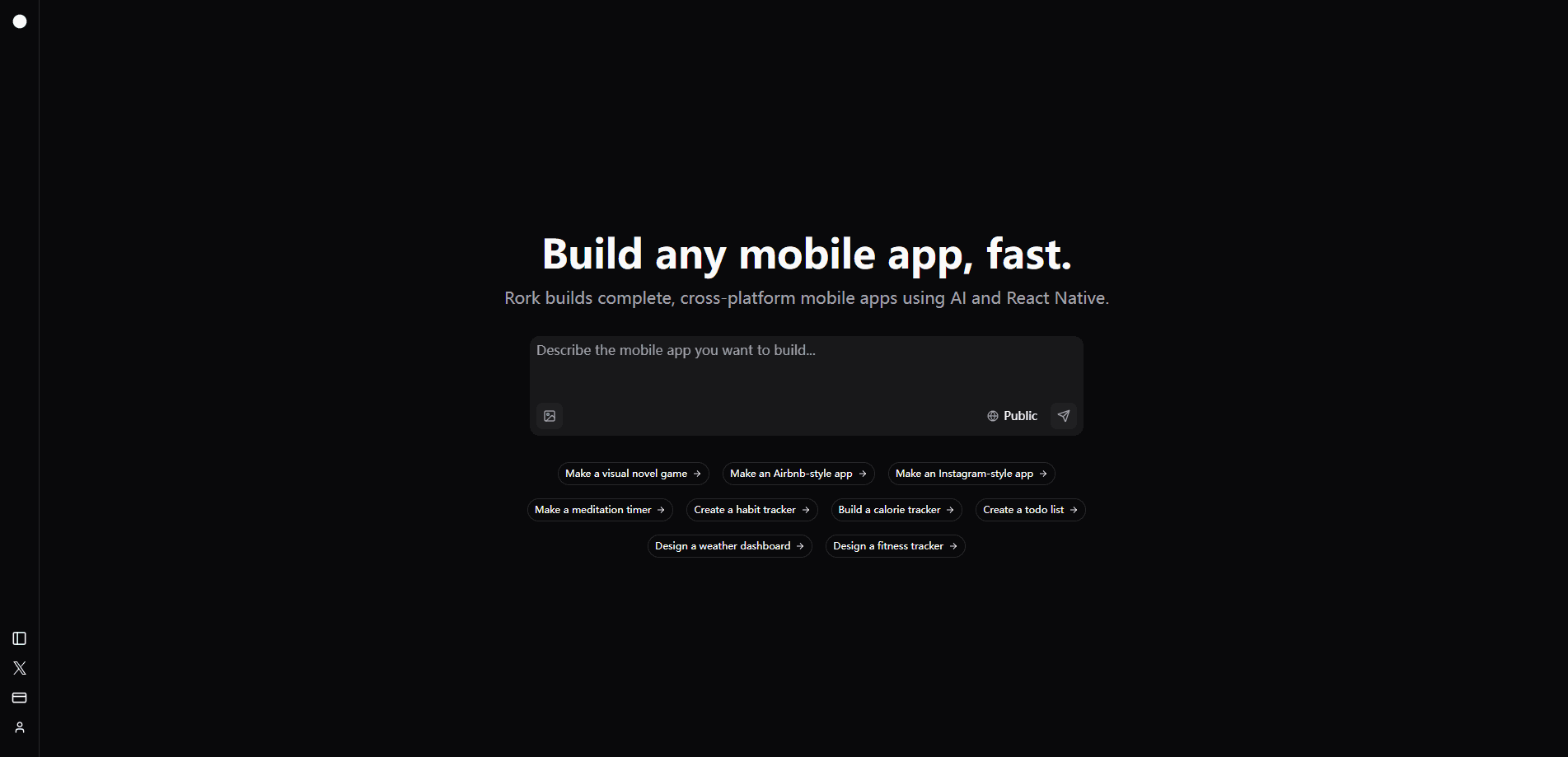
Rork is a browser-based AI app builder for people who want a real mobile app but don't want to write the code. It targets anyone who wants to build mobile apps with AI rather than by hand. You describe what you're building in plain language, and the agent writes native iPhone apps in Swift, native Android apps in Kotlin, and web apps in React. It's a no-code mobile app builder that still hands you real, exportable code. It runs a live preview next to the chat, so you watch the app take shape as you talk to it.
The pitch is speed. Rork targets people who have a product idea and no development team. It handles screens, navigation, data storage, and third-party API connections, then pushes the finished build to TestFlight, the App Store, or Google Play. Code export runs through GitHub, so you can pull your project into Cursor or VS Code whenever you want to keep building by hand.
The catch is the pricing model. Every prompt burns a credit, and the free plan only covers design mockups. You can't build a working, publishable app until you move to a paid plan.
Getting Started
- Create a Rork account on the web (a card isn't needed for the free plan).
- Describe your app idea in the chat, or browse a template to start from.
- Use Design mode to explore layouts, then upgrade to a paid plan for Build mode.
- Pick your target, iPhone, Android, or web, and preview it live beside the chat.
- Connect a GitHub account to export the code, or publish straight to the App Store, Google Play, or a rork.app address.
Product Information
A quick look at Rork's pricing, supported platforms, and performance.
Best for
The users, tasks, and scenarios where this tool fits best.
Users
- Non-technical founders
- Solo makers and indie hackers
- Freelancers and agencies
- Product designers
Tasks
- Prototyping an app concept
- Building a native iPhone app
- Building an Android app
- Publishing a web app
- Importing an existing project
Scenarios
- You have a validated idea and a short deadline
- You want to test an app for a small audience first
- Your team already uses AI coding tools
Key features
Prompt-to-App Builds
You type what you want and Rork writes the app. It generates native iPhone apps in Swift, native Android apps in Kotlin, and web apps in React. A live preview sits next to the chat, so you see each change land instead of guessing.
Design Mode and Build Mode
Design mode drafts the screens and look of your app, and it's what the free plan runs. Build mode turns those designs into working code you can test and publish, and it needs a paid plan. Older Rork projects also carried a Plan mode that maps out changes before touching files.
Native Apps, Not Web Wrappers
Rork builds separate native apps per platform rather than wrapping a website. An iPhone app is real Swift, an Android app is real Kotlin, and they share one project with one backend and one Publish menu. Rork moved away from its earlier React Native approach after internal tests showed better Swift output.
Live Preview and Element Selection
A cloud simulator runs beside the chat so you can test both platforms without a Mac. You can also click any element in the preview and tell Rork what to change, and it edits that exact part of the app instead of rebuilding a whole screen.
Version History and Undo
Every message in Rork is a version you can return to. Undo the last change, roll back to any earlier reply, or review the exact files a change touched. It's a safety net when the agent takes a wrong turn.
In-App Assets and Image Generation
Rork generates the images, video, audio, and 3D models your app needs, stores them in an Assets tab, and wires them into the code. You ask for them in chat, and they show up where the app expects them.
Third-Party API Integrations
You can connect external APIs to add features that don't ship with Rork, like payments or live data. Rork also keeps a set of ready-made integrations, so common connections don't need manual setup.
GitHub Code Export
On paid plans you own the generated code. Connect the Rork GitHub App and your project syncs both ways, so you can continue development in Cursor, VS Code, or any IDE without leaving the app locked inside Rork.
Pros and cons
Pros
- Builds separate native apps for iPhone, Android, and web instead of thin web wrappers.
- Live cloud preview lets you test iOS and Android without owning a Mac.
- GitHub export keeps your code portable and editable in any IDE.
- Free Design mode lets you explore an idea and mockups without paying.
- One project holds every platform, so a single chat and backend serve them all.
Cons
- Every prompt costs a credit, and the free plan can't build a publishable app, so real projects need a paid plan.
- The entry paid plan starts at $20/mo and the top tier reaches $1,800/mo, which gets pricey for heavy use.
- iPhone apps with SwiftUI, Android, and web are included from $20/mo, but iPad, Apple Watch, Vision Pro, games, and widgets are locked behind the $200/mo Max plan.
- Credit limits reset monthly without rolling over, so unused credits are lost.
Frequently asked questions
Rork builds mobile and web apps from AI chat prompts. You describe an app and it generates native iPhone, Android, or web code, previews it live, and helps you publish to the App Store, Google Play, or a web address.
Related content
Explore related tools, skills, and articles for Rork.
Rork Alternatives

Udon
Udon · Coding · ProductivityUdon turns an Apple Silicon Mac into a home server you run from a browser, with container controls, file shares, and an optional AI sysadmin.

offstage
offstage cloud · Coding · Productivityoffstage gives AI coding agents and CI jobs a real Mac: a fresh macOS account on Apple silicon, driven over an API and billed by the second.

BotBus
Chengdu Tuyang Tusen Technology Co., Ltd. · Coding · ProductivityBotBus lets you control AI coding agents from your phone and watch: approve commands, start tasks and read results while the code stays on your desktop.