

RubixKube
RubixKube · Coding
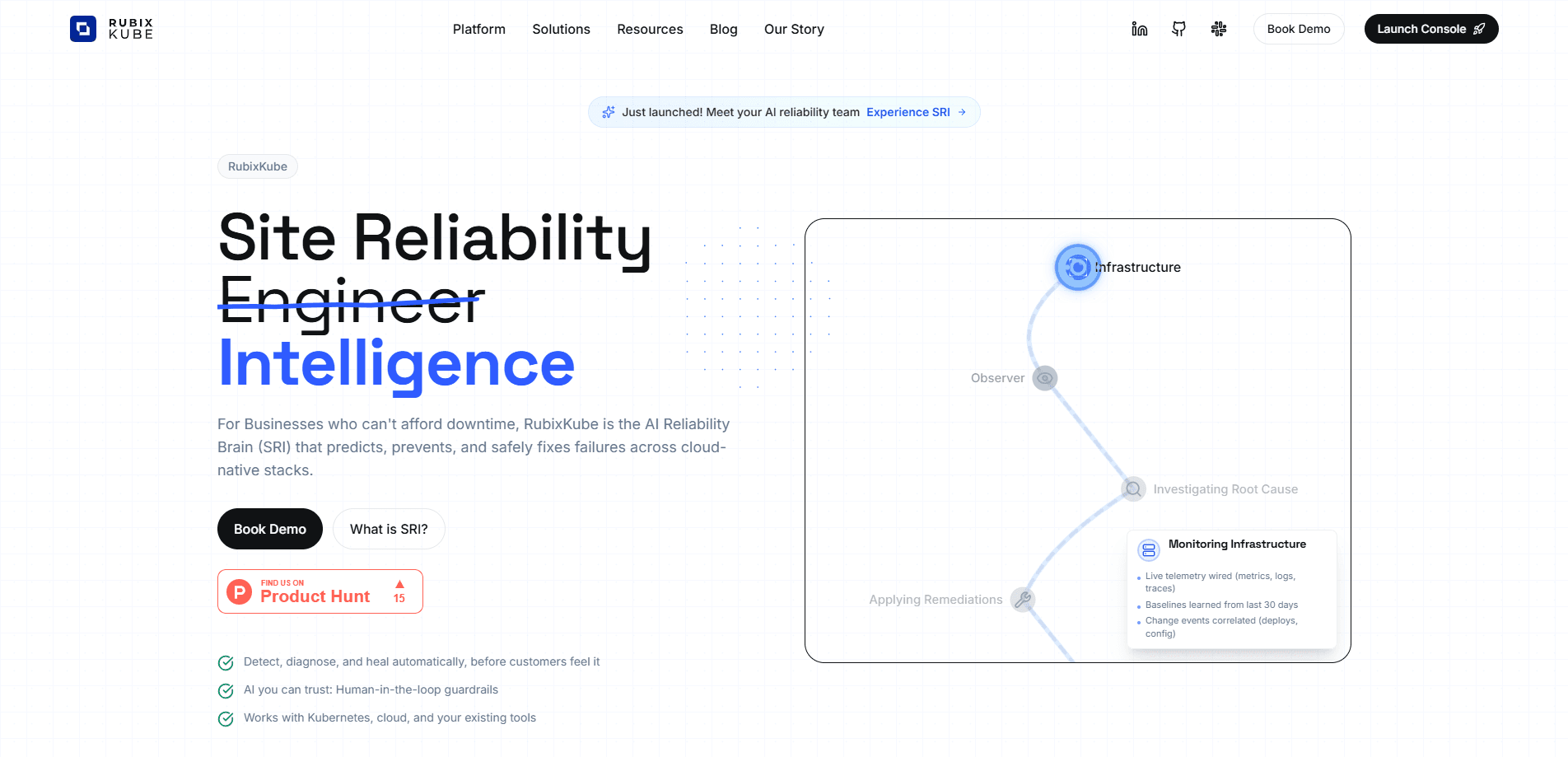
RubixKube is an AI reliability platform that runs a mesh of AI SRE agents across your cloud-native stack to predict failures, diagnose root causes and resolve incidents. It keeps a memory of your infrastructure that grows with every signal and fix, and it hands control back to a human before anything irreversible happens. Teams use it for autonomous incident resolution, to cut alert noise and to give engineers back the hours they were spending on firefighting. The whole idea is simple. Fewer 3 a.m. guesses.
About RubixKube
What Is RubixKube
RubixKube is a site reliability intelligence platform built for the people who keep production alive. Instead of treating each alert as a fresh puzzle, it builds a working model of your services, nodes and dependencies, then puts root cause analysis AI to work on that model to explain what broke and why. The pitch is memory: most tools see your infrastructure for the first time on every incident, while RubixKube remembers what it saw last week and last month.
The main problem it tackles is the gap between detection and understanding. Alerts fire, dashboards glow, and an engineer still spends an afternoon tracing a root cause that a machine could have surfaced in minutes. RubixKube watches continuously rather than waking up when a pager goes off, so its context is already warm by the time something fails.
The biggest limitation is scope and maturity. The platform is young, the hosted agent mesh is still the core of the product, and the companion Kepler IDE is in open beta. Anything that changes state on your infrastructure, like deleting, scaling or restarting, stays behind a human command by design. So what does RubixKube actually shorten? The thinking, not the clicking.
Getting Started
- Create an account at the RubixKube console and start with the free tier to explore the platform.
- Connect your existing stack, such as cloud accounts, delivery pipelines, observability tools and chat apps, using the built-in integrations instead of a rip-and-replace migration.
- Let the agent mesh map your topology and dependencies during the first days so it can build a baseline of normal behavior.
- Point the agents at a service or incident and read the root cause analysis report they return, including the commands they ran.
- Approve the fix yourself, or download the Kepler SRE IDE and run agents locally if you want your history and credentials to stay on your own machine.
Product Information
A quick look at RubixKube's pricing, supported platforms, and performance.
Best for
The users, tasks, and scenarios where this tool fits best.
Users
- Site reliability engineers and on-call teams
- DevOps and platform engineers
- Small engineering teams without a dedicated SRE function
Tasks
- Root cause analysis during an incident
- Cutting alert noise
- Watching steady-state systems
Scenarios
- A service starts throwing errors at 3 a.m. and nobody wants to hand-trace dependencies
- A release goes out and you want to know if anything drifted, without staffing a manual watch.
- A team wants to keep credentials and memory on local machines
Key features
Agent Mesh for Autonomous Resolution
RubixKube doesn't rely on a single assistant. It runs a mesh of AI SRE agents that split the work of detecting anomalies, diagnosing root cause and resolving failures across your infrastructure. Each agent reports back into one picture, so a complex incident gets several angles covered at once instead of one engineer switching between eight tabs. Fewer tabs. Faster answers.
Compounding Memory
Every signal, session and human correction feeds the same growing model of your system. RubixKube maps topology automatically, learns upstream and downstream dependencies, and starts surfacing failure patterns that repeat. The point is that the model belongs to you and gets sharper the longer it runs rather than resetting with each new tool or quarter.
Continuous Intelligence
Unlike tools that only look at your stack once an alert fires, RubixKube observes continuously. Investigations aren't episodic here. Chat threads, root cause analysis reports and human feedback all feed the same model, so indexes stay current and its understanding of your environment deepens over time.
Human Oversight by Default
The platform is built so a person stays in the loop. Agents suggest, and you run the command. Read, reason and suggest is the default posture, and destructive operations like deleting, scaling or restarting stay off the table unless a human asks for them. You can widen how much room an agent gets per conversation if your team is comfortable. Not everyone is. That's fine.
Root Cause Analysis Reports
Ask RubixKube what's happening and it runs the commands, reads the logs and opens the dashboards itself. It then hands you a report that shows exactly what it ran before it tells you what it thinks. That traceability matters when you need to defend a decision during a postmortem.
Kepler, the SRE IDE
Kepler is RubixKube's companion IDE for operators, in open beta for macOS, Windows and Linux. It gives you a world model that deepens with every incident, a standing presence that watches and wakes itself when something moves, and the option to run everything on your own machine. Your history, memory and credentials never leave your laptop if you choose, and you can use hosted models or bring your own keys.
Built-In Stack Integrations
RubixKube connects to the tools your team already runs, covering cloud and edge, delivery and platform, observability and incidents, plus chat, email and meetings, and data. The idea is wiring in without a rip-and-replace project, so you keep your existing pipelines and add intelligence on top.
Pros and cons
Pros
- Understands incidents fast: RubixKube reports a 2.8 minute mean time to understand an issue across production deployments, far below the hours a manual investigation can take.
- Cuts alert fatigue with a claimed 90% reduction in alert noise, which keeps real problems visible.
- Keeps a human in control: agents suggest fixes and you approve them, and destructive actions stay locked behind explicit commands.
- Remembers your stack between incidents, so the root cause analysis gets more useful as dependencies and past fixes accumulate.
- Ships a local option through the Kepler IDE, so teams with strict data rules can keep history and credentials on their own machines.
Cons
- Pricing isn't published on the site, so you'll need to contact the team or sign up to see what a paid plan costs.
- It's early: Kepler is in open beta and the vendor's own metrics like the 220 engineering hours saved per month come from a small sample of 12 teams, so treat them as directional.
- The heavier value depends on connecting many systems, which means setup effort before the memory and integrations pay off.
Frequently asked questions
RubixKube is an AI reliability platform that watches cloud-native infrastructure, detects anomalies, diagnoses root causes and proposes fixes. It runs a mesh of agents that work on incidents together and reports back to a human who approves the action.
Related content
Explore related tools, skills, and articles for RubixKube.
RubixKube Alternatives
Forefront
Forefront · CodingForefront is a web platform for building with open-source AI. It lets you fine-tune leading open-source language models on your own data, evaluate how they perform, and run them through an API or export them to host yourself. Developers who want the convenience of a closed-source platform but insist on owning their models and data are the target audience here.

Startkit
StartKit.AI · CodingStartkit is a boilerplate for building AI SaaS and AI wrapper products. Think of it as an AI startup boilerplate with the boring parts already wired up: authentication, Stripe and Lemon Squeezy payments, usage limits, transactional email, and an AI API starter that talks to OpenAI, Anthropic, Groq, or Llama. You clone the repo, set your price, and start on the part of your product that people actually pay for. It's Next.js under React and Tailwind, so most of the boilerplate code already feels familiar.
Testim
Tricentis · CodingTestim is an AI-powered test automation platform for building and running end-to-end tests across web, mobile, and Salesforce applications. It leans on machine learning to keep tests stable when an interface changes, so teams spend less time fixing broken selectors. Not bad for an automated testing tool you can start using today. You create tests by recording actions in a browser, then optionally add JavaScript when you need more control. It's a solid pick for busy QA teams.