

RunLLM: The AI Support Engineer
RunLLM, Inc. · Leaning
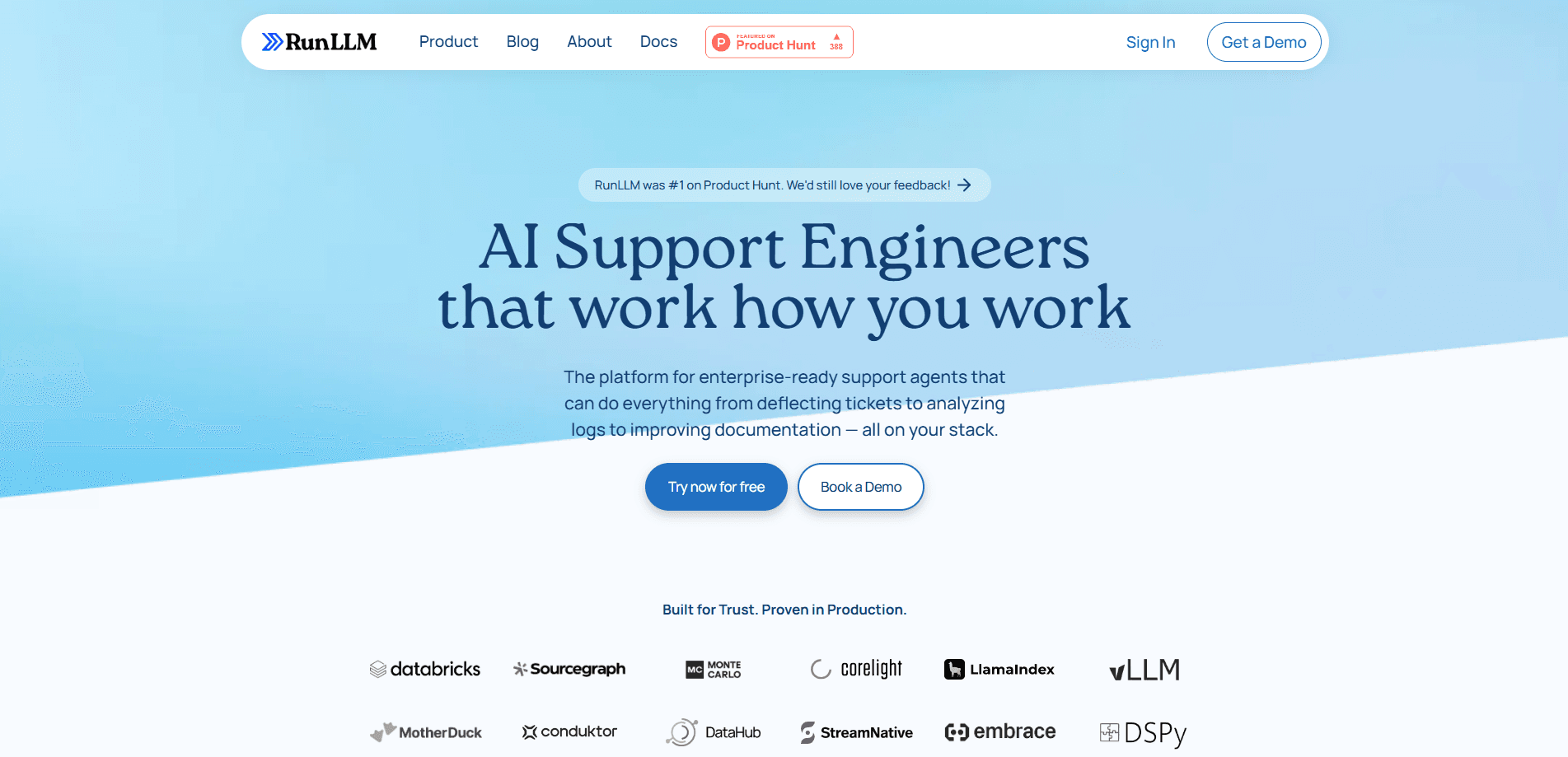
RunLLM is an AI support engineer built for technical products. It reads your documentation, logs and code to answer developer questions and resolve support tickets before a human steps in.
About RunLLM: The AI Support Engineer
What Is RunLLM
RunLLM is an AI support engineer aimed at companies whose customers ask hard technical questions. It is not a general AI customer support bot; it is tuned for developer-facing products where the answers live in docs, code and logs. Instead of a generic chatbot that matches keywords, it reads the sources a real support engineer would open: your product documentation, past tickets, logs, source code and help-center articles. From those, it drafts an answer, and where the answer depends on the user's setup, it asks a follow-up before guessing.
The company came out of Y Combinator's Winter 2024 batch. It was founded by researchers tied to UC Berkeley's RISELab, the lab behind Ray and other data-systems projects, and it pitched the product as an assistant trained on your stack rather than a one-size bot. Early customers include developer-heavy companies such as Databricks, Sourcegraph and Corelight, which use it for technical support automation of their hardest API and infrastructure questions.
What separates RunLLM from a basic docs chatbot is what it does when a question is vague. A keyword bot returns the closest article and stops. RunLLM reasons about the question, pulls from several sources at once, and can run code to check an answer before sending it. That matters most for the customers who file the fewest but hardest tickets: developers integrating an API who need a working snippet, not a link.
Getting Started
- Sign up through the RunLLM site and create an assistant for your product
- Connect the sources it should read, such as your docs site, help center, Slack history or past ticket archive
- Connect the place it should answer, whether your own site widget, Slack or a helpdesk like Zendesk
- Test it against real questions, correct any weak answers, then let it handle live traffic
Product Information
A quick look at RunLLM: The AI Support Engineer's pricing, supported platforms, and performance.
Best for
The users, tasks, and scenarios where this tool fits best.
Users
- Developer-tools companies
- Support engineers at technical firms
- Open-source and infrastructure projects
- Documentation and DevRel teams
Tasks
- Answering product questions
- Deflecting repeat tickets
- Resolving integration issues
- Triaging incoming requests
- Scaling technical Q&A
Scenarios
- A developer pastes an error and needs the fix, not a support form
- Your docs site gets searched every day for the same three questions
- A small team is drowning in integration tickets
- A new customer asks a setup question at 2 a.m.
- Support wants fewer escalations
Key features
Answers Built on Your Own Sources
RunLLM reads the material your product actually runs on, including documentation, help-center articles, past support threads, logs and source code. When a question arrives, it draws from those sources rather than from general knowledge, which is what keeps answers tied to your product instead of generic advice. The more sources you connect, the more specific the replies get.
Agentic Reasoning Rather Than Keyword Matching
The assistant reasons about what a user is really asking and decides which sources to consult. If a question is missing a detail, it asks for it instead of inventing an answer. It can also run code to verify a fix before suggesting it. This behavior is what lets it handle the vague, multi-step questions that trip up a simple documentation bot.
Log and Telemetry Analysis
For products that generate logs, RunLLM reads error output and telemetry to diagnose what went wrong. This is the part behind its support ticket deflection, since the assistant resolves an issue from the failure data itself rather than waiting on a human. Instead of asking the user to describe the problem again, it works from the actual failure data and points to a likely cause. This is the part aimed at the hardest tickets, where the answer lives in a log line rather than in a help article.
Code-Grounded Answers and Snippets
The assistant can generate and validate code that responds to a specific question, such as a working request for an API a user is struggling with. Because it reads your own code and docs, the snippets match your real interface instead of a plausible guess. For developer-facing products, a runnable example is often the difference between a resolved ticket and a round trip.
Multiple Assistants for Different Teams
You can build separate AI support agents for different audiences, such as one for support, one for sales and one for customer success, each with its own sources and instructions. A support assistant can be tuned to resolution while a sales assistant draws on different material. This keeps each assistant focused on the questions it is meant to field.
Works Where Your Users Already Are
RunLLM answers inside the channels your customers use, including a widget on your own site, Slack, Microsoft Teams and helpdesks like Zendesk. Users get help where they already are rather than being sent somewhere new. That placement is a large part of why it can deflect tickets, since an answer in the same window beats a redirect to a portal.
Set Up in Minutes, Improved Over Time
The pitch is a short onboarding: connect your sources and your channels, and the assistant starts answering. From there it improves as you correct weak replies and as it sees more real questions. The team frames it as fast to start and sharpened by use, rather than a months-long deployment.
Pros and cons
Pros
- Reads your docs, logs and code, so answers stay tied to your product instead of drifting into generic advice
- Reasons about vague questions and asks for missing details, which suits messy developer tickets better than keyword search
- Can validate code before suggesting it, so a developer gets a snippet that runs instead of a link to read
- Answers where users already are, on your site, in Slack or inside a helpdesk, which is what lets it deflect tickets
- Reports from customers such as Corelight point to large cuts in time spent on technical support
Cons
- Pricing is not published, so you have to contact sales before you can judge the cost against your ticket volume
- The public API is not documented, which limits how far you can wire it into your own systems
- It leans on the quality of your sources, so thin docs or messy tickets mean weaker answers
- It targets technical products with developer questions, so it is a poor fit for simple consumer customer service
- Getting it to answer at its best takes some setup and tuning rather than working perfectly out of the box
Frequently asked questions
RunLLM is an AI support engineer that answers technical questions about your product. It reads your documentation, logs, code and past tickets to draft a specific answer, and it can ask a follow-up or run code to check a fix before replying.
Related content
Explore related tools, skills, and articles for RunLLM: The AI Support Engineer.
RunLLM: The AI Support Engineer Alternatives

HireKey
HireKey · Voice & Language · Productivity · LeaningHireKey is an AI job search copilot built by a former tech recruiter. It checks role fit, tailors resumes, runs interview practice and tracks every application.

Lune
Retrograde Labs · Productivity · LeaningLune is a research search engine for scientific AI agents. It runs as an MCP server that lets Claude, ChatGPT and Cursor search peer-reviewed computer science papers and cite them.
Coddy
Coddy · Coding · LeaningCoddy is a gamified platform to learn to code through short interactive lessons in 20+ languages, with a browser editor, an AI tutor and free certificates.