

Rush Roto Studio
Rush Roto Studio · Image · Video
Rush Roto Studio is an AI product photography app that turns quick phone shots into polished listing photos and videos for online sellers.
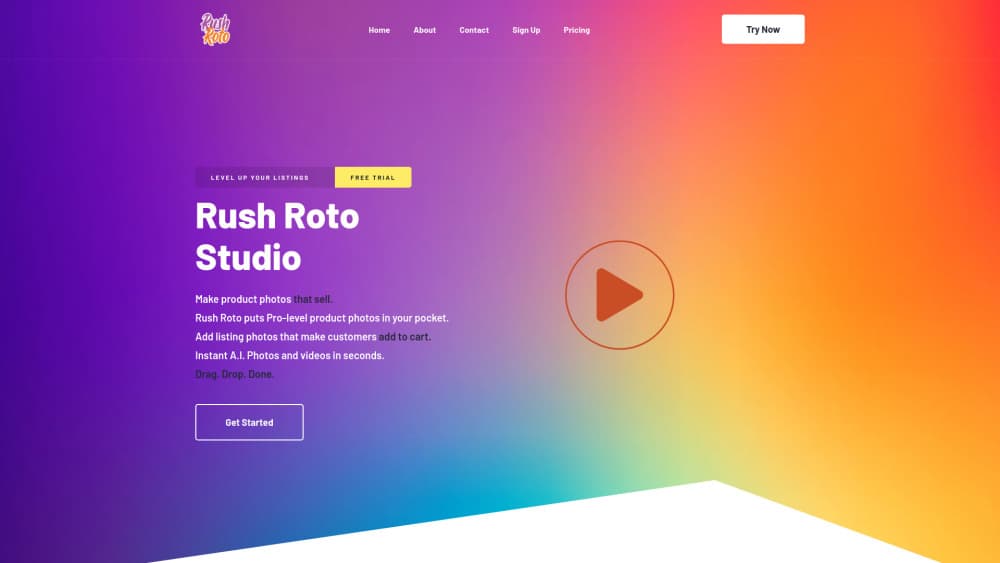
About Rush Roto Studio
What Is Rush Roto Studio
Rush Roto Studio is a product photo tool built for people who sell things online. You shoot a basic photo of your item, drop it into the app, and the AI swaps in a studio-style backdrop, cleans up the lighting, and hands you a finished image in seconds. It runs as a web app and an iOS app, so you can work from a laptop or straight from your phone.
The pitch is simple: most small sellers can't afford a photographer or a lighting rig, and expensive editing software takes too long to learn. Rush Roto Studio replaces both with drag-and-drop templates. You upload, pick a look, and export.
The catch is the credit system. Every plan caps AI image generations, and the free tier gives you 30 a month. So what happens when they run out? You wait for the next cycle or pay up. Background removal is metered too, at 200 credits on every tier. And if you sell in a niche that needs very specific props or angles, the template library may not cover it, so you'll export less than a perfect match.
Getting Started
- Create an account on the Rush Roto Studio website or download the iOS app.
- Take a clean photo of your product against any plain surface, then upload it.
- Choose a template for your product type, and let the AI generate the new scene.
- Adjust the background, add music or captions, or open the video editor for a promo clip.
- Export in standard or HD quality, depending on your plan, and post it to your listing.
Product Information
A quick look at Rush Roto Studio's pricing, supported platforms, and performance.
Best for
The users, tasks, and scenarios where this tool fits best.
Users
- Online sellers on Shopify, Etsy, or Amazon who need listing photos fast and lack a photography budget
- Small brand owners handling their own marketing and social posts without a designer
- Resellers and thrift flippers who list high volumes of one-off items
Tasks
- Turning a raw phone shot into a clean catalog image with a neutral studio background
- Removing the background from a product so it drops onto any template or banner
- Cutting a short promo video for a listing page or a social post
- Generating lifestyle-style scenes that show a product in a room or on a surface
- Building a consistent look across a batch of listings so the store feels coherent
Scenarios
- A weekend seller photographing 20 items on a kitchen table in one sitting
- A new brand launching without hiring a product photographer
- A drop-shipper who needs fresh images the same day a supplier ships
- A craft maker who wants a seasonal promo video but has no editing skills
Key features
Instant AI Image Generation
You upload a product shot and the AI builds a new scene around it. No masking. No layers. The output lands in seconds, which is the whole point of a product photo generator over a manual edit. The free tier allows 30 generations a month.
Background Removal
The tool cuts your product out of its original backdrop so it can sit on any surface or template. Each plan includes 200 background removal credits, and they're separate from your image generations. For sellers who swap backdrops often, that limit is worth watching before you commit.
Drag-and-Drop Templates
Rush Roto Studio ships a set of templates made by graphic designers, marketers, and advertisers. The app calls them scroll stoppers, and that's fair. Higher tiers add Maker and exclusive AI templates plus custom ones. You pick a style, drop your product in. Done. Templates are one of the fastest ways to get a consistent store look.
Built-In Video Editor
Beyond stills, the tool has a video editor for ecommerce product video. Shoppers are 64% more likely to buy after watching a product video, according to Shopify. So a short promo clip is worth having. You can add background music from the built-in library and export without ever opening a separate editing app.
HD and Standard Exports
The free and entry plans cap you at standard-definition exports. HD arrives with the Maker tier and stays on higher plans. If your images run full width in a product gallery, resolution counts. That gap between SD and HD is a real reason to upgrade.
Cross-Platform Access
Rush Roto Studio works in the browser and as an iOS app, so you can shoot and edit on the same phone you photograph with. The web version handles bulk work better. The app suits quick fixes on the go. An early access list covers iOS beta features. There's no Android build, and that blocks a lot of mobile sellers.
Pros and cons
Pros
- Free plan gives you a real starting point with 30 AI images and 200 removal credits
- Templates do the design work, so you don't need editing software or a designer
- Video editor and music library are built in, which covers a listing promo without extra tools
- Web and iOS apps let you work from wherever you shoot
- Annual billing drops the real per-month cost well below the headline price
Cons
- AI generations are capped on every tier, and 30 a month on free runs out fast for high-volume sellers
- Background removal credits are metered separately at 200 and can't be topped up mid-cycle
- HD exports are locked behind the paid Maker plan, so free users get softer images
- No Android app, which cuts out a large slice of mobile shoppers and sellers
Frequently asked questions
It turns a plain product photo into a studio-quality listing image using AI. Think of it as an AI photo editor for sellers. You upload a shot, pick a template, and it generates a new background and lighting, plus it can cut short promo videos.
Related content
Explore related tools, skills, and articles for Rush Roto Studio.
Rush Roto Studio Alternatives

Google EmbeddingGemma 2
Google DeepMind · Writing · Image · CodingGoogle EmbeddingGemma 2 is a 740M-parameter open model that turns text, code, images, audio, and video frames into vectors in one 768-dimension space, running on phones and laptops.

Tractionwave
TractionWave · Image · MarketingTractionWave is an AI attention heatmap tool for static ads. Upload a PNG or JPG and it returns predicted attention, ranked hotspots, and fixes before you spend budget.

Imejis.io
Imejis.io · Image · MarketingImejis.io is an AI design studio for agents and marketing teams. Describe an image in plain words, and it writes the copy, builds the layout, reflows it to every size, then exports a finished file.