

SalesDesk
SalesDesk · Productivity · Marketing
SalesDesk is an AI-powered CRM that syncs your email and calendar, scores every deal and lets you talk to an assistant that updates records for you.
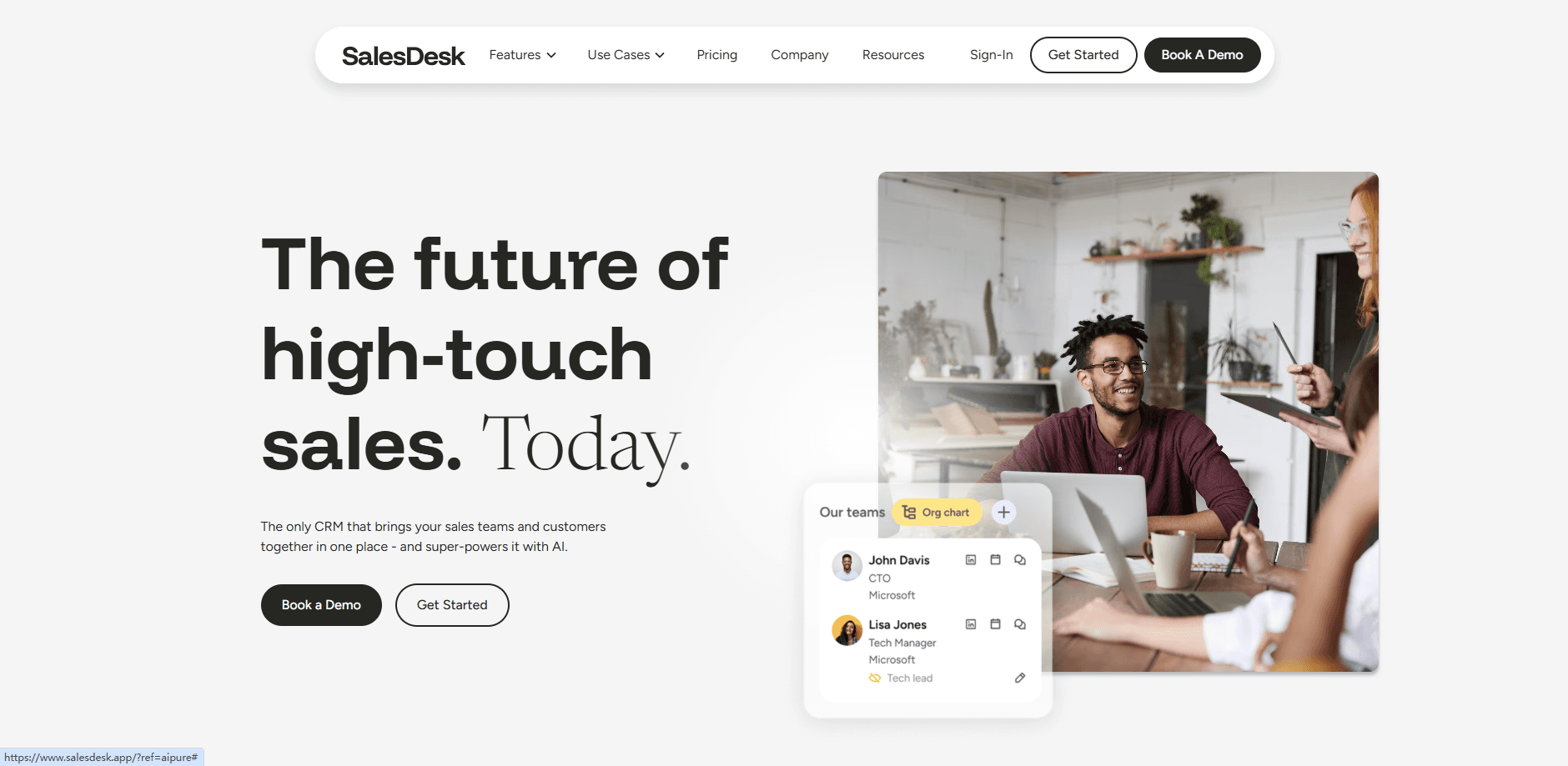
About SalesDesk
What Is SalesDesk
SalesDesk is an all-in-one customer relationship management platform, an AI CRM built around an AI assistant instead of a set of forms. It pulls email and calendar activity onto the right records, keeps deal and company health scores current, and turns plain-language requests into real changes in your sales pipeline.
The pitch is simple. Most CRMs wait for a salesperson to type in what happened. SalesDesk works the other way: connect your inbox and calendar and the records fill themselves in, then the assistant keeps them scored, enriched and up to date. For teams that hate data entry, that's the whole reason to switch.
A few things are worth knowing before you sign up. It's a web product with a desktop app, a Chrome extension and a mobile screen, and it leans on a credit system for AI work, so heavy agent use costs extra on top of the per-seat price. It's also a young platform, so niche edge cases and deep enterprise customization may still be thin.
Getting Started
- Sign up with your Google or Microsoft account and create a workspace, then invite your team by email
- Connect your inbox and calendar so email threads and meetings land on the right people and companies
- Import existing records from a CSV, a web form or the API, and let the assistant score and enrich them
- Model your own record types and fields, then set roles so each person sees only what they should
- Ask the assistant for a summary, a draft follow-up or a pipeline update, and approve what it proposes
Product Information
A quick look at SalesDesk's pricing, supported platforms, and performance.
Best for
The users, tasks, and scenarios where this tool fits best.
Users
- Small sales teams
- Founders who sell
- Sales managers keeping watch
- Recruiting and partner teams
Tasks
- Turning email into records
- Forecasting the quarter
- Drafting follow-ups
- Keeping data clean
Scenarios
- A deal goes quiet
- You're between meetings
- Your team lives in Slack
- You want answers without clicking
Key features
Milo, the Built-In AI Assistant
The assistant sits at the center of the product. You can ask about your data in plain language, tell it to update records or draft email, or talk to it out loud and hear the answer. It proposes changes as Plays that you accept or dismiss, so it works on your terms instead of editing behind your back. Most of what it does is metered through credits.
Email and Calendar Sync
Connect Google or Microsoft and your email threads and meetings arrive on the right records on their own. From there the platform logs interactions on a timeline, sends a daily digest of what's waiting, and lets you compose, template and schedule email from inside a record. This is the feature that removes most manual entry for a busy rep.
Deal and Relationship Health Scores
Every deal gets a score, status and momentum reading with the factors behind it, and every company and relationship gets a health score worked out from your emails and meetings. That means you can spot which deals are slipping or which champion has gone quiet without reading every thread yourself. It's the kind of signal a traditional CRM makes you assemble by hand.
Configurable Data Model
You aren't stuck with a fixed set of objects. The platform lets you design your own record types and fields, use more than twenty field types, add conditional and required fields, and build formula and rollup fields that calculate from other records. Lists group records, relationships link any record to any other, and field history shows who changed what and when.
Workflow Automation
Automations are built on a canvas as multi-step workflows, with versioned drafts you publish when ready. Triggers react the moment a record changes, webhooks start a workflow from another system, and an action library handles updates, email and AI steps that can summarise, classify or draft. Scheduled runs and per-run cost history keep the automation side visible.
Open Integrations and API
The platform is open on several sides. Claude and ChatGPT can reach your workspace through an MCP server, signed in as you, and you can point the assistant at outside tools through their own MCP servers. A documented REST API with keys, plus webhooks and Slack, means teams can wire SalesDesk into the tools they already use rather than replacing everything at once.
Pros and cons
Pros
- Ties email and calendar straight to records, so reps spend less time typing what already happened
- The assistant proposes changes and waits for approval, which keeps a human in the loop instead of letting AI edit blindly
- Health scores on deals, companies and relationships surface risk early, without manual pipeline reviews
- Every feature is on every plan, so you don't pay a higher tier just to unlock reporting or call capture
- Open on the integration side, with a REST API, MCP access from Claude and ChatGPT, webhooks and Slack
Cons
- AI work runs on a credit system, so heavy use of the assistant costs more than the per-seat price suggests
- It's a young platform, and teams needing deep enterprise customization or a long track record may want to wait
- The exact Pro price is quoted on request rather than published, which makes budgeting harder up front
Frequently asked questions
SalesDesk is a CRM for managing sales relationships, and it works as an AI sales assistant as much as a database. It syncs your email and calendar, tracks deals through your pipeline stages, scores deal and company health, and adds an assistant that answers questions and updates records. Teams use it to run a pipeline without doing all the data entry by hand.
Related content
Explore related tools, skills, and articles for SalesDesk.
SalesDesk Alternatives

Base Code
Base44 (Wix) · Coding · ProductivityBase Code is a shared cloud development environment from Base44. Teammates describe changes to an existing GitHub codebase in chat, preview them live and send them back as pull requests.

Knocket
Knocket (Tencent RTC team) · Productivity · Business · ChatbotKnocket is a free live chat and contact page tool that lets visitors message you from your website, app, or a shareable link, with every reply handled from Telegram or one inbox.

FloorGen
Vinit Kumar (FloorGen) · Productivity · China AIFloorGen is a browser-based floor plan maker that turns a sentence or a sketch into an editable 2D plan and a 3D walkthrough. Export to PDF, DXF or video, and draw without an account.