

Sana AI
Sana Labs (part of Workday) · Leaning
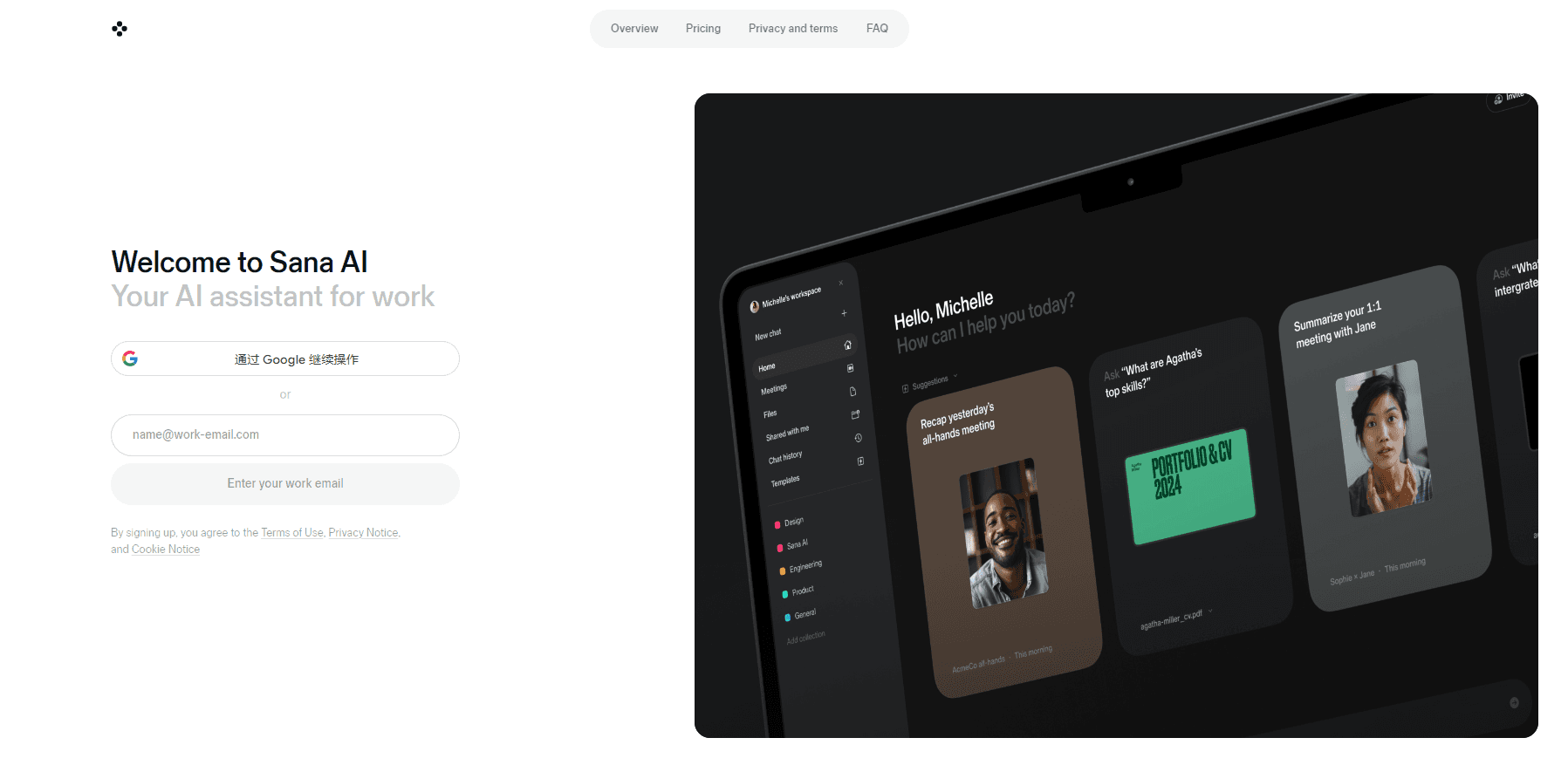
Sana AI is an enterprise AI platform that connects your company's apps and documents, so teams can search knowledge, automate tasks, and build AI agents in minutes.
About Sana AI
What Is Sana AI
Sana AI is an enterprise AI assistant built by Sana Labs, a Swedish company founded in 2016 and headquartered in Stockholm, with offices in London and New York. Workday announced an agreement to acquire Sana for about $1.1 billion in September 2025, and Sana now runs as part of Workday while keeping its own product line.
The platform connects to the tools a company already uses, including Google Drive, Slack, Microsoft Teams, Salesforce, and Confluence, then indexes that content so anyone can ask a question in plain language and get an answer drawn from internal documents. Beyond search, Sana creates AI agents that run multi-step work: drafting pitch decks, pulling live dashboards, summarizing meetings, and updating records across your apps.
The biggest limit is access. Sana AI is sold as an enterprise product with custom pricing, so there's no free tier or self-serve signup for individuals. You need a company workspace, and the value depends on how much of your knowledge actually lives in connected systems. Teams that still keep critical information in people's heads or in disconnected tools will see less benefit.
Getting Started
- Book an intro with Sana's sales team to set up an enterprise workspace, since there's no self-serve signup.
- Connect your apps, such as Google Drive, Slack, Microsoft Teams, Salesforce, and Confluence, so Sana can index company documents and data.
- Choose the large language model you want from the supported range, since the platform is model agnostic.
- Build or pick an AI agent for a task, like meeting prep or deal analysis, and set what data it can reach.
- Ask questions in the Sana app, in Slack, or on iOS, and act on the answers or agent output.
Product Information
A quick look at Sana AI's pricing, supported platforms, and performance.
Best for
The users, tasks, and scenarios where this tool fits best.
Users
- Knowledge workers at mid-size and large companies
- Sales and deal teams
- Support and IT teams
Tasks
- Finding internal answers fast
- Preparing meetings and client calls
- Building live reports and dashboards
- Automating repetitive steps across apps
Scenarios
- Onboarding new hires who need to find policies and answers quickly
- A global team spread across time zones
- Recurring business reviews and investor updates
Key features
Enterprise Knowledge Search
Sana indexes documents from connected apps, including PDF, PowerPoint, Word, Excel, CSV, and MP4 files, then answers questions in plain language with sources. You control the scope of each question, so you can limit an answer to internal content or let it pull from the public web too. The value depends on how much of your knowledge is actually connected.
AI Agents for Multi-Step Work
The platform builds agents that carry out tasks rather than just answer questions. They can prepare meeting briefs, draft deliverables, run analyses, and update records across tools. Admins set which data each agent can reach, so a finance agent and a support agent don't see the same content.
Model Agnostic Design
Sana lets you choose and switch between leading large language models instead of locking you into one provider. The architecture is built to work with different models and providers, and enterprise users pick from an extended range. Sana says its default model options aren't trained on your content data.
Wide App Integrations
Sana connects to more than 100 applications and unifies company data in one place. Common links include Google Drive, Google Meet, Google Calendar, Slack, Microsoft Teams, SharePoint, Salesforce, Confluence, Jira, ServiceNow, Dropbox, and Workday. It also handles meeting recordings from Zoom, Microsoft Teams, and Google Meet.
Live Reports and Dashboards
Agents turn connected data into analyses, dashboards, and reports you can share with a team. Instead of exporting numbers into a separate BI tool, people ask performance questions and get a dashboard back in real time. This is one of the Sana AI features teams lean on most in enterprise pitches.
Enterprise Security and Controls
Sana uses single-tenant deployments, encryption at rest with AES 256, and encryption in transit with TLS 1.2 and above. It holds SOC 2 Type 2 and ISO 27001 certifications and follows GDPR. Admins get custom user roles, flexible groups, SAML single sign-on, SCIM, domain verification, and audit logging.
Pros and cons
Pros
- Connects to a long list of everyday work apps, so answers come from tools teams already use.
- Model agnostic, which means you can switch language models as better ones arrive instead of being tied to one.
- Built-in enterprise security, with SOC 2 Type 2, ISO 27001, GDPR compliance, and single-tenant options.
- Agents handle multi-step tasks, not just chat responses, so they fit real workflows.
- Available in the Sana app, Slack, Microsoft Teams, and on iOS, which lowers the barrier for non-technical staff.
Cons
- No free plan or self-serve signup, so individuals and small teams can't try it without talking to sales.
- Pricing is custom and not published, which makes budgeting hard before a sales call.
- The value depends on how much company knowledge is connected, so results suffer if key information sits in disconnected tools.
- API availability isn't clearly documented for outside developers, so building custom integrations is uncertain.
Frequently asked questions
Sana AI is an AI agent platform used for finding answers inside company knowledge, automating multi-step work, and building AI agents that run tasks across connected apps. Common uses include meeting prep, deal analysis, support ticket routing, and drafting reports and dashboards.
Related content
Explore related tools, skills, and articles for Sana AI.
Sana AI Alternatives

HireKey
HireKey · Voice & Language · Productivity · LeaningHireKey is an AI job search copilot built by a former tech recruiter. It checks role fit, tailors resumes, runs interview practice and tracks every application.

Lune
Retrograde Labs · Productivity · LeaningLune is a research search engine for scientific AI agents. It runs as an MCP server that lets Claude, ChatGPT and Cursor search peer-reviewed computer science papers and cite them.
Coddy
Coddy · Coding · LeaningCoddy is a gamified platform to learn to code through short interactive lessons in 20+ languages, with a browser editor, an AI tutor and free certificates.