

Savvy
Savvy · Productivity
Savvy is a CLI workflow tool that records terminal commands, turns them into shareable step-by-step workflows, and runs them again from your shell, with AI help and secret redaction built in.
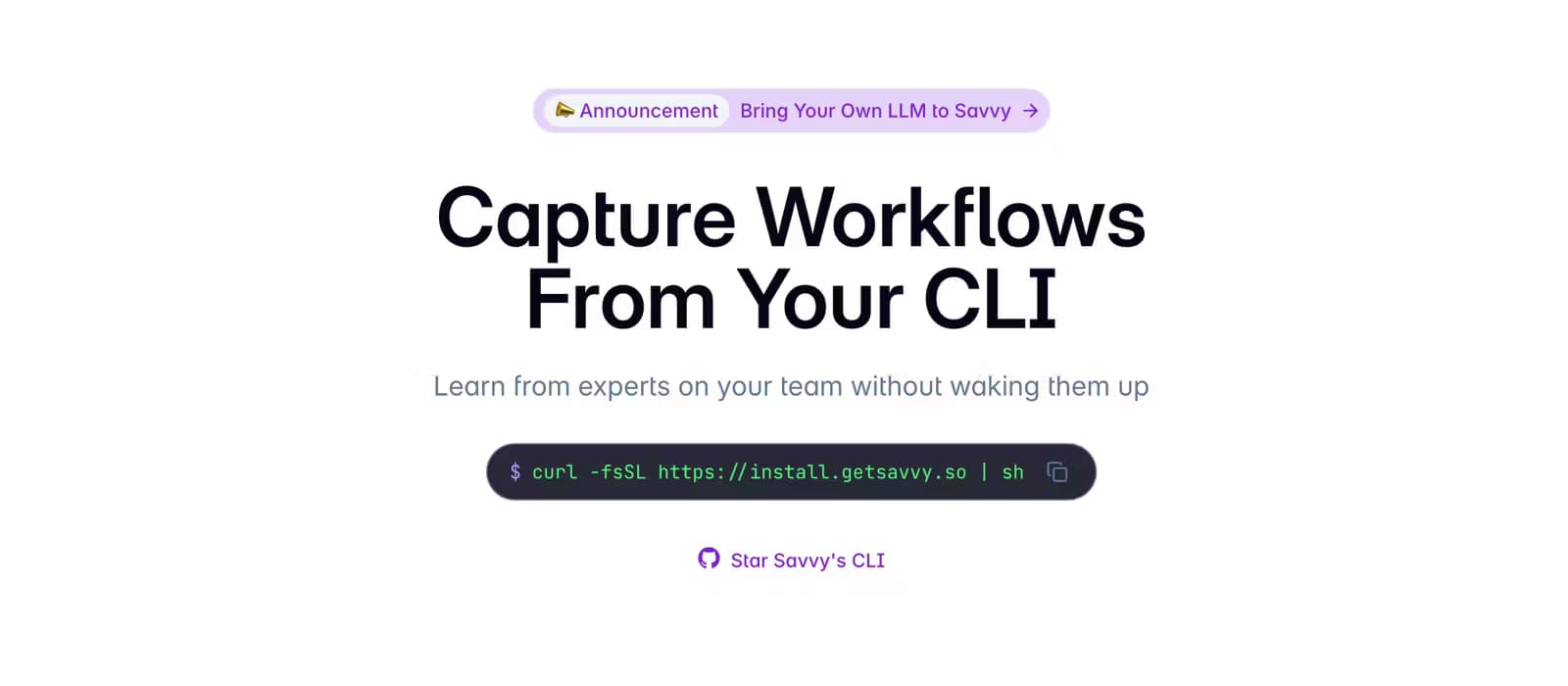
About Savvy
What Is Savvy
Savvy is a command-line tool for developers who keep solving the same problems twice. It records what you type in the terminal, uses an LLM to shape those commands into a readable workflow, and stores them somewhere your teammates can find and run later. The pitch is simple: the fix you worked out at 2 a.m. shouldn't die in your shell history.
The product lives in the terminal first. You install the CLI, hook it into your shell, and work as usual. When a command sequence is worth keeping, savvy record captures it. When you need it again, savvy run walks you through each step inside a fresh sub-shell, so you don't copy paste commands by hand.
Savvy is built for engineering teams, and that shows in how it handles sensitive data. Redaction runs locally before anything leaves your machine, commands are encrypted in transit and at rest, and the CLI never grabs the output of the commands you run. If your company rules out third-party models, you can point Savvy at any OpenAI-compatible endpoint. That includes a model you host on your own hardware.
The main catch is scope. Savvy is a terminal tool, so anyone who lives in a GUI won't get much from it, and the free tier stops at three users. Windows users are out of luck too, since the install script targets zsh, bash, and fish on macOS and Linux.
Getting Started
- Install the CLI with the one-line script, then add
$HOME/.savvy/binto your shell path and runsavvy initin your shell config. - Reload your shell and check the install with
savvy version, then log in withsavvy login. - Create your first workflow with
savvy record, or pull one from your history withsavvy record history. - Run it later with
savvy run, or share and export it from the Savvy dashboard.
Product Information
A quick look at Savvy's pricing, supported platforms, and performance.
Best for
The users, tasks, and scenarios where this tool fits best.
Users
- Developers on small teams
- Platform and DevOps engineers
- Engineering managers
Tasks
- Recording a tricky debugging sequence
- Re-running a known fix
- Turning plain English into shell commands
- Understanding an unfamiliar command
Scenarios
- Onboarding a new teammate
- Handling a late-night incident
- Exporting docs
Key features
Record Workflows From Your Shell
savvy record opens a new shell and captures every command you run there, then hands them to an LLM that writes the sequence up as a clean workflow. That's terminal workflow capture in its simplest form. savvy record history does the same from commands already in your shell history, and savvy record file pulls in config files or data so a workflow stays reproducible. Savvy never runs the history commands you pick, so browsing old work is safe.
Run Workflows Without Copy Paste
savvy run searches your saved workflows and, once you pick one, opens a sub-shell and walks you through each step. On zsh it drops the next command onto your prompt so you just hit enter; on bash you hit Ctrl+N to pull up the next command. It's the difference between following a checklist and actually executing it.
AI Helpers for the Terminal
savvy ask turns a plain question into one or more shell commands and copies your pick to the clipboard. Add the --history flag and it reads your recent history to suggest follow-ups. savvy explain does the reverse job: hand it a command or an error message you don't recognize, and it writes back a plain-language description. Both run through the same model setup as the rest of the tool.
Privacy Controls Built In
Savvy redacts secrets, passwords, keys, and customer names locally before any data leaves your machine, and it never captures the output of your commands. Everything is encrypted in transit and at rest. For teams with strict model policies, Savvy works with any OpenAI-compatible endpoint, so you can route calls to a model you host yourself.
Reusable Workflows With Placeholders
Any runbook can swap hardcoded values for
Share, Export, and Sync
Workflows are private by default, and you can switch one to unlisted or public and share a link, or export it to Markdown or MDX in a click. For a team, the whole point is share CLI workflows without waking anyone up. savvy sync keeps a local copy of all your personal workflows so you can search and run them offline with savvy run --local. Teams get shared access so members can search and run whatever the group has saved.
Pros and cons
Pros
- Captures terminal workflows automatically with an LLM doing the write-up, so sharing takes seconds instead of a wiki rewrite.
- Local redaction and end-to-end encryption address the usual worry about secrets leaking into shared docs.
- Bring-your-own-LLM support lets companies keep model traffic inside their own infrastructure.
- Chrome extension ties browser research and links to the commands captured in the CLI.
- Free tier is genuinely usable for individuals and small teams, with unlimited workflow capture.
Cons
- It's a terminal-first tool, so developers who work entirely in a GUI get little value from it.
- The free plan caps at 3 users and 100 AI queries a month, which runs out fast for active teams.
- No official Windows support, since the install script covers zsh, bash, and fish on macOS and Linux.
- The Slack integration is on the roadmap rather than shipping, so team notifications aren't available yet.
Frequently asked questions
Savvy captures commands you run in the terminal, turns them into readable workflows, and lets you and your team run them again later. It's a practical form of developer workflow automation that stops useful fixes from getting lost in shell history.
Related content
Explore related tools, skills, and articles for Savvy.
Savvy Alternatives

Base Code
Base44 (Wix) · Coding · ProductivityBase Code is a shared cloud development environment from Base44. Teammates describe changes to an existing GitHub codebase in chat, preview them live and send them back as pull requests.

Knocket
Knocket (Tencent RTC team) · Productivity · Business · ChatbotKnocket is a free live chat and contact page tool that lets visitors message you from your website, app, or a shareable link, with every reply handled from Telegram or one inbox.

FloorGen
Vinit Kumar (FloorGen) · Productivity · China AIFloorGen is a browser-based floor plan maker that turns a sentence or a sketch into an editable 2D plan and a 3D walkthrough. Export to PDF, DXF or video, and draw without an account.