

ScreenSorts
ScreenSorts · Productivity
ScreenSorts is an offline screenshot app for macOS that uses on-device AI to turn a messy folder of captures into a searchable library. It reads the text inside each screenshot, groups images by meaning rather than filename, and does all of it on your Mac without ever uploading a file to a server. Call it a private screenshot organizer, if you like. If your Downloads folder looks like a graveyard of receipts, order confirmations, and half-forgotten ideas, it's built for you.
About ScreenSorts
What Is ScreenSorts
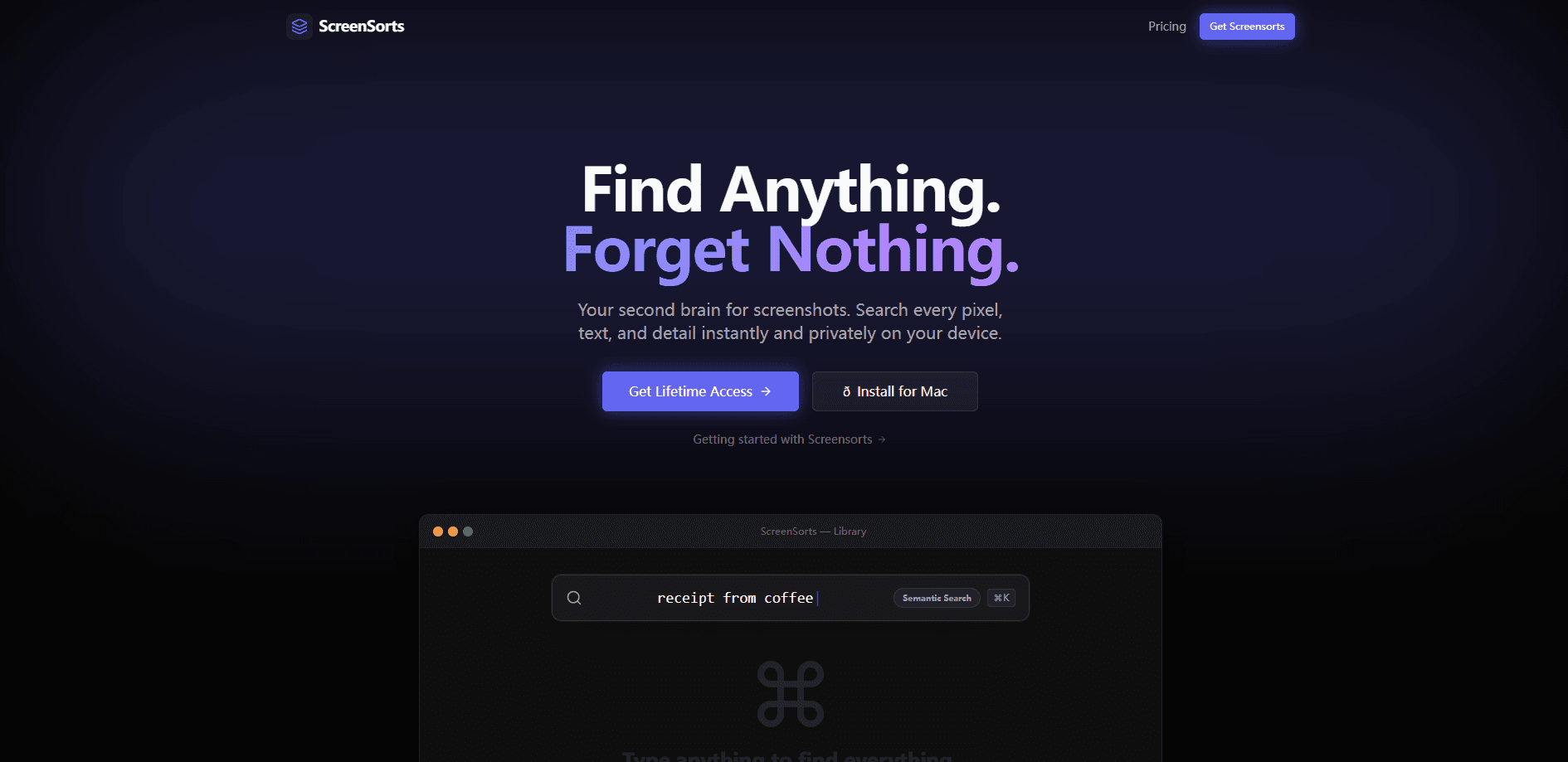
ScreenSorts is a native macOS screenshot manager for people who save captures constantly and then can't find them again. Instead of scrolling through a grid of thumbnails, you describe what you're looking for in plain words. Semantic screenshot search then pulls up the right image. That's the whole idea.
The pitch is privacy. Everything runs on the Apple Neural Engine inside your machine, the database is a SQLite file that lives in the app sandbox, and the developers say there are no calls to OpenAI, Anthropic, or Google. Pull the network cable and it still works. That matters if your screenshots include tax documents, contracts, or anything you'd rather keep local. So what's the catch?
The catch is scope. This is a Mac-only product. iPhone, Windows, and Android users are out of luck. You get three device activations per license, which is generous for one person but not enough to share across a small team.
Getting Started
- Download the app from the official site and install it on your Mac.
- Point ScreenSorts at your screenshot folder, or let it watch the default location where macOS saves captures.
- Wait while it indexes your existing images and extracts text on the Neural Engine.
- Type a natural-language query in the search bar to test it, for example "the receipt from the hotel last month."
- Browse the results, open an image, and copy the extracted text or file path as needed.
Product Information
A quick look at ScreenSorts's pricing, supported platforms, and performance.
Best for
The users, tasks, and scenarios where this tool fits best.
Users
- Freelancers and consultants
- Privacy-conscious professionals
- Designers and developers
Tasks
- Finding a specific receipt or order confirmation
- Recovering text from an image
- Cleaning up a bloated screenshot folder
Scenarios
- Tax season document hunts
- Offline work on a plane or in a secure facility
- Quick reference during a client call
Key features
On-Device AI Search
The core of ScreenSorts is semantic search that runs locally, which is what separates it from a cloud-based AI screenshot organizer. You type what you remember about an image, like "the invoice with the blue logo," and the app matches on meaning instead of exact filenames. Because the model runs on the Apple Neural Engine, results come back without a round trip to any server.
Zero-Upload Privacy Architecture
ScreenSorts doesn't treat privacy as a toggle you can switch off. The processing happens in the app sandbox, and the index lives in a local SQLite database. The developers state there are no API calls to third-party AI providers. Files are encrypted at rest, and the app works with the network disconnected.
Text Extraction with OCR
Every screenshot gets its text read and stored, so you can search for words that appear inside the image. This is what makes a screenshot of a boarding pass or a promo code findable months later. Copy the recognized text straight out of the app. No retyping.
Native macOS Experience
The interface uses standard macOS patterns and animations, so it behaves like a system app rather than a ported web wrapper. It feels like it shipped with your Mac. System integration means it fits into the way you already work, including keyboard shortcuts and menu bar behavior.
Automatic Organization
ScreenSorts groups your captures so you're not staring at one endless grid. Categories and smart grouping let you jump to the kind of screenshot you want, then refine with search. It handles an unlimited screenshot history, so long-term archives stay usable. Nothing gets purged.
License Covers Three Devices
A single license activates on up to three Macs, which covers the common setup of a desktop plus a laptop plus a spare. It's one flat cost rather than a per-seat subscription, which simplifies things if you're buying for yourself.
Pros and cons
Pros
- Fully offline processing means nothing leaves your Mac, which suits sensitive documents.
- Semantic search finds screenshots by what's in them, not just filenames or dates.
- OCR makes the text inside images searchable and copyable.
- One-time lifetime purchase option at $69.99 sidesteps a recurring bill.
- Native macOS build, with three device activations per license.
Cons
- Mac only, so iPhone, Windows, and Android users can't use it at all.
- No free tier, which means you pay before you can test how well the search handles your own archive.
- Lifetime buyers get updates for one year only, so long-term support costs extra.
- No public API, so you can't script it into an existing workflow.
Frequently asked questions
It organizes the screenshots on your Mac and makes them searchable by content. You describe an image in plain language, and it finds it, using AI that runs entirely on your machine rather than in the cloud.
Related content
Explore related tools, skills, and articles for ScreenSorts.
ScreenSorts Alternatives

Udon
Udon · Coding · ProductivityUdon turns an Apple Silicon Mac into a home server you run from a browser, with container controls, file shares, and an optional AI sysadmin.

offstage
offstage cloud · Coding · Productivityoffstage gives AI coding agents and CI jobs a real Mac: a fresh macOS account on Apple silicon, driven over an API and billed by the second.

BotBus
Chengdu Tuyang Tusen Technology Co., Ltd. · Coding · ProductivityBotBus lets you control AI coding agents from your phone and watch: approve commands, start tasks and read results while the code stays on your desktop.