

SeaTicket
Seafile · Productivity
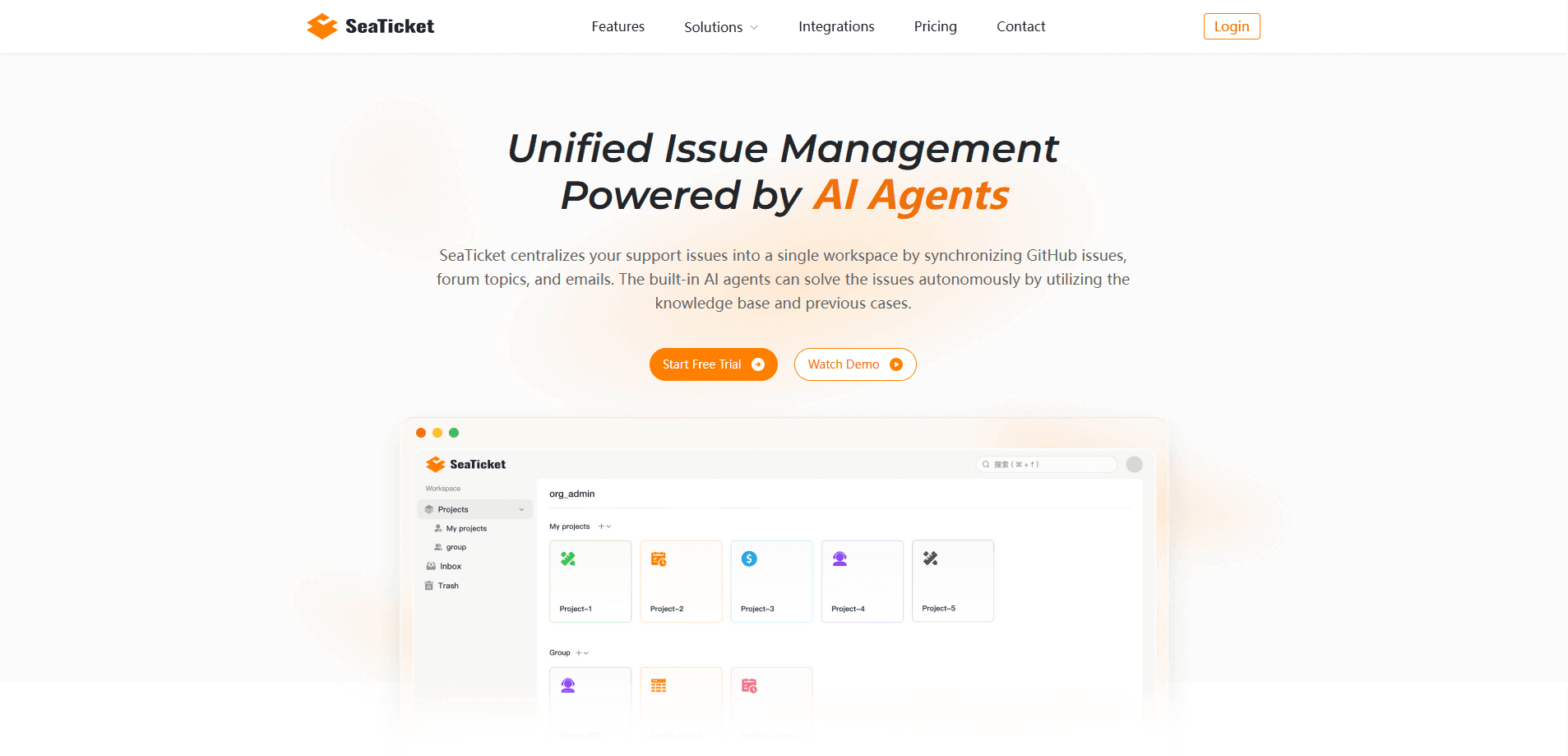
SeaTicket is an AI-native ticket system that gathers support requests from GitHub, Discord, email, forums, and web forms into one shared workspace. AI agents watch each new issue or comment, build context from past cases and your knowledge base, and suggest a resolution your team can approve, edit, or discard. It's built for product and engineering teams that keep losing track of bug reports scattered across channels.
About SeaTicket
What Is SeaTicket
SeaTicket is an AI issue management platform, not a classic helpdesk. Instead of routing customer conversations by queue and ticket number, it syncs the places developers actually complain: GitHub Issues, Discourse forums, support email, Discord, and website forms. Everything lands in a single workspace where related issues get linked and grouped. No more guessing who saw what.
The problem it solves is context loss. When a bug report arrives by email, a duplicate shows up on GitHub, and a third user vents on Discord, most teams handle all three in isolation, which means the same investigation gets redone three times while the user waits. SeaTicket searches related issues, past cases, and your documentation to build the full picture, then tells your team what to do next. There's an honest limit here: the answers are only as good as what you've fed it. A thin knowledge base means thin suggestions, and the AI still needs a human to approve replies before anything reaches a user.
The team behind SeaTicket also built Seafile, the open-source file sync and collaboration platform, so the engineering focus is on structured data and self-hostable paths rather than pure SaaS convenience.
Getting Started
- Create a free account at cloud.seaticket.ai and connect your first channel, such as GitHub or a support mailbox.
- Link the rest of your sources, including Discord, Discourse, or website forms. Every issue syncs in automatically, with no manual migration.
- Invite your team. There's no per-seat pricing, so you can add everyone who touches support.
- Let the AI agents investigate incoming issues and check the suggested next steps.
- Approve, edit, or discard each suggestion. Approved replies sync back to the original channel.
Product Information
A quick look at SeaTicket's pricing, supported platforms, and performance.
Best for
The users, tasks, and scenarios where this tool fits best.
Users
- Product and engineering teams
- Startup support leads
- Open-source maintainers
Tasks
- Consolidating scattered bug reports
- Finding recurring problems
- Turning resolutions into reusable answers
Scenarios
- A bug reported on GitHub and again by email
- Onboarding a new support channel
- Reducing repetitive first-response work
Key features
Multi-Channel Issue Intake
SeaTicket connects GitHub, Discord, Discourse, email, website forms, and more, then syncs every new issue into one workspace the moment it's raised. The channels stay read-write: approved replies post back to their source. That means your team stops tab-hopping between six tools to answer the same question.
AI Agents That Suggest Resolutions
AI agents monitor new issues and new comments continuously. They search related issues, past cases, and your knowledge base to assemble context, then propose a next step. Your team stays in control, approving, editing, or discarding each suggestion. Sound familiar? The value shows up most on repetitive questions, where the agent can often draft a reply outright.
Cross-Channel Duplicate Detection
The same problem rarely arrives just once. SeaTicket groups related issues from GitHub, email, and forums so you can spot trends and prioritize the bugs that actually matter. Without it, teams waste hours answering the same report three times in three different inboxes. That's the whole point.
Knowledge Base That Compounds
Resolved issues turn into searchable knowledge your team and the AI agents reuse. The more you close, the better the suggestions get. This is the feature that separates SeaTicket from a plain inbox, because a system that remembers every past fix can answer the next question far faster than a fresh ticket queue ever could. Skip the knowledge base and you're feeding the AI nothing to work with.
Trackable Tickets and Ownership
When something needs a human, you turn the issue into a ticket, assign an owner, and track progress in a shared view, so nobody has to reconstruct the story from a stale chat thread three days later. Internal discussion stays attached to the issue instead of migrating to a chat thread that nobody can find later.
No Per-Seat Pricing
Every plan includes unlimited team members. You pay by issue volume and monthly AI credits, not by headcount. Ready to see what happens when your whole support backlog finally lands in one place? For teams that grow fast or rotate support duties, that removes the awkward math of deciding who really needs a license. Simple as that.
API access
All plans include API access, plus data export at any time. That matters if you want SeaTicket feeding a dashboard, triggering internal tooling, or just keeping an escape hatch open. Secure cloud infrastructure and, on higher tiers, SSO round out the enterprise side.
Pros and cons
Pros
- Syncs GitHub, Discord, email, and forums into one workspace, which kills the tab-switching that scatters bug reports.
- AI agents suggest answers with context from past cases and your knowledge base, so first responses get faster.
- Unlimited team members on every plan, and no per-seat billing to argue about.
- Free tier with 1,000 issues and 100 monthly AI credits is enough to test it on a real project.
- API access and data export are included from the start, so you're not locked in.
Cons
- Suggestions depend on your knowledge base. If it's thin, the AI's answers feel thin too, so setup work up front is real.
- Per-month issue limits mean a busy workspace can hit the ceiling and need a plan upgrade.
- It's aimed at software teams, not customer-service desks, so businesses wanting classic helpdesk workflows will find the fit off.
- AI credits are consumed per action, and heavy issue summarization can burn through the monthly allowance faster than expected.
Frequently asked questions
It collects software issues from the channels your users report through, such as GitHub, Discord, and email, into one workspace. AI agents then analyze each issue and suggest how to resolve it so your team can approve or edit the answer.
Related content
Explore related tools, skills, and articles for SeaTicket.
SeaTicket Alternatives

Udon
Udon · Coding · ProductivityUdon turns an Apple Silicon Mac into a home server you run from a browser, with container controls, file shares, and an optional AI sysadmin.

offstage
offstage cloud · Coding · Productivityoffstage gives AI coding agents and CI jobs a real Mac: a fresh macOS account on Apple silicon, driven over an API and billed by the second.

BotBus
Chengdu Tuyang Tusen Technology Co., Ltd. · Coding · ProductivityBotBus lets you control AI coding agents from your phone and watch: approve commands, start tasks and read results while the code stays on your desktop.