

Second Brain
Rescroll (Second Brain) · Productivity · Leaning
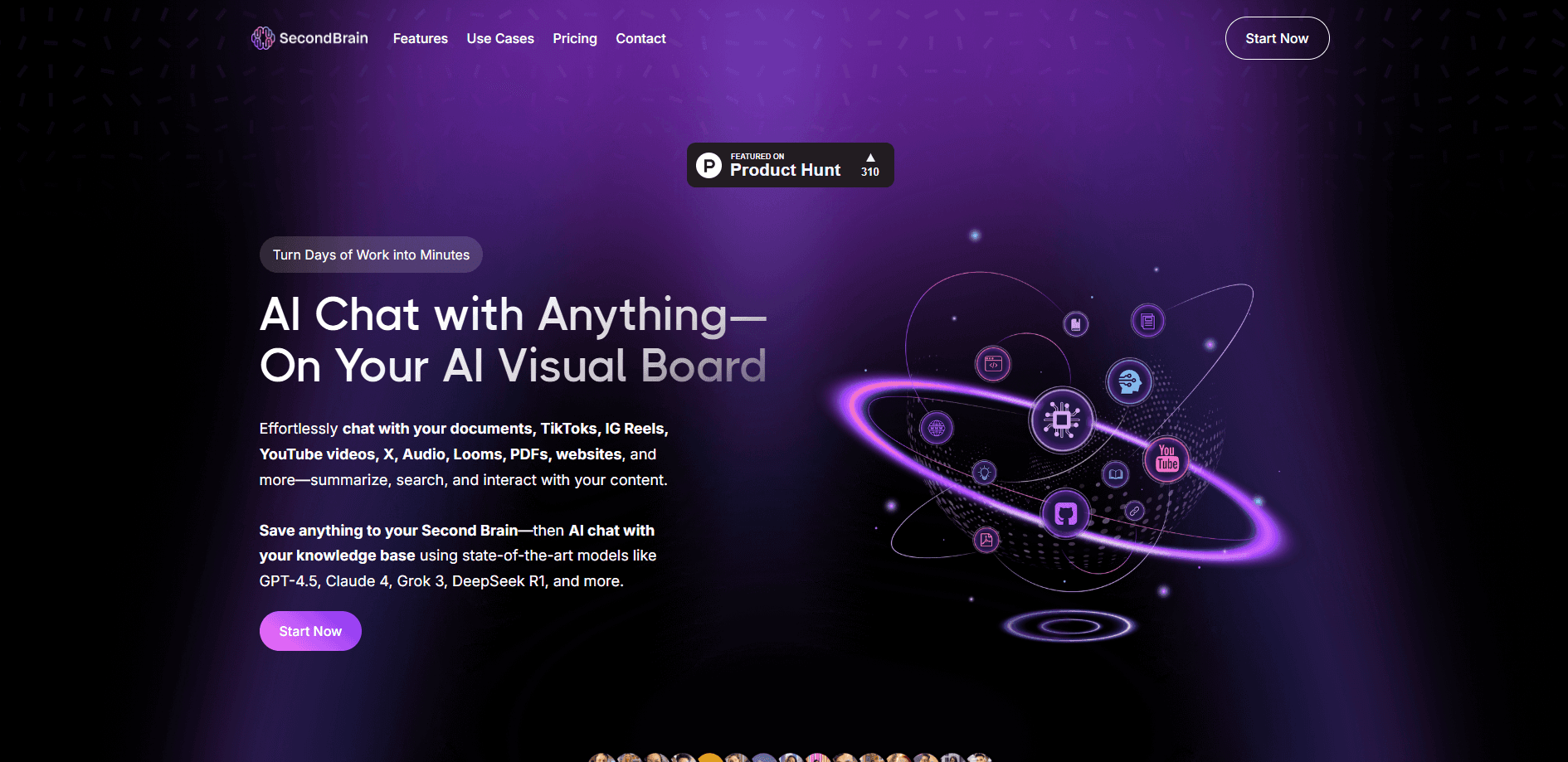
Second Brain is an AI knowledge base that saves your videos, PDFs, and social posts, then lets you chat with everything you've collected in one searchable library.
About Second Brain
What Is Second Brain
Second Brain is an AI knowledge management platform built around a simple promise: everything you save should stay useful. Drop in a TikTok, a YouTube link, a podcast, a PDF, or a screenshot, and the tool stores the content as your own. This second brain app lets you search later by meaning, not just by filename.
The product now runs under the Rescroll name, but the core idea hasn't moved. It answers questions against your library instead of the open web, so the replies stay tied to the sources you actually picked. That's the main thing separating it from a general chatbot, which forgets your material once a conversation ends.
It isn't a light tool. Credits cap how much AI processing you get each month, and building a real library takes time up front. The payoff comes later, when you need an old video or document and find it in seconds.
Getting Started
- Create an account at thesecondbrain.io and pick a plan (Pro or Ultimate).
- Install the Chrome extension so you can save any page, image, or screenshot with one click.
- Add content by pasting a link, uploading a file, or letting the extension capture it.
- Let the AI auto-tag and organize what you saved, then start a chat with your whole library.
Product Information
A quick look at Second Brain's pricing, supported platforms, and performance.
Best for
The users, tasks, and scenarios where this tool fits best.
Users
- Content creators
- Researchers and students
- Social media managers
Tasks
- AI note taking on long videos
- Comparing several sources
- Repurposing saved content
Scenarios
- Researching a competitor
- Recovering a lost post
- Working in another language
Key features
Multi-Source AI Chat
The chat reads PDFs, videos, articles, GitHub repos, and social posts, then answers in the language you choose. It handles 15+ formats, so you can ask one question across a mixed pile of sources. Answers stay grounded in what you uploaded rather than pulling from the wider web.
Automatic Organization
Every item you save gets tagged, categorized, and linked to related content without manual sorting. The system pulls out key topics and makes everything searchable by meaning. You can still add Projects and custom tags when you want tighter control.
Visual Boards
Boards are an endless canvas where multiple AI chat nodes, your saved sources, and rich pages sit side by side. You can run several conversations in parallel on one screen instead of scrolling a single thread. It's built for people who think in connections, not lists.
Chrome Extension Capture
The Chrome extension saves articles, ChatGPT replies, images, screenshots, and full webpages with one click. Content lands in your content library already organized and searchable. It only reads the active tab when you click it, per the developer.
Semantic Search
Search works on meaning rather than exact words. Type a phrase like "that video about morning habits" and it can surface a clip titled differently because the AI understands they cover the same idea.
Motion Graphics and Carousels
Inside the chat you can generate images, short videos, and full carousel decks with images, titles, and captions. On Pro and Ultimate plans, you can describe a motion graphic and have it placed on your own footage, timed to your voiceover.
Pros and cons
Pros
- Reads short-form video with frame-by-frame analysis, which most document-only tools skip.
- Answers stay grounded in your saved sources, so you get fewer off-topic replies.
- Auto-organization removes manual tagging, and semantic search finds things by meaning.
- Saved copies survive a deleted TikTok or pulled YouTube video, along with your chat history.
- One subscription covers several leading AI models instead of paying for each.
Cons
- No free plan, so you have to pay before testing it on your own content.
- Credits cap monthly AI usage, which means heavy users have to watch their balance or buy more.
- Building a useful library takes real time up front, since the value comes from the sources you add.
Frequently asked questions
It's an AI knowledge base for saving and questioning your content. You store videos, PDFs, social posts, and notes, then chat with the whole collection to summarize, compare, or pull out ideas.
Related content
Explore related tools, skills, and articles for Second Brain.
Second Brain Alternatives

Udon
Udon · Coding · ProductivityUdon turns an Apple Silicon Mac into a home server you run from a browser, with container controls, file shares, and an optional AI sysadmin.

offstage
offstage cloud · Coding · Productivityoffstage gives AI coding agents and CI jobs a real Mac: a fresh macOS account on Apple silicon, driven over an API and billed by the second.

BotBus
Chengdu Tuyang Tusen Technology Co., Ltd. · Coding · ProductivityBotBus lets you control AI coding agents from your phone and watch: approve commands, start tasks and read results while the code stays on your desktop.