

Secret Sauce 3D
Kaedim · Image
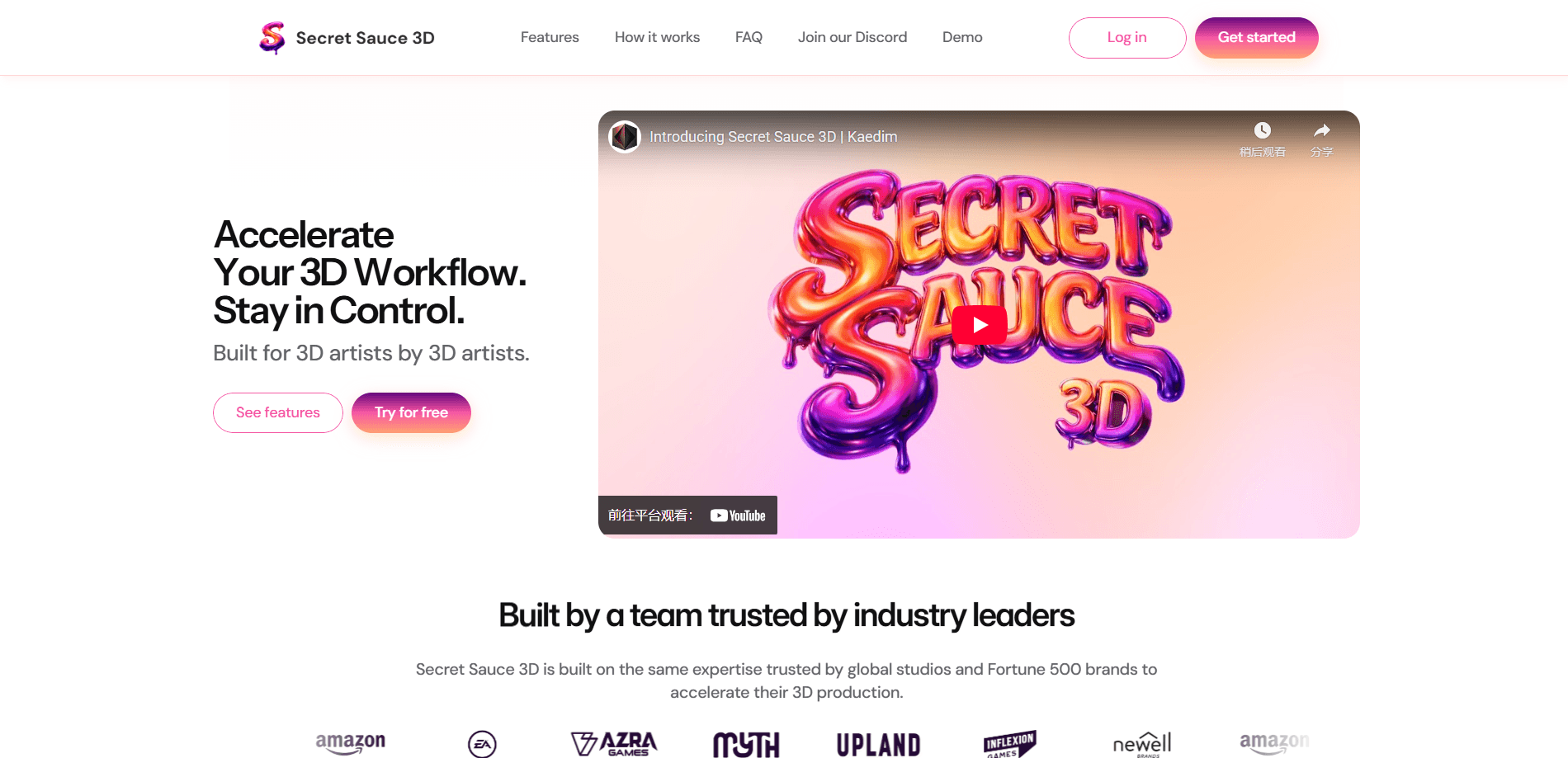
Secret Sauce 3D is an AI copilot for professional 3D artists, built by Kaedim to automate the tedious parts of a production pipeline. It turns 2D concepts and images into 3D prototypes, generates retopology at the level you pick, unwraps UVs automatically or by hand, and edits reference images with text prompts. Unlike general 3D AI generators aimed at hobbyists, it slots into existing DCC tools, with one-click import into Blender. If your days are eaten by restructuring topology and cleaning up UVs, that's exactly the work it targets. So who is it for? Professional artists.
About Secret Sauce 3D
What Is Secret Sauce 3D
Secret Sauce 3D is a copilot for professional 3D artists, built by Kaedim. It targets the repetitive tasks that slow a 3D pipeline down: restructuring topology, unwrapping UVs, segmenting meshes, and editing 2D reference images. The pitch is speed without losing control, so you stay in charge of the final asset rather than accepting whatever an AI hands back.
Kaedim builds it. The company's 3D asset generation technology is used by game studios and Fortune 500 brands. Secret Sauce 3D packages that expertise into a tool meant to feel native to industry pipelines instead of a separate sandbox. You upload a concept image or an existing model, describe the changes you want with text prompts, and iterate until the mesh looks right.
That's the sell. It comes with real constraints. This is a web-based tool for professionals, not a plugin you install inside Blender or Maya. Its value depends on your prompt skill and the kind of asset you're producing. Hard-surface props and environment pieces fare better than detailed characters. If you need a finished, rigged character in one click, no AI 3D tool does that reliably yet, and Secret Sauce 3D doesn't claim to.
Getting Started
- Sign up for an account through Kaedim's authentication page and start a free trial, then log in to the Secret Sauce 3D workspace.
- Upload a concept image or an existing model to use as your starting point.
- Describe the changes you want in a text prompt, such as generating a mesh from the reference or adjusting its shape.
- Iterate with more prompts until the topology, UVs, and segmentation match what you need.
- Export your asset in one of the available formats, or send it straight into Blender with a single click.
Product Information
A quick look at Secret Sauce 3D's pricing, supported platforms, and performance.
Best for
The users, tasks, and scenarios where this tool fits best.
Users
- Game artists
- Product designers
- 3D printing fans
Tasks
- Retopology
- UV unwrapping
- Editing concept images
Scenarios
- Pushing out environment props for a game level where dozens of assets share the same pipeline steps.
- Preparing a product model for a client review when you need visualization well before tooling exists.
- Breaking a sculpt into printable chunks for a 3D printing run without remeshing by hand.
Key features
Fast 3D Mesh Generation
The core of the tool is turning a 2D concept or a single image into a 3D prototype in minutes. You upload a reference and generate a rough mesh to build on, which is faster than modeling a blockout from zero. It's meant for getting to something workable quickly, not for producing a final hero asset in one shot. Expect to treat the output as a starting point. Refining is the job.
Custom Retopology Levels
Retopology is the part most artists would happily hand off, and that's the point here. You choose the level of restructuring you need rather than accepting a fixed density, so a background prop and a hero character don't come out at the same resolution. The trade-off is that you still inspect the result. Automatic topology won't match a hand-crafted edge flow on a complex form.
Auto and Custom UV Unwrapping
UV unwrapping works two ways. Let the tool auto-unwrap a model, or take over and arrange the UVs yourself when a project needs a specific layout. Automatic unwrapping saves time on assets where clean islands matter less, and the manual path gives you control when texture space or seams actually count. For repetitive props, the automatic route alone cuts real time. Not glamorous, but it adds up.
Text-Prompt Mesh and Image Editing
Instead of jumping back into a 2D editor, you can edit concept images and adjust meshes with text prompts. Describe the change and iterate until the reference looks right, then generate from it. This keeps the whole loop inside one tool, which matters when you're exploring variations. It rewards clear, specific prompts, and vague requests tend to produce vague results.
One-Click Blender Integration
Secret Sauce 3D imports assets directly into Blender with a single click, so the work lands in a pipeline many studios already use. The tool itself runs in the browser. The handoff to Blender is the part that keeps it inside a normal workflow. If your team is standardized on Blender, that integration is the difference between a useful add-on and another silo.
Segmentation With a Vertex Painter
You can split a mesh into parts using a vertex painter tool. Handy for assets that need breaking down for printing, rigging, or modular use. Customizable segmentation means you decide where the cuts land instead of taking whatever the default split produces. For 3D printing in particular, that control is the difference between a printable set and a single lump.
PBR Texturing and High-Fidelity Meshes
The tool generates high-quality sculpts from a single image and supports PBR texturing to create realistically textured assets. That covers the look-development step enough to judge an asset before committing to a full texture pass. It won't replace a dedicated texturing workflow for hero characters, but it gets a prototype close enough to evaluate. Good enough to decide.
Pros and cons
Pros
- Automates retopology and UV unwrapping, the slow, repetitive tasks that eat into a 3D artist workflow.
- Works from a single 2D image or concept, so you can prototype without an existing model.
- One-click import into Blender keeps the tool inside a standard pipeline.
- Custom retopology levels and manual UV editing mean you keep control over the final asset.
- Customizable segmentation with a vertex painter suits 3D printing and modular workflows.
Cons
- The pricing isn't published on the site, so you have to start a trial or contact Kaedim to find out what a plan costs.
- It runs in the browser rather than as a plugin, so heavy iteration means moving assets in and out of your DCC tool.
- Complex organic forms like detailed characters still need manual cleanup. No AI 3D tool gets edge flow right on its own.
Frequently asked questions
It's an AI copilot for professional 3D artists. It generates 3D meshes from 2D images, restructures topology, unwraps UVs, segments meshes, and edits concept images with text prompts, all aimed at speeding up a production pipeline.
Related content
Explore related tools, skills, and articles for Secret Sauce 3D.
Secret Sauce 3D Alternatives

Google EmbeddingGemma 2
Google DeepMind · Writing · Image · CodingGoogle EmbeddingGemma 2 is a 740M-parameter open model that turns text, code, images, audio, and video frames into vectors in one 768-dimension space, running on phones and laptops.

Tractionwave
TractionWave · Image · MarketingTractionWave is an AI attention heatmap tool for static ads. Upload a PNG or JPG and it returns predicted attention, ranked hotspots, and fixes before you spend budget.

Imejis.io
Imejis.io · Image · MarketingImejis.io is an AI design studio for agents and marketing teams. Describe an image in plain words, and it writes the copy, builds the layout, reflows it to every size, then exports a finished file.