

Seedream 4.5
ByteDance · Image
Seedream 4.5 is ByteDance's AI image generator and photo editor that turns plain text prompts into high-fidelity 4K images. It's an image editing AI that keeps the same face, lighting, and product details steady across a series of shots. Small text stays readable, which matters for posters and brand visuals. Anyone producing marketing images, storyboards, or edited photos can use it through a web app or the ByteDance API.
About Seedream 4.5
What Is Seedream 4.5
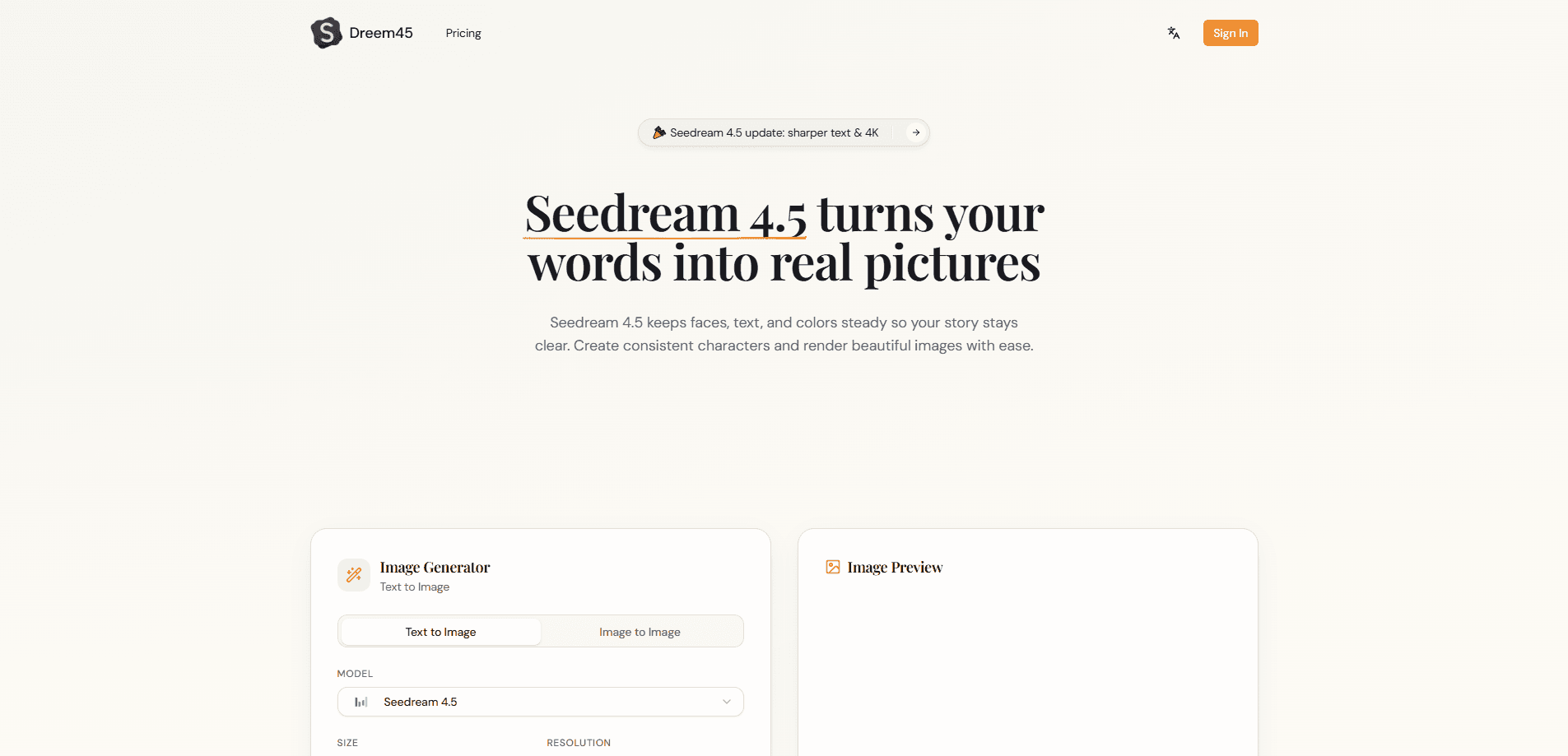
Seedream 4.5 is the image model ByteDance's Seed team shipped in December 2025 as an upgrade to Seedream 4.0. It handles text-to-image generation and photo editing in one place, so you describe what you want in a sentence and it produces the picture.
The main draw is consistency. Older image AI often gave the same character a different face in every shot. Seedream 4.5 holds facial features, color tone, and lighting steady across multiple outputs. That makes it practical for character design, product catalogs, and ad series.
It also writes legible small text. Most generators still botch that job. The tradeoff is cost. There's no free tier on the official Seedream 4.5 site, and heavy use runs on a credit system you pay for, with credits that expire within a year even if you never spend them all.
Getting Started
- Go to the Seedream 4.5 site and create an account with your email.
- Pick a mode: text-to-image, or image edit if you're uploading a reference.
- Type your prompt, and attach reference images if you need a specific character or product kept intact.
- Choose an aspect ratio and resolution, then hit generate.
- Download the result, or refine the prompt and run it again for a matching second image.
Product Information
A quick look at Seedream 4.5's pricing, supported platforms, and performance.
Best for
The users, tasks, and scenarios where this tool fits best.
Users
- Designers working on posters and brand visuals
- Content and social media creators
- E-commerce sellers
Tasks
- Turning a written prompt into a 4K image
- Editing photos with words
- Building multi-image sets
Scenarios
- Drafting a full ad campaign where the same model appears across several layouts.
- Prototyping a logo or poster with dense typography before a designer polishes it.
- Testing a product concept with quick visuals instead of waiting on a studio session.
Key features
4K text-to-image generation
Seedream 4.5 turns a text prompt into an image at up to 4K resolution. You set the aspect ratio and size. One prompt then covers a square social post or a wide banner. Detail holds up on large screens and print.
Character and subject consistency
The model locks onto a face, product, or outfit across reference images and keeps it stable in every new output. That fixes the old problem. A character used to look like a different person in each shot. For any series you plan to publish together, that matters a lot.
Precise photo editing
Upload a photo and describe the edit in a sentence. Seedream 4.5 can swap backgrounds, change clothing, or remove objects. It preserves the original lighting, skin texture, and color tone while it works. That saves the manual masking work older editors demand.
Readable text and poster layout
Seedream 4.5 renders small text legibly and arranges elements in a design-like layout. Posters, event flyers, and brand visuals with dense copy come out readable instead of scrambled. That alone puts it ahead of most image generators, which still turn small type into gibberish no matter how carefully you phrase the prompt. Want a poster where the headline simply reads correctly? This is where the model earns its keep.
Multi-image composition
You can feed several reference images and ask the model to combine them. Think placing one person into a new scene, or merging products into one frame. It reads the elements across the inputs and blends them without obvious seams.
Developer API
Seedream 4.5 is reachable through ByteDance's API on the Volcano Engine platform. You send a prompt and parameters to one endpoint and get images back. That means you can wire generation into an app or an automated workflow.
Pros and cons
Pros
- Keeps characters and products consistent across a batch of images, which older generators struggle with.
- Text renders clearly enough for posters and small print, cutting post-edit cleanup.
- Outputs up to 4K, so it works for print without a separate upscaler.
- Photo editing follows plain sentences, so you skip manual masking.
Cons
- No free plan on the main Seedream 4.5 site, so trying it costs money up front.
- Credits are metered and expire within a year, which pushes heavy users toward the pricier tiers.
- Runs in the browser and API only, with no dedicated mobile app for editing on a phone.
Frequently asked questions
It generates and edits images from text prompts. Common uses are posters, product visuals, character art, and photo retouching where you need the same subject kept steady across several pictures.
Related content
Explore related tools, skills, and articles for Seedream 4.5.
Seedream 4.5 Alternatives

Google EmbeddingGemma 2
Google DeepMind · Writing · Image · CodingGoogle EmbeddingGemma 2 is a 740M-parameter open model that turns text, code, images, audio, and video frames into vectors in one 768-dimension space, running on phones and laptops.

Tractionwave
TractionWave · Image · MarketingTractionWave is an AI attention heatmap tool for static ads. Upload a PNG or JPG and it returns predicted attention, ranked hotspots, and fixes before you spend budget.

Imejis.io
Imejis.io · Image · MarketingImejis.io is an AI design studio for agents and marketing teams. Describe an image in plain words, and it writes the copy, builds the layout, reflows it to every size, then exports a finished file.