

SellShots
SellShots · Image · Business
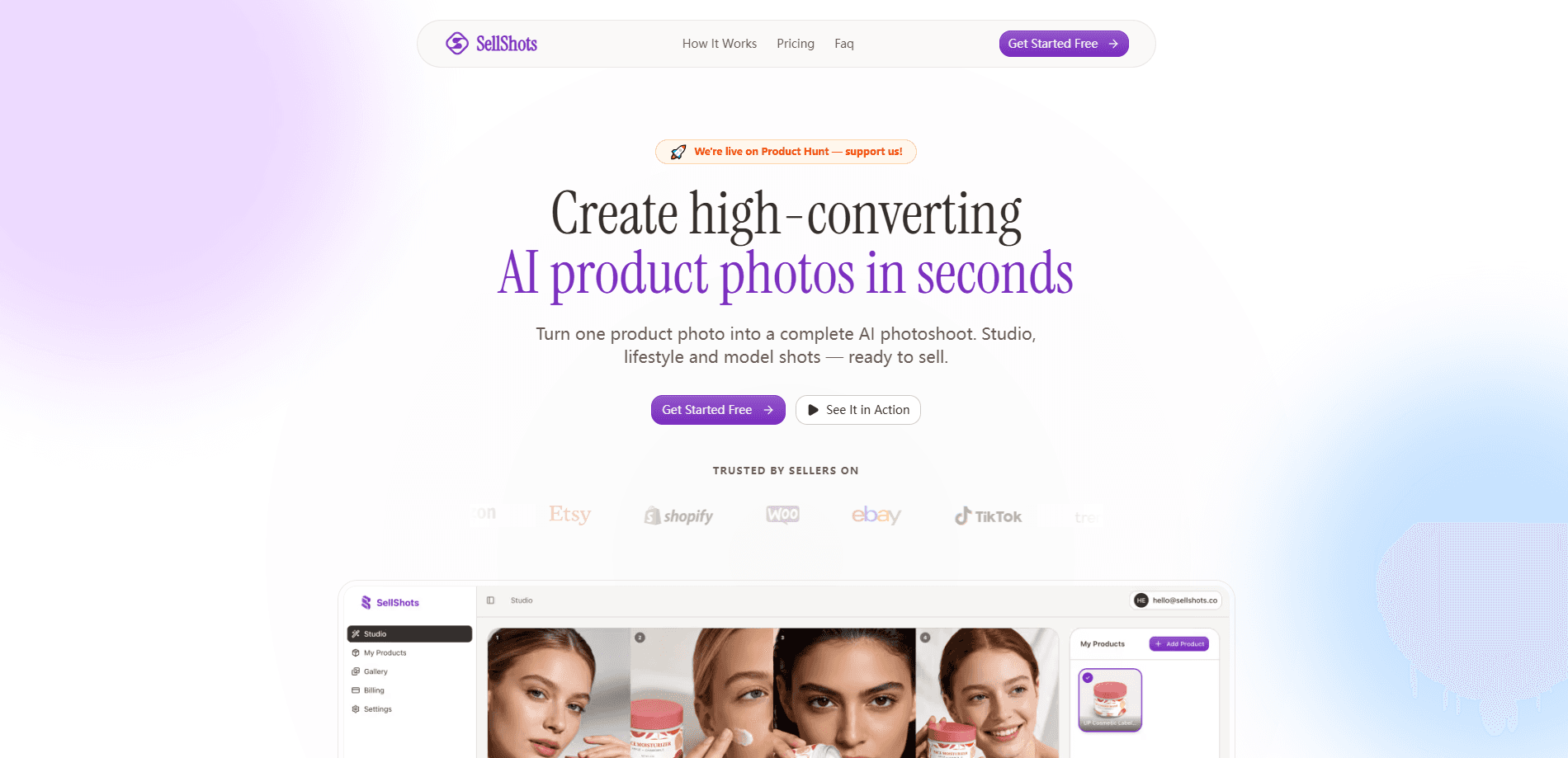
SellShots is an AI product photography tool that turns a single product photo into a full set of studio, lifestyle, and model shots. It's built for e-commerce sellers on Amazon, Etsy, and Shopify who need clean listing images and ad visuals without booking a photographer. Think of it as a product photo generator you can run from a browser. The tool produces 4K images in about 30 seconds, and the first photoshoot is free.
About SellShots
What Is SellShots
SellShots is a web-based AI product photography service aimed at online sellers. You upload one decent photo of a product, pick a style or describe a scene in plain English, and the model generates a set of images with the product placed in new settings. The pitch is simple: skip the studio, the lighting rig, and the retoucher, and get listing-ready pictures in under a minute. No design degree needed.
The tool's main selling point is product awareness. According to the company, its model is fine-tuned on product photography rather than generic art, so the shape, logo, and details of your item stay recognizable. That matters. Generic image AI often warps a product's proportions or invents logos that aren't there. SellShots says its lighting and shadows match the scene, which is the difference between an image that looks shot and one that looks pasted.
There are limits worth knowing. SellShots is a browser tool with no mobile app, so you're working from a desktop or laptop. The exact feature set depends on the plan you're on, and the free tier caps how many images you get before you pay.
Getting Started
- Go to the SellShots website and start the free first photoshoot, no credit card needed.
- Upload one clear photo of your product. Any angle and any background works, as long as the item is visible.
- Pick a curated template or type a scene in plain English, like "kitchen counter, morning light."
- Wait roughly 30 seconds while the AI generates your photoshoot.
- Download the high-resolution files and drop them into your store, ads, or social posts.
Product Information
A quick look at SellShots's pricing, supported platforms, and performance.
Best for
The users, tasks, and scenarios where this tool fits best.
Users
- Amazon and Etsy sellers
- Dropshippers and small Shopify stores
- E-commerce marketers
Tasks
- Turning a plain product photo into a studio shot
- Placing a product in a lifestyle scene
- Creating ad and social visuals
Scenarios
- Preparing a new product listing
- Refreshing seasonal creative
- Testing ad variations
Key features
Product-Aware Generation
SellShots says its model is fine-tuned on product photography rather than general art. The practical effect is that your item keeps its shape, logo, and material details when it's placed in a new scene. For sellers, this is the difference between an image you can list and one you have to throw away.
Studio, Lifestyle, and Model Shots
You get three broad image types from a single upload. Studio shots give you e-commerce product images with clean backgrounds for marketplace listings. Lifestyle shots put the product in a realistic setting, like a kitchen or a desk. Model shots place the item in a person's hands, which works well for beauty, fashion, and accessories.
Plain-English Scene Prompts
Instead of picking from a fixed list only, you can describe the scene in everyday words. Type something like "rustic wooden table, soft afternoon light" and the tool builds the shot around it. Need a specific look for a brand? Write it out. Pick from curated templates when you want speed, or write your own when you need precision.
30-Second Turnaround and 4K Output
Generations take about 30 seconds on average, and files come out at 4K resolution. There's no queue or render wait to manage. For a seller processing a catalog, that speed is the whole point. You can produce a morning's worth of images in the time one studio session used to take. That's the shift.
No Design Skills Required
SellShots is built for people who don't know their way around Photoshop. There's no masking, no clipping paths, and no manual lighting work. If you can upload a file and type a sentence, you can use it. That's a real advantage for solo sellers and small teams. Not everyone has a designer on call.
Pros and cons
Pros
- Turns a single phone photo into a full set of studio, lifestyle, and model shots.
- Product details and logos stay recognizable, which many generic image generators get wrong.
- Fast generation and 4K output make it practical for processing a catalog, not just a one-off image.
- The first photoshoot is free with no credit card, so you can test output quality before paying.
- No editing skills needed, which lowers the barrier for solo sellers and small teams.
Cons
- It's a web-only tool with no mobile app, so you can't generate images from your phone alone.
- The free tier limits how many images you get, and heavier use needs a paid plan.
- Results depend on your starting photo, so a blurry or badly lit upload will drag the output down.
Frequently asked questions
SellShots is an AI product photography tool. You upload one photo of a product and it generates studio, lifestyle, and model shots around that item, so you get listing and ad images without a real photoshoot.
Related content
Explore related tools, skills, and articles for SellShots.
SellShots Alternatives

Google EmbeddingGemma 2
Google DeepMind · Writing · Image · CodingGoogle EmbeddingGemma 2 is a 740M-parameter open model that turns text, code, images, audio, and video frames into vectors in one 768-dimension space, running on phones and laptops.

Tractionwave
TractionWave · Image · MarketingTractionWave is an AI attention heatmap tool for static ads. Upload a PNG or JPG and it returns predicted attention, ranked hotspots, and fixes before you spend budget.

Imejis.io
Imejis.io · Image · MarketingImejis.io is an AI design studio for agents and marketing teams. Describe an image in plain words, and it writes the copy, builds the layout, reflows it to every size, then exports a finished file.