

Semblian
Sembly AI · Productivity
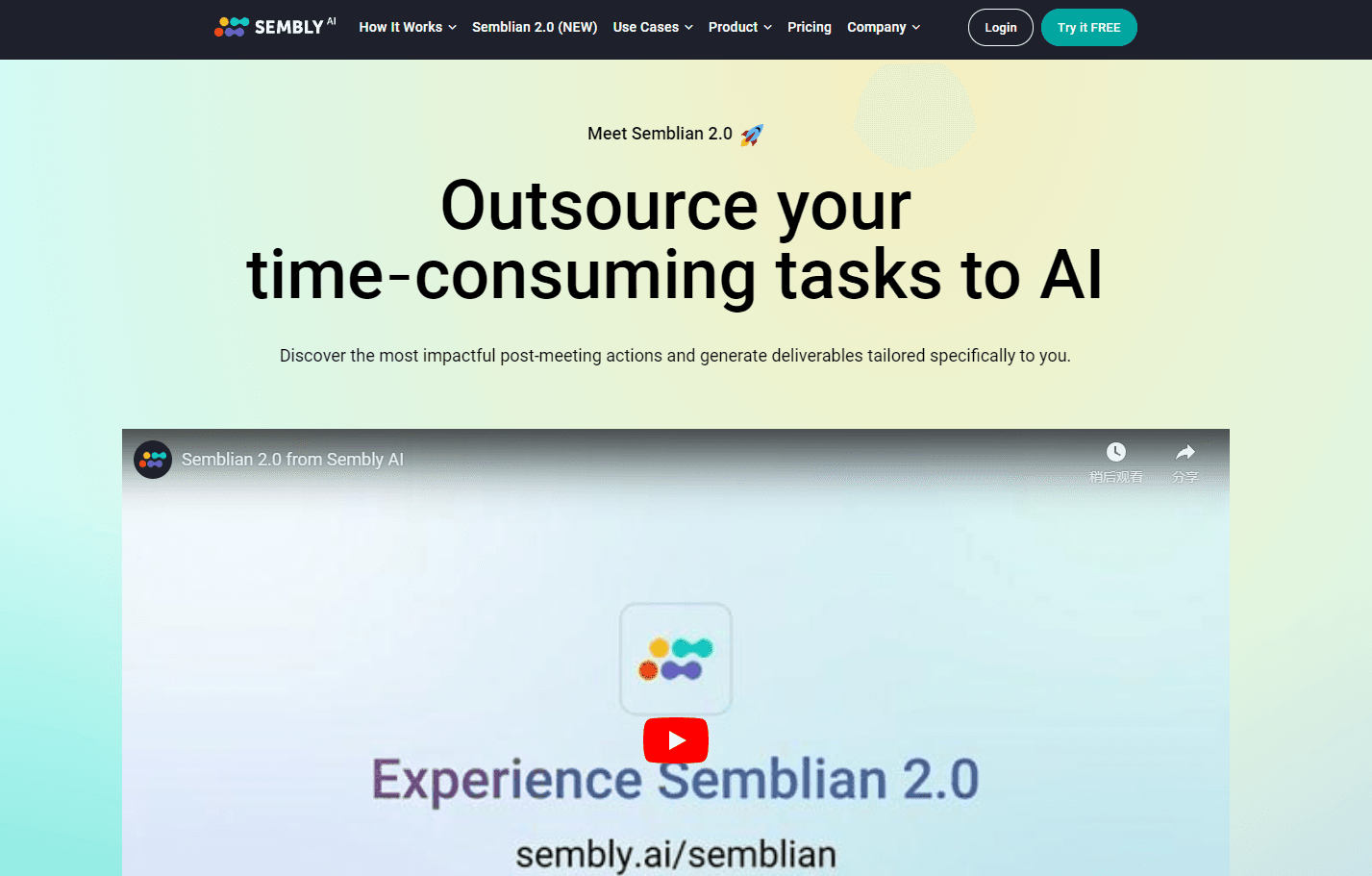
Semblian is Sembly AI's agentic meeting tool. It reads the meetings Sembly records and generates ready-to-review documents, reports, and proposals from that context.
About Semblian
What Is Semblian
Semblian is the deliverable-generation side of Sembly AI, an AI meeting assistant and meeting intelligence platform founded in 2019. Where Sembly captures calls and produces notes and tasks, Semblian 2.0 takes the same meeting data and turns it into finished documents. The company calls the output AI Artifacts, and the list covers reports, project plans, proposals, gap analyses, board summaries, and investment memos.
The pitch is that the documents come out personalized to the person asking. Semblian reads your meetings, your role, and the threads running across several calls, then drafts a file that's ready for review rather than a raw transcript to rewrite. Users can chat across multiple meetings at once, ask questions, and pull details from any meeting Sembly attended.
The limits come with the plan. Basic doesn't include Semblian at all, and artifact and insight counts are metered per user on the paid tiers, so heavy output means upgrading. It also only works on meetings Sembly has recorded, which means it's tied to the parent platform rather than a standalone tool.
Getting Started
- Sign up for Sembly AI, connect the calendar, and let it join meetings on Zoom, Google Meet, Microsoft Teams, or Webex.
- Open a meeting and check the transcript and notes Sembly generated, since Semblian builds on that data.
- Start an AI chat and add as many meetings or insights as the task needs.
- Ask for the document you want, such as a project plan or a sales proposal, and set the time period the model should read.
- Review the artifact, export it to Microsoft Word or PDF, then edit and send it.
Product Information
A quick look at Semblian's pricing, supported platforms, and performance.
Best for
The users, tasks, and scenarios where this tool fits best.
Users
- Project and program managers
- Sales and customer success teams
- Consultants and professional service firms
Tasks
- Drafting a project plan
- Writing a sales proposal
- Cross-meeting analysis
Scenarios
- Wrapping a project phase
- Prepping an account review
- Onboarding a new team member
Key features
AI Artifacts
Artifacts are the centerpiece. Semblian reads the meetings tied to a subject and produces a complete document, such as a report, a project plan, a proposal, or a set of meeting minutes. The output is framed as ready to review, and it can be exported to Microsoft Word or PDF. What separates it from a summary tool is scope: an artifact can draw on every meeting Sembly attended about that topic rather than a single call.
Multi-meeting AI chat
Instead of working one transcript at a time, users open a chat and add meetings or insights to it. The chat answers questions, analyzes patterns, and suggests next steps across the whole set. You can pull a decision from one call and an open risk from another into a single thread, which is the part that mirrors how people actually track work.
Personalized AI Insights
After meetings, Semblian offers recommendations for next steps based on role, goals, and the wider business context. The idea is to surface priorities and keep them aligned with team objectives, so a sales lead and a program manager get different nudges from the same meetings.
Automated post-meeting actions
Semblian writes files that would otherwise take an hour of manual assembly. Sales reps get customer agreements and sales reports, product managers get project plans and requirement documents, and the work happens without feeding anything to a model by hand.
Meeting capture across major platforms
Semblian depends on the parent platform's capture, which runs on Zoom, Google Meet, Microsoft Teams, and Webex. The recording, transcript, and notes feed the artifact engine, so the source meetings have to come through Sembly.
Exports and integrations
Finished artifacts leave as Microsoft Word or PDF files, and Sembly ties into a broader set of workplace tools through integrations and MCP access on higher tiers. That fit into an existing document workflow is the reason it targets teams rather than lone users.
Pros and cons
Pros
- Artifacts turn a stack of meetings into a single finished document instead of another summary.
- Cross-meeting chat finds themes and open items that a one-call assistant misses.
- Output exports to Word and PDF, so it drops into normal review and sign-off flows.
- It covers a wide range of departments, from sales and PMO to legal, HR, and finance.
- MCP access and an API let teams wire the output into their own tools.
Cons
- The free plan doesn't include Semblian, so there's no way to test artifacts without paying.
- Artifact and insight counts are capped per user, and heavy use pushes you to a higher tier.
- It only works on meetings Sembly has recorded, which locks the feature to the parent platform.
- The cheapest tier that unlocks Semblian also raises the minimum seats, so small teams pay more than the headline rate suggests.
- Documents still need a human pass before they go out, since the model works from meeting context alone.
Frequently asked questions
Semblian is Sembly AI's deliverable tool. It reads recorded meetings and generates documents such as reports, project plans, proposals, and memos from that context.
Related content
Explore related tools, skills, and articles for Semblian.
Semblian Alternatives

Base Code
Base44 (Wix) · Coding · ProductivityBase Code is a shared cloud development environment from Base44. Teammates describe changes to an existing GitHub codebase in chat, preview them live and send them back as pull requests.

Knocket
Knocket (Tencent RTC team) · Productivity · Business · ChatbotKnocket is a free live chat and contact page tool that lets visitors message you from your website, app, or a shareable link, with every reply handled from Telegram or one inbox.

FloorGen
Vinit Kumar (FloorGen) · Productivity · China AIFloorGen is a browser-based floor plan maker that turns a sentence or a sketch into an editable 2D plan and a 3D walkthrough. Export to PDF, DXF or video, and draw without an account.