

Serene
Serene · Productivity
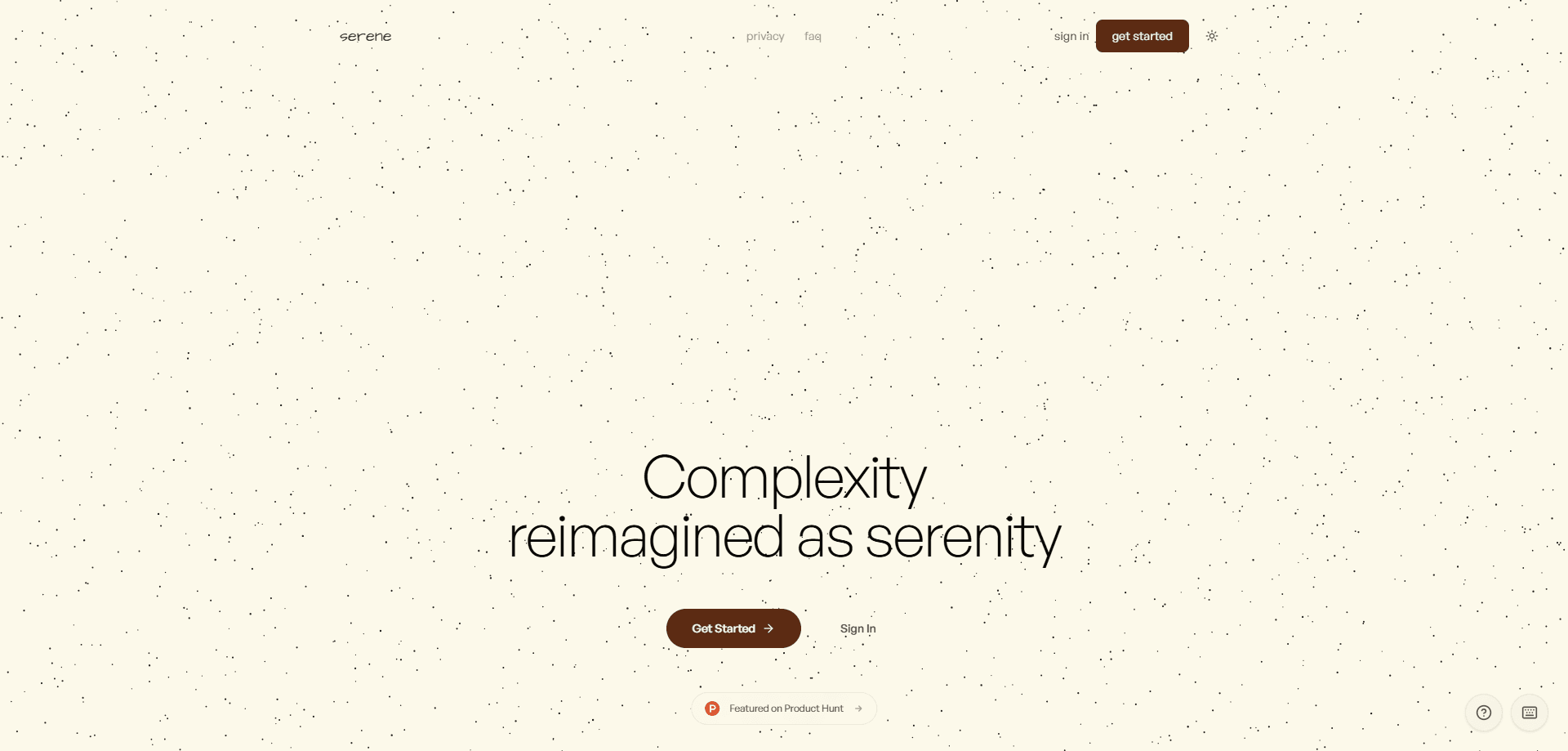
Serene is a distraction-free reading platform that turns dense PDFs into calm, annotatable pages with AI-powered explanations built in. You upload a document, highlight the parts that matter, and ask the built-in AI to break down confusing passages. It runs in the browser and is aimed at students, researchers, and anyone who reads long documents for a living. Think of it as an AI PDF reader that keeps the AI quiet until you ask for it.
About Serene
What Is Serene
Serene is a web reading room built around one file type: PDF. Instead of opening a paper in a cluttered reader with toolbars and ads, you get a clean page with room for your highlights and notes, plus an AI helper that explains hard text on demand. That's the whole idea.
The idea is focus. Highlight a sentence, click Explain, and the AI gives you a plain-language breakdown. That matters most for academic papers, legal documents, and philosophy books where a single paragraph can stall your reading for ten minutes and pull you out of the flow you were finally in. Serene stores your documents in the cloud, so your library and PDF highlights follow you between sessions. Your PDF annotation stays attached too.
There are real limits to know about before you commit. Serene handles PDFs only, so EPUB, MOBI, and DOCX files won't open. It's built for larger screens, and annotations disappear on small ones, so a phone isn't the ideal place to read. The free tier is deliberately tight, and if you read a lot every month you'll outgrow it fast. There's no public API either.
Getting Started
- Create an account at serenereader.in and sign in.
- Upload a PDF from the dashboard. Free accounts get one upload per month.
- Open the document and read in the calm, annotation-friendly view.
- Highlight any passage, then click Explain to get an AI breakdown of the text.
- Add notes and highlights as you go; they're saved with the document in your library.
Product Information
A quick look at Serene's pricing, supported platforms, and performance.
Best for
The users, tasks, and scenarios where this tool fits best.
Users
- Students working through dense academic PDFs
- Researchers and analysts who read long reports
- Casual readers who want a calmer PDF experience
Tasks
- Explaining a confusing passage
- Annotating a research paper
- Organizing a reading library
Scenarios
- Cramming for an exam with a stack of lecture PDFs
- Reviewing a contract or legal document
- Building a personal knowledge base from papers
Key features
AI Explain on Any Highlight
Highlight text and click Explain, and Serene's AI rewrites the passage in simpler terms. It's the feature the whole product is built around, and it's most useful for academic papers, legal text, and philosophy where the wording is the barrier. You don't leave the page or switch tools to get an answer. As an AI document reader, it stays out of the way until you need it.
Distraction-Free Reading View
Serene strips the toolbars, ads, and sidebars that crowd most PDF readers and leaves you with clean pages and your annotations. The pitch is calm reading, and the interface delivers that by simply getting out of the way. When a reader keeps shoving buttons in front of you while you're trying to follow a difficult argument, you lose the thread and start skimming instead of reading. It's a small thing that changes how long you can read without losing focus.
Highlights and Notes
You can highlight passages and attach your own notes as you read. Annotations are tied to the document and stored with it, so reopening a file brings your marks back. Simple. The catch is device size: annotations disappear on small screens, so this works best on a tablet or computer.
Cloud Library
Uploaded PDFs live in a cloud library you can search and revisit. That means your reading list, highlights, and notes travel with your account instead of sitting on one machine. Storage runs on Convex and UploadThing, and Serene states your documents are private to you. No account, no library.
Clean Document Processing
Serene converts uploaded PDFs into a readable, markdown-friendly form rather than showing the raw file. The result is a page that reflows properly and is easier on the eyes than a straight PDF render. Why does that matter? Because a cramped, unresponsive layout is exactly what makes long documents hard to finish. It's part of why reading here feels lighter than in a standard viewer.
Simple Monthly Limits
Usage is capped by a clear monthly quota rather than metered per action. Free accounts get one upload and ten AI queries a month. Pro raises that to 25 uploads and 1,000 AI queries with priority processing, which keeps costs predictable. That matters when you're deciding between paying a little for a calmer reading habit and sticking with a free reader you already know.
Pros and cons
Pros
- Clean, ad-free reading view that's genuinely easier to focus in than most PDF apps.
- AI Explain removes the friction of decoding dense or technical passages.
- Highlights and notes stay attached to each document in the cloud.
- Transparent pricing with a free tier to test before paying.
Cons
- PDF only. EPUB, MOBI, and DOCX files won't open, so it can't be your single reader for every format.
- Annotations disappear on small screens, which rules out comfortable phone reading.
- The free tier is very limited at one upload and ten AI queries per month.
- No public API, so you can't automate uploads or pull annotations into other tools.
Frequently asked questions
Serene turns PDFs into a clean, distraction-free reading view and adds AI explanations on demand. You upload a document, highlight text, and ask the AI to explain anything you find hard to follow. If you spend your evenings staring at research papers that feel like they were written for someone else, this is where the product earns its place. It's built for focused reading of long or technical documents.
Related content
Explore related tools, skills, and articles for Serene.
Serene Alternatives

Base Code
Base44 (Wix) · Coding · ProductivityBase Code is a shared cloud development environment from Base44. Teammates describe changes to an existing GitHub codebase in chat, preview them live and send them back as pull requests.

Knocket
Knocket (Tencent RTC team) · Productivity · Business · ChatbotKnocket is a free live chat and contact page tool that lets visitors message you from your website, app, or a shareable link, with every reply handled from Telegram or one inbox.

FloorGen
Vinit Kumar (FloorGen) · Productivity · China AIFloorGen is a browser-based floor plan maker that turns a sentence or a sketch into an editable 2D plan and a 3D walkthrough. Export to PDF, DXF or video, and draw without an account.