

Session Pilot
Session Pilot · Productivity
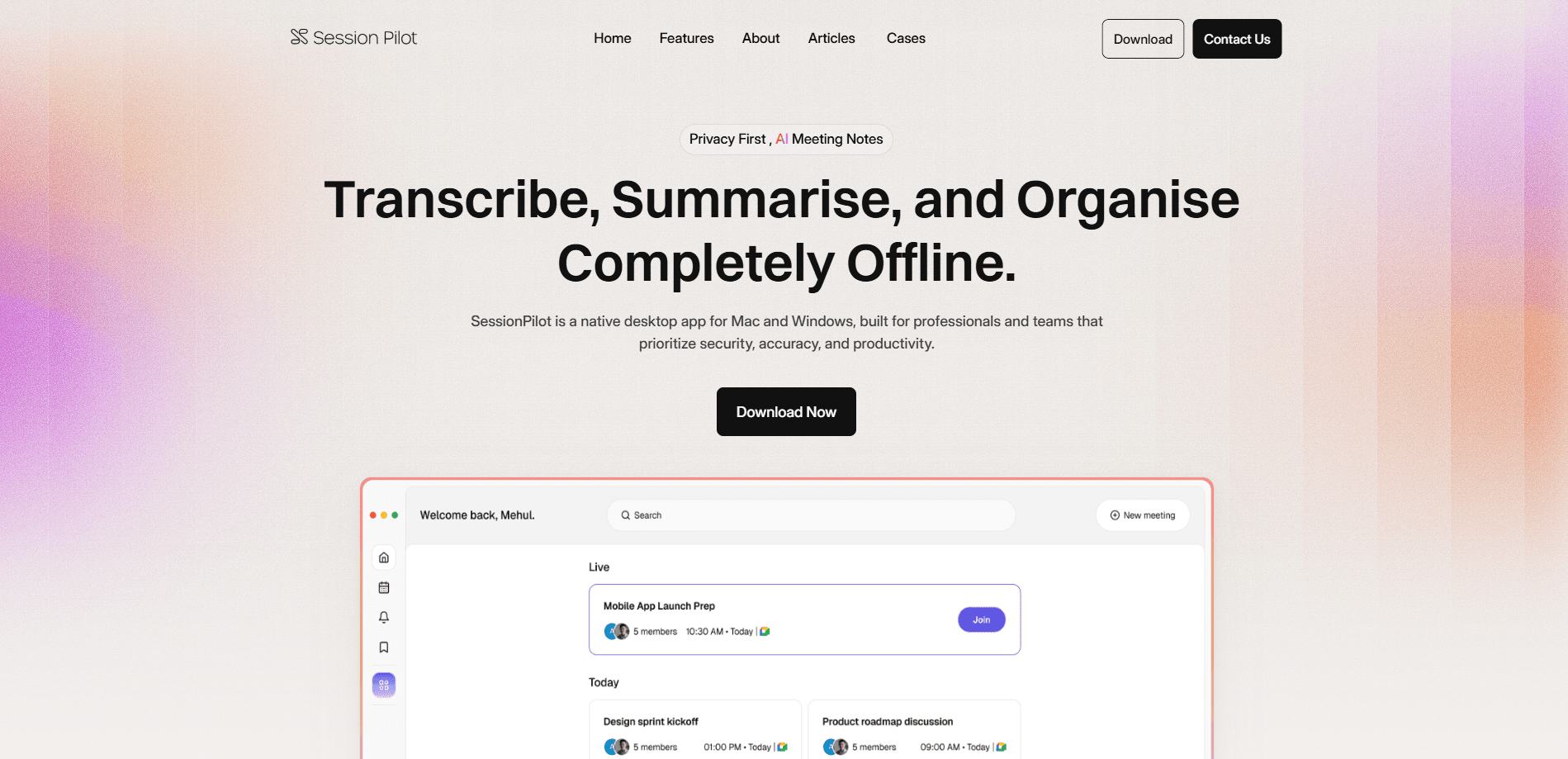
Session Pilot is a privacy-first native desktop application for Mac and Windows that uses AI to transcribe, summarize, and organize meeting notes without sending your audio anywhere. Instead of piping calls through a cloud service, it runs the whole pipeline on your own machine. Call it an offline transcription app that thinks. That makes it a fit for anyone whose conversations carry details they'd rather not hand to a third-party server, from a client's legal strategy to a patient's medical history.
About Session Pilot
What Is Session Pilot
Session Pilot is a desktop AI note taker built around one idea: your meetings shouldn't leave your computer. It records and transcribes conversations locally, then turns the raw text into summaries and organized notes you can actually read later. No bot joins your call, and nothing gets uploaded to a remote server for processing.
The pitch lands hardest for people in law, healthcare, or any job where a client's words are sensitive. Cloud transcription tools are convenient, but they mean shipping audio to someone else's infrastructure. Session Pilot flips that. The machine that records is the machine that thinks.
The tradeoff is real. Running AI locally means Session Pilot leans on your hardware, so a newer Mac or a Windows machine with a decent CPU handles it far better than an old laptop. Old hardware struggles here. Since the product is early-stage, I'd expect the feature set to keep shifting, and I couldn't find public pricing details to pin down here.
Getting Started
- Download the native app for macOS or Windows from the official site and install it like any desktop program.
- Grant microphone and system-audio permissions so Session Pilot can capture both your voice and the other side of a call.
- Pick your audio sources in settings, then run a short test recording to confirm the levels are right.
- Start a session, let it transcribe in real time, and stop when the meeting wraps.
- Open the generated summary, tidy the notes if needed, and export or file the session for later.
Product Information
A quick look at Session Pilot's pricing, supported platforms, and performance.
Best for
The users, tasks, and scenarios where this tool fits best.
Users
- Lawyers and consultants
- Healthcare and finance staff
- Freelancers and small teams
Tasks
- Capturing client calls verbatim
- Turning a long meeting into action items
- Organizing scattered notes
Scenarios
- A confidential discovery call where you can't risk sending audio to the cloud.
- Back-to-back interviews where you need notes ready right after each session ends.
- Working from a spot with weak or no internet, since the app doesn't depend on a connection to process.
- Monthly client reviews where you need a clean, searchable record of what was agreed.
Key features
Fully Offline Transcription
Session Pilot runs speech-to-text on your own hardware, so meeting audio never leaves the device. That's the core selling point, and it changes who can use the tool: teams that block cloud recording on policy grounds can still capture conversations. The catch is speed. That tracks your CPU rather than a data center.
On-Device AI Summaries
Once a session is transcribed, the app condenses it into summaries and organized notes without a cloud round-trip. You get the gist of a meeting without rereading a full transcript. Think of it as a meeting summary tool that never phones home. For anyone who records a lot, that's the difference between a searchable archive and a pile of raw text. It saves hours.
Native Mac and Windows App
Session Pilot ships as a native desktop program rather than a browser tab. It hooks into system audio, which means it can pick up the far side of a Zoom, Teams, or Meet call instead of only your microphone. Desktop-only is a limitation if you live on your phone. For a privacy tool, it's the right call.
Local Session Storage
Recordings, transcripts, and notes stay on your machine, filed by session. There's no account to manage and no server holding your conversations. The upside is control. The downside is backups. Those are on you, since nothing syncs to the cloud for you.
Export and Organization
Finished sessions export so you can drop notes into your own system or share a cleaned-up version. Organizing by session keeps a running record you can revisit months later. I couldn't confirm the exact export formats from public sources. Check that in the app.
Pros and cons
Pros
- Offline processing means meeting audio never reaches a third-party server, which matters for sensitive conversations.
- Works as a native Mac and Windows app and can capture system audio, not just your microphone.
- Runs without cloud accounts or subscriptions to a hosted transcription service.
- Combines transcription and AI summaries in one local workflow, so notes are ready when a session ends.
Cons
- Local processing leans on your hardware, so older or low-spec machines will transcribe slower.
- Mac and Windows only. There's no mobile or web version for people who record on the go.
- Public details on pricing and free-tier limits are thin, making it harder to budget before you commit.
- Because nothing syncs to the cloud, you're responsible for your own backups.
Frequently asked questions
Session Pilot is a desktop AI note taker for Mac and Windows that transcribes, summarizes, and organizes meetings entirely on your computer, with no cloud upload for processing.
Related content
Explore related tools, skills, and articles for Session Pilot.
Session Pilot Alternatives

Base Code
Base44 (Wix) · Coding · ProductivityBase Code is a shared cloud development environment from Base44. Teammates describe changes to an existing GitHub codebase in chat, preview them live and send them back as pull requests.

Knocket
Knocket (Tencent RTC team) · Productivity · Business · ChatbotKnocket is a free live chat and contact page tool that lets visitors message you from your website, app, or a shareable link, with every reply handled from Telegram or one inbox.

FloorGen
Vinit Kumar (FloorGen) · Productivity · China AIFloorGen is a browser-based floor plan maker that turns a sentence or a sketch into an editable 2D plan and a 3D walkthrough. Export to PDF, DXF or video, and draw without an account.