

Shadow
Taper Labs, Inc. · Productivity
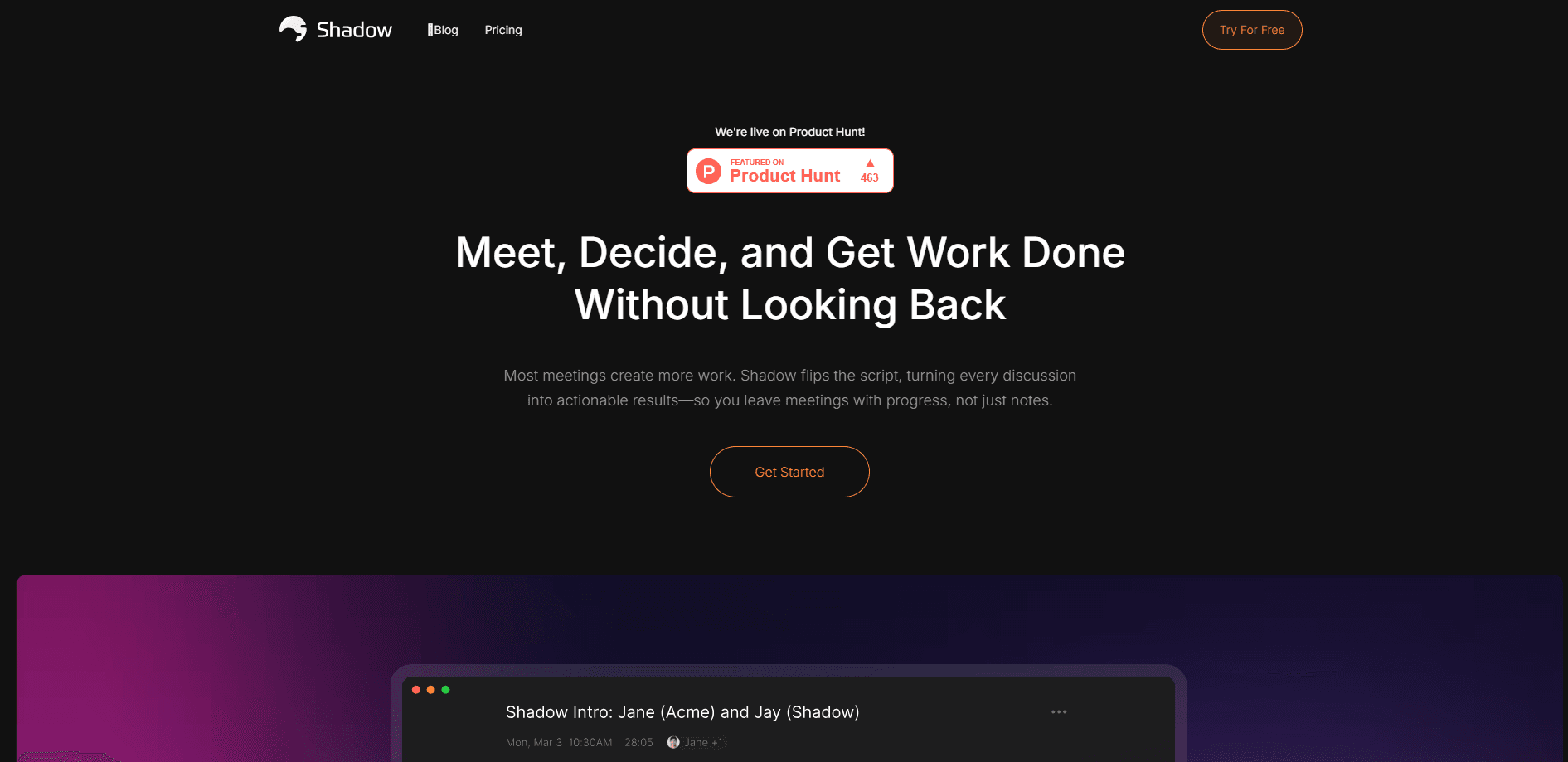
Shadow is a Mac AI interface from Taper Labs that captures meetings, transcribes them on device, and runs Skills from your screen, voice, or selected text.
About Shadow
What Is Shadow
Shadow is an AI assistant that lives on your Mac and works from what you can see, hear, and select. Taper Labs built it around a simple pitch: the interface AI needs is one that sees, hears, and runs. You install the app, point it at a meeting or a task, and it turns that raw context into notes, actions, and drafts.
Most AI meeting notes apps send your audio to a server and hand back a transcript. Shadow keeps capture, transcription, and speaker separation on your Mac instead. Nothing leaves the machine unless you pick a feature that needs an outside model, and the finished files sit in a local Markdown vault you control. That local-first design is the reason to pick it over a cloud recorder, and also the reason it asks for deep system permissions.
Two limits matter before you commit. It runs only on Apple Silicon Macs with macOS 14.2 or later, and it needs Microphone, System Audio, Screen Recording, and Accessibility access to do its job. Windows users are out for now, since that version is still a waitlist.
Getting Started
- Download the installer from the official site and move Shadow into Applications when macOS asks
- Sign in with the emailed link, then grant Microphone, System Audio, Screen Recording, and Accessibility permissions
- Pick the transcription model that matches the languages you speak and choose a vault folder for your Markdown and media files
- Turn on Autopilot or hit the default Control + Shift + S shortcut to start capturing, then review the notes and Skills output in your vault
Product Information
A quick look at Shadow's pricing, supported platforms, and performance.
Best for
The users, tasks, and scenarios where this tool fits best.
Users
- Mac users who live in meetings
- People who care where their audio goes
- Product managers and founders
- Note-takers who type slowly
Tasks
- Turning a call into notes and action items
- Working with what's on screen
- Asking questions about a meeting
- Keeping a searchable record
Scenarios
- You join a customer call and want the BANT breakdown without doing it by hand
- You are reviewing a dense document and hit a wall
- You skipped a design review and need the decisions
- You want a meeting started without touching anything
Key features
On-device transcription and speaker separation
Shadow transcribes and separates speakers on your Mac, and raw audio never goes to an outside transcription provider. The transcript, the meeting Markdown, and the available media all stay in a local vault. For anyone handling sensitive calls, that is the whole argument. Pick your transcription model by the languages you speak, and the app downloads the resources it needs before Listening works.
Meeting Skills
Meeting Skills are reusable prompts you attach to a meeting: notes, action items, a follow-up email, customer feedback, or a BANT breakdown. Instead of a single generic summary, you get the output you actually want, and you can run them automatically when a meeting ends. This is where Shadow stops being a recorder and starts doing the follow-up work for you.
Action Skills
Action Skills run against Voice, Screen, or Selected Text. Highlight a paragraph and have it rewritten, explained, or summarized, or talk a task through and let Shadow act on it. It keeps the assistant close to whatever you are looking at, so you are not copying content into a chat window. The trade-off is that these features send the context you include to an external model.
Autopilot and Quick Access
Autopilot watches for supported meetings and can start Listening by itself, ask you first, or stay off entirely. That three-way switch lets cautious users keep a hand on the wheel while busy ones let it run. A Quick Access shortcut and a start and stop shortcut, defaulting to Control + Shift + S, keep capture one keypress away.
Ask across transcript and screenshots
Ask answers questions about a meeting using the transcript, your notes, and available screenshots. It works from the latest 30 previous messages plus your current question, so a long thread keeps its recent context. Use it for a recap, a detail, or a reason about what changed, without re-reading the whole call.
Local Markdown vault
Every meeting becomes Markdown plus media in a folder you choose. Your notes stay plain files you can search, sync, or back up your own way, and edits you make in the vault get imported back. It is a quiet but real reason to trust the tool with your work: the output is not locked inside a proprietary database.
Pros and cons
Pros
- Keeps capture, transcription, and speaker separation on the Mac, so raw audio does not go to a transcription server
- Writes meeting output as plain Markdown in your own vault, which stays searchable and portable
- Meeting Skills turn a transcript into the specific artifact you want, such as action items or a BANT breakdown, and can run automatically
- Autopilot has an Ask Me mode, so you can let it detect meetings without letting it record on its own
- The free plan covers bot-free meeting capture and on-device transcription, with a two-week Plus trial and no card required
Cons
- Apple Silicon Macs running macOS 14.2 or later only, so Intel Macs and Windows are left out
- It asks for Microphone, System Audio, Screen Recording, and Accessibility access, which is a lot of trust to hand one app
- Features that use outside models, including Action Skills and Ask, send your selected context off the machine
- Plus pricing is not published on the site, so you cannot budget for it before you sign up
Frequently asked questions
Shadow is a Mac AI interface made by Taper Labs, Inc. It captures meetings, transcribes and separates speakers on device, and runs Skills from your screen, voice, or selected text. The company frames it as the interface AI needs, one that sees, hears, and runs rather than just chats.
Related content
Explore related tools, skills, and articles for Shadow.
Shadow Alternatives

Base Code
Base44 (Wix) · Coding · ProductivityBase Code is a shared cloud development environment from Base44. Teammates describe changes to an existing GitHub codebase in chat, preview them live and send them back as pull requests.

Knocket
Knocket (Tencent RTC team) · Productivity · Business · ChatbotKnocket is a free live chat and contact page tool that lets visitors message you from your website, app, or a shareable link, with every reply handled from Telegram or one inbox.

FloorGen
Vinit Kumar (FloorGen) · Productivity · China AIFloorGen is a browser-based floor plan maker that turns a sentence or a sketch into an editable 2D plan and a 3D walkthrough. Export to PDF, DXF or video, and draw without an account.