
SkillSync AI
SkillSync AI · Productivity
SkillSync AI is a free AI prompt manager for macOS that keeps your best prompt templates one click away in the menu bar. Instead of digging through notes, chat history, or scattered text files, you store prompts in a searchable library, copy them with a single click, and sync approved versions across a whole team through the cloud. It supports placeholders, categories, and public sharing, so it fits both solo users and teams that want everyone working from the same templates. Prompt loss is the real problem here. Most people write a great prompt once, use it for a day, and then can't find it again a week later when the exact phrasing would have saved them twenty minutes of rewriting from scratch.
About SkillSync AI
What Is SkillSync AI
SkillSync AI is a macOS app that manages AI prompt templates from the menu bar. You keep the prompts you reuse, the ones behind better writing, cleaner code, or faster research, in one searchable place instead of rewriting them from memory every time.
The main problem it solves is prompt loss. Most people write a strong prompt once, use it for a day, then can't find it a week later. SkillSync AI turns those one-off prompts into saved templates you can organize with categories and tags, copy in one click, and share with teammates. It runs entirely on Mac and is free to use, which makes it an easy first stop if you already juggle several AI tools and keep losing the exact prompt that worked, the one you wrote three weeks ago and can no longer reconstruct from memory no matter how hard you try.
The main limits are worth naming. It's Mac only, so Windows and web-only users can't run it. It manages prompts; it doesn't write or execute them for you. And linking the app to shared team libraries means trusting cloud sync with the prompts your organization relies on, which for some teams is a dealbreaker before they ever install the thing.
Getting Started
- Download SkillSync AI from skillsyncai.app and install it on your Mac.
- Launch the app and let it sit in your menu bar, then click the icon or use the global shortcut to open your prompt library.
- Add your first template, or browse the public library and copy prompts that fit your work.
- Build reusable templates with
{variable}placeholders for inputs you change often, then fill them in before copying. - Organize templates with categories and tags, and enable cloud sync if you want teammates to share the same library.
Product Information
A quick look at SkillSync AI's pricing, supported platforms, and performance.
Best for
The users, tasks, and scenarios where this tool fits best.
Users
- Solo AI users
- Marketing and content teams
- Prompt engineers and power users
- Customer support and operations
Tasks
- Reusing a strong prompt
- Building variable-based templates
- Distributing approved prompts
- Discovering new prompts
- Standardizing tone
Scenarios
- Writing a weekly report
- Onboarding a new teammate
- Switching between AI tools
- A quick rewrite mid-task
Key features
Menu Bar Access
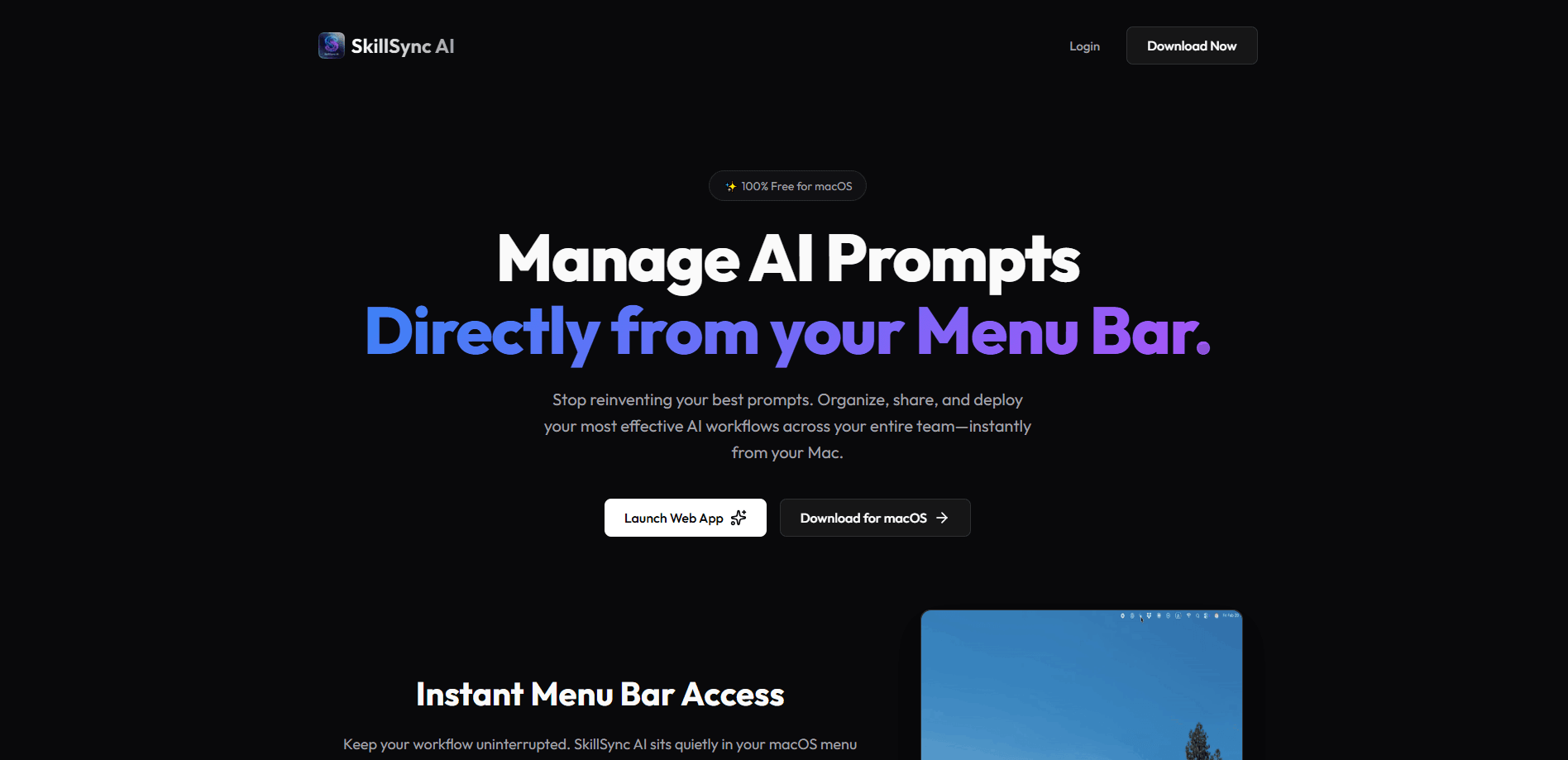
SkillSync AI lives in your macOS menu bar, so your whole prompt library is one click or one global shortcut away. You don't open a browser tab or hunt for a file mid-task. For people who jump between AI tools all day, that small speed difference adds up.
One-Click Copy
Find the template you need and copy the raw prompt, placeholders and all, straight to your clipboard. The source template stays untouched, so you can reuse it as often as you like. It's the core loop of the app, and it's fast. No filename to remember. No copy-paste from a doc.
Dynamic Variables
Build templates with {variable} syntax when a prompt needs real inputs. You can compose prompts that take text fields, dropdowns, and files, which turns a static block of text into a reusable form. This is where SkillSync AI separates itself from a plain notes app.
Categories and Tags
Organize templates by department or your own custom categories, then filter by tags. The point is standardization: everyone pulls the current, approved version of a prompt rather than someone's outdated copy. Larger libraries stay manageable this way.
Global Search
A search bar filters hundreds of prompts by title, description, and tag. When your library grows past a few dozen templates, search is what keeps it usable. Type a keyword and the right prompt shows up instead of a folder you have to open. Ever spent ten minutes scrolling for the one prompt you swear you saved last month? This fixes that.
Cloud Sync and Sharing
Sync prompt templates across an organization so team members use proven workflows without rebuilding them. You can also browse publicly shared prompts to test what others have made. For teams, this is the feature that turns individual prompts into shared infrastructure. Picture a five-person content team where everyone writes their own version of the same outline prompt, all slightly different, and the output drifts in five directions at once until someone finally standardizes it.
Pros and cons
Pros
- Free on macOS, with no paid tier needed to get core features.
- Menu bar access keeps prompt retrieval inside your existing workflow.
- Variable support turns repeated prompts into reusable templates.
- Cloud sync gives teams one shared, approved library.
- Copy, search, and tagging are all quick, single-step actions.
Cons
- Mac only, so Windows and Linux users are out.
- No preview of what a prompt will produce, since it stores and copies rather than runs prompts.
- Cloud sync means your team's prompts live on someone else's servers, which some teams won't accept.
- Public sharing of prompts is limited to what other users choose to publish, so coverage varies.
Frequently asked questions
It stores, organizes, and copies AI prompt templates from your Mac menu bar. You save prompts you reuse, then copy them in one click instead of retyping them each time. It doesn't generate or run prompts itself.
Related content
Explore related tools, skills, and articles for SkillSync AI.
SkillSync AI Alternatives

Base Code
Base44 (Wix) · Coding · ProductivityBase Code is a shared cloud development environment from Base44. Teammates describe changes to an existing GitHub codebase in chat, preview them live and send them back as pull requests.

Knocket
Knocket (Tencent RTC team) · Productivity · Business · ChatbotKnocket is a free live chat and contact page tool that lets visitors message you from your website, app, or a shareable link, with every reply handled from Telegram or one inbox.

FloorGen
Vinit Kumar (FloorGen) · Productivity · China AIFloorGen is a browser-based floor plan maker that turns a sentence or a sketch into an editable 2D plan and a 3D walkthrough. Export to PDF, DXF or video, and draw without an account.